Wedding Photo Sharing App Prices Compared: Plans, Limits and Total Cost
Compare wedding photo sharing plans, upload and storage periods, and the costs to include for optional printed cards and a photobook.
10 min read
The plan that meets your requirements is the price worth comparing. I would put Wedding Studio first on the shortlist when your budget includes guest collection and a route to printed keepsakes. For digital collection alone, I would put it beside a qualifying free cloud route and current dedicated-service plans before deciding what is worth paying for.
The cheapest headline is useful only if that plan does the job. I care about the actual contributor allowance, supported media, export and access dates, with cards and a book added when you want them. A smaller qualifying cart is better value than a low entry price that requires upgrades you discover later.
I would judge Wedding Studio's price on the digital collection first. Its guest page, multilingual support, voice messages, slideshow, reveal settings and co-host controls all belong in the comparison. Automatic categories and duplicate detection also matter if you expect to spend time organising the result. Printed cards and books are separate purchases; they are not the only reason to pay for the album.
For a digital-only comparison, write down the requirements. Guests should be able to contribute photos and videos, you should control viewing settings, and you should be able to download the collection. Then choose the least expensive qualifying plan for that job from each service.
Do not include a photobook, printed cards or advanced guest tools if they are outside your plans. Those may be useful features, but charging every route for them would answer a different question. A couple who wants a private inbox of pictures should not have to buy the same package as a couple building a wedding website and venue slideshow.
A familiar cloud route can be the best-value answer when it uses existing account capacity and guests can contribute comfortably. Dropbox file requests are particularly relevant for private receipt without sender accounts. Google Photos is worth trying for a group already comfortable with collaborative albums. You still need to check storage and export, but paying nothing extra can be a real advantage.
Wedding Studio's current album plans are Starter at $29 USD, Pro at $69 USD and Unlimited at $99 USD. Select the tier against the product's actual contributor definition, then compare it with another plan that accepts the same intended participation.
If you want printed QR cards on the tables and a book afterward, compare that finished outcome. Wedding Studio becomes more attractive because its documented offering connects the guest album with paid card and photobook options. It can reduce the work of choosing separate providers, even when it is not the cheapest cart.
The cards start at $49 USD and photobooks at $59 USD. Both remain additional purchases. A fair calculation uses the chosen quantity and format, then adds destination delivery and any applicable tax.
For another album service, price the actual stationery and book route you would use. A downloadable QR design is not a delivered card, and a ZIP export is not a completed book. Equally, if you enjoy printing your own stationery and designing a separate book, those steps may be a benefit rather than an inconvenience.
The printed QR card guide and guest-photo photobook guide explain those separate purchases. I would choose the album for the guest workflow, then compare how each route reaches the physical products you want.
| Service and plan | Displayed digital price | Qualifying use | Upload period | Storage/download period | Key condition |
|---|---|---|---|---|---|
| Wedding Studio | Album plan prices in the text above | Guest photo/video album with configurable visibility | Access term below | Access term below | Access runs from purchase until the post-wedding deadline; print purchases separate |
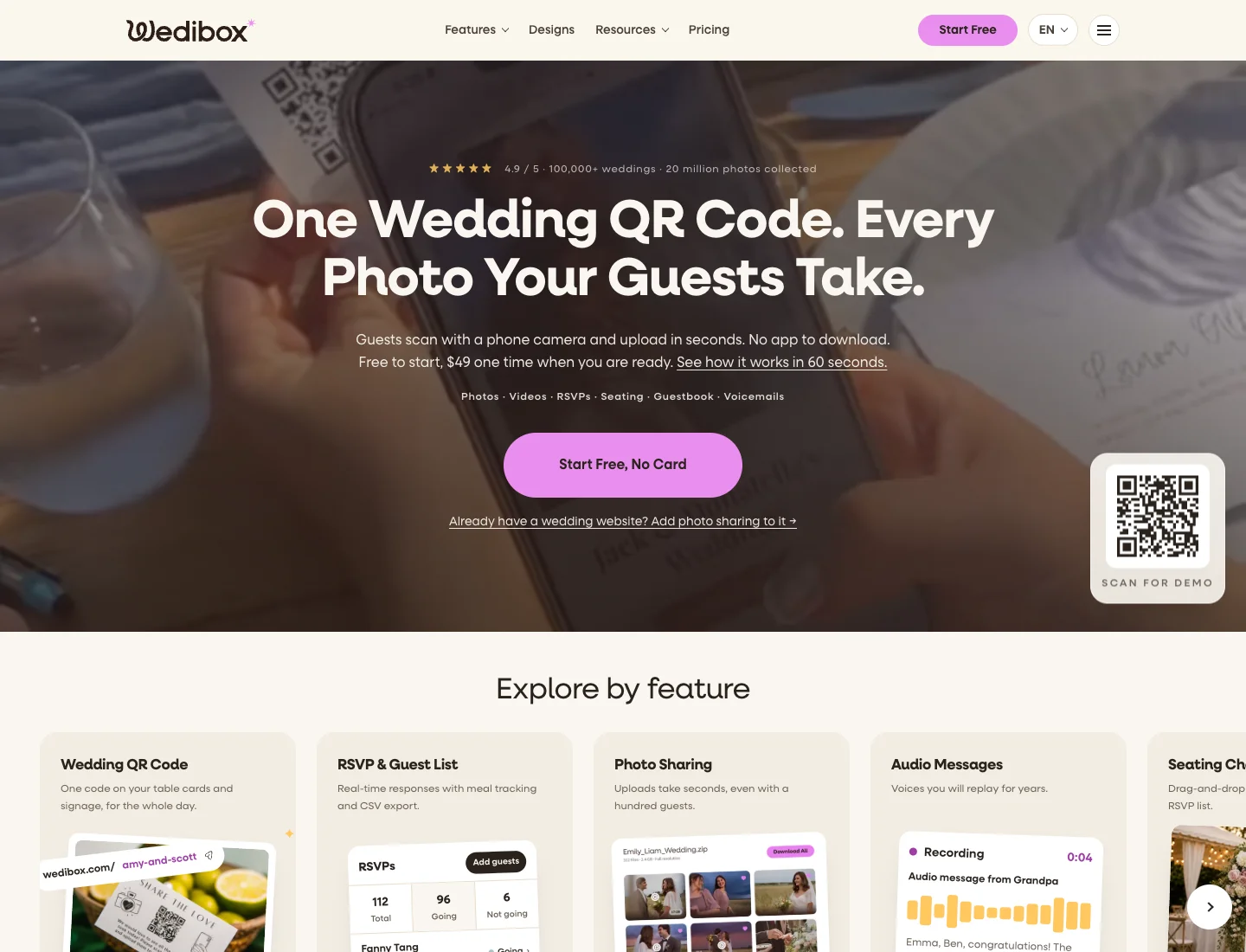
| Wedibox Wedding | $49 one-time | Photo/video collection, guestbook and original ZIP | 6 months | 1 year storage | Planning features such as RSVP/seating require the appropriate wider tier |
| Wedibox All-In-One | $79 one-time | Collection plus RSVP, meal/plus-one and seating tools | 1 year | 2 years storage | Compare when you actually need the planning package |
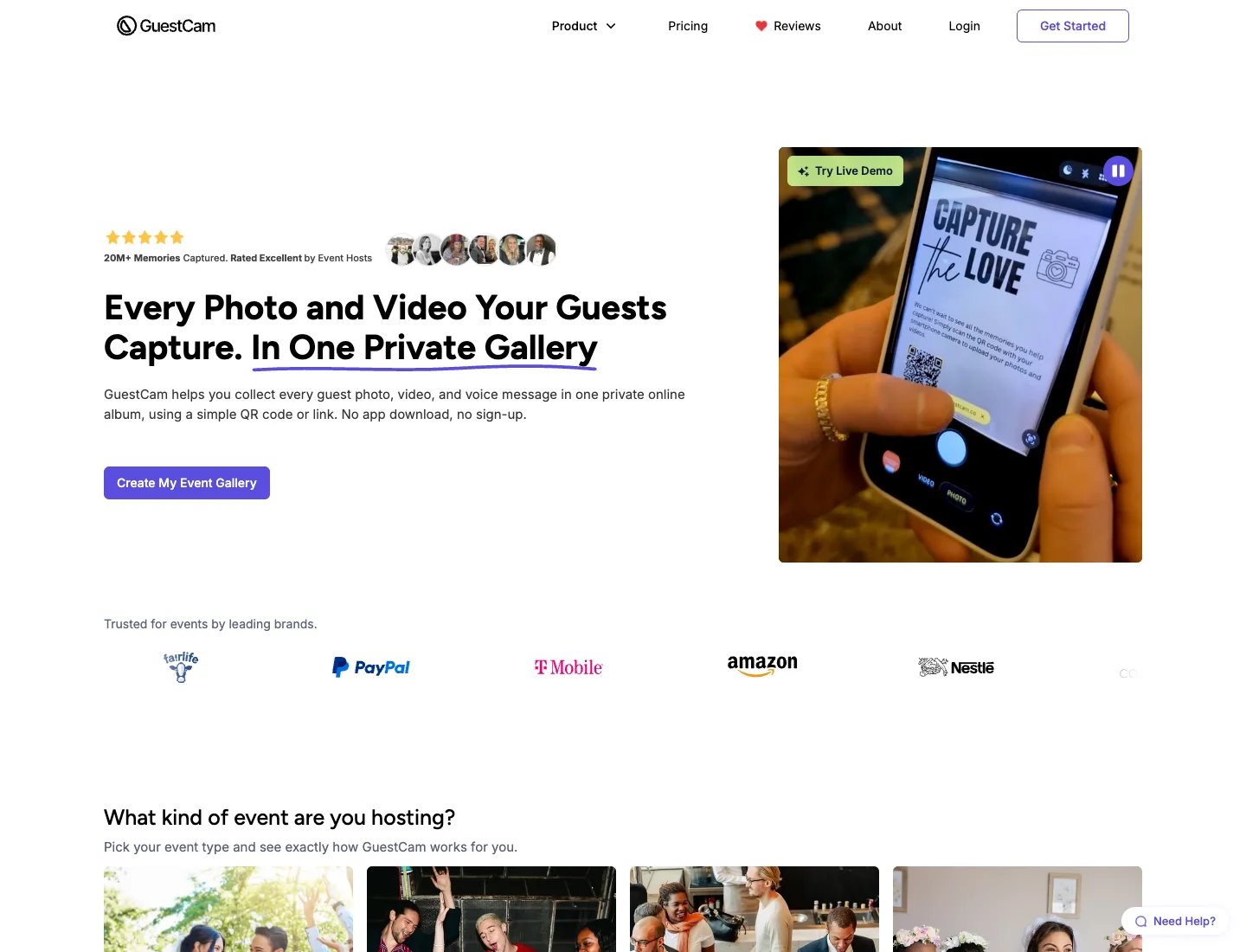
| GuestCam Standard | $49 one-time per event | Photo/video gallery, audio and original-quality ZIP | 6 months from event date | 12 months from event date | Optional search and dedicated-number extras are separate decisions |
| GuestCam Premium | $97 one-time per event | Longer collection, more main galleries and advanced host controls | 12 months from event date | 14 months from event date | Use the higher tier when these changes matter |
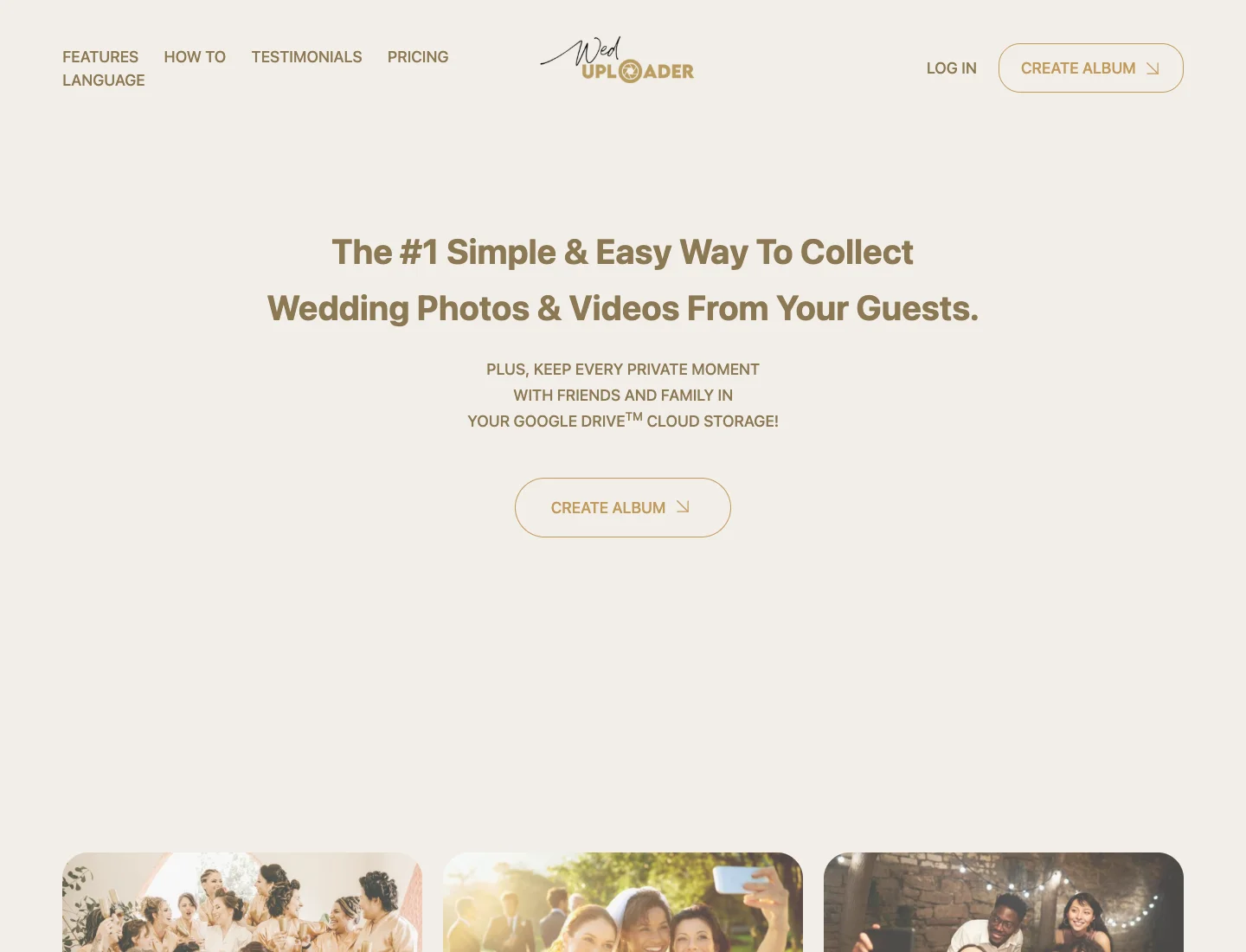
| WedUploader Premium | Amount did not render in the public price page | Direct-to-host Drive collection with premium gallery/slideshow | No expiry advertised | Host Drive account and capacity remain necessary | One-time premium across albums; obtain actual cart price |
| Cloud collection | No extra service fee if existing capacity suffices | A familiar shared album or private file request | Account and sharing policies apply | Account, storage and preservation choices apply | Include any storage upgrade actually needed |
The checked price references are Wedibox's pricing page and plan help matrix, GuestCam's pricing FAQ, and WedUploader's current premium page. The figures are documented offers rather than completed checkout receipts. I have left unrendered prices out of the calculation instead of filling them from an older comparison.
An entry plan is good value for its intended use. The problem arises when the price gets used to represent a broader job. If your requirement includes video, a live gallery or a complete archive, verify those features on the exact tier in the table.
Free allowances deserve the same treatment. A small capped collection can be entirely suitable for a private meal, while a preview may be useful for choosing a paid wedding service. Neither should be silently compared with an unrestricted collection invitation.
Likewise, one-time pricing does not mean every extra is included. Printed goods, additional galleries, a specialist audio number or photo-search features can be separate purchases. Add an extra when it changes the outcome you want, rather than because it appears in a feature menu.
For the wider category assessment, use the best wedding photo sharing apps guide. It explains which workflow makes sense before the price becomes the deciding factor.
Start with the provider's own definition of the priced unit. An invited guest, an uploading device, an account and an event are different units. A plan can be flat within an allowance and still require an upgrade if the collection crosses it.
Wedding Studio's current FAQ describes contributor counting through unique devices that upload. I would use that definition when selecting a tier, rather than equate the seating list directly with the contributor count. The selected product terms and checkout should settle any edge case that matters for your wedding.
For a per-event service, decide what counts as a separate event or gallery. You might want one collection for the entire weekend or a different album for each celebration. Do not multiply a competitor's event price by a wedding-weekend assumption unless the actual product requires that purchase structure.
A flat fee can be reassuring when you want guests to contribute openly, but capacity is still only one part of the offer. Check the media rules and any fair-use terms separately from the participant allowance.
Make a short sample set that reflects your plans. A portrait photo, a group image and a normal phone video provide a better starting point than a generic claim that a service supports media. If speeches or longer clips matter, include one of those in your check.
Find the lowest tier that accepts that requirement. A higher-priced plan may be the correct comparison if the entry tier excludes video or export. Conversely, there is little value in paying for more sophisticated display controls if you will never put the gallery on a screen.
If you expect a large number of contributors, check the actual upgrade route before the wedding. You want to know whether the existing link stays usable and what happens near the allowance. I would not leave an uncertain upgrade decision until guests are already trying to upload.
Price the actual delivered objects. For cards, that means quantity, format, paper, printing and any holders you need. For a book, it means the specific cover, binding, size, page choice and quantity. Keep the cart in the destination's currency wherever possible.
Compare the total after shipping and tax, with discounts labeled as temporary if they apply. A limited offer can make a purchase attractive today, but it should not become a permanent description of the product's value.
For DIY printing, include the materials you must buy and any finishing work. You do not need to assign a monetary rate to your time to decide that outsourcing is worth it. A task you enjoy and a task you cannot fit into the week are different planning costs.
Wedding Studio documents uploads and full-resolution downloads for 24 months after the wedding. Setting up early does not shorten the post-wedding access period.
The payment and album-access comparison separates the billing model from the time you have to upload and download. For a no-cost shortlist, use the free wedding photo app guide.
Other services separate an upload window from hosted storage. Guests may need to finish contributing well before the final gallery disappears. A longer storage figure is not evidence that the same period is open for new contributions.
I would record when each finalist's period begins as well. Event-date, purchase-date and album-creation timing can lead to different effective access around your wedding. Read the selected plan rather than generalize one tier's terms to the whole provider.
Download the collection while access is comfortably available. Keep the archive separate from the live gallery and take a fresh copy after the final contribution request. The hosted album can remain convenient without being your only backup.
One-time purchases can simplify event budgeting, but verify the selected offer. Do not infer a recurring subscription merely because a provider offers paid plans, and do not infer permanent hosting merely because there is no monthly bill.
For any subscription route you consider, write down the renewal date and what happens after cancellation. If you only need a short collection period, a subscription might still be reasonable, but include the months you will actually keep it.
An export deadline is part of the purchase. I would add it to the same calendar as stationery and supplier deadlines rather than treat it as a problem for the distant future. It is easier to preserve the files before the album is near expiry.
For a shared collection with photos, video and a downloadable archive, compare the appropriate Wedding Studio contributor tier with collection plans such as Wedibox Wedding and GuestCam Standard. Add a wider planning package when you also need its RSVP or seating tools.
Save the selected plan name, required extras and delivered total together. That makes the comparison understandable later if a promotion ends or the cart changes.
A feature is worth paying for when it changes what you can do or removes work you want to avoid. A different background color may be a preference; a missing export can be a requirement. Keep both in the decision, but do not pretend they carry the same practical consequence.
I would make a short list of the features you need, then note the extra you would enjoy most. That leaves room to choose a product you like without manufacturing a numerical score that makes the conclusion appear objective.
The QR album comparison is useful when the physical invitation is driving the purchase. It shows why the guest destination should be settled before you spend on stationery.
A plan with suitable features can still be a poor purchase if its useful period does not cover the way you intend to collect. Include preparation and later guest contributions when reading the clock's starting point.
Likewise, a printed order needs an inspection window. A slightly cheaper cart with uncertain arrival may create more work than it saves. If the deadline is close, choose a verified local or DIY print route and keep the album decision separate.
I would finish the price comparison by asking which cart reaches the intended result with a workflow you are comfortable managing. That produces a more useful value judgment than dividing an entry price by an imagined number of photos.
Wedding Studio is worth considering when a dedicated guest album, useful host controls and a connected print route match the work you want to hand off. The strongest benefit is concrete: you can gather guest contributions and choose optional printed products through the same product family.
I would particularly favor it when the book is an intended finish rather than a vague possibility. Knowing you want a physical selection helps you collect good source files and keeps the project from stopping at a folder of pictures.
Cards and books remain separate purchases, so describe the offer accurately when budgeting. The value is the combination of a dedicated collection and less work arranging the optional printed products.
I would keep a free cloud route when the intended contributors can use it, capacity is sufficient and you are comfortable with the export work. A dedicated wedding service does not need to replace something that already satisfies the job.
I would choose a competing paid package when its specific extra removes a task you actually have, such as a wider planning setup or a preferred venue display. Price that qualifying package, test the guest route and compare the final cart fairly.
Start with Wedding Studio's album options if collection and printed keepsakes are your priority. Use the comparison hub to examine the alternative that could change the decision, then save the selected plan and access terms before paying.
Invite guests to add photos and videos to your album without installing an app. Choose optional printed cards and save your downloads before album access ends.