Best Wedding Photo Sharing Apps: Compared by Guest Experience, Price and Keepsakes
Compare wedding photo sharing apps for guest uploads, multilingual access, slideshows and photo organisation. Find the right album for your wedding.
15 min read
Compare wedding photo sharing apps for guest uploads, multilingual access, slideshows and photo organisation. Find the right album for your wedding.

Wedding Studio is my first choice for a wedding guest-photo album. It combines uploads without guest accounts, multilingual support, live slideshow and voice messages with automatic photo categories and duplicate detection, plus optional printed keepsakes.
The strongest choice depends on what you want to finish with. A private collection for the two of you, a gallery guests can browse during dinner, and a book you can order afterward ask different things of the service. I would decide that before comparing the appearance of the upload pages.
I recommend Wedding Studio for the whole guest-photo collection, even if you never order anything printed. Guests can contribute without an account or app, multilingual support helps you welcome different families, and co-hosts can share the work. Automatic photo categories and duplicate detection make the collection easier to sort afterward. A live slideshow, voice messages and a timed reveal give you choices for the reception itself. Cards and a photobook are optional ways to build on that album.
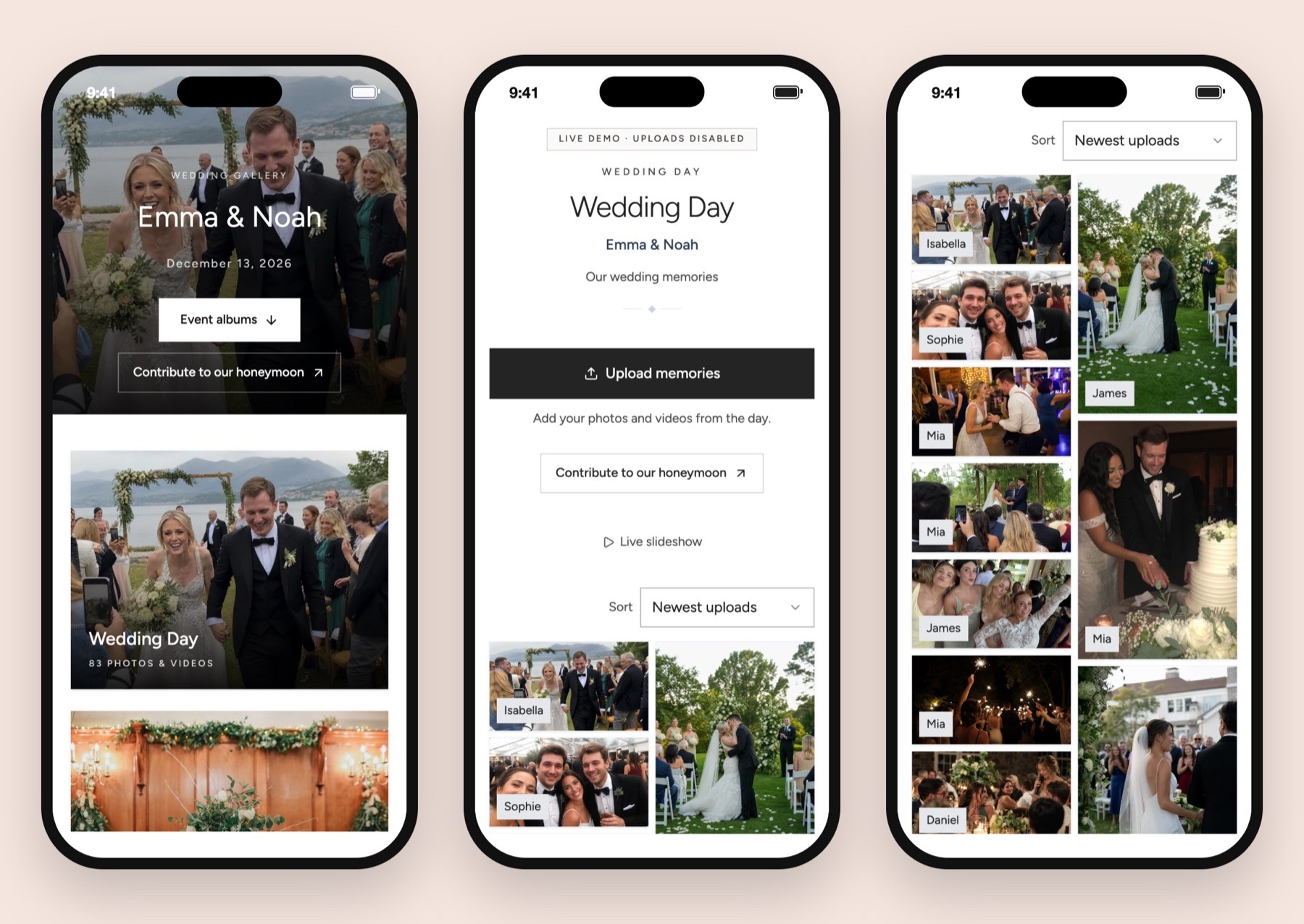
Guests use Wedding Studio's browser upload route without creating an account or downloading an app. You can also order printed QR cards and create a photobook through the product's print options. Those purchases are additional costs, but they give the collection a practical destination.
I like that combination because printing is usually a different task from collecting. A folder of phone pictures can be perfectly useful, yet it still leaves you choosing a printer, preparing files and starting another project. Wedding Studio's documented album and print offering keeps those decisions close together. That is a workflow advantage, not a claim that its books suit every print specification.
Start with the Wedding Studio photo-sharing page if that is the result you want. The first decision is which album plan fits your contributors. Choose the card quantity and book format after that, with a separate allowance for delivery and any destination charges.
I would still keep the final export. Wedding Studio provides uploads and downloads for 24 months after the wedding. A downloaded archive belongs in your own backup routine, even if you expect to browse the online gallery for much of that period.
An existing shared album can be enough for a small group already comfortable contributing to it. There is little reason to add a paid wedding service if the people taking pictures already use the same tool and you are happy to organize the files yourself. Familiarity is a real advantage when it belongs to your actual guests.
WedUploader is worth considering when Google Drive is where you want the files to arrive. Its documented collection route sends guest photos and videos to the host's Drive, with no contributor login. Its paid offering lists a gallery, slideshow and voice features. The important distinction is that the host supplies the Drive storage.
If you are looking for a venue-screen experience, Kululu's live photo wall gives it a clear reason to be considered. If a wedding website, replies and seating need to sit together, Wedibox and Eventoly belong in the discussion. Those are different reasons to buy, and they can outweigh a preference for integrated print ordering.
I would compare the guest task before the host dashboard. A couple may spend an evening setting up an album; a guest may give the upload invitation a few seconds between conversations. Look for a clear entrance, a recognizable action and confirmation that the files arrived.
| Service | Useful fit | Guest access | Media and gallery | Cost and access approach | Print decision |
|---|---|---|---|---|---|
| Wedding Studio | Guest collection with optional printed keepsakes | Browser upload without guest account or app | Photos and videos; configurable shared/private gallery | Paid album; access ends after the wedding; Album prices below | Separately paid cards and photobook options |
| WedUploader | Files arriving in the host's Google Drive | Browser QR/link; no contributor login | Photos/videos; premium gallery and slideshow listed | Premium one-time purchase; host supplies Drive storage | Check current seller and product options separately |
| Kululu | A live photo wall alongside collection | QR/link without registration | Photo/video collection and live slideshow documented | Free and paid routes; select the actual required tier | Do not equate a QR template with delivered cards |
| GuestCam | Gallery plus voice and photo-finding options | No-signup browser collection | Photos, videos and voice; slideshow and ZIP export advertised | Choose the plan and options after checking current terms | Check physical print needs separately |
| Wedibox | A wedding site and planning features alongside collection | QR guest upload route | Free and paid features differ; paid media and export listed | One-time paid tiers; exact bundle matters | Printable designs and delivered products are different purchases |
| Fotify | Guest invitations and a moderated photo wall | QR browser upload page | Photo wall, bulk download and RSVP advertised | Select a tier for the actual event requirements | Check physical products independently |
| Eventoly | Photo collection with wedding website and guestbook tools | Browser collection without guest login | Photo/video collection and voice messages advertised | Check selected plan and access terms | Check physical fulfillment independently |
| Pix Wedding | Collection with an optional film-roll reveal | Browser upload without guest account | Photo/video gallery; paid reveal and ZIP features listed | Free preview and one-time paid tiers | QR designs are not proof of card delivery |
| Google Photos | A group already comfortable with shared albums | Shared album link; contribution is account-based | Collaborative photo/video album | Cloud account, storage and sharing settings matter | Separate book or print purchase |
An account for the couple is different from an account for every contributor. Wedding Studio's host account holds the album settings and purchases; its documented guest route does not ask each guest to create an account. Several dedicated competitors also advertise browser collection without guest signup. That benefit is useful, but it is not exclusive.
For any shortlisted service, open the guest link on a phone that is not signed into the host account. A dashboard preview can hide the steps someone else sees. Follow the route through choosing a photo, sending it and finding the confirmation. Ask a friend to do it without instructions beyond the wording you plan to print.
Video deserves its own check. The fact that a service accepts video says little about a long speech or a large phone recording. Check the selected plan's file restrictions and try a representative clip. I would never use a general unlimited-upload claim as permission to promise that every possible file will work.
Wedding Studio's current album prices are Starter at $29 USD, Pro at $69 USD and Unlimited at $99 USD. The plans should be compared against your likely contributing devices, rather than simply the number of invitations. The current FAQ describes contributors using the devices that upload, so a couple sharing a phone and someone using different devices can affect how you think about capacity.
I would put three dates in your planning notes: when you create the album, when guest uploads close and when you must finish downloading. Wedding Studio's access runs from purchase until its post-wedding deadline. Other services may describe their terms relative to the event date or split collection and storage into separate windows. A longer storage period does not necessarily mean guests can keep adding pictures for the same length of time.
For a purchase centered on cost, use the wedding photo app pricing comparison. Read the qualifying plan rather than the cheapest price on a homepage. A tier that lacks the media, export or participant capacity you need is not your actual alternative.
A QR download, a stationery template and a delivered printed card are separate products. The first gives you a code, the second gives you a design, and the third puts an object in the parcel. I would ask which of those you are buying before judging a package as good value.
Wedding Studio's printed cards start at $49 USD and its photobooks start at $59 USD. These are starting prices for optional products. They do not establish your final cart, destination eligibility, paper choice or delivery date.
There is also room for a mixed approach. You might collect with Wedding Studio, print a custom card elsewhere and later use another book maker for a format you prefer. Keeping your original files and a working export makes that flexibility possible.
I would choose Wedding Studio when the plan is to place a clear photo invitation on the tables, gather guest contributions and then select pictures for a book. The product documentation connects those tasks without asking you to treat the album as a disposable event link.
The guest entrance is the QR code or shared URL. A guest chooses photos and videos in the browser. The host can control whether contributors see one another's uploads, and the current FAQ documents co-host invitations. That matters if you want a partner or planner to help manage the collection instead of leaving every setting with one person.
Afterward, the host can download individual files or a ZIP archive. I would make that archive before beginning print selection. It gives you a separate working copy and means the choice of book supplier can remain a creative decision.
The photobook from guest photos guide is the useful next read if the book is the reason you are choosing an album. It covers the difference between ordering through the collecting service and exporting to a separate maker. Those are both reasonable routes, depending on the finished object you want.
For the reception itself, I prefer a short invitation such as “Share a few photos with us” over a block of feature instructions. Put a readable link below the code. A guest who cannot make the camera scan should still be able to reach the same page.
Wedding Studio is a paid album service. If your existing group album already meets your needs and you do not want the print workflow, paying may add little. I would keep the existing arrangement if your representative guests can contribute comfortably and you can save the files you need.
It also does not follow that a connected print option is the right print product. A particular layflat binding, custom page size or professional photographer's album may justify a separate maker. Wedding Studio's print connection is most valuable when its actual format suits you.
The access period is finite. Create the album with that timing in mind and keep a download reminder. I would not choose an event service on the assumption that the hosted gallery will act as permanent family storage.
Finally, voice messages and reveal settings do not turn a shared album into every specialist wedding product. A physical audio handset supplies an object and an activity. A camera game can enforce a shooting ritual. If either experience is the main point, compare that category directly.
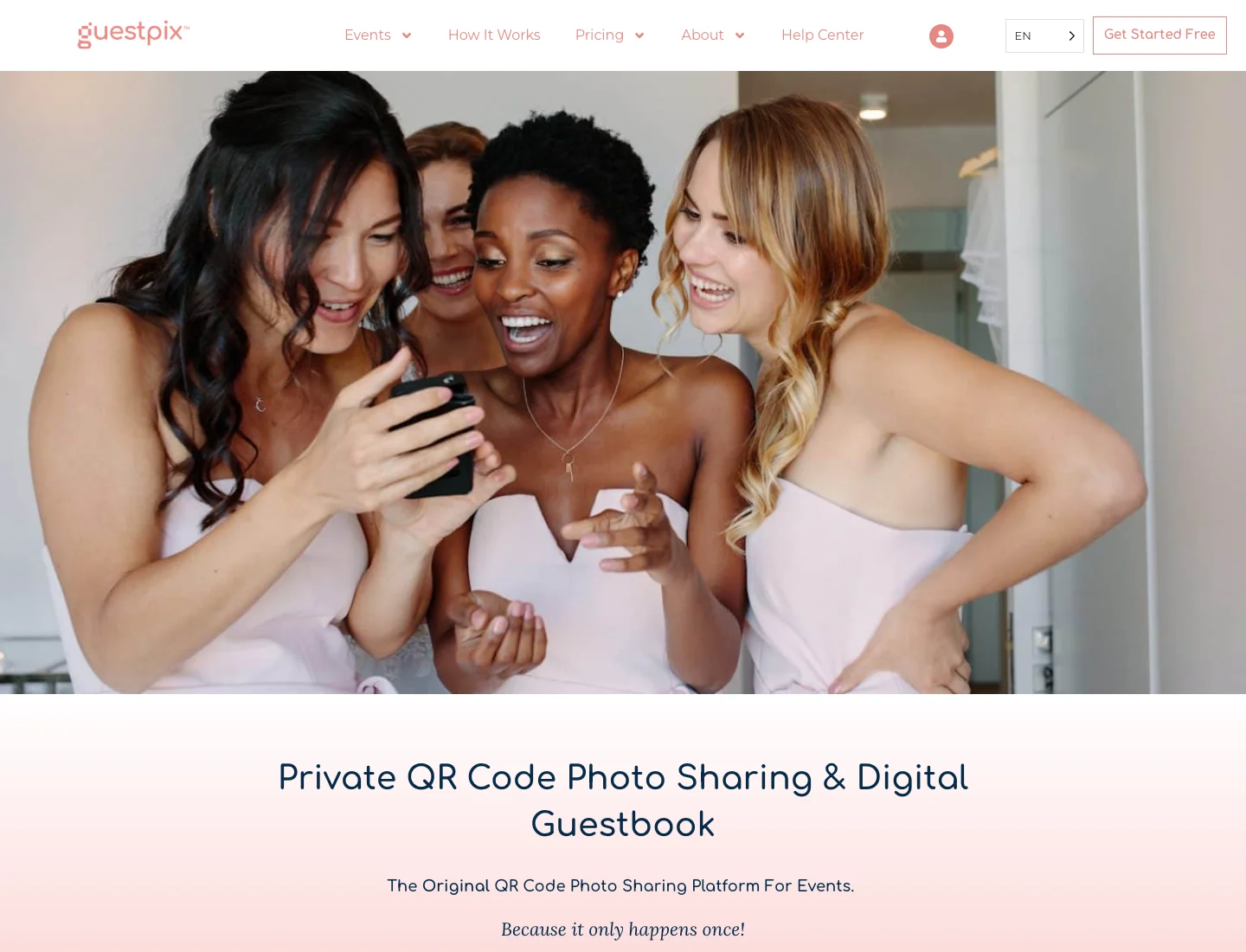
GUESTPIX belongs on the shortlist for couples who want a dedicated wedding gallery and are comparing established event-focused services. Its wedding purchase page separates packages with different access terms. I would read the exact package inclusions, especially for video and extra galleries, rather than carry an old headline price into the decision. GUESTPIX wedding packages are the primary reference.
For a closer decision, compare Wedding Studio with Guestpix, WedUploader’s Google Drive approach or Kululu’s live photo wall. The alternatives directory groups the other comparisons by the job you need to finish.
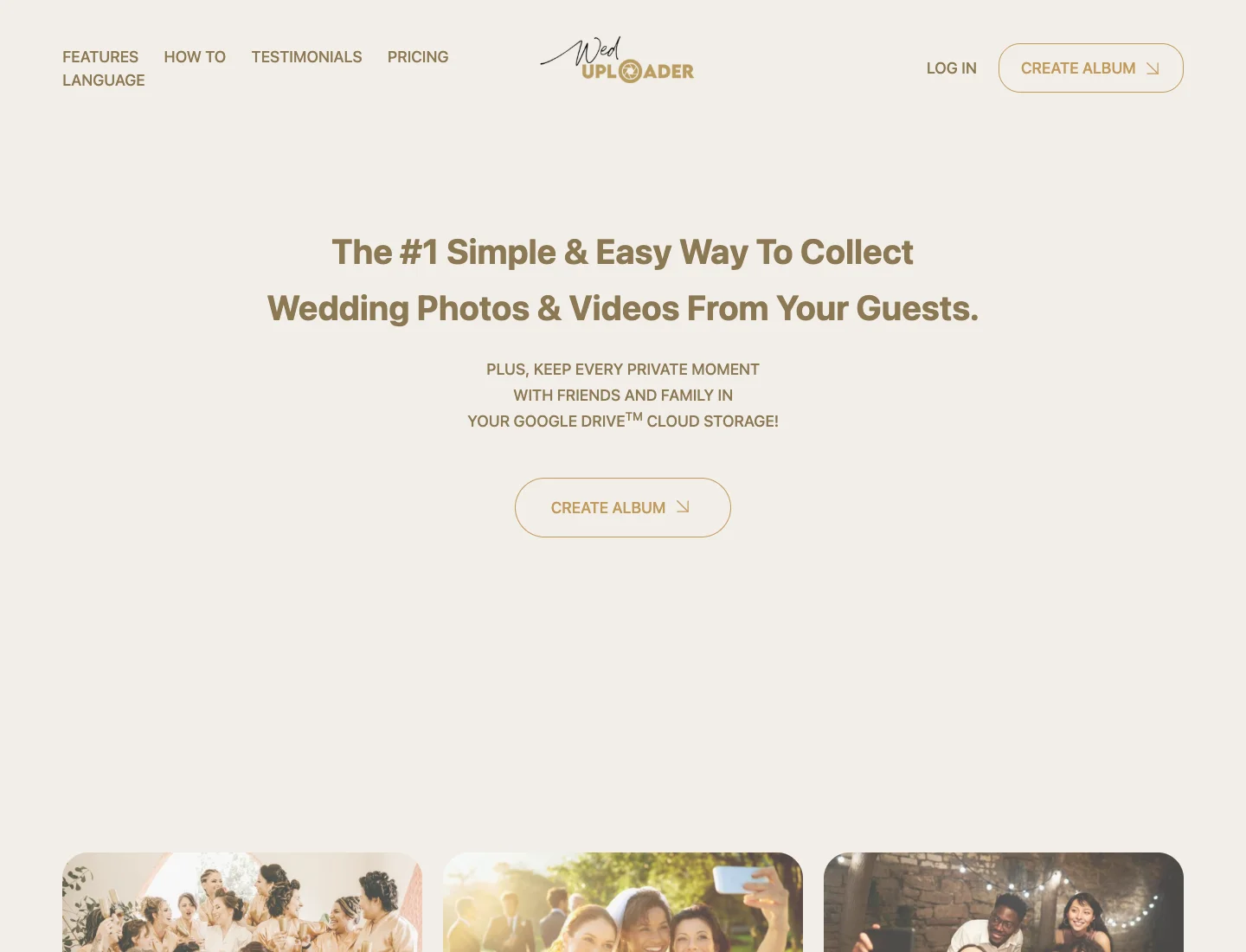
WedUploader has a different appeal: the host's Drive is the receiving location. I prefer that approach for a couple already committed to managing their own cloud archive and comfortable watching its capacity. It is less attractive if your reason for buying a wedding service is to stop thinking about a separate storage account. Neither choice removes the need for a backup.
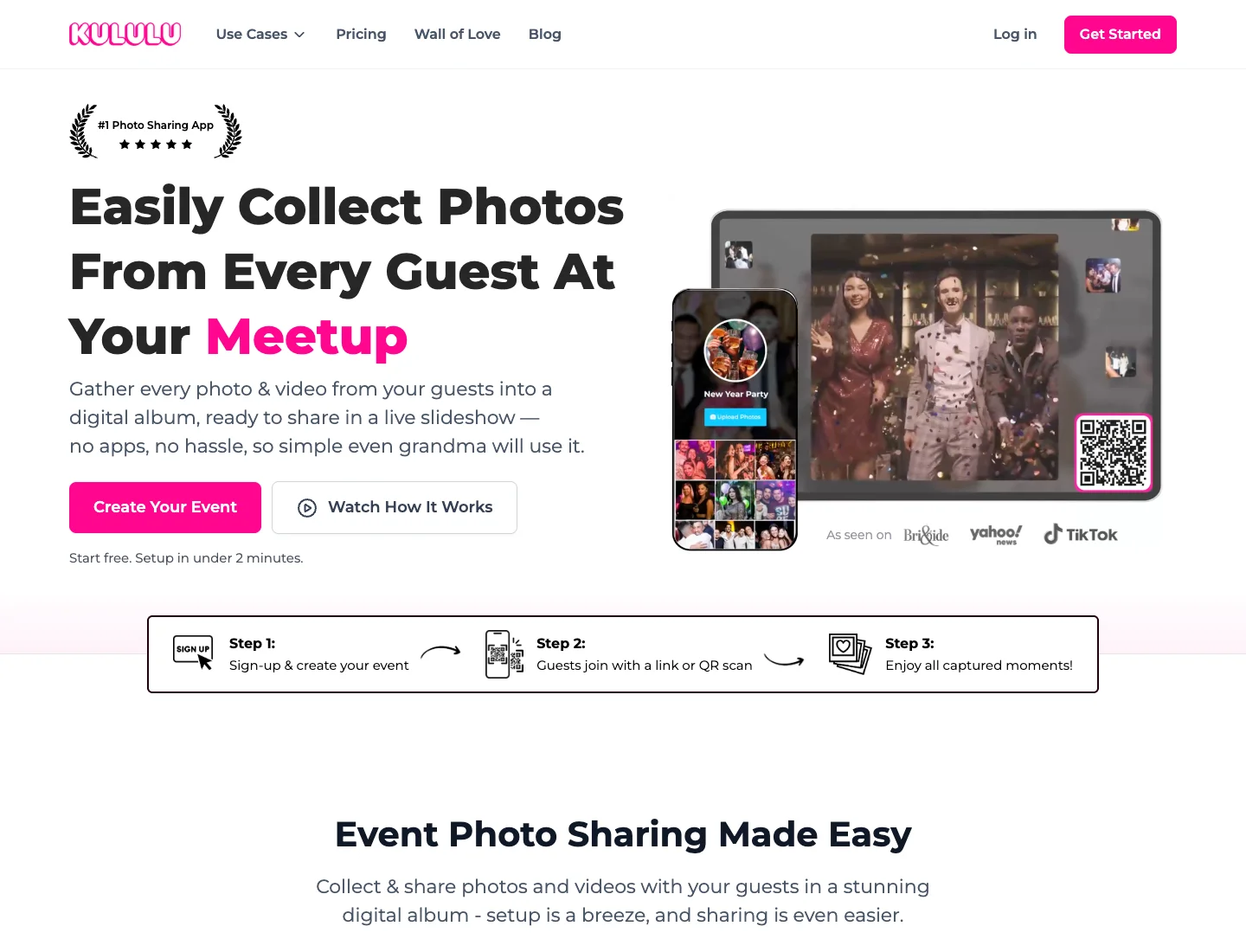
Kululu is especially relevant if the collection is part of the room's entertainment. Its official site puts the live slideshow near the center of the offer. I would plan the screen, connection and person supervising it alongside the album purchase. Buying a photo wall without arranging the display leaves the most visible part of the idea unfinished. Kululu's workflow explains its intended use.
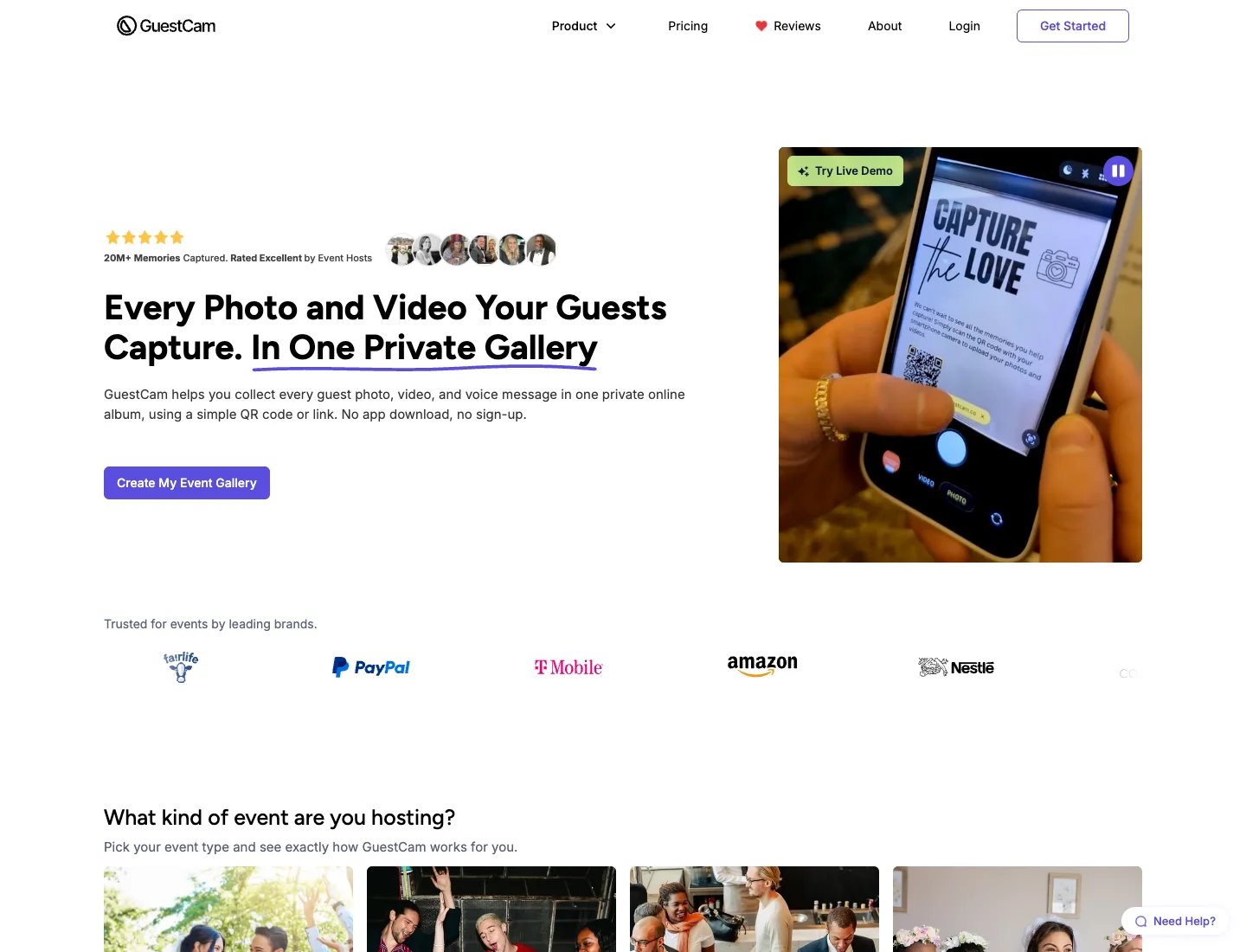
GuestCam combines collection with voice options, a live slideshow and photo finding. Its official page describes guests using a selfie to find pictures they appear in. That can be relevant when helping guests discover their own photos matters more than printing a book. I would inspect the feature's privacy explanation and selected-plan availability before making it a reason to pay. GuestCam's official features provide the starting point.
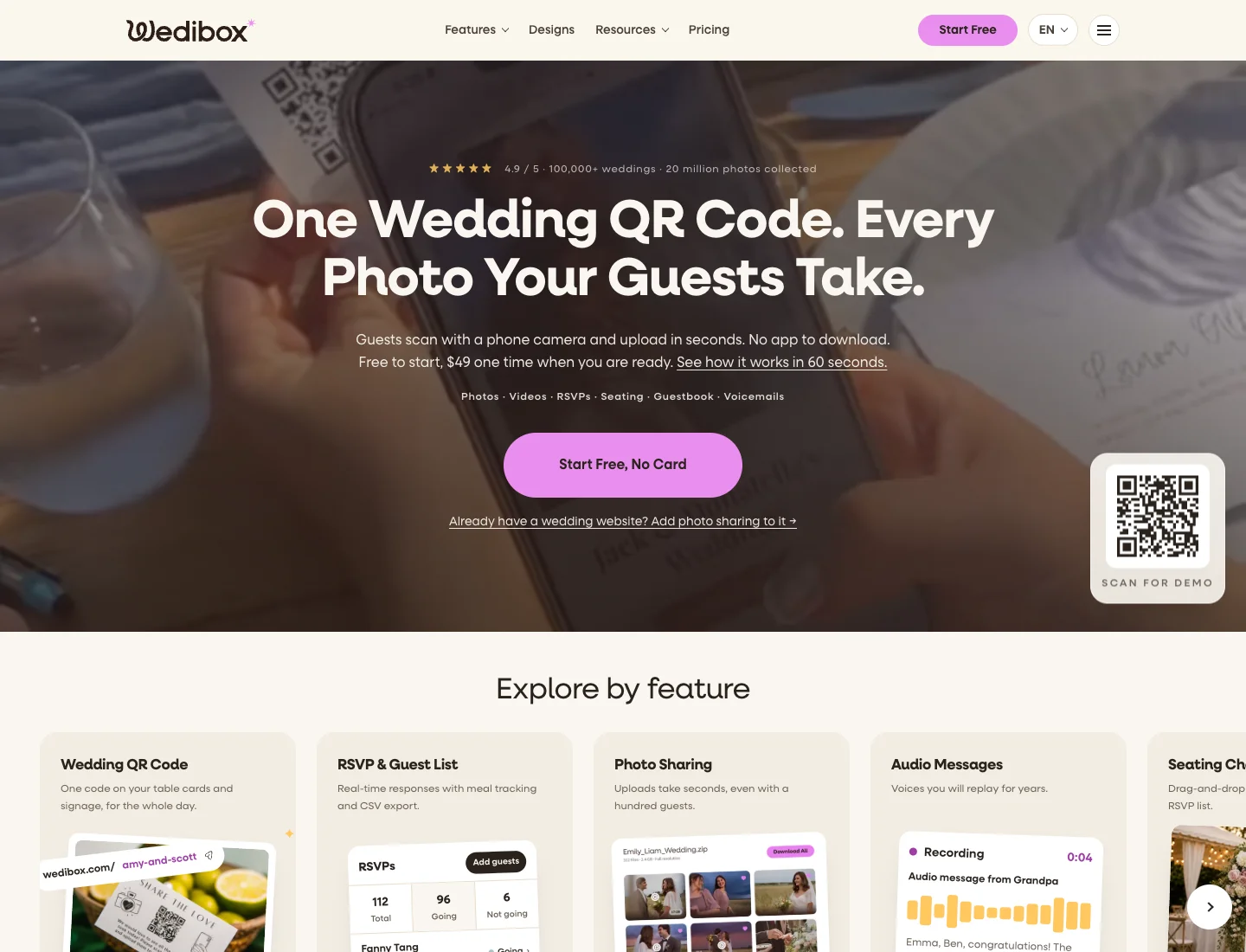
Wedibox is worth closer attention when one wedding QR code is meant to connect several planning tasks. Its help matrix separates the paid collection package from its wider planning tier. I would compare the actual plan needed for replies and seating, because a collection-only price is not a fair quote for a full planning setup. Wedibox's plan matrix is more useful than a general feature list.
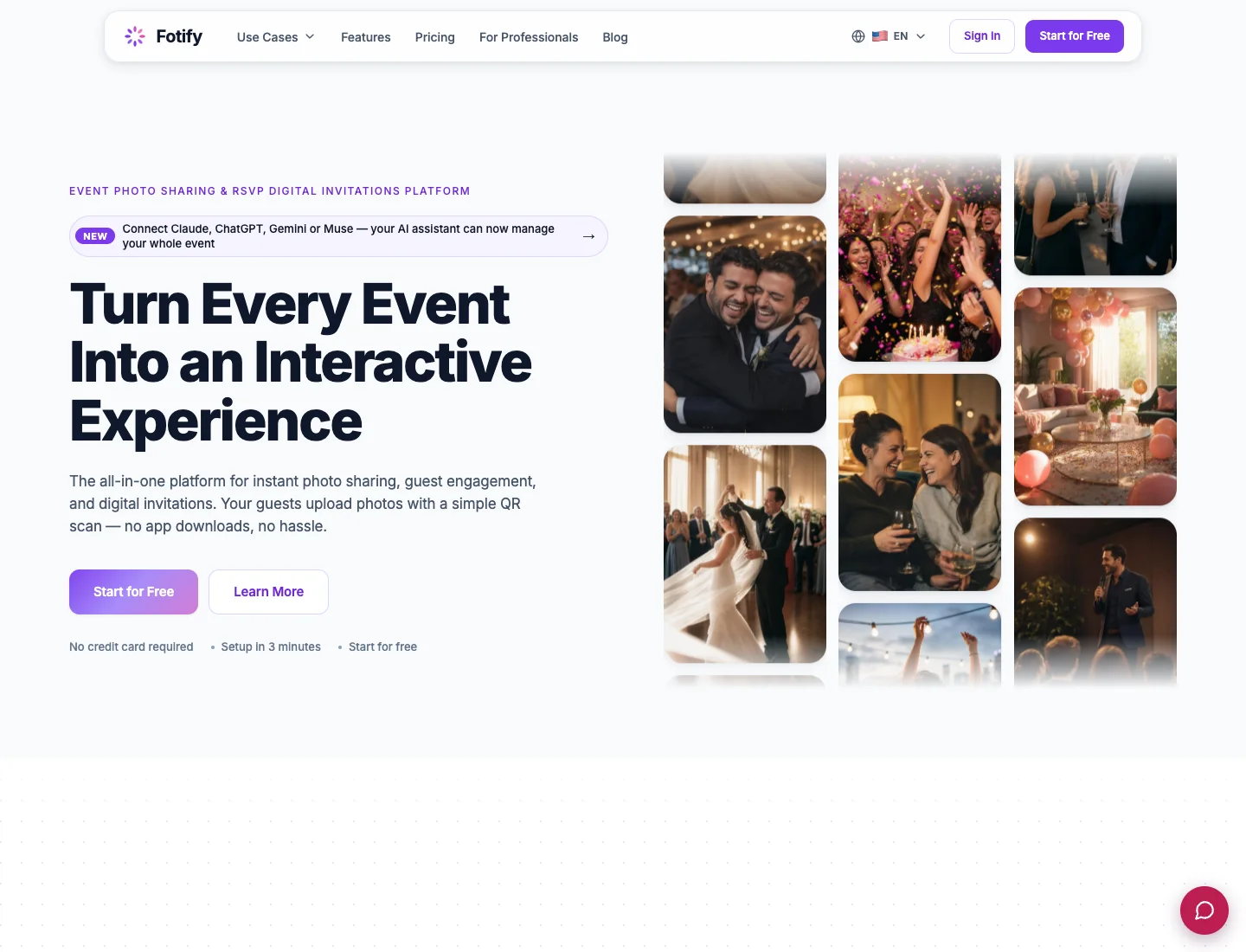
Fotify advertises QR uploads, digital invitations and a moderated photo wall. That is a sensible direction for a couple who wants the guest-management side and the event display considered together. Choose the tier that fits your event and verify the media you plan to collect. Its homepage establishes the feature direction; it does not establish every limit. Fotify's official overview shows that scope.
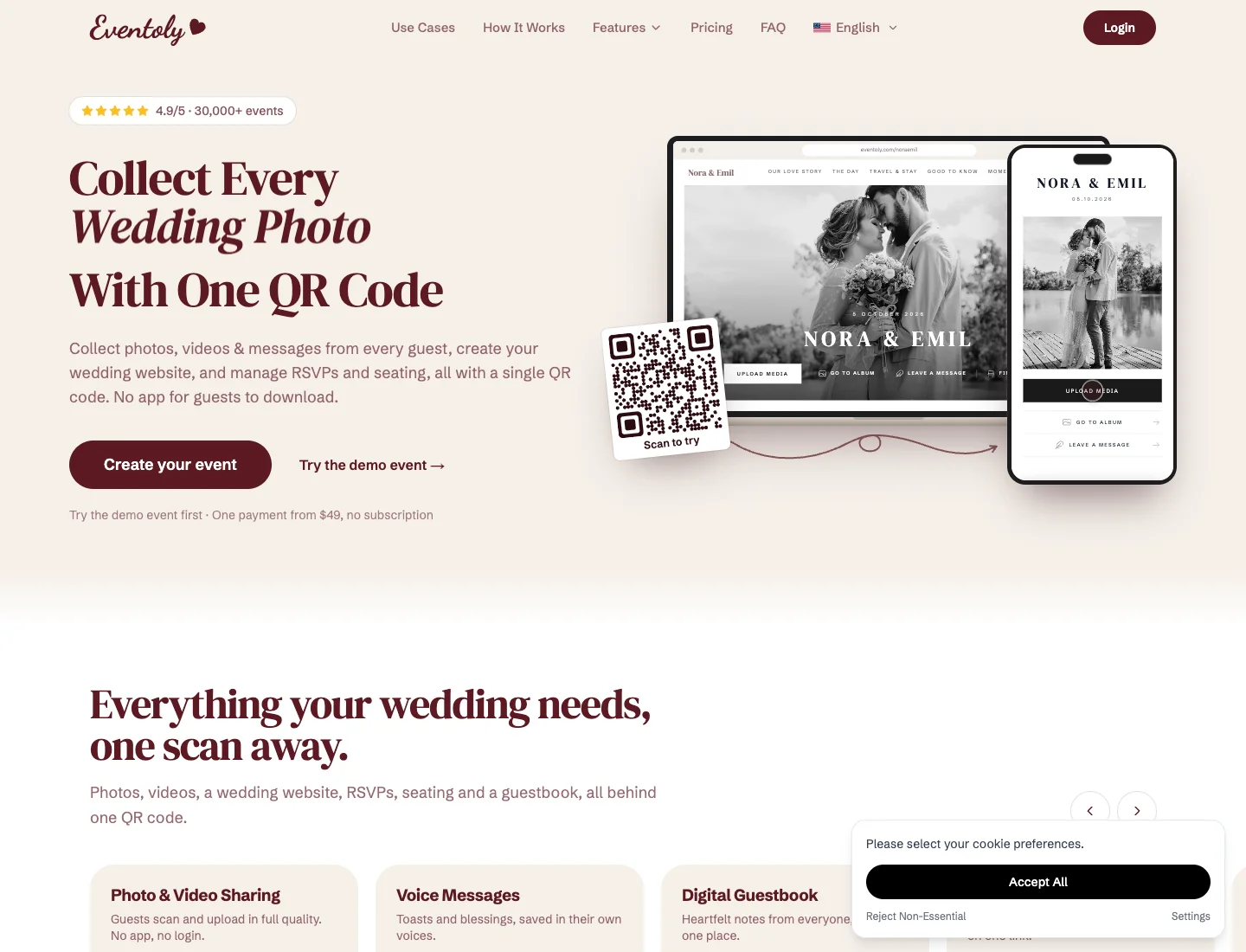
Eventoly similarly places collection beside a wedding website, replies, seating and a digital guestbook. I would consider it for consolidation. There is no need to replace an existing wedding website merely because an album provider also offers one, so count a combined platform as a benefit when it removes work you actually have. Eventoly's current site describes that combined approach.
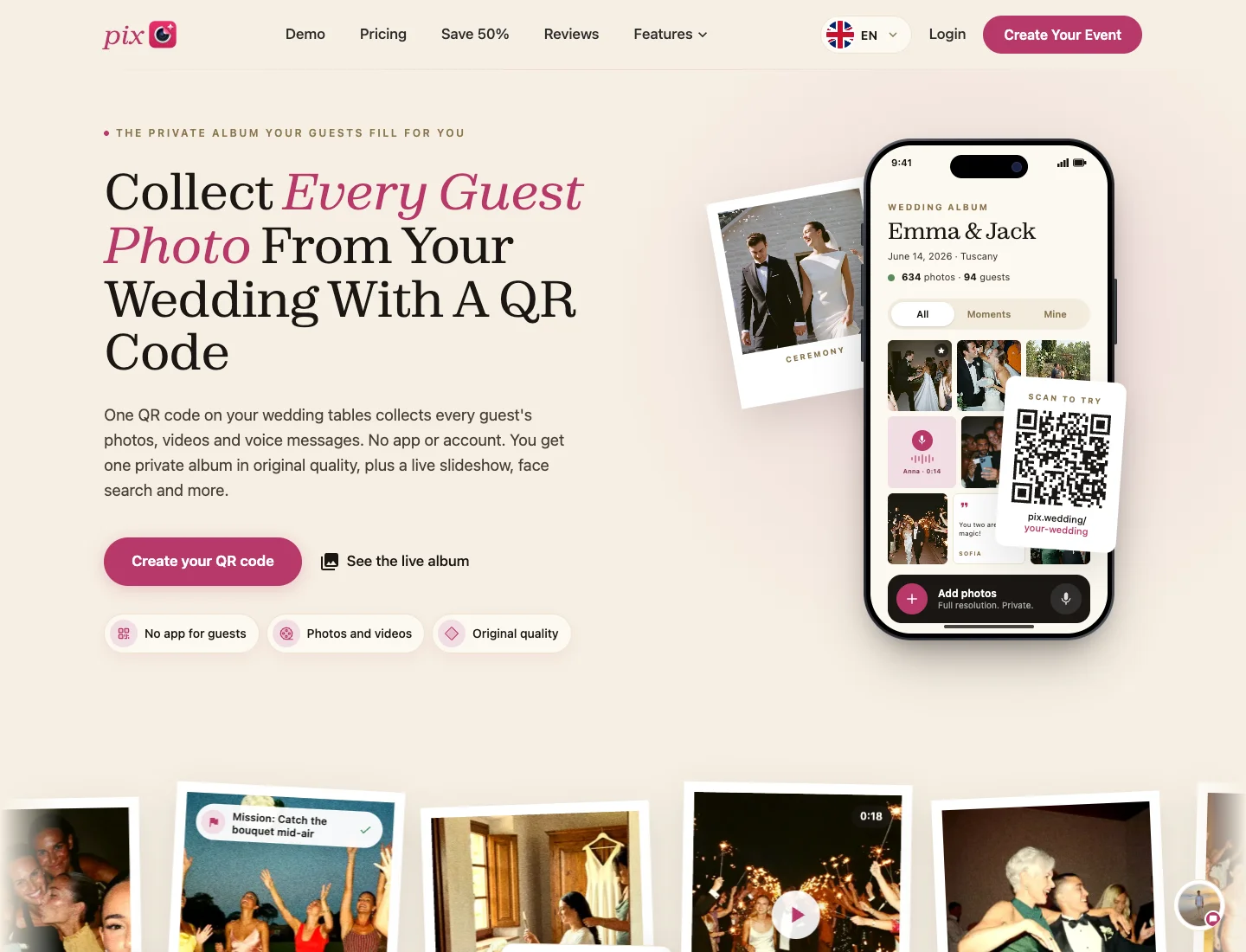
Pix Wedding now documents film-roll mode with a reveal setting, as well as its normal shared collection. That makes it relevant to couples comparing a delayed reveal rather than a simple live gallery. I would distinguish the paid collection tier from the features added higher up the range. Check which paid tier supplies the reveal controls and the additional gallery features you want.
Google Photos is a reasonable baseline because the product is designed around looking at and sharing pictures. I would consider a collaborative album for guests already comfortable using their Google accounts. Treat a link that someone can view separately from the process of adding their own photos, and test contribution with a guest who is not the host. Google's sharing help explains the account-based sharing behavior.
WhatsApp can be a practical way to send the collection link or request a few missing images from an existing group. I would be more cautious about making a busy conversation the sole album. The planning issue is organizational: deciding which messages contain the final files, who will save them and how you will find them later. If a small family group can manage that comfortably, it may be enough.
For a single reception, I would keep the guest task narrow. Ask for a few photos and videos, choose the gallery visibility and make the same destination available on the tables and in a later message. You do not need a planning suite simply because one is available beside the album.
Wedding Studio is a good fit for that brief when you also want the option of delivered cards and a book. Choose another qualifying service if its guest page or specific display feature suits you better, but compare those actual requirements rather than accumulate extras.
If you are using a familiar free album, make the same invitation clear. Give it an event title, check contribution permissions and appoint someone to gather the final files. The absence of a paid dashboard should not mean the absence of a collection plan.
For several events, decide how you want to look through the pictures afterward. One album can keep the story together, while separate collections can make a welcome dinner or brunch easier to find. The right organization is the one you will still understand when late uploads arrive.
I would make that decision before comparing provider prices. A plan sold around an event, a main gallery or a host account can lead to a different cart. Ask what your actual arrangement requires and avoid assuming every celebration creates another charge.
Keep printed codes clearly associated with the intended destination. A reception card should not lead to an abandoned test album, and an invitation to the whole weekend should not accidentally exclude the later event. The QR collection setup guide helps turn that organization into a usable guest entrance.
For a private album, I would prioritize what contributors can see after sending. A service can receive pictures without displaying the whole collection, but the exact setting needs to match your preference. The invitation should say enough for guests to understand where their pictures are going.
Wedding Studio's configurable viewing is useful for that choice. Dropbox file requests are also worth considering when the aim is simply private receipt into your cloud account. You may not need a guest album at all, and that changes which features deserve your budget.
Choose how you will share a selected set afterward. You might send a smaller gallery or make a book rather than open the complete contribution stream. That gives the final collection a clear audience without making the reception invitation complicated.
A shared gallery makes looking part of the activity. I would check how easily guests return to it, whether they recognize the event and whether the host can manage an unsuitable upload. A visible gallery needs a little more attention than a private inbox.
A venue screen adds another task. Confirm the actual display, where it will stand and who can help if the connection stops. I would decide whether the screen adds something you want in the room before paying for a package mainly because it advertises a photo wall.
The printed invitation remains important in either case. Use the QR placement guide to put the code somewhere a guest has time to act on it. A good album cannot compensate for an invitation nobody notices.
If the book is your priority, name the person who will choose the first set of pictures. That is a small planning decision with a useful consequence: the project has an owner after the wedding, when supplier decisions have stopped feeling urgent.
I would save the full archive first, then create a separate selection folder. Keep the original files intact and make edits in working copies. That makes it easier to try different sequences without losing the source collection.
A connected print route is valuable when it helps you make that selection and place the order. A separate maker is better when you actively want its format or design tools. Choose the workflow you are likely to complete, rather than buy an impressive book promise with no plan to use it.
Use an iPhone and an Android phone if both will be represented at the wedding. Begin with the camera or shared link, not the host dashboard. Upload a portrait photo, a landscape photo and a video similar to the clips you expect. Look for a clear completion message, then confirm the files in the host view.
Run the same short task on your two finalists. Keep notes about the visible steps and any prompt that needs explanation. That will tell you more than comparing landing-page language, and it avoids treating a polished demo as proof of your own guest experience.
Make the physical proof part of the same test. Print the actual code at the intended size, place it in the holder and scan it under something close to the reception lighting. A readable backup URL belongs on the proof, not as an idea to add after the full order arrives.
Before paying, save the selected plan, contributor definition, access dates and export instructions. If you want cards or a book, price those items in the same currency and destination as the album. Keep tax and shipping visible in the comparison.
For a couple who wants guest collection and an achievable path to a printed keepsake, I would start with Wedding Studio and test its real guest link. Use the comparison hub to follow the specific alternative that could change your decision, then approve the album before you approve anything carrying its QR code.
If guest access is your main concern, start with the no-account photo sharing comparison. For long recordings, use the video upload comparison to separate guest clips from larger files.
For reception entertainment, compare live slideshows and prepared montages, or decide between a shared album and a disposable camera app. The guestbook alternatives guide covers photographs, voices and physical keepsakes.
If you are replacing a group chat, the WhatsApp and wedding album comparison explains the collection tradeoff. Compare one-time payments and subscriptions when billing and storage determine your choice.
For the finished book, compare wedding photobook services. If table assignments are still on your list, the seating chart tool comparison covers that separate planning decision.
Invite guests to add photos and videos to your album without installing an app. Choose optional printed cards and save your downloads before album access ends.