GuestCam Alternatives: Wedding Studio vs GuestCam
Wedding Studio vs GuestCam: compare multilingual guest albums, voice messages, photo organisation, dial-in audio and selfie-based photo finding.
10 min read
Wedding Studio vs GuestCam: compare multilingual guest albums, voice messages, photo organisation, dial-in audio and selfie-based photo finding.
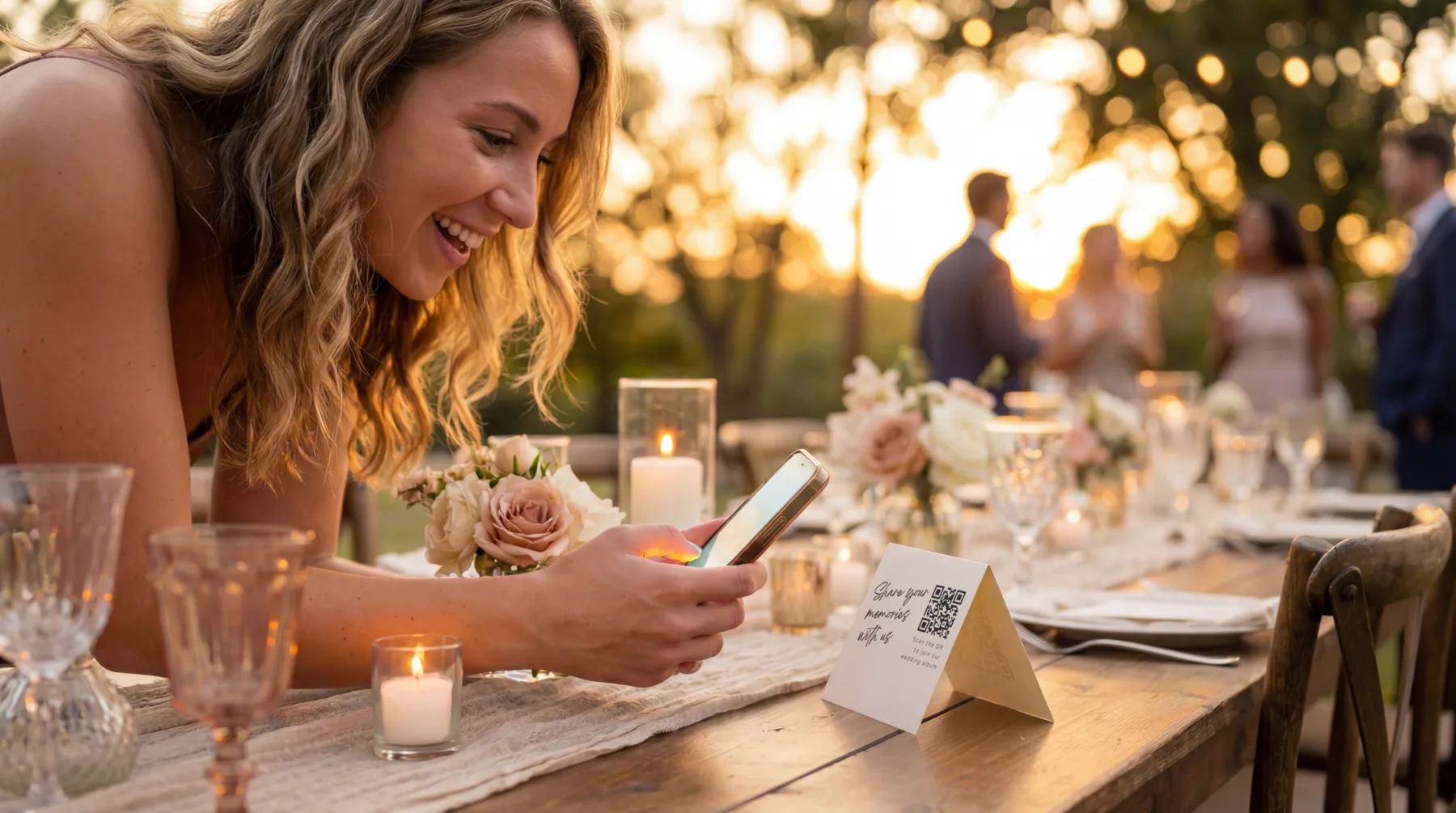
I recommend Wedding Studio for a multilingual guest album with voice messages, live slideshow and automatic photo organisation. GuestCam deserves a closer comparison when you specifically want its selfie-based photo finding or dial-in audio option.
For a voice guestbook, I would decide whether guests will record in a browser or call a number. For photo finding, check whether professional images will join the guest collection before adding a search feature. Those decisions help identify the package and add-ons you actually need.
Wedding Studio brings multilingual guest support, browser voice messages, live slideshow and timed reveal into the guest album. Automatic categories group photographs by wedding moment, and duplicate detection helps review repeated uploads. I would choose it for those collection and organisation tools. GuestCam's selfie-based finding and dial-in audio should be evaluated as specific features, rather than treating ordinary language support or voice recording as exclusive advantages.
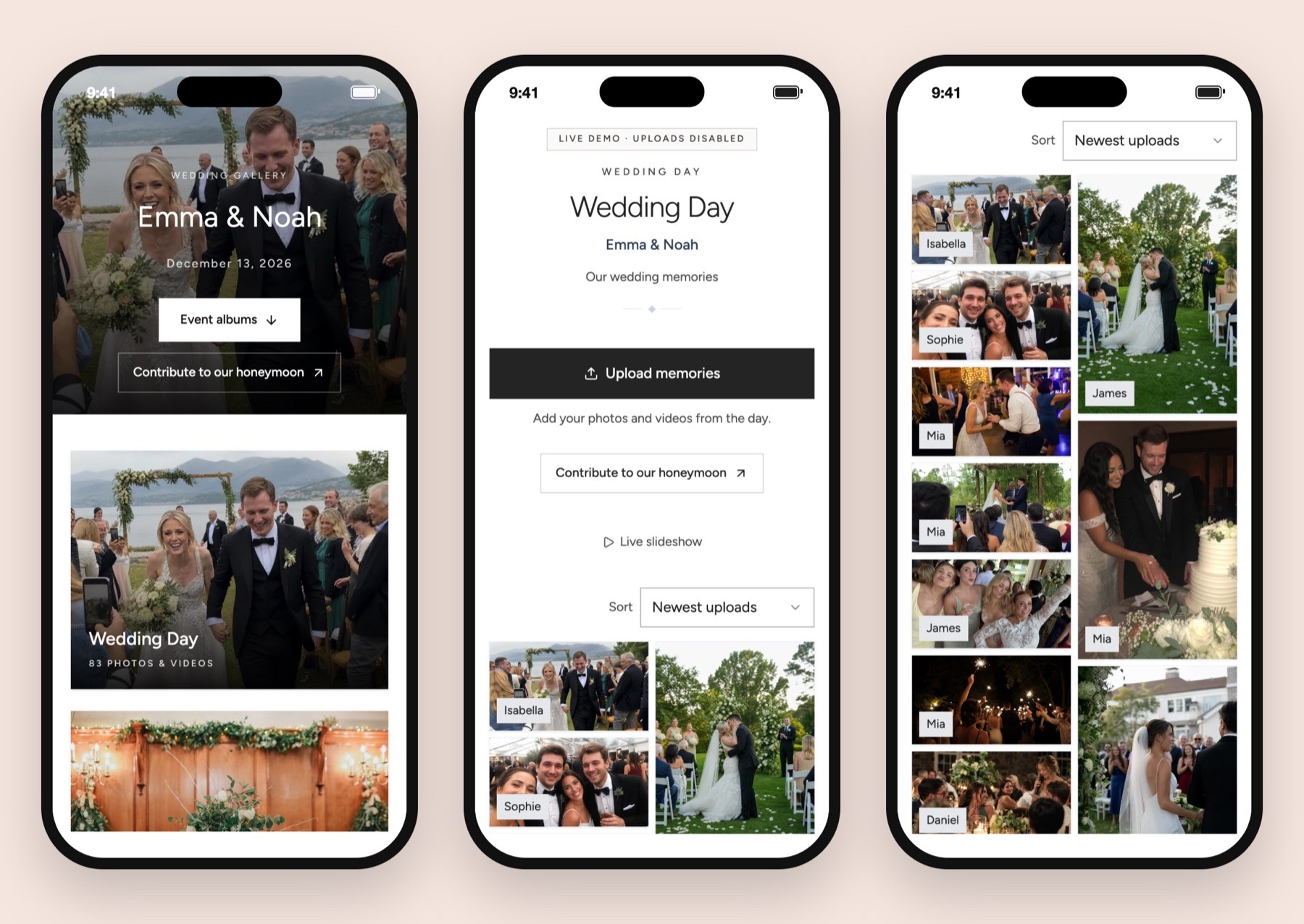
Both services document browser photo and video collection. With Wedding Studio's guest album, I would build the purchase around the album, optional table cards and a later printed selection.
GuestCam is a stronger candidate if your brief already includes a particular audio arrangement or helping guests locate themselves in a large gallery. Its official homepage describes guest photos, videos, voice messages and MagicFind. Those features can change the purchase, especially if you have professional photographs to distribute as well as guest uploads to collect.
I would write the actual requirement down before comparing prices. “We want a voice guestbook people can call” is useful. “We want every feature available” tends to buy a larger package without clarifying how it will be used.
The same applies to languages. Establish which guest-facing languages your families need and check that route with someone who reads them. A translated homepage menu does not tell you how an upload error or recording permission prompt will appear on a guest's phone.
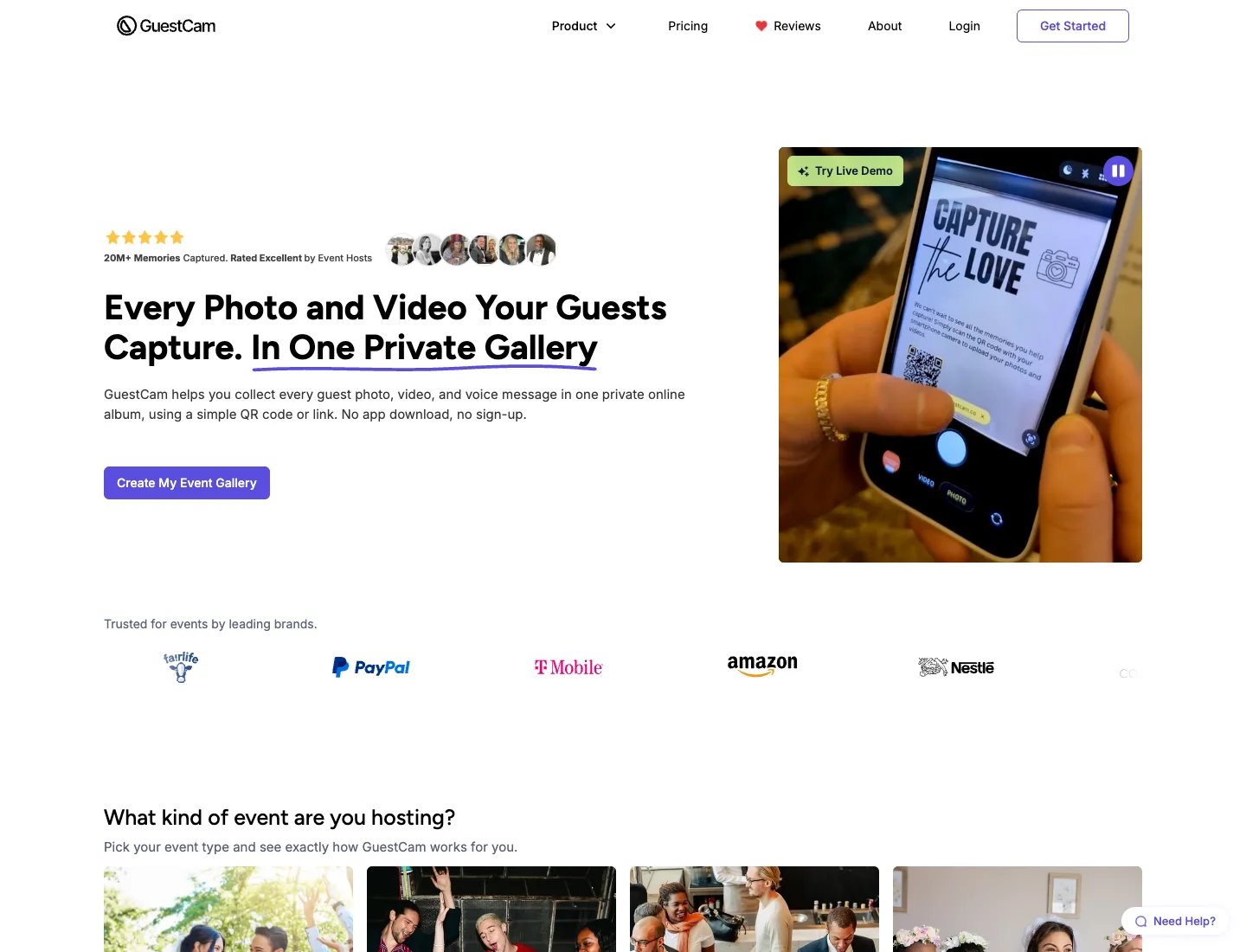
GuestCam currently lists Standard and Premium, with MagicFind as an optional add-on. Its pricing page distinguishes upload time, storage time, gallery organization and audio access. I'd compare those actual routes rather than treating the headline “up to” limits as every package's allowance.
Confirm the final amount for your selected package and any add-ons at checkout. Compare the plan windows from their actual starting point as well as their duration.
| Requirement | GuestCam qualifying route | Wedding Studio qualifying route |
|---|---|---|
| Guest collection | Standard or Premium; browser QR/link access, no guest account | Guest-count album plan; browser upload without guest account |
| Standard access | 6 months upload; 12 months storage, both from event date | Wedding-date-based upload/download period described below |
| Premium access | 12 months upload; 14 months storage, both from event date | Same published access period across guest-count plans |
| Gallery organization | Standard main gallery with sub-galleries; Premium adds main galleries and controls | Separate albums, automatic photo categories and duplicate detection |
| Audio collection | Audio guestbook included; Premium includes dial-in route; dedicated number is an add-on | Guest voice messages documented |
| Find photographs by face | MagicFind optional add-on; guests submit a selfie | No equivalent claimed in this assessment |
| Languages and originals | Multilingual guest portal and original-quality ZIP documented | Multilingual guest support and full-resolution downloads |
| Cards and a printed book | Editable Canva card/sign templates; arrange printing separately | Optional paid QR cards delivered and photobook ordering from album |
Wedding Studio's Starter album is $29 USD, Pro is $69 USD and Unlimited is $99 USD. Choose the suitable guest-count tier on the current product page. Printed card packs begin at $49 USD and photobooks at $59 USD as separate options.
I would choose GuestCam if the audio route is a deciding requirement. Its pricing separates web and PhoneBooth collection from the dial-in and dedicated-number options. Read those distinctions closely if your image of a voice guestbook involves a telephone rather than recording in a browser.
Plan the actual guest action. Will someone pick up a handset at the venue, use their own phone's browser or call a number later? Those are different invitations. The audio guestbook guide helps distinguish a physical phone arrangement from an in-browser recording route. A product can support audio while the setup you picture requires an additional package, device or arrangement.
I would also investigate GuestCam when the gallery includes a substantial professional collection that guests need to browse. Its MagicFind page describes searching event photos using a submitted selfie and presenting the matching images. That is a relevant specialist feature, and I would buy it for an actual distribution need. For a wider shortlist, use the wedding photo-sharing comparison after identifying the guest tasks you want to support.
Before paying for that option, check the photographer's sharing agreement and the privacy information for face matching. Decide who can access the gallery, how you will explain the feature and whether your guests will be comfortable using it. I would keep an ordinary browsing route available in the plan for anyone who does not want to submit a selfie. The shared album guide is useful if you are still deciding how your families should receive the photographs afterward.
Gallery organization may be another reason to choose the higher GuestCam package. A multi-day wedding can benefit from separate destinations for different gatherings. I would only create those divisions when they help guests understand where to contribute. A tidy host dashboard is less valuable if guests cannot tell which album belongs to the dinner they are attending.
For a couple who wants multilingual guest collection, voice messages, a slideshow and help organising the pictures, Wedding Studio has a clear fit. Guests upload into the album, the code can appear on optional delivered cards, and a photobook can be ordered from the same collection.
I would start by choosing the album and naming the event clearly. The guest page should be recognizable when it opens on a phone. That gives you the destination to check before approving anything printed.
Then choose how to handle the physical prompt. The printed QR card guide explains the ordering and DIY choices. I like delivered cards when you want that task finished through the album service. If a stationer already handles your paper suite, ask them to incorporate the confirmed album code instead.
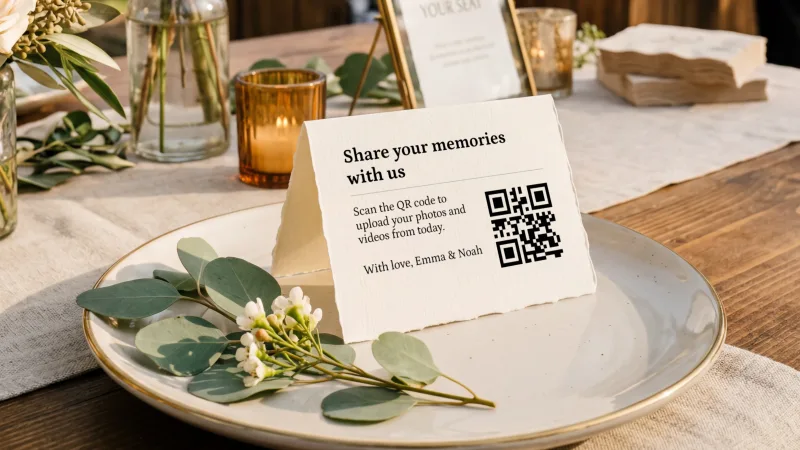
Cards and books are paid options. I would check delivery availability for the address you will actually use, especially if the venue is abroad or you travel before the wedding. Receiving the package and getting it to the right room are separate pieces of the plan.
The photobook route is the other part I would consider before buying. It suits you if the available format matches what you want and you would prefer to order from the existing album. If you want a highly specific page treatment, inspect the current choices first.
The access period is 24 months after the wedding for uploads and downloads. Setting up early does not shorten the post-wedding access period. Printing a selection does not replace downloading the full archive.
A voice guestbook benefits from a clear prompt. I would ask for a short memory or a message for the couple rather than handing people a blank recording screen. A specific invitation helps a guest decide what to say without feeling they have to deliver a speech.
The audio guestbook guide compares browser recording with rental phones and other formats. For the surrounding collection service, use the wedding photo-sharing comparison.
Place the recording invitation somewhere people can hear themselves. The same dance-floor location that works for lively photos can make a quiet voice message difficult. If your guests use their own phones, let them know they can record later when they are in a calmer place.
For either service, test microphone permission on the actual guest route. Record a sample, save it and listen to the downloaded result. A browser's permission screen is part of the experience, even if the product itself does not require a guest account.
If you want a physical phone, confirm what is supplied and what you need to arrange. A web-based PhoneBooth description should not be read as a promise that a rental handset will arrive. I would settle that distinction before placing the item in the reception plan.
Make a separate audio archive when the messages come in. A book can preserve photographs, but it cannot preserve a voice recording in the same form. Keep the playable files and a clear note about where they are saved, alongside the photo download.
Wedding Studio and GuestCam both support multilingual guests. I would check your required languages in that portal and test the actual contribution types you intend to use. Uploading an image, leaving a comment and recording audio can involve different instructions.
A language-capable portal is a meaningful reason to prefer a product. I would not assume a guest needs that support based on age or nationality. Ask the people who will use it what makes the request clear and let that answer guide the shortlist.
The card wording can help too. You can explain the upload invitation in the languages your families use and include a plain link under the code. Keep the layout readable. More languages on a tiny card can make the action harder to find unless you give the text enough room.
With Wedding Studio, choose the guest language experience alongside your welcome text and any printed invitation. I would choose the product that lets your guests complete the task comfortably, then use the printed design to make the invitation clear.
Guestpix is another option worth checking for bundled invitations and RSVP tracking. Its official wedding page documents a multilingual offering and digital invitations. I would investigate it for those functions rather than add it to the shortlist just because it also has a QR code.
If you are buying GuestCam for photo finding, I would first decide which photographs belong in the shared event. A professional portrait collection may have a different intended audience from candid uploads at the reception. Combining them can be convenient, but the people contributing should understand the destination.
Ask the photographer which delivered files are suitable for guest sharing and which can be printed. Keep their original delivery information with your archive. Moving a photograph into another gallery does not change the agreement under which you received it.
For guests, explain the search option as an option. Someone may want to browse normally, download a photograph they recognize or keep their contribution private. I would check the ordinary gallery route alongside the selfie route so the event remains usable without treating face matching as a requirement.
If the search feature is the reason for choosing GuestCam, give it a meaningful pre-wedding check. Use the type of photographs that will appear in the event, then inspect the results carefully. An advertised function is useful without being a promise that every difficult angle or group photograph will produce the same result.
Voice messages deserve an audience decision too. Guests will speak differently to the couple than they would to the whole reception. Make the invitation clear about where the recording goes and who is intended to hear it.
I would avoid promising that every voice message will play aloud during the evening. A quiet listening session afterward may suit the messages better, and it gives you a chance to decide what you want to share. Save the original recordings before editing a selection.
If a telephone route matters because a relative cannot attend, check its destination availability and the exact calling instructions before sending them. Keep the message short enough that they can use it without another explanation. GuestCam's different audio routes are worth considering for that specific task; Wedding Studio's browser voice messages may be sufficient when the guests are already using the album link.
GuestCam's documented windows begin on the event date. Wedding Studio's access begins at purchase and ends after the wedding. I would put the actual dates on the same calendar before choosing on duration alone.
Setting up early does not shorten the post-wedding access period. The useful figure is the time you will have to collect, browse and download after the events you care about.
Do the same with any separate gathering. Decide whether the welcome dinner, ceremony and brunch need different galleries and how their dates fit the selected purchase. Ask for the exact terms if the planned event structure is outside the package's clear description.
I would schedule a download while the album is comfortably active. Waiting until the final available day makes any missing contribution or export problem harder to resolve. Keep the shared album for access and sharing, and a separate copy for your archive.
If you have already collected photographs or audio, export and open the existing material before changing the guest destination. Treat voice messages as files that need their own check. A gallery preview alone does not show that the archive contains everything you expect.
Create the new Wedding Studio album, test a signed-out guest upload and verify the download. Then replace the link on the wedding website and in new messages. Review printed stationery separately because a printed code cannot change just because you edit a website.
If guests were promised MagicFind or a dial-in audio number, address that promise before switching. Changing the destination also changes what they may expect to find there. I would keep the guest communication precise and preserve the material already collected.
For a multilingual guest album with voice messages, slideshow and automatic photo organisation, I recommend Wedding Studio. Choose GuestCam when its specific dial-in audio or selfie-based finding justifies that package. Start with the guest album you want to use, then add printed keepsakes if you want them.
Invite guests to add photos and videos to your album without installing an app. Choose optional printed cards and save your downloads before album access ends.