Sarah Mitchell
Wedding Coordinator • 12 years, 400+ weddings
The one thing every couple wishes they'd done differently
After coordinating 400+ weddings, I hear the same regret more than any other: “I wish we had more candid photos from our guests.” Not the posed shots. Not the photographer's portraits. The real, unfiltered moments that only your guests see.
This guide covers every way to collect wedding photos from guests — what works, what doesn't, and what I recommend to my own couples.
0+
Weddings coordinated
0
Methods compared
0 min
Read time
Part 1
Your best photos are trapped on your guests' phones
Here's the math that most couples don't think about until it's too late.
Your photographer
50–200 photos
Covers 3–5 hours. Posed and editorial shots. Delivered in 4–8 weeks.
Coverage
3 of 8 hours
Your guests (combined)
500–2,000+ photos
Every angle. Every moment. Getting-ready to after-party. Available immediately.
Coverage
8 of 8 hours
The problem isn't that guests don't take photos — they do, constantly. The problem is that those photos never leave their camera rolls. Everyone means to share them. Almost nobody does.
“We asked everyone to share photos after the wedding. We got maybe 30 from two friends. Three months later, I saw my cousin post a beautiful shot of our first dance on Instagram. I had to screenshot it.”
The group chat approach
You create a WhatsApp or iMessage group and ask guests to share photos. A few do immediately. Within 48 hours the thread is dead. You end up with 20–40 photos from the same 3 people.
The social media hashtag
You announce a hashtag and hope guests use it. Half your guests have private accounts. Instagram compresses everything. You spend hours scrolling and screenshotting. You never find most of the photos.
The shared album link
You text a Google Photos or iCloud link. Android users can't use iCloud. Google Photos requires a login. Older guests give up. You get photos from the 15% of guests who figured it out.
The common thread: every one of these methods asks guests to do something after the moment has passed. And after the wedding, motivation evaporates.
Part 2
Every way to share wedding photos — honestly compared
I've seen all of these used at real weddings. Here's what actually happens with each one.
Social media hashtag
Unreliable
Social media hashtag
UnreliablePros
- Free and familiar
- No setup on your part
- Some guests will use it naturally
Cons
- Photos compressed to low quality
- Private accounts are invisible to you
- You have to manually search and save each photo
- Most guests forget or don't bother
Cost
Free
Typical photos collected
10–30
Group text / WhatsApp
Short-lived
Group text / WhatsApp
Short-livedPros
- Everyone has messaging apps
- Easy to start
- Good for small weddings
Cons
- Photos heavily compressed in messaging
- Thread dies within 48 hours
- Becomes overwhelming with 50+ guests
- No organization — just a wall of images
Cost
Free
Typical photos collected
20–50
Google Photos / iCloud shared album
Friction-heavy
Google Photos / iCloud shared album
Friction-heavyPros
- Good photo quality when it works
- Free or cheap
- Automatic backup and organization
Cons
- Requires specific app or account
- Cross-platform issues (iPhone ↔ Android)
- Older guests struggle with the process
- You'll spend the reception troubleshooting
Cost
Free
Typical photos collected
30–80
Dedicated photo apps (Guest, WedShoots, etc.)
App fatigue
Dedicated photo apps (Guest, WedShoots, etc.)
App fatiguePros
- Purpose-built for weddings
- Usually include some organization features
- Better than generic shared albums
Cons
- Guests must download an app for a single event
- 20–40% of guests won't bother installing
- Some charge per guest or per photo
- App quality varies widely
Cost
$0–150
Typical photos collected
50–200
QR-based photo sharing
Best all-around
QR-based photo sharing
Best all-aroundPros
- Works on every phone — no app download
- Unlimited full-resolution photos and videos
- Guests upload in the moment, not days later
- Works all night, every location in the venue
- Guests of all ages can use it
Cons
- Requires guests to have a smartphone
- No offline/physical element
- Small upfront cost
Cost
$29–99
Typical photos collected
200–1,000+
Part 3
What actually works: capture photos in the moment
The difference between getting 30 photos and 700 photos comes down to one thing: timing. Every method that asks guests to share photos after the wedding fails. The methods that work capture photos while guests are still at the table, drink in hand, camera out.
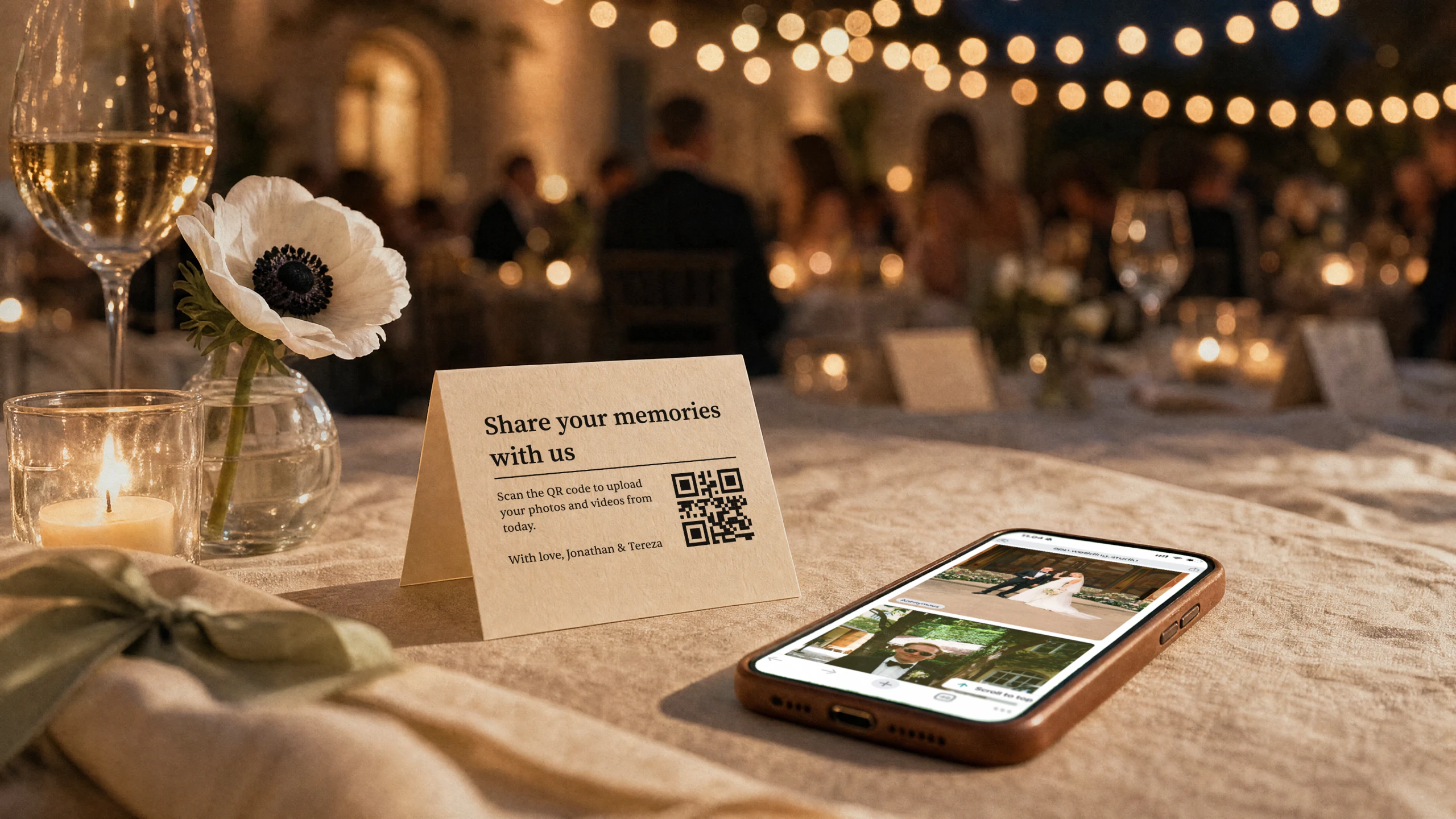
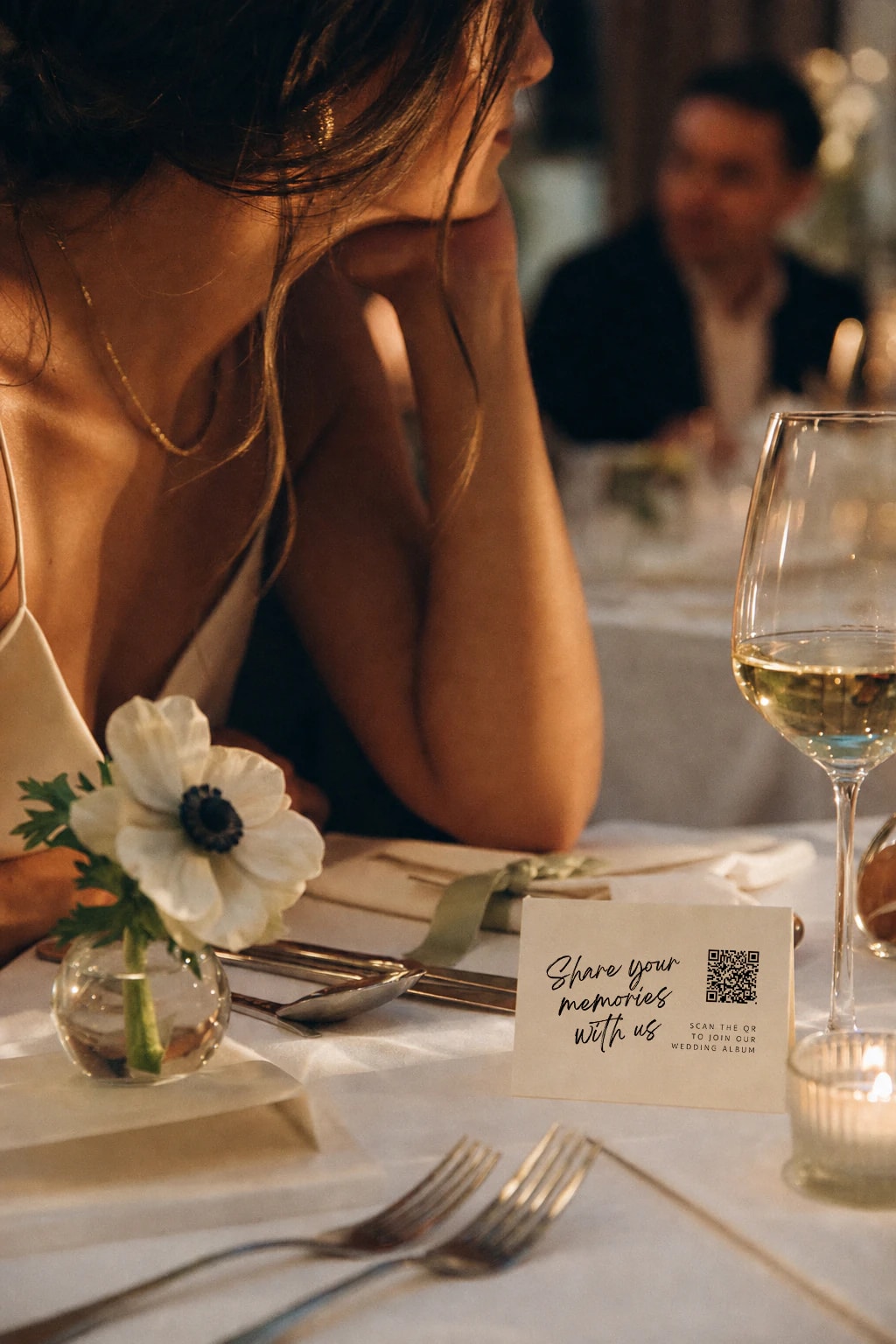
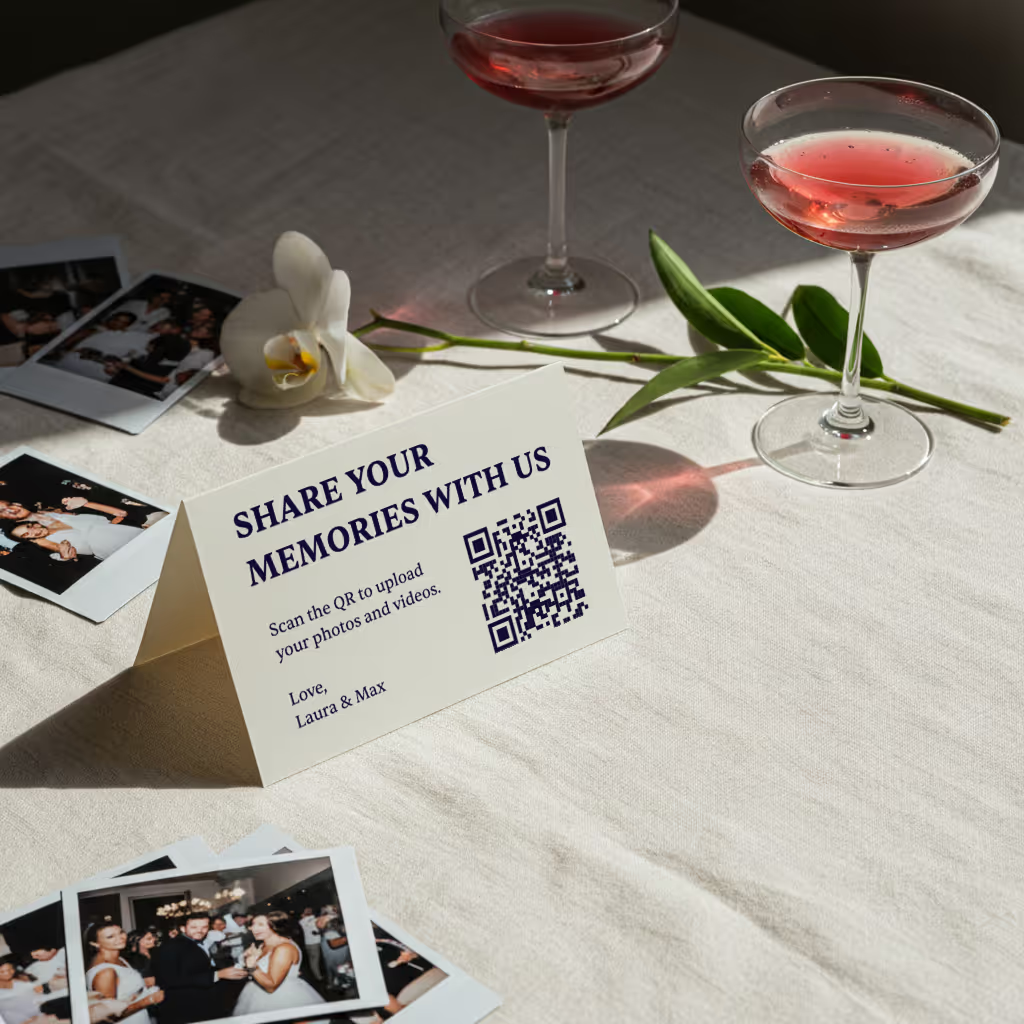
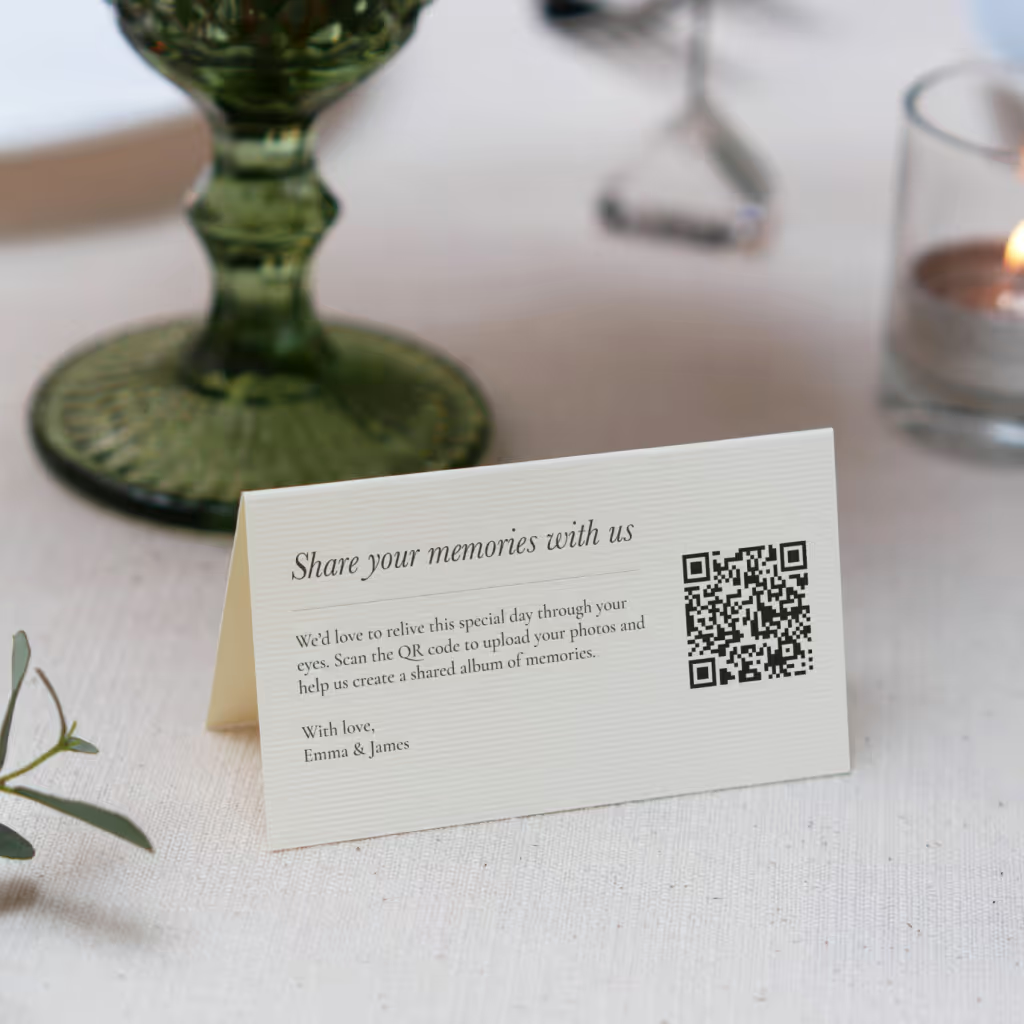
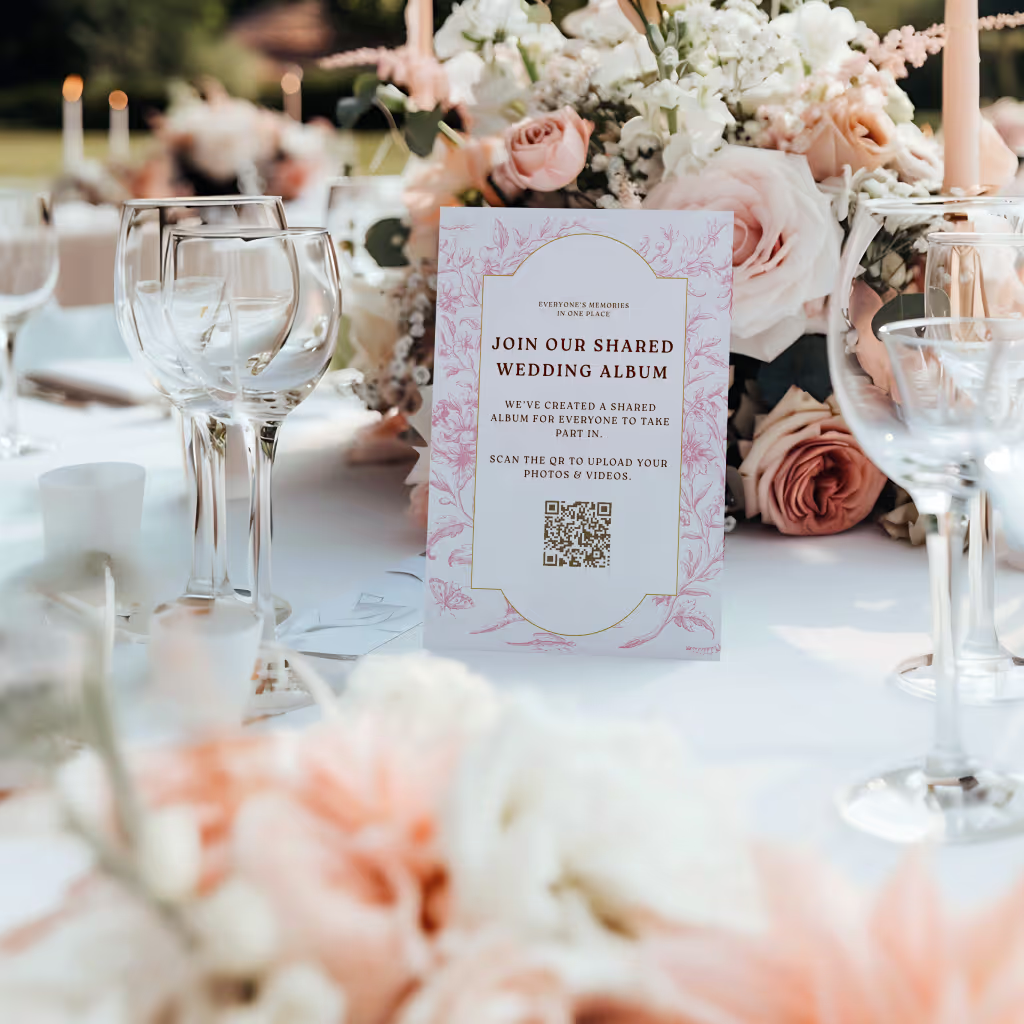
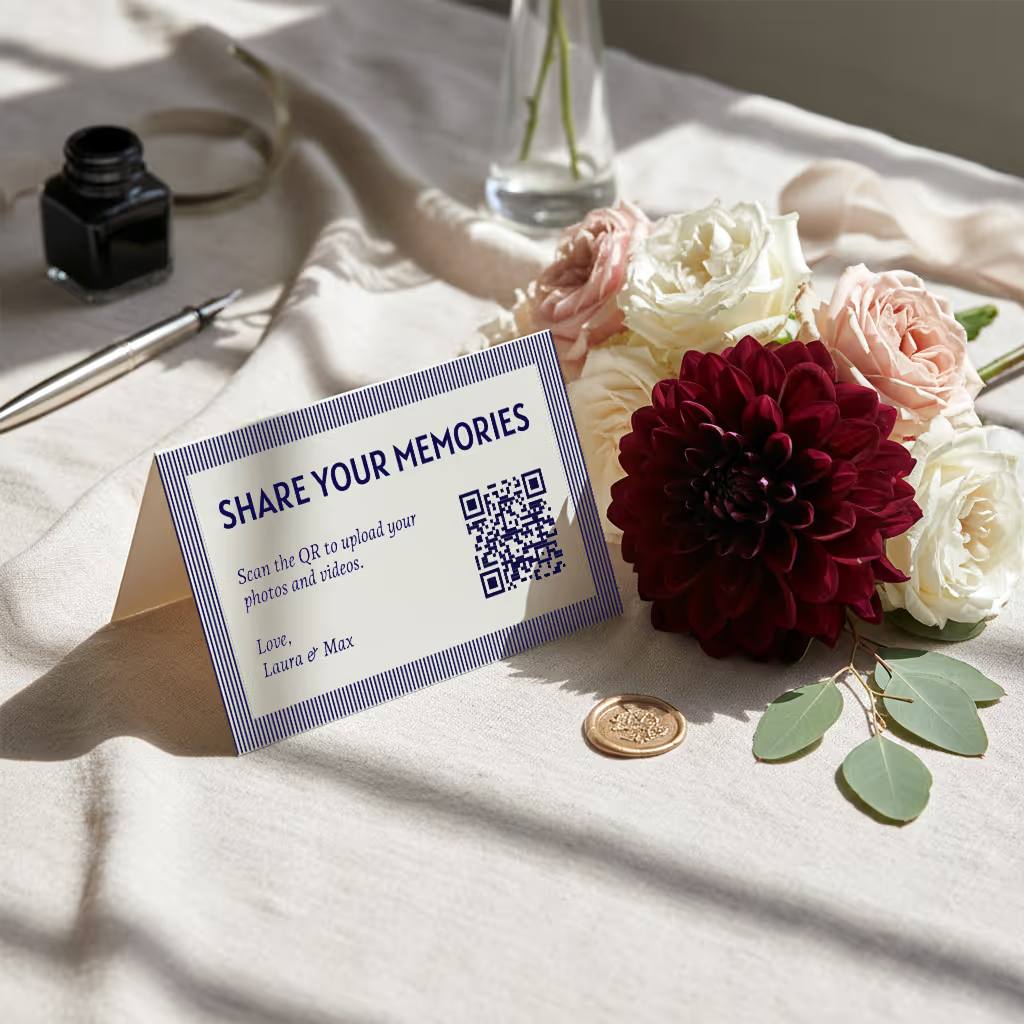
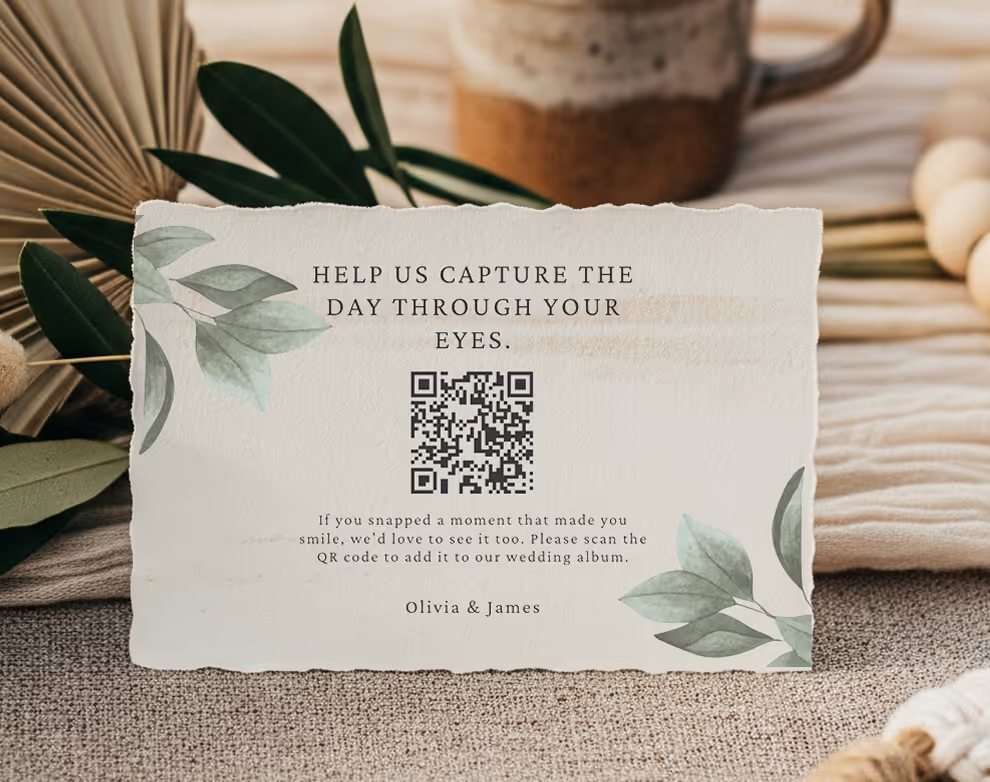
QR-based sharing works because it removes every barrier. A physical card sits on the table. Guests scan it with their phone camera. A browser page opens instantly — no app, no login, no friction. They upload a photo and go back to their conversation. The whole process takes less than 30 seconds.

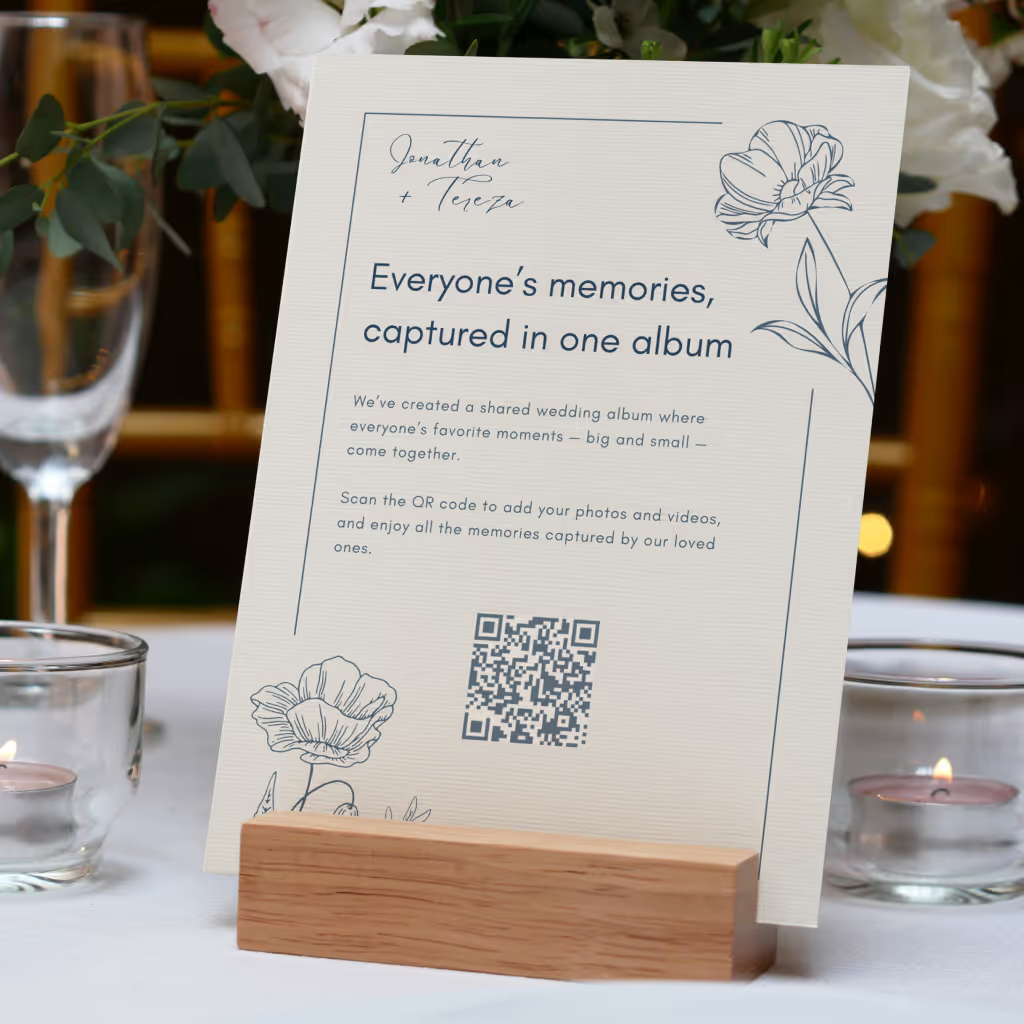
QR cards on tables
Printed cards sit on each table. Guests scan with any phone — no app needed.

Guests scan & upload
Opens instantly in the browser. Upload from camera roll or take new photos.

Your album fills up
Every photo and video in full resolution. Download everything as a zip.
“I coordinated a 200-person wedding last month. By the time dinner was served, 150 photos were already in the album. By the end of the night, they had over 800. The couple was looking through them on the shuttle back to their hotel.”
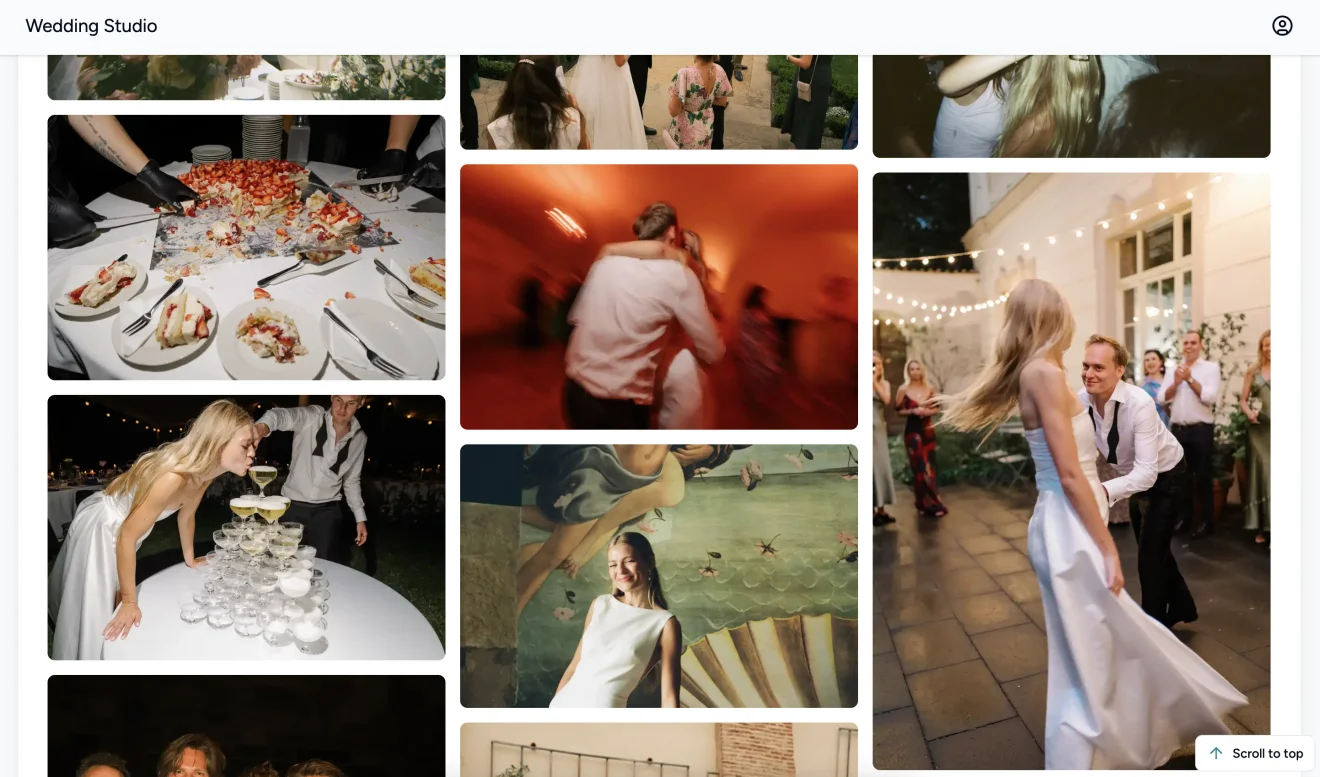
Real results
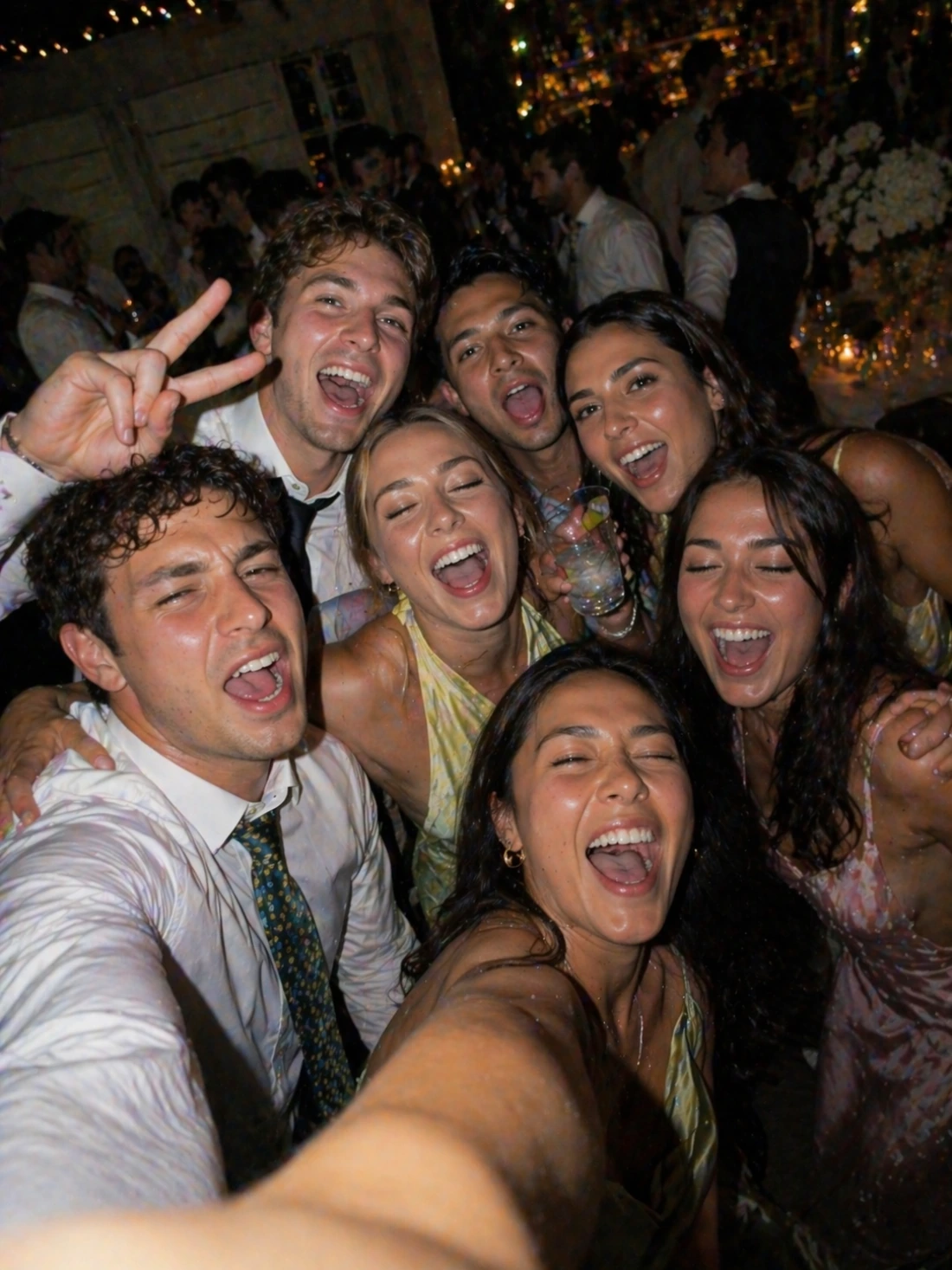
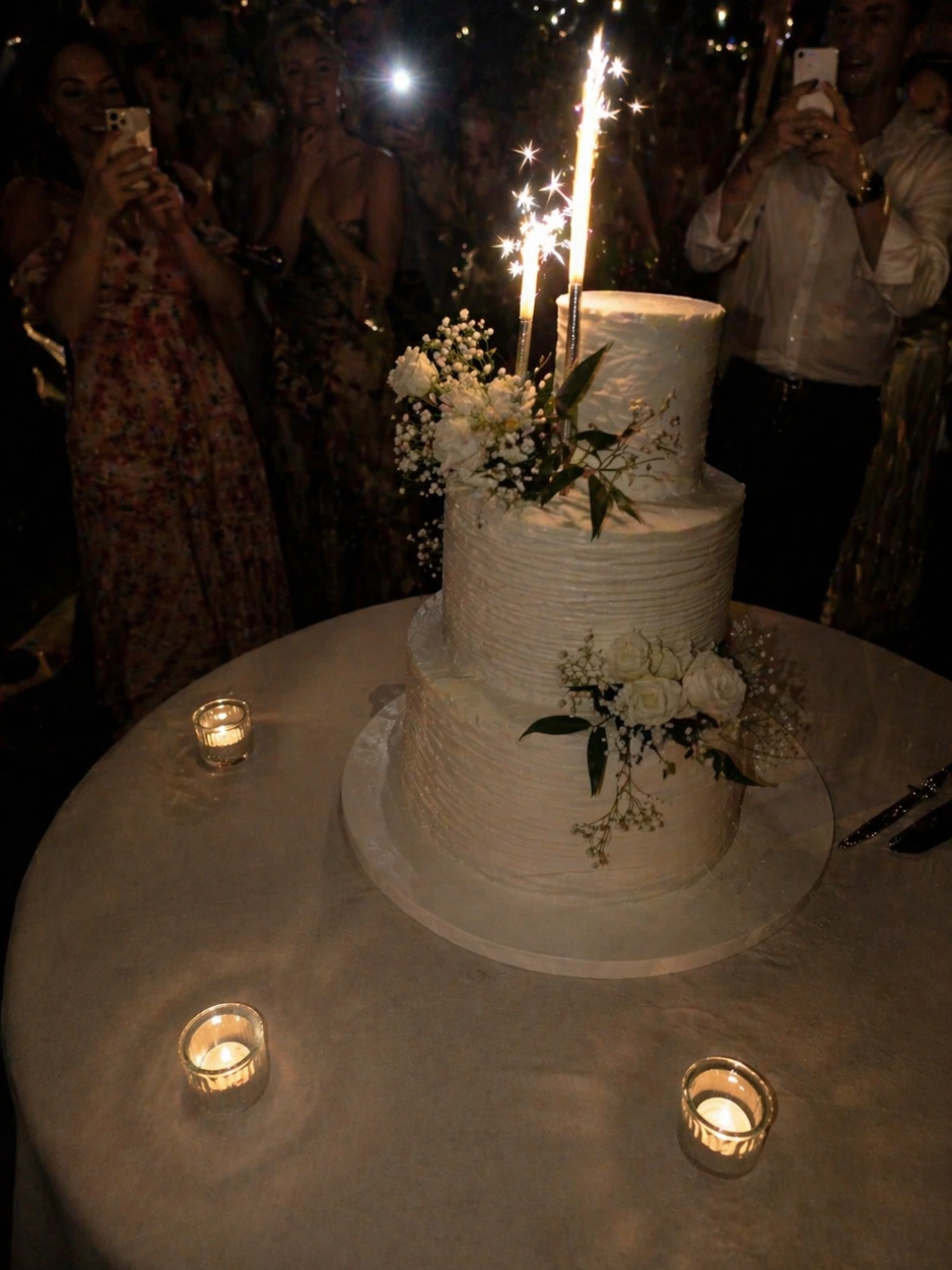
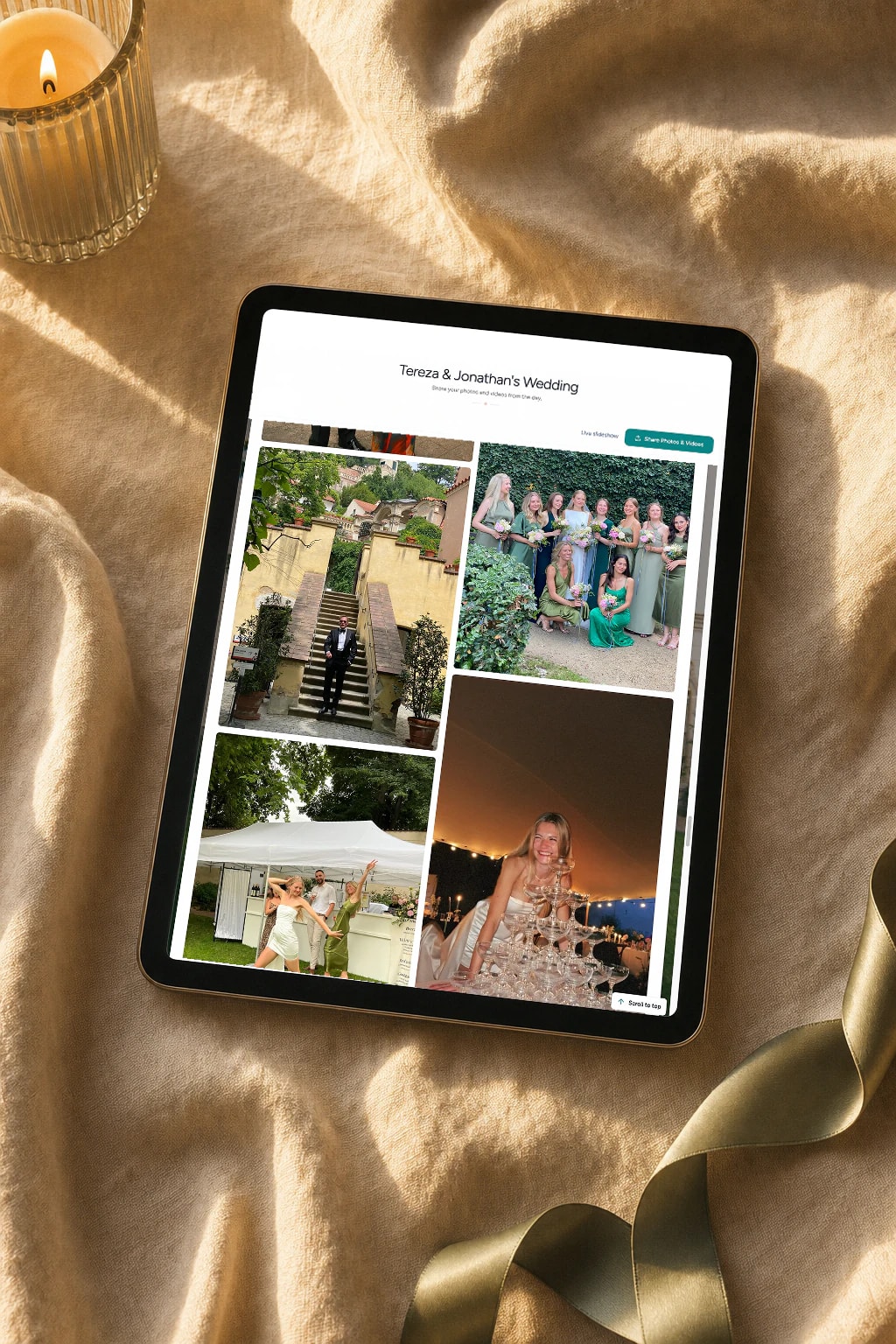
These were all taken by wedding guests — not the photographer
Uploaded via QR code at real weddings. Full resolution, instant delivery.


“We got 743 photos from our 180 guests. Our photographer delivered 180. The guest photos are the ones we look at the most — they captured so many moments we didn't even know happened.”
Rachel & David K.
180 guests, Austin TX
“My 82-year-old grandfather figured out the QR code in about 10 seconds. He uploaded a selfie with the groom and it's now my favorite photo from the entire wedding.”
Maria L.
95 guests, San Diego CA
“We tried a shared Google Photos album at our engagement party — got 12 photos. At our wedding we used QR cards and got 500+. The difference is insane.”
James & Nicole P.
210 guests, Chicago IL
My recommendation
The one I recommend to my own couples
After testing every method on this list at real weddings, the one I consistently recommend is Wedding Studio. It's QR-based — guests scan a card, upload photos from their browser, and everything lands in your album instantly. No app. No login. No friction.
What sets it apart from other QR solutions I've tried: the cards actually look beautiful on tables (they have a range of designs), the upload page is dead simple, and every photo comes through in full resolution. Couples typically get 300–800+ photos in a single night.
50% off — limited time. One-time payment, not a subscription. Includes unlimited uploads, full resolution downloads, and 12-month album access.
Frequently asked questions
How do I collect photos from wedding guests?
The easiest way is QR-based photo sharing. Place a QR code card on each table at your reception. Guests scan the code with their phone camera, which opens a browser-based upload page — no app download or login required. Every photo goes straight to your private album in full resolution. Alternatives include shared albums (Google Photos, iCloud), social media hashtags, and group chats, but each comes with friction that reduces participation.
What is the best app for wedding photo sharing?
It depends on your priorities. Dedicated apps like Guest, WedShoots, and The Guest require downloads, which kills adoption — most guests won't install an app for a single event. Shared album services like Google Photos work but need accounts and cross-platform compatibility. QR-based solutions like Wedding Studio skip the app entirely: guests scan a code and upload from their browser. No download, no login, no friction.
How do I get guests to share wedding photos?
Remove every possible barrier. The #1 reason guests don't share photos is friction — they intend to, but life gets in the way. The most effective approach is a QR code on each table that opens an upload page in seconds. No app to download, no account to create, no link to remember. Guests upload while they're still at the table, not days later when motivation fades.
Do I really need a wedding photo sharing app if I have a photographer?
Yes. Your photographer typically covers 3–5 hours and captures 50–200 edited photos. Your guests, collectively, cover the entire event — from getting-ready moments to the after-party — and can capture 500+ candid photos and videos. Guest photos show perspectives, emotions, and moments your photographer physically cannot be in two places to capture.
How many photos do wedding guests typically take?
At an average wedding with 100–150 guests, you can expect 300–800+ guest photos when using a frictionless sharing method like QR codes. With higher-friction methods (hashtags, shared albums, group chats), that number drops to 20–80 because most guests never follow through. The key factor isn't how many photos guests take — it's how easy you make it to share them.
Can older guests use QR-based photo sharing?
Yes. Any smartphone made in the last 8 years can scan QR codes using the default camera app. The upload page is browser-based, so there's nothing to install or sign into. We've seen guests in their 80s use it successfully. For the rare guest without a smartphone, a family member at the same table can upload on their behalf.
When should I set up wedding photo sharing?
Set up your album at least 2–4 weeks before the wedding so you can order printed QR cards if you want them. The album stays active for 12 months, so you can test it with your bridal party beforehand. On the day, place QR cards on tables during setup — no other coordination needed. Guests can start uploading from the ceremony onward.
How do I get wedding photos off guests' phones after the wedding?
If you didn't set up a sharing method beforehand, your options are limited: send a group text asking people to share, create a shared album and send the link, or post on social media asking guests to send photos. Realistically, only 10–20% of guests will follow through weeks later. The most reliable approach is giving guests a way to share in the moment — while they're still at the wedding and motivated.

Stop losing your guests' best photos
Collect every photo and video from every guest at your wedding — in full resolution, the morning after. From $29.
We enlisted the help of a world-class wedding coordinator when creating this guide.