Wedding Studio Team
Insights from 45,000+ weddings hosted on Wedding Studio
The complete guide to capturing guest photos at your wedding
Disposable cameras. Photo apps. Shared albums. QR codes. Across 45,000+real weddings hosted on Wedding Studio, we've seen every approach to capturing guest photos — and we've seen what actually works.
This guide covers every option honestly, including the costs, tradeoffs, and what we recommend to couples.
0+
Weddings coordinated
0
Methods compared
0 min
Read time
Part 1
What disposable cameras actually cost
Most couples budget $100–150 for disposable cameras. That number is almost always wrong. Here's the real breakdown for a typical 150-guest wedding.
Cameras
$120–300
15–20 cameras at $8–15 each
Developing & scanning
$180–300
$10–15 per camera to develop, scan, and print
Total cost
$350–600+
For 200–400 exposures — most unusable
$3–8
Cost per usable photo
With 40–60% of exposures unusable, each good photo costs $3–8 after developing. A digital alternative gives you unlimited photos for a flat fee.
Part 2
What actually happens with disposable cameras at weddings
The idea is lovely. The nostalgia, the surprise, the tangible film feel. But after seeing the results at thousands of weddings, here is what typically happens.
“We got 18 cameras back out of 20. Of the 486 exposures, maybe 60 were usable. The rest were pitch black, blurry, or accidental shots of the tablecloth. We paid $450 to develop them all.”
Low-light failure rate is high
Reception venues are dimly lit. Disposable camera flash reaches 4–8 feet. Most reception photos come out dark, orange, or completely black. You won't know until you develop them.
Guest adoption is unpredictable
Many guests — especially under 30 — have never used a film camera. They don't advance the film, miss the flash button, or simply forget the camera is there. Expect 30–50% of cameras to come back barely used.
Children will find them
Kids love disposable cameras. You'll get 27 photos of the ceiling, extreme close-ups of napkins, and zero usable shots. Budget for a few wasted cameras at family tables.
The 3-week wait
You return from your honeymoon excited to relive the night through your guests' eyes. The cameras are still at the lab. When they arrive, the anticipation makes the disappointment worse.
No video whatsoever
The speeches. The first dance. The surprise moment. Some of the best wedding memories need video. Disposable cameras simply cannot capture them.
None of this means disposable cameras are bad. They have a genuine charm. But you should go in with realistic expectations about what you'll get back — and what it costs.
Part 3
Every way to capture guest photos — compared
We've seen all of these in action at real weddings. Here's an honest assessment of each.
Social media hashtag
Unreliable
Social media hashtag
UnreliablePros
- Free
- No setup required
- Guests already use Instagram
Cons
- Photos are compressed to low quality
- Many guests have private accounts
- You have to manually search and save each photo
- Photos get buried in feeds within days
Cost
Free
Typical usable photos
10–30
Shared album apps (Google Photos, iCloud)
Friction-heavy
Shared album apps (Google Photos, iCloud)
Friction-heavyPros
- Free or cheap
- Good photo quality
- Familiar to some guests
Cons
- Requires guests to have specific app or account
- Sharing link often doesn't work across iPhone/Android
- Older guests struggle with the process
- You'll spend the night troubleshooting
Cost
Free
Typical usable photos
30–80
Photo booth (rental)
Fun but limited
Photo booth (rental)
Fun but limitedPros
- Guests love the props and prints
- Professional quality photos
- Instant physical keepsake
Cons
- Expensive: $800–2,000 for 3–4 hours
- Long lines mean many guests skip it
- Only captures posed shots, not candids
- Covers one location, not the whole venue
Cost
$800–2,000
Typical usable photos
50–150
Disposable cameras
Nostalgic but impractical
Disposable cameras
Nostalgic but impracticalPros
- Authentic retro film aesthetic
- No technology required
- Fun table activity
Cons
- 40–60% of photos are unusable
- 2–3 week developing wait
- Poor low-light performance
- No video capability
Cost
$350–600+
Typical usable photos
60–120
QR-based photo sharing
Best all-around
QR-based photo sharing
Best all-aroundPros
- Works on every phone — no app download
- Unlimited full-resolution photos and videos
- Instant delivery to shared album
- Works all night, every location in the venue
- Guests of all ages can use it
Cons
- No physical/tangible element
- Requires guests to have a smartphone
- Digital aesthetic (no film grain)
Cost
$29–99
Typical usable photos
200–1,000+
Interactive tool
Calculate your disposable camera cost
Enter your guest count to see the real numbers.
Calculate your disposable camera cost
See what disposable cameras would actually cost at your wedding.
Head to head
Disposable cameras vs. QR photo sharing
A direct feature-by-feature comparison.
| Disposable Cameras | Wedding Studio | |
|---|---|---|
| Cost (150-guest wedding) | $350–600+ | $99 flat |
| Photos per guest | 1–2 usable | Unlimited |
| Photo quality | Grainy, often dark | Full resolution from their phone |
| Time to view photos | 2–3 weeks (developing) | Instant |
| Video | Not possible | Yes — unlimited |
| Guest experience | Unfamiliar device, no preview | Their own phone — scan and shoot |
| Works in low light | Rarely (weak flash, slow film) | Yes — modern phone cameras excel |
| Setup required | Place cameras on tables | Place QR cards on tables |
| Retro aesthetic | Authentic film look | Apply filters after upload |
| Environmental impact | Single-use plastic + chemicals | Zero waste |
Real results
These were all taken by wedding guests — not the photographer
Uploaded via QR code at real weddings. Full resolution, instant delivery.
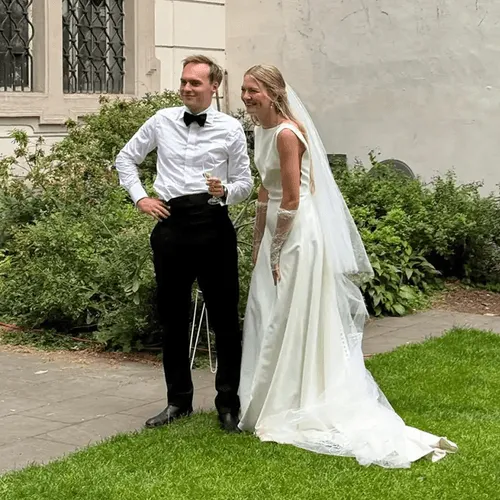
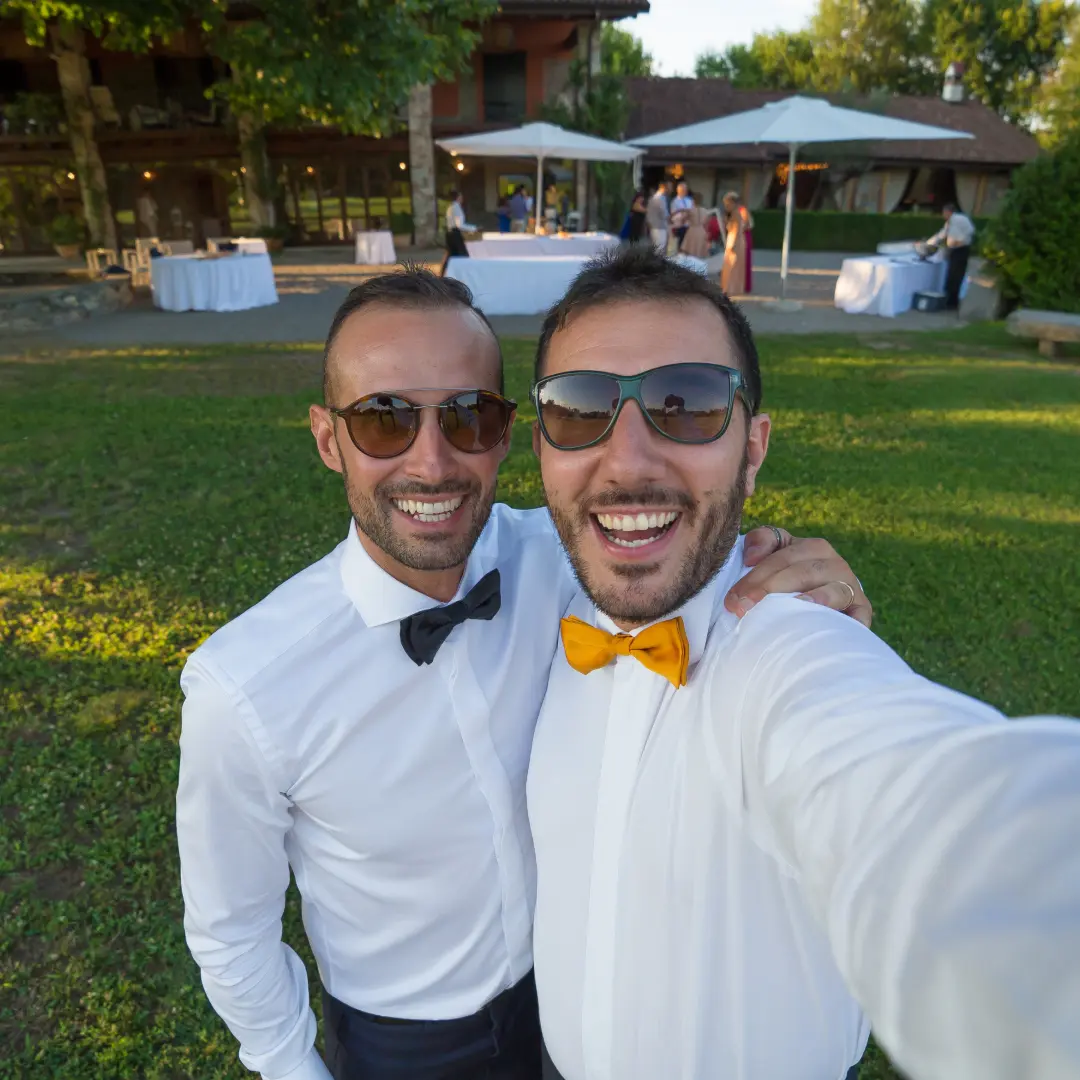
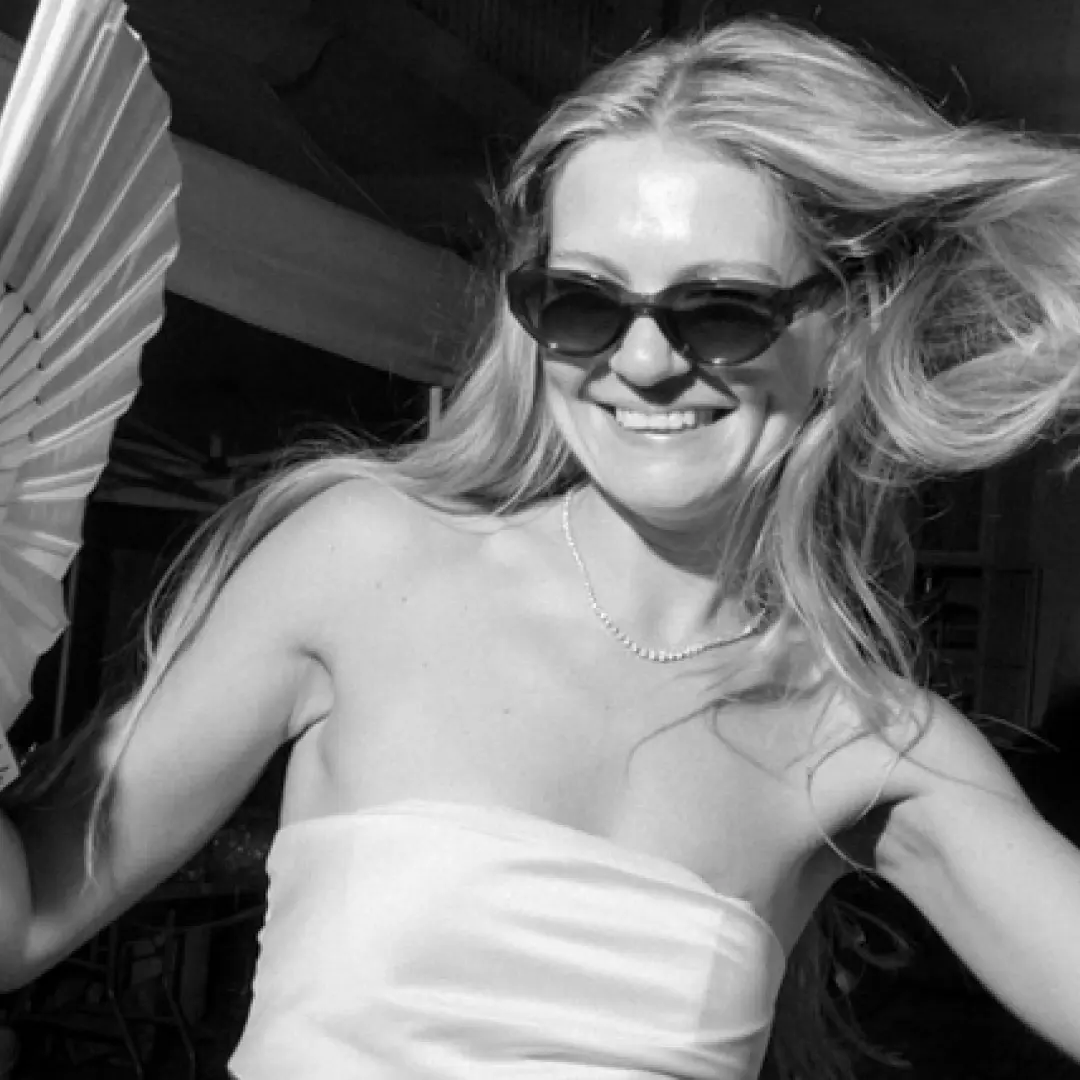
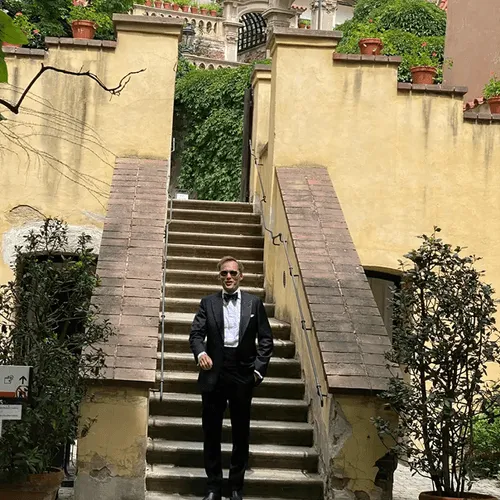
“We originally had disposable cameras on every table. Last minute we added QR cards too. We got 12 usable photos from the disposables and 600+ from the QR codes.”
Amanda T.
142 guests, Portland OR
“The QR cards looked more elegant on our tables than disposable cameras ever would have. And our guests actually used them — even my 75-year-old grandmother.”
Priya S.
220 guests, Mumbai
Common question
“But I want that retro film look”
We hear this from about half the couples we talk to. The retro aesthetic is genuinely beautiful — the appeal is completely understandable. Here's what we tell them:
The surprise is now built in: disposable camera mode
What couples really love about disposables is the reveal — not knowing what you got until later. Wedding Studio builds that in. Switch on disposable camera mode and every guest upload stays hidden until a time you choose: the morning after, the brunch, midnight. You get all the anticipation of a disposable camera, in full resolution, with no dark photos, no wasted exposures, and nothing to develop. It captures video too — included on every plan.
The look is a filter, not a camera
Apps like VSCO, Dazz, and Huji give you authentic film grain, light leaks, and warm tones. Your guests can apply these before uploading — retro aesthetic, phone camera quality.
The best of both worlds
Still want a few real film cameras? Put 2–3 disposables at the sweetheart table for the fun factor, and put QR cards on every guest table — with disposable mode on — for the same reveal across the whole room. Nostalgia where it matters, hundreds of real photos everywhere else.
Our recommendation
What we tell every couple
Across thousands of weddings we've hosted, our recommendation is simple: use a QR-based photo sharing service as your primary guest photo method. If you love the nostalgia of disposable cameras, add a few to specific spots — but don't rely on them for coverage.
That's exactly what Wedding Studio is built for. It's the approach we've seen work most consistently: no app for guests to download, beautiful QR cards that match any aesthetic, co-host access for the partner or planner helping run the day, and an album full of hundreds of photos by the next morning.
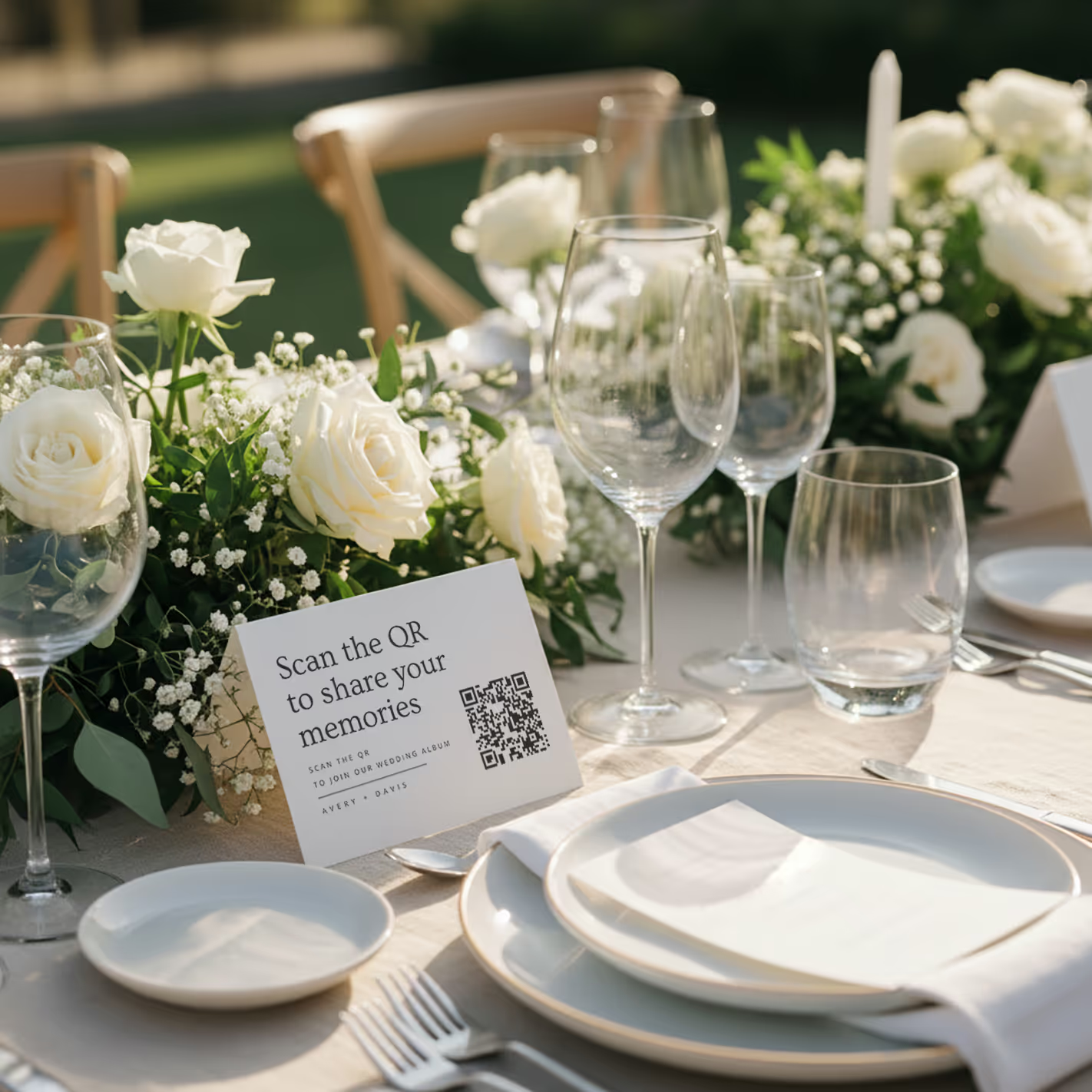
QR cards on tables
Printed cards sit on each table. Guests scan with any phone — no app needed.
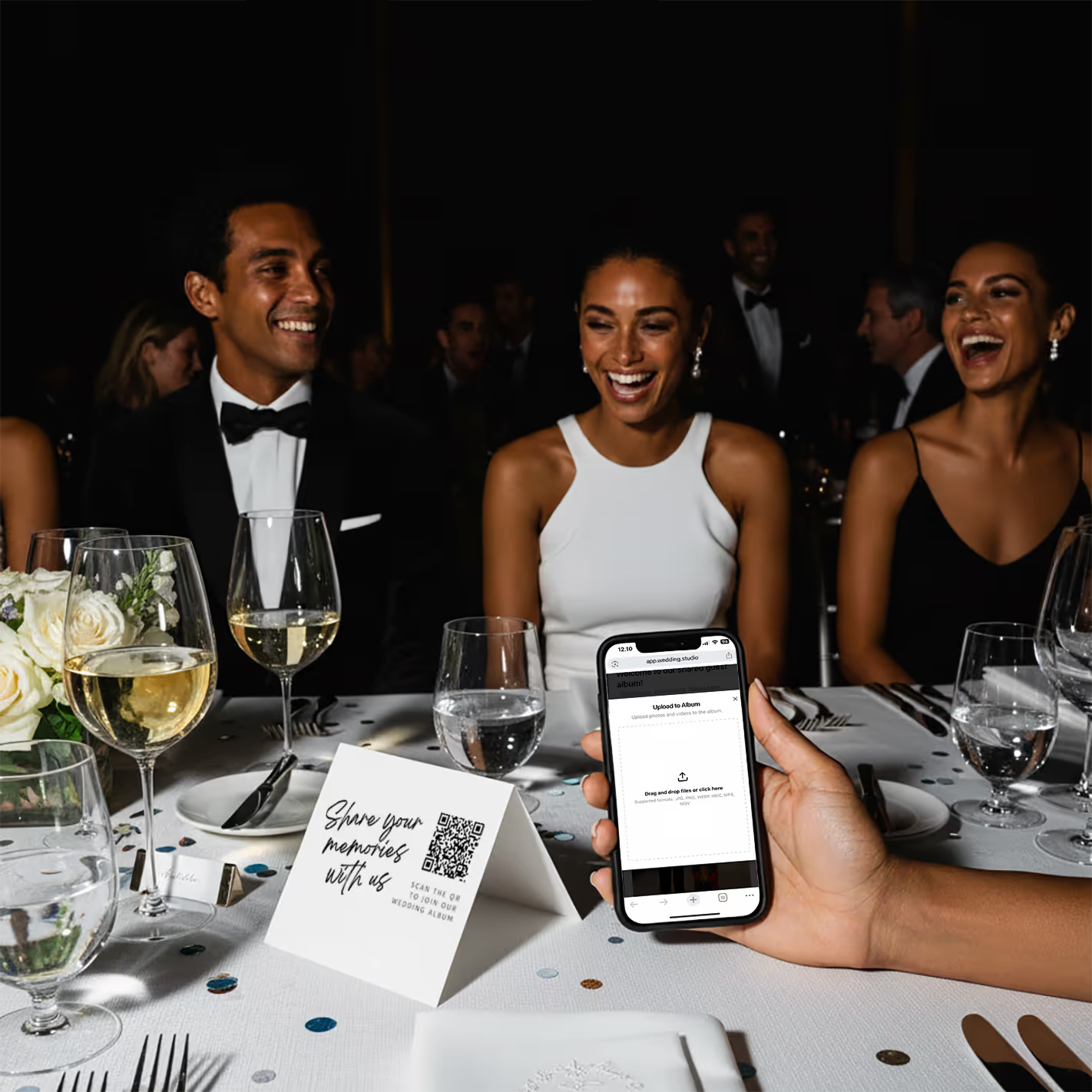
Guests scan & upload
Opens instantly in the browser. Upload from camera roll or take new photos.
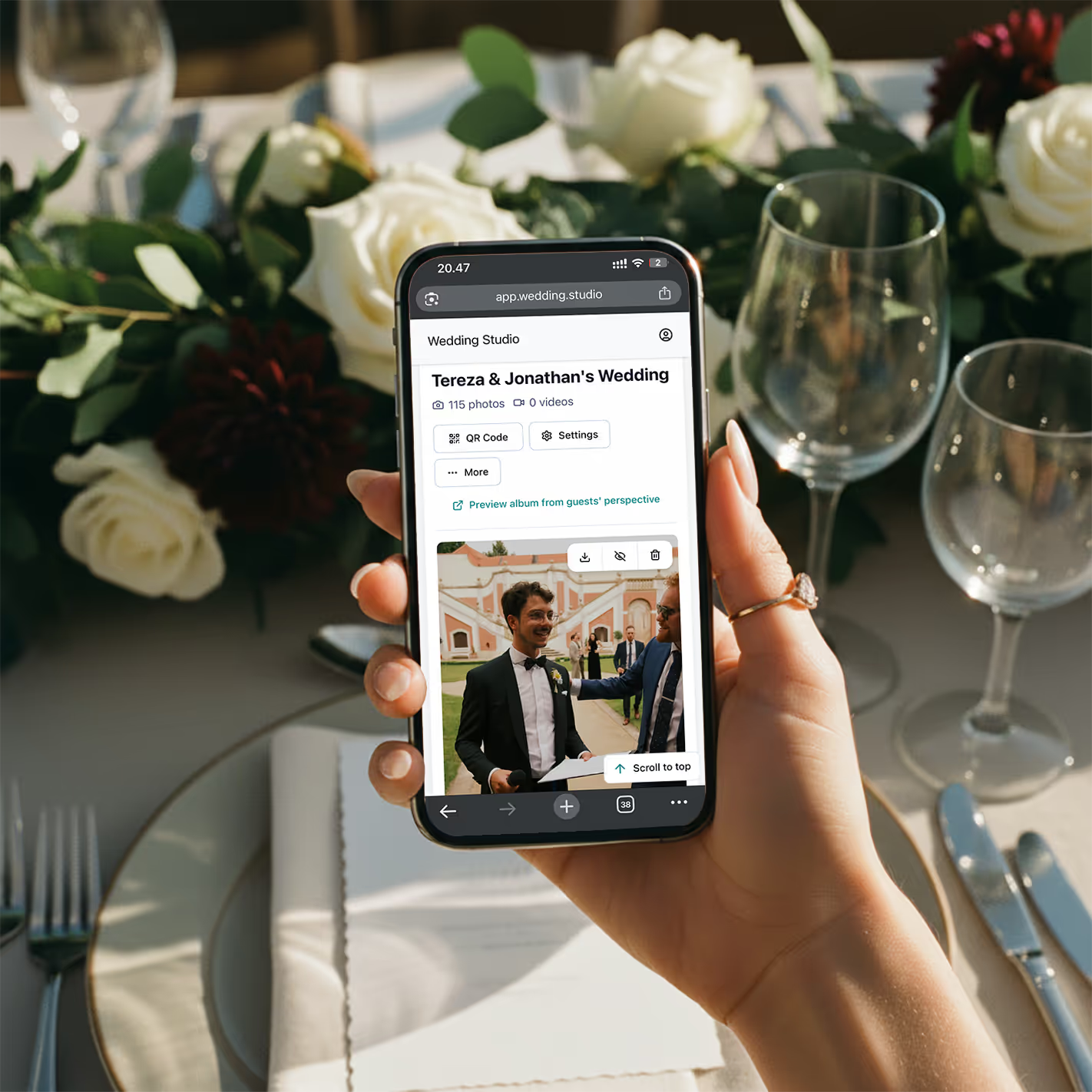
Your album fills up
Every photo and video in full resolution. Download everything as a zip.
One-time payment, not a subscription. Includes unlimited uploads, full resolution downloads, and 12-month album access.
Frequently asked questions
How much do disposable cameras cost for a wedding?
Disposable cameras typically cost $8–15 each. For a 150-guest wedding with one camera per table (15–20 tables), you're looking at $120–300 for cameras alone. Add $10–15 per camera for developing and printing, and the total reaches $350–600+. Digital alternatives like Wedding Studio cost a flat $29–99 with no developing fees.
Do guests actually use disposable cameras at weddings?
Adoption is hit-or-miss. Many guests — especially younger ones — forget about them, don't know how to use the flash, or feel awkward taking photos with an unfamiliar device. You'll typically get 10–15 usable photos per camera out of 27 exposures. With a QR-based solution, guests use their own phones, which they're already comfortable with, resulting in significantly higher participation.
Are disposable cameras worth it for a wedding?
It depends on what you value. If you love the retro film aesthetic, disposable cameras can add a fun element. But from a practical standpoint — cost per usable photo, image quality, and convenience — digital alternatives deliver more photos, higher quality, and instant access at a fraction of the cost.
What is the best alternative to disposable cameras at a wedding?
QR-based photo sharing is the modern standard. Guests scan a QR code on their table card, and upload photos directly from their phone — no app download, no login. You get unlimited full-resolution photos instantly, with automatic categories and duplicate-photo tools, compared to 15–20 grainy shots per disposable camera that take weeks to develop.
How many disposable cameras do I need for my wedding?
The standard recommendation is one camera per table, plus a few extras for the dance floor and cocktail hour. For a 150-guest wedding, that's typically 15–25 cameras. At $8–15 per camera plus $10–15 developing, that's $270–750 total. A QR-based alternative covers every table with a single setup.
Can I get the disposable camera look digitally?
Yes — many photo editing apps offer film and disposable camera filters your guests can apply before uploading. And for the part couples love most — the surprise — Wedding Studio has a built-in disposable camera mode that hides every upload until a reveal time you choose. You get the retro aesthetic and the anticipation with the convenience of digital: instant capture, full resolution, video too, and no developing costs.
Does Wedding Studio have a disposable camera mode?
Yes. Turn on disposable camera mode and all guest uploads stay hidden until a reveal time you set — the morning after, the brunch, or midnight on the night. It recreates the magic of a disposable camera (the wait, the surprise) without the downsides: no dark or wasted shots, no 2–3 week developing, full resolution, and video included. It's available on every plan.
How long does it take to develop disposable cameras?
Most labs take 7–14 business days, though some offer rush services for an extra fee. After your wedding, you'll wait 2–3 weeks to see a single guest photo. With digital alternatives, photos appear in your album within seconds of being taken.
What happens if disposable camera photos don't turn out?
This is the biggest risk. Disposable cameras have no preview screen, limited flash range, and fixed focus. Indoor reception lighting is particularly challenging. It's common for 40–60% of exposures to be unusable — dark, blurry, or accidental shots. You won't know until you develop them weeks later. With phone cameras, guests can see and retake photos instantly.
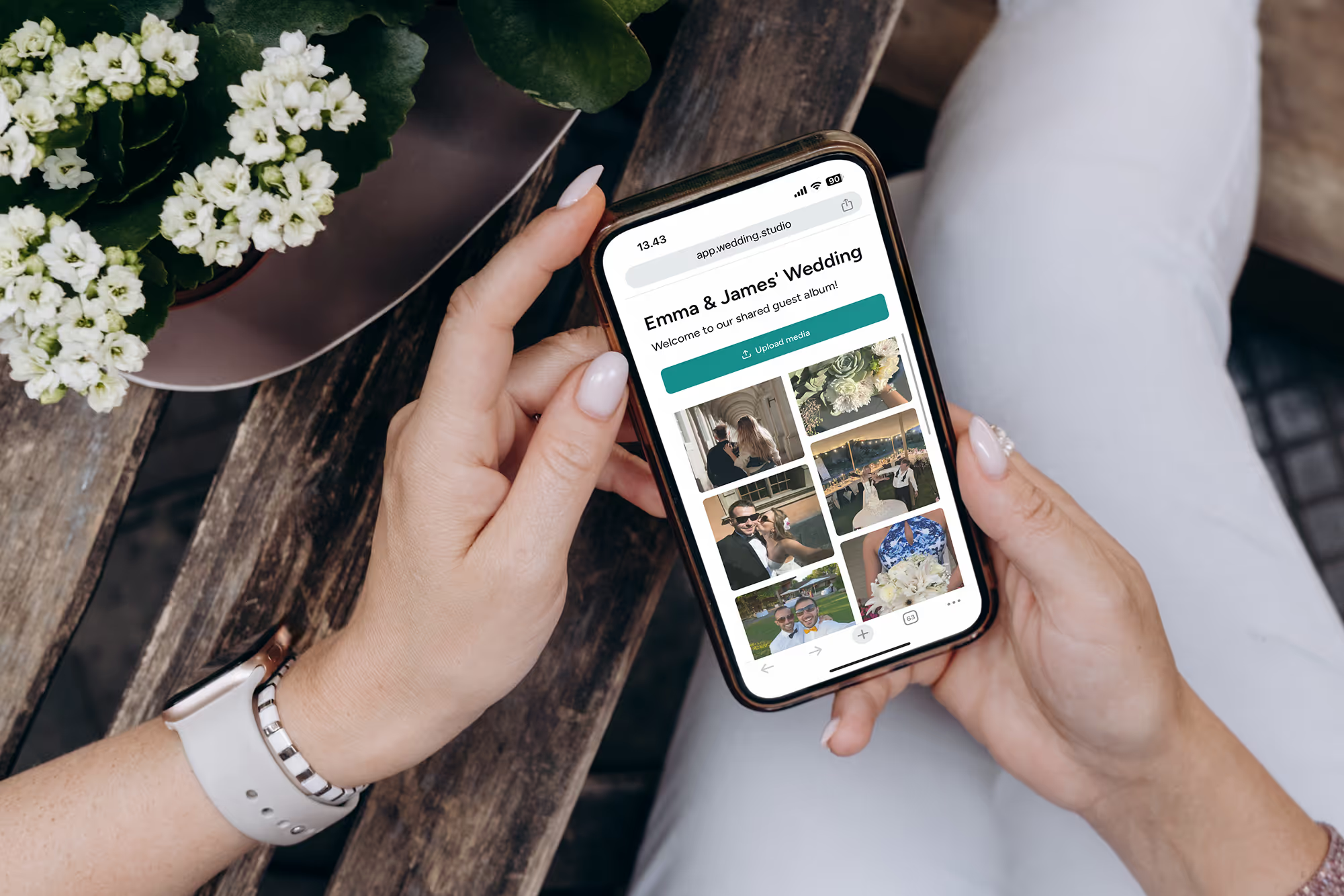
Every guest. Every angle. Every moment.
Full resolution photos and videos from every guest at your wedding — the morning after. From $29.
We enlisted the help of a world-class wedding coordinator when creating this guide.