qr-implementation
Where to Put a QR Code at Your Wedding: Full Guide
Where to put a wedding QR code: the placement hierarchy ranked by when guests have a phone out, plus size, lighting, and how many cards to print.
8 min read
qr-implementation
Where to put a wedding QR code: the placement hierarchy ranked by when guests have a phone out, plus size, lighting, and how many cards to print.


Put a QR code card on every reception table first. Then repeat it at the welcome sign, the bar, and the guest book table, in the order guests are most likely to have a phone out with nothing else to do. Ceremony programs and photo booth props rank last, because a guest's hands are already full or busy the moment the code appears in front of them.
You've finally got the table plan settled, and the stationery order is sitting in a tab waiting on one last decision: how many cards, and where they go. Sort every spot in the room by what your guests' hands are doing at that minute, and you get the order below.
A seated guest at dinner has a phone out, nothing to do between courses, and the card directly in their eyeline. That's the highest-attention moment of the whole reception, which is why the table gets the first card. Every other spot below is ranked against it.
| Location | What the guest is doing | Why it ranks here |
|---|---|---|
| Reception tables | Seated, phone already out, nothing to do between courses | Highest-attention moment of the night, and the card sits directly in the guest's eyeline |
| Welcome sign | Standing at the entrance, often holding a coat, a gift, or a drink | The first code guests see on arrival, when hands are often full |
| Bar | Standing still for a minute or two waiting on an order | A second reliable pause once guests are on their feet |
| Bathrooms | At the mirror, stopped, phone already out of the pocket | One of the few points in the evening where a guest is still and unoccupied |
| Guest book table | Already stopped moving to write a note, pen in one hand | A guest who has stopped once will often scan while they're there |
| Photo booth area | Holding a prop, mid-pose, or queuing with a group | Attention is on the camera in front of them, not the phone in their pocket |
| Ceremony programs | Seated but holding a paper program, often next to a partner or child | Both hands are occupied and the ceremony hasn't started yet |
The ranking comes from what actually happens across the 50,000+ weddings that have run an album with us, where the table card draws the most scans.
The bathroom row is the one couples push back on, and it earns its place for a single reason. A guest at the mirror has already stopped moving and already taken the phone out. One card per bathroom is enough.
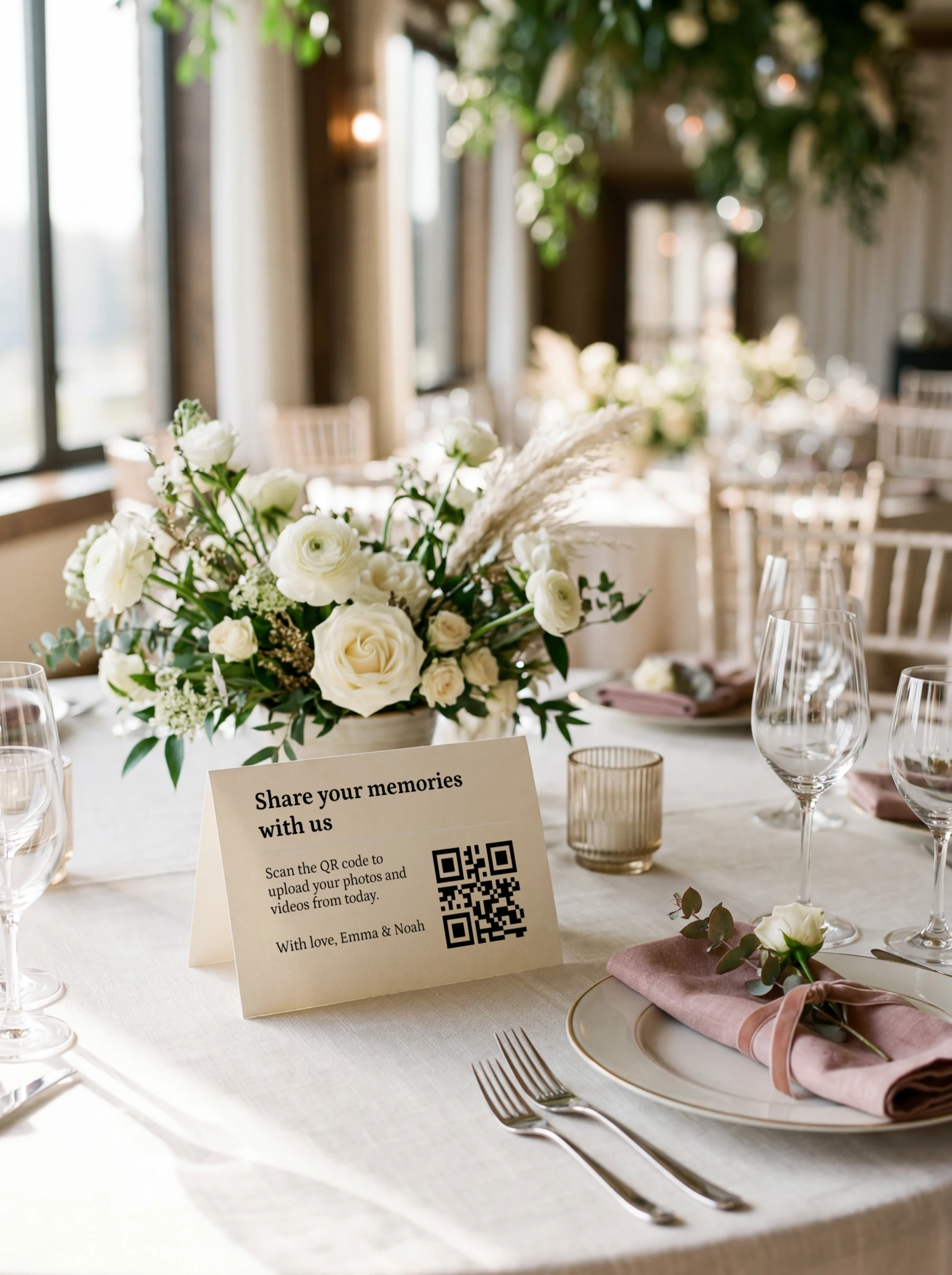
Your seating plan gives you the number, and it usually runs well above the table count. One card per table is the minimum, and on long banquet tables, one card every four to five seats, because a single card in the middle is invisible to the ends.
Then add the standing places: one at the welcome sign, one at the bar, one at the guest book table, one at the photo booth area, and one in each bathroom.
A wedding with 150 guests seated at tables of ten needs 15 table cards. Add the standing places, then five or six spares for the cards that get spilled on or carried home, and the order lands in the mid-twenties. That's a smaller print run than the table plan makes it feel.
Placement is only one piece of the setup. For who sees the album, who else can manage it, and how long to leave it open, the full setup, in order covers the rest.
Once every table has a card, the next four placements each earn their spot for a different reason: the bathroom mirror, the bar back, the escort card display, and the late-night snack table. Photo booth props, ceremony programs, and favour tags do not.
What the four have in common is a guest standing still with a phone already in hand. The bathroom mirror catches someone who has stopped and taken the phone out anyway. The bar back sits at eye level through the minute or two a guest waits on an order. An escort card display has people reading small print to find their own name, which is the same attention a code needs. The late-night snack table reaches whoever is still on their feet after the dancing starts, holding the photos nobody else has.
The other three fail on the same point. Photo booth props fill both hands and turn the guest toward a camera. A ceremony program gets read and set down well before anyone is thinking about uploading. A favour tag leaves in a bag and gets a look, if at all, the following week.
Uniqode's QR troubleshooting guide gives a rule of thumb of roughly 1 inch (2.5cm) of QR code for every 10 inches of scan distance.
Work it backwards for your own tables. A guest scanning from arm's length, about 12 inches (30cm) away, needs a code at least 1.2 inches (roughly 3cm) across. That is the minimum we already recommend for a table card.
The same guide puts the absolute floor at about 2×2cm, with a quiet zone of roughly four modules of clear space on every side. Scanners are built to expect dark modules on a light background, not the reverse.
QR Insights arrives at a similar number independently for a wedding-specific code: scannable from roughly 3 to 4 inches away when the code itself is about an inch across, consistent with the ratio above.
"It scanned on my desk" doesn't predict "it scans across a table." A phone six inches from a laptop screen and a phone two feet from a printed card at dinner are two different tests.
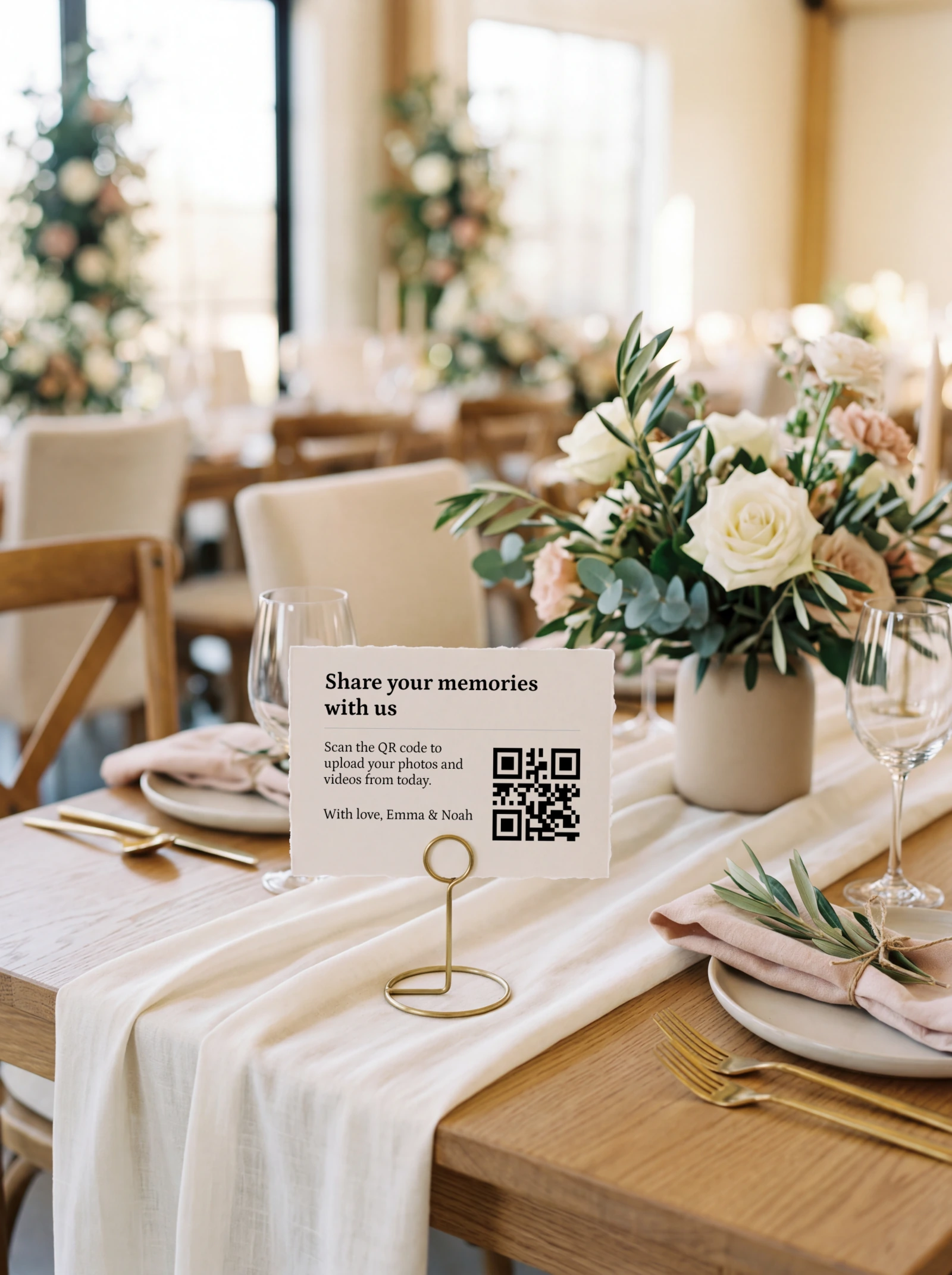
A welcome sign meant to be read from four feet away needs a code closer to 5 inches (12cm) across.
Stand the sign so the code sits at chest height, beside the entrance, on the side guests naturally walk toward. A sign behind the guest book table sits off the arrival path, and guests reach it with a coat in one hand and a drink in the other.
From that position guests read the sign at three to four feet, which is the distance the 5 inch (12cm) code is sized for. A table card gets away with 3cm because nobody reads it from further than arm's length.
A scanner reads contrast, and candlelight flattens it. Print the code dark on a light, unpatterned background, on matte stock rather than gloss, and it survives the drop in light. Grey on blush, or a code sitting over a photograph or a watercolour wash, gives the camera nothing to lock onto.
Gloss adds a second problem. The same glare that ruins a photo across the table blows out the code's edges at the angle a seated guest holds their phone.
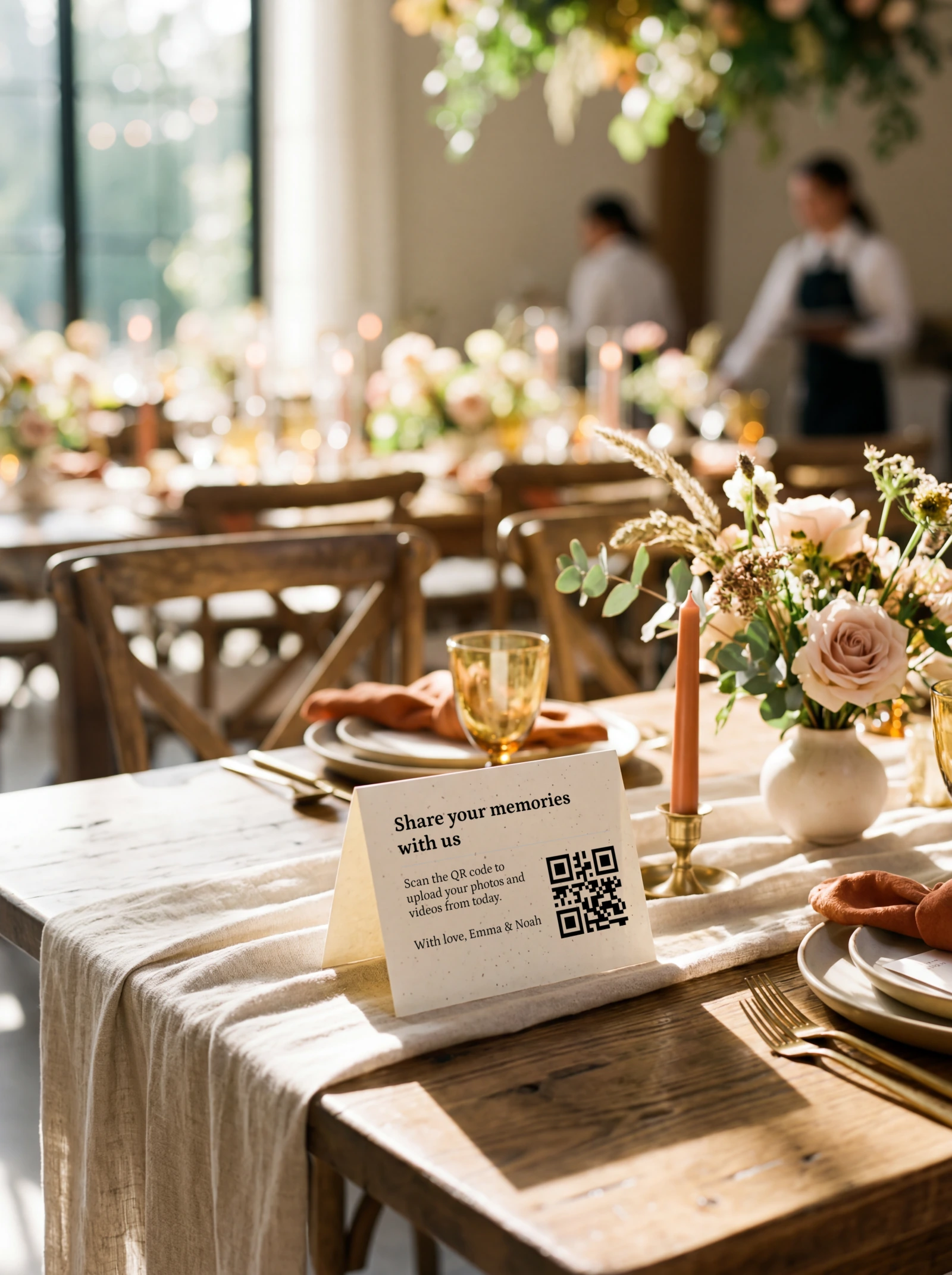
The pass criterion is one printed card, at final size, on the stock you plan to use, under three lights. Take it through candle-level light, the venue's evening lighting if you can get access before the day, and direct sun if any of your tables are outdoors. In all three, the code should resolve from about 12 inches away, first attempt, with nobody leaning in or turning on a torch.
If the card fails any of the three, change one thing and reprint one card. Swap gloss for matte first. If it still fails, take the code up from 3cm to 4cm and move it onto a plain white panel, then run the same three lights again.
No. Scanning and uploading both run on the guest's own phone: their own data connection or the venue's WiFi, whichever they happen to be on. Neither depends on what the venue provides, because the browser upload uses whatever signal the guest already has.
What venue WiFi does affect is video, and only indirectly. Large video files are the ones most sensitive to a weak signal, and a large share of every album's video arrives days later, once guests are home and reconnected. Set the upload window to run for weeks rather than hours, so those files still have somewhere to land when they finally upload.
Most uploads land in the first hour, while guests are seated with a card in front of them. A second wave arrives two to four days later, mostly video, once people are home and going through their camera roll.
That second wave is the one worth waiting for. It carries the dancing: the first dance shot from the second row, the toast from the table nobody was watching!
The hour-by-hour upload curve has the full shape of that pattern and the prompts that restart it.
iPhones scan QR codes natively through the built-in Camera app on iOS 11 and later, with no separate app or setup required.
Android phones on Android 9 or later generally support native QR scanning through the camera app or Google Lens, but the feature isn't implemented uniformly. Samsung and OnePlus, among others, bury it in a settings menu instead of enabling it by default, and some budget devices omit it even on newer Android versions.
That inconsistency is the whole argument for a fallback line. Print the album's short link under the code, in text a guest can type if their camera won't cooperate. It costs one line of card space and rescues every guest on a phone that doesn't behave.
Older guests are the group this protects most. They're often the ones holding the photos of the parts you missed: your dad's face during the speeches, the grandparents holding court at the back table. They're also the least likely to fight with a camera app that won't cooperate, and a line of typed text is what keeps their photos in the album.
You don't need a product to do any of the above. A home printer and matte cardstock genuinely works, and we won't pretend a card you print yourself is worse at the one job that matters, the scan. Everything in this guide about size and contrast applies to it identically.
That's the right call if you're finalising details days out or watching the budget closely. Start from one of the free Canva templates if you'd rather not begin from a blank page, then print at home.
What the home-printed route asks of you is the testing. You're the one running that card under candlelight and daylight, on the stock you actually chose, before it goes on every table at once. Glossy photo paper is the trap here, because it's the stock that turns a card scanning perfectly on the kitchen worktop into one that fails at dinner. Wedding Studio builds that check into a printed order.
If you're still working out how the code and the album connect in the first place, how wedding QR codes work covers that ground before you get to placement.
On every reception table first, because that's when guests are seated with a phone out and nothing to do. After tables, repeat it at the welcome sign, the bar, and the guest book table.
Beside the entrance, on the side guests naturally walk toward, with the code at chest height. A sign behind the guest book table sits off the arrival path. Guests read an entrance sign from three to four feet away, so size the code on it at about 5 inches (12cm) rather than the 3cm that works on a table card.
One card per table, one every four to five seats on long banquet tables, plus one each at the welcome sign, the bar, the guest book table, the photo booth area, and each bathroom. Add five or six spares for cards that get spilled on or carried home.
Yes, one card per bathroom. It's one of the few moments in the evening when a guest is standing still with a phone already in hand, which is the combination every scan needs. Stand it by the mirror or the basin rather than on the back of the door.
The bathroom mirror, the bar back, the escort card display, and the late-night snack table. Each one catches a guest who has stopped moving with a phone in hand. Photo booth props, ceremony programs and favour tags are the ones to skip, because both hands are busy or the card leaves with the guest.
No. Scanning and uploading run on the guest's own data connection or the venue's WiFi, whichever they're already using. A meaningful share of the album, especially video, arrives days later on the guest's home WiFi regardless of what the venue offered.
At least 3cm across, following the roughly 1-inch-per-10-inches scan-distance rule for arm's-length scanning. The absolute floor for any QR code is about 2×2cm, with a quiet zone of clear space on every side.
Usually one of three things: the code is too small for the scanning distance, it's printed light-on-dark instead of dark-on-light, or the lighting is flattening the contrast a scanner needs. Candlelight, glare on glossy stock, and direct sun are the most common causes. Test the printed card itself under conditions close to your reception before ordering the full run.
You can add it there, but don't rely on it. Guests are seated but holding a paper program, often next to a partner or child, so both hands are occupied and the ceremony hasn't started. It's the weakest placement of the day.
Yes, generally, through the same native camera scanning everyone else uses. Android's version varies by manufacturer, and older or budget phones are the ones most likely to need the fallback link printed on the card.
It can, but an invitation code gets scanned weeks or months before the wedding, for RSVPs or details, not for photo uploads on the night. Treat it as a separate placement from the reception cards, not a substitute for them.
Order the table cards first. They carry the highest-attention placement and the largest quantity, and the short link belongs on every one of them. The sign cards can follow once the table count is final, together with the five or six spares.
One printed QR code, no app for guests, full-resolution photos and videos in a single album you keep.
Prefer plain text? Read the markdown version.