Printed QR Code Cards for Wedding
Printed QR code cards for weddings, compared honestly: free Canva templates, Etsy sellers, or ones matched to your live album and shipped to your door.
8 min read
Printed QR code cards for weddings, compared honestly: free Canva templates, Etsy sellers, or ones matched to your live album and shipped to your door.


There are three ways to get a QR code onto your reception tables. You can design one in Canva and print it at home, buy a pre-made design from an Etsy seller, or order cards that arrive printed with your album's code on them. Which route suits you depends on how many tables you have, what you already own, and how much of the wiring you'd rather not do yourself.
You're at the stage where every small thing has a supplier attached, and this one is a card. It's the card that decides whether the photos your guests take all night ever reach you, so it's worth an hour of your attention and not much more.
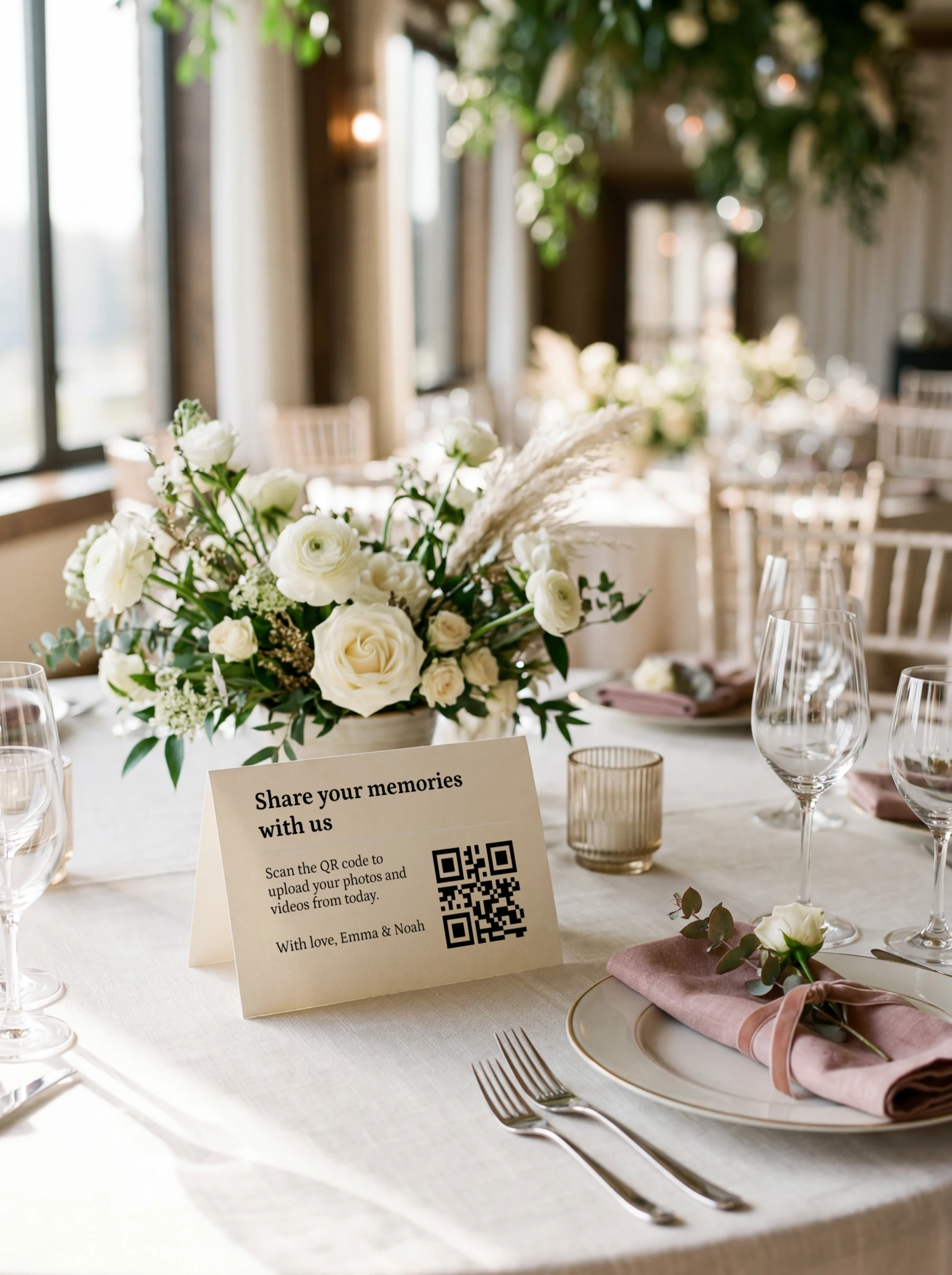
Home printing looks free because the printer is already on the desk. The cost sits in the consumables: ink at a fraction of a cartridge per sheet, and matte card stock by the pack. Then there are the sheets you throw away when the trim's crooked or the code prints muddy. Paperlust puts a realistic waste rate at 10 to 15 percent.
All three routes assume you've settled on a QR code already. If you're still working out how scan-to-upload works, our wedding QR code guide covers the mechanics and the card designs before you spend anything.
| DIY (Canva plus a home printer) | Etsy seller | Wedding Studio | |
|---|---|---|---|
| Cost | Close to nothing with a printer you already own. A full 100-card run costs 80 to 220 USD in ink, card stock and waste (Paperlust, 2026). | Commonly listed around 9.99 to 25 USD for a small set, plus shipping. Aggregated listing data, not one verified listing. | One add-on price on top of your plan, printing and delivery included. |
| Effort | An evening in Canva, then trimming, then a trip out for more card stock when the first run misprints. | Pick a design, generate your code, send the seller the file or link, check the proof, wait for shipping. | Pick a suite at checkout. The card is built from the album you have already created. |
| Album integration | You place the code yourself. Get the link wrong and every card in the box is wrong. | The seller has no access to your album and no way to check the code against it. | The printed code is the one already tied to your live guest album. |
| Reprint risk | Highest. Home inkjet on matte card stock can produce a code that reads slowly in low light. | Moderate. A wrong link or a low-resolution code file ships as a finished product. | Low. The code comes from the account, so the failure mode is a design you dislike. |
| Design choice | Unlimited. Anything you can build in Canva, at any size, on any stock you can buy. | Widest paid selection: foil, letterpress, wax seals, and cards cut to match a full invitation suite. | Four printed suites: minimal, scribble, art-deco, modern. |
Our printed cards start at $49 USD, printing and delivery included. A properly costed 100-card home run lands in the 80 to 220 USD band, so at wedding scale the DIY route costs more than ordering. Paperlust puts online digital printing at 75 to 100 quantity at 150 to 300 USD in total, or roughly 1.50 to 2.50 USD per card.
We checked the print offering of every QR photo-sharing provider in our comparison set in July 2026. Fotify's generator exports a print-ready PDF or SVG and leaves the printing to you. Pix Wedding supplies Canva templates and a QR sticker designer for you to print. Wedibox's free tool downloads image files and ships nothing physical. Wedding Studio is the only provider in that set that sends you a finished card.
Print is one row out of a much longer comparison. The side-by-side against every alternative documents it provider by provider, each with its own verification date. Our roundup of wedding photo sharing apps ranks the same set on everything other than print.
DIY wins on cost for a small wedding, and it gives you creative control we can't match. If you own a printer and ink and you're covering six or eight tables, our free Canva templates can cost you close to nothing. Go that route when the budget is tight, the guest list is short, and you'd enjoy an evening getting the wording exactly right.
What you take on is the reprint risk. Home inkjet on matte card stock isn't a dependable pairing, and the failure arrives late. A crooked trim on one card, a muddy code on the next, then a third cartridge opened at eleven at night with half the run still to print. The fix is more stock and another pass, run by you. Across a full run, once ink and waste are counted, the material cost alone lands close to what an ordered set costs.
The free part is your printer and your evening, not the wedding-scale run. The templates are included with every plan either way, and they're the same designs whether you print them at home or order them printed.
Etsy stationers carry more design range than we do. They sell foil, letterpress, wax seals, deckled edges, and cards cut to match an entire invitation suite rather than sit beside it. If you've already bought invitations or table numbers from an Etsy stationer and you want the card to match that exact suite, buy it from them. We print four card styles and we don't sell invitations, so we can't match a suite that isn't ours.
Etsy listings split into printed cards and digital downloads, and the low end of that price range is mostly downloads: a template file that's still yours to print. Filter for printed and shipped if you want a card that arrives in the post.
You still do the wiring. The seller prints whatever code or link you send, so generating it correctly and catching a mistake in the proof stays your job.
Size the code to the distance it gets read from. The working ratio is 10 to 1. A code read from 12 inches (30cm) needs to be about 1.2 inches (3cm) across, and a code read from 4 feet (1.2m) needs about 5 inches (12cm).
In practice that gives you three sizes:
Leave a quiet zone of at least 0.2 inches (5mm) of blank card on all four sides of the code. Print it dark on a light background. An inverted code scans, but it scans slower, and slower means a guest gives up before the camera locks on.
Two lines is the whole job: one that names what the code does, one that tells a guest to scan it. Three versions that work, in three registers:
Keep the wording clear of the code itself. The quiet zone applies to text as much as to graphics, so a line crowding the four sides of the code costs you scan speed at the table.
Choose matte. Gloss and semi-gloss throw a specular highlight back at the phone camera, and wedding lighting is made of point sources: candles, festoon bulbs, uplighters, somebody's phone torch. One reflection across the code is enough to stop the scan.
Uncoated matte card stock at 300 to 350gsm is the standard for wedding signage for that reason. It also shows fingerprints less, which matters on a card that's picked up and put down all night.
Contrast decides the rest. Black on cream reads from across the table. Grey on blush doesn't, and neither does a code printed over a photograph or a watercolour wash. If your design puts the code on anything other than a plain light panel, move the code.
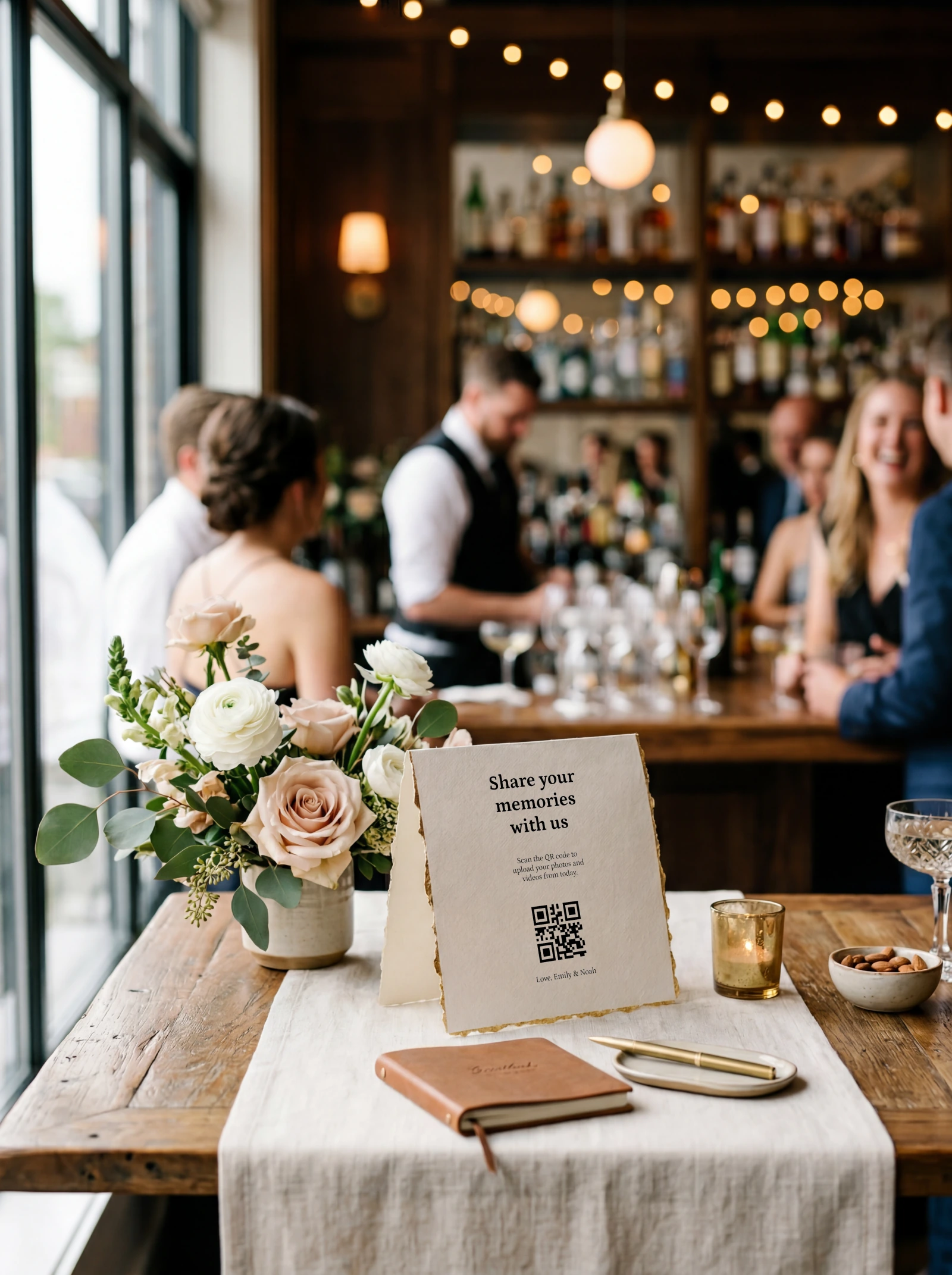
Count one card per table, then add the places where guests stand rather than sit. Work from the seating plan rather than the guest count.
That total usually runs well above your table count, which is the number couples order from. Where each card goes changes how many scans you get, and the placement guide works through each spot in turn.
Cards usually arrive within about a week of ordering. Even so, order three to four weeks out. That margin covers the scan test and leaves room for a reprint if you change the wording once you're holding a real card.
Set the guest album up first. The card carries the code for a live album, so there's nothing to print from until the album exists. Doing it early also buys you time to scan a real card and change your mind.
Test the printed card, not the file on your screen. A code that scans on a bright monitor at arm's length tells you nothing about a matte card in a candlelit marquee.
A pass is a code that resolves first time on both phones, in the dimmest light you expect, without anyone leaning in. Anything slower is a card that a queue of guests walks past.
Our printed cards come in four suites: minimal, scribble, art-deco and modern. All of them print on 300gsm matte card stock. Every design also exists as a free Canva template, so you can run extra place cards at home in the same style as the cards you ordered.
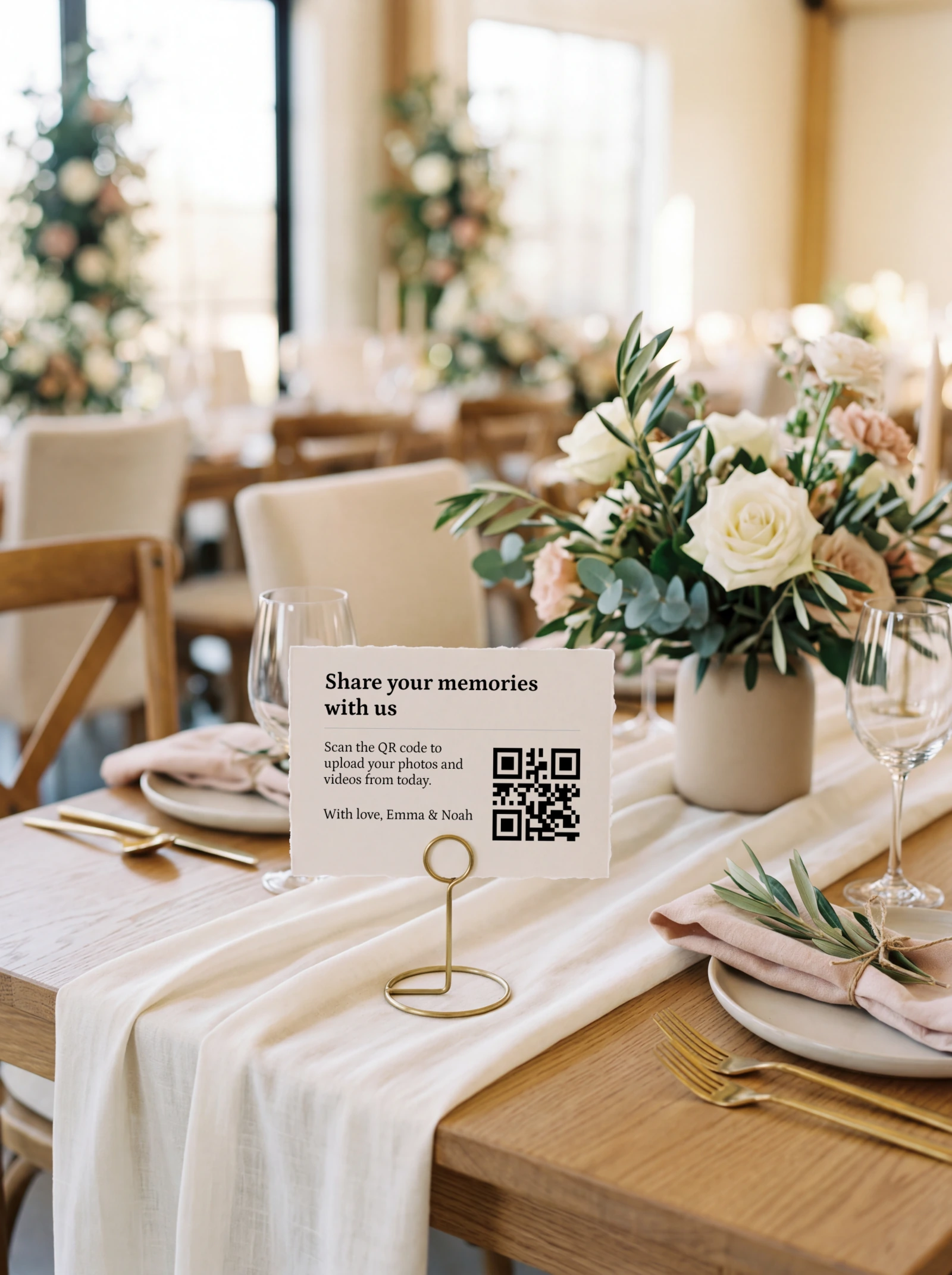
What ordering ours gets you
What it does not
The card arrives with the code for your live guest album already on it, so there's nothing to paste in. Guests scan it across the reception and the album fills through the night. Once the uploads stop, that same album prints as a 32-page softcover photobook from $59 USD, made from what your guests uploaded. The dance floor at midnight, on paper, in your hands!
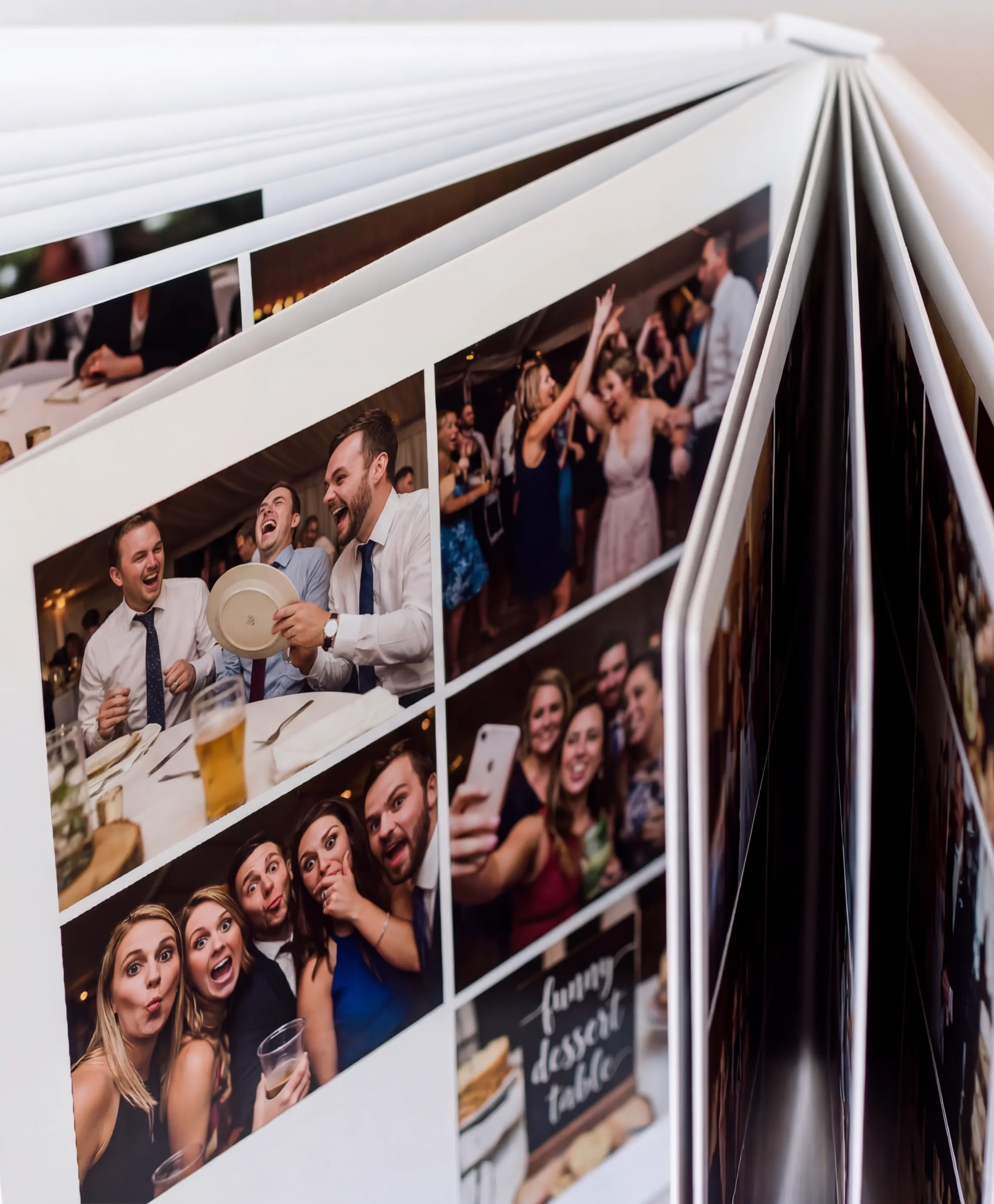
Loved how nice it looked on the table. Super simple but felt polished. Guests commented on it too.
Karolina, Zurich, Switzerland
Wedding Studio has run guest albums at 50,000+ weddings. The card is the only piece of the product that arrives as an object, which is why we're this particular about the stock and the finish.
Yes. Our Canva templates are free with every plan, and printing at home on stock you've already got costs close to nothing for six or eight tables. A full 100-card run costs more than it looks once ink, card stock and misprints are counted.
Yes. We publish 20 free Canva templates on our designs page, covering table cards, tags and invitation-sized cards. They're free with every plan, and free to open whether or not you order a printed card.
Two lines. One names what the code does, one tells the guest to scan it, as in 'Share your photos with us' over 'every one you took, straight into our album'. Keep the wording clear of the quiet zone around the code.
About 1.5 inches (4cm) square for a tent card read from roughly 18 inches. Use the 10 to 1 rule: the code should be about a tenth of the distance it is read from. Welcome signs read from 3 to 4 feet need about 5 inches (12cm).
Matte. Gloss reflects candles and festoon bulbs straight back into the phone camera, and one highlight across the code stops the scan. Uncoated matte card stock at 300 to 350gsm is the wedding-signage standard.
One per table, one every four or five seats on long banquet tables, plus the bar, the welcome table and each bathroom. Add five or six spares, because cards get taken home.
General wedding-stationery guidance is three to four weeks before the date. Set the guest album up first, since the card carries its code, and leave time to scan a printed sample before the full run.
Only if you generate the code and send it to the seller. Etsy stationers print the code or link you supply, and nothing in that process checks it against your album. Proof it yourself before the order goes to print.
The printed code points at your guest album rather than at a stored file, so it keeps working for as long as the album is open. Nothing on the card itself expires.
If you're ordering, create the guest album first and pick a suite at checkout, because the card is printed from that album's code. If you're printing at home, open the Canva templates, run one card tonight on your final stock, and scan it in the dimmest room in the house.
One printed QR code, no app for guests, full-resolution photos and videos in a single album you keep.
Prefer plain text? Read the markdown version.