Best Wedding Photo Sharing Apps for Videos: File Limits and Downloads Compared
Wedding Studio is the first shortlist for combined guest photos and clips; require representative-file confirmation for long recordings and use a specialist transfer route when size determines the purchase.
··13 min read
Guest holding a phone beside a QR card at an outdoor reception
Short candid clips belong beside the guest photographs, so Wedding Studio is where I would start for that combined collection. A complete speech needs a representative-file check first, with Dropbox File Requests worth comparing when a large source recording determines the purchase.
A service saying it accepts video has answered only the first buying question. You still need to know whether the actual file can upload, whether the downloaded version is suitable to keep, and how long you have to retrieve it. A brief clip of the dance floor and a continuous recording of the speeches can be very different files.
Wedding Studio publishes this comparison. I compared product documentation and Wedding Studio feature information; I have not run a hands-on upload test.
An album for the whole wedding collection
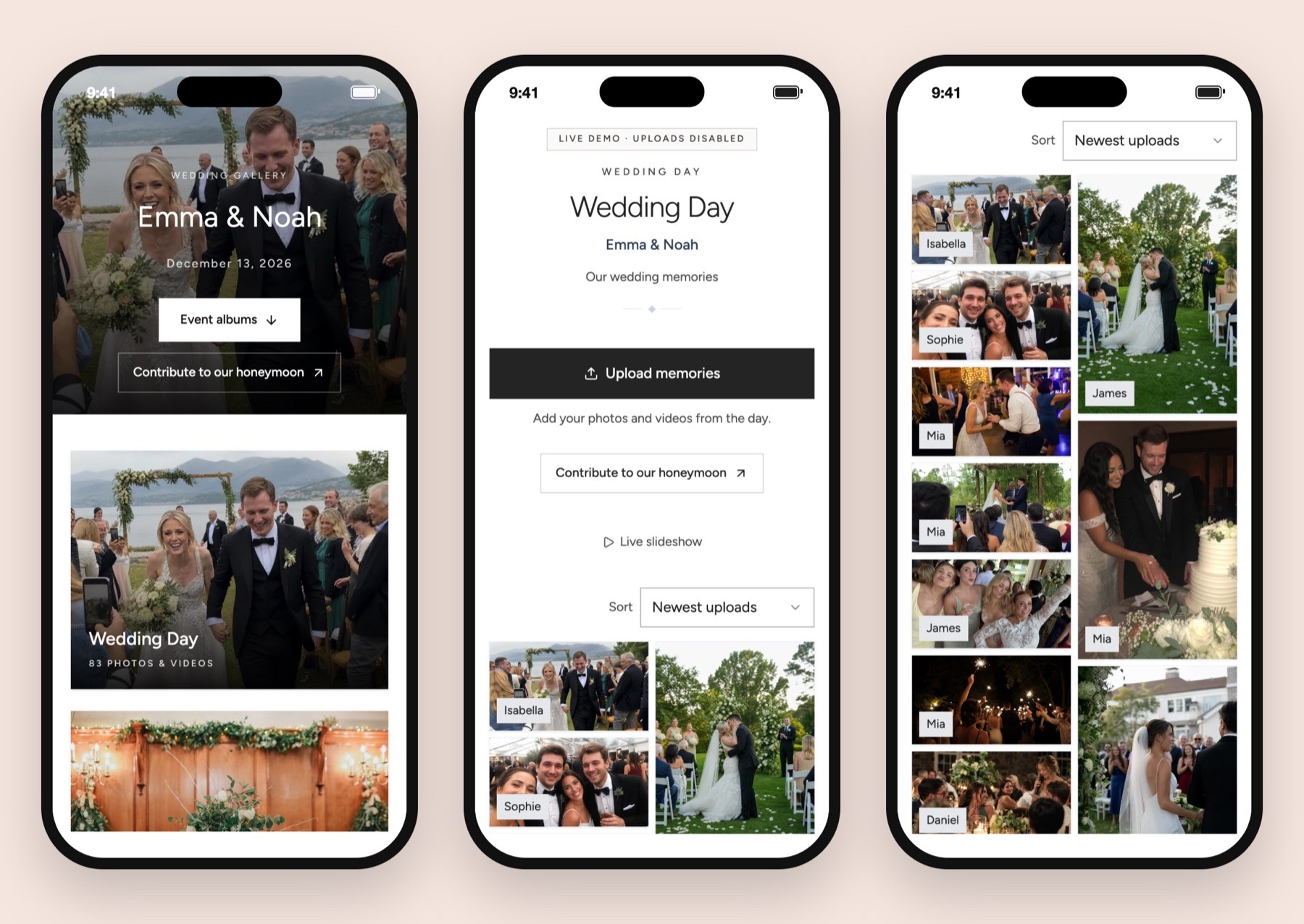
Wedding Studio brings guest video clips together with photographs and voice messages, rather than leaving each type in a different conversation. Co-hosts and shared or private viewing help you manage who sees the collection. Automatic photo categories and duplicate detection support the still-photo side of that album; I would not treat them as a promise of video editing or automatic video organisation.
Wedding Studio demo album.
Choose for the recording you want to keep
For casual guest clips, I prefer the same album you use for photos. One destination is easier to explain on a reception card, and a guest can return to it after getting home. Wedding Studio documents browser uploads without guest accounts, support for photos and videos, individual downloads and a ZIP export.
For a complete speech, file acceptance becomes a purchase condition. Do not infer a maximum duration from an upload-count allowance. A plan can allow many uploads and still restrict the size of an individual recording. Video resolution, recording settings and duration all affect the file you will be sending.
If the speech is essential, arrange a designated recording separately. Guest contributions can add useful angles, but a collection service does not ensure that somebody records continuously, keeps the microphone close enough or has enough battery. I would make the recording responsibility clear before choosing where the resulting file will go.
For the broader distinction between a guest album and a photographer's delivery gallery, read the digital wedding album guide. A delivery gallery from a hired professional is a different purchase from collecting phone footage during dinner.
What the current evidence supports
Route
Documented guest access
Verified limit or boundary
Keeping the recording
My best-fit recommendation
Wedding Studio
Browser upload without guest account or app download
Photos and videos supported; confirm file size and duration for a long recording
Individual downloads and ZIP export during the album access period
Photos plus ordinary guest clips, with representative-file confirmation
GUESTPIX
Official homepage documents QR/private-link uploads without guest registration
Help page describes about 4 GB or 100 files per upload batch; the size applies to a mixed photo/video batch
Official homepage documents original-resolution downloads; confirm purchased plan and dates
A dedicated album whose published batch rule fits the files
Dropbox File Requests
Contributors do not need a Dropbox account
Basic, Plus and Family requests accept files up to 2 GB; named professional/business plans accept up to 250 GB; host storage must be available
Files collect in the host's selected folder
A separate route for large source recordings
Kululu
Official homepage documents QR/link access without registrations
Upload-count caps are separate from file size; confirm per-video size and duration limits
Homepage documents ZIP download; qualifying plan and access dates need checking
Guest collection with a live display requirement
GUESTPIX's published batch limit is not a promise that every file below it will work on every phone and connection. Dropbox's professional-plan allowance is not a reason to buy that plan unless you actually need it. The table identifies useful documentation boundaries, rather than turning a large number into a quality ranking.
Sources for those distinctions are GUESTPIX's upload-size guidance, Dropbox's File Requests documentation and Kululu's official overview.
Wedding Studio: best when video belongs beside the photos
Wedding Studio's strongest reason to shortlist it is the guest route around the file. Guests scan the album QR code or follow the link and upload in a browser. You can collect videos alongside the photographs rather than asking people to learn a different destination for each medium.
The QR collection guide explains the physical setup. I would write photos and videos in the invitation to upload, so a guest with a clip does not assume the album is still images alone. Keep a readable link below the code for anyone who cannot scan it.
Wedding Studio offers full-resolution downloads. Check its file-size and duration limits before uploading a long video. I would not choose Wedding Studio on an unrestricted-video promise. For a long recording, confirm the file requirement directly and verify the result using the upload and download path you intend to rely on.
That limitation is meaningful. If your central requirement is a single large speech file and you need a documented size allowance immediately, Dropbox has clearer published file-request ceilings. Wedding Studio remains the more coherent first choice when the buying task is a shared wedding album with guest photos, clips, voice messages and optional printed keepsakes.
Check the entire life of a representative file
Use a nonprivate recording made with the phone settings likely to be used at the wedding. Write down its size, duration, resolution and file extension. Those details make a question to support much more useful than asking if long videos work.
Upload it through the guest route from a phone that is not signed into the host account. Watch for file-picker, permission and connection messages. Wait for a clear completed state before treating the recording as received.
Then open the host album and find the file. Playback establishes that it can be viewed in that context. Downloading establishes a separate part of the workflow. Open the downloaded file on the device where you intend to keep the archive and check the beginning, middle and end.
If original-file retention matters, compare available file information between the source and download. A playable preview can be generated differently from an archival download. I would not use a nice-looking preview as proof that the saved file has identical properties.
Repeat with the other phone ecosystem represented in your guest list, if you can. An iPhone file picker, an Android browser and an embedded browser inside a messaging app are different environments. The comparison here does not claim that those checks have already been completed.
Keep the access dates visible
Wedding Studio album plans are a one-time purchase. The documented access period is 24 months after the wedding. It covers guest uploads and your viewing, sharing and downloading within that period.
Setting up early does not shorten the post-wedding access period. I would check the resulting calendar date before printing the cards, then set a reminder to save the files well before the period ends.
A one-time payment does not establish permanent hosting. Save an archive that you control, and open the downloaded recordings before assuming the export is complete. An unopened ZIP left in a downloads folder is a fragile end to a video plan.
GUESTPIX: useful published batch guidance
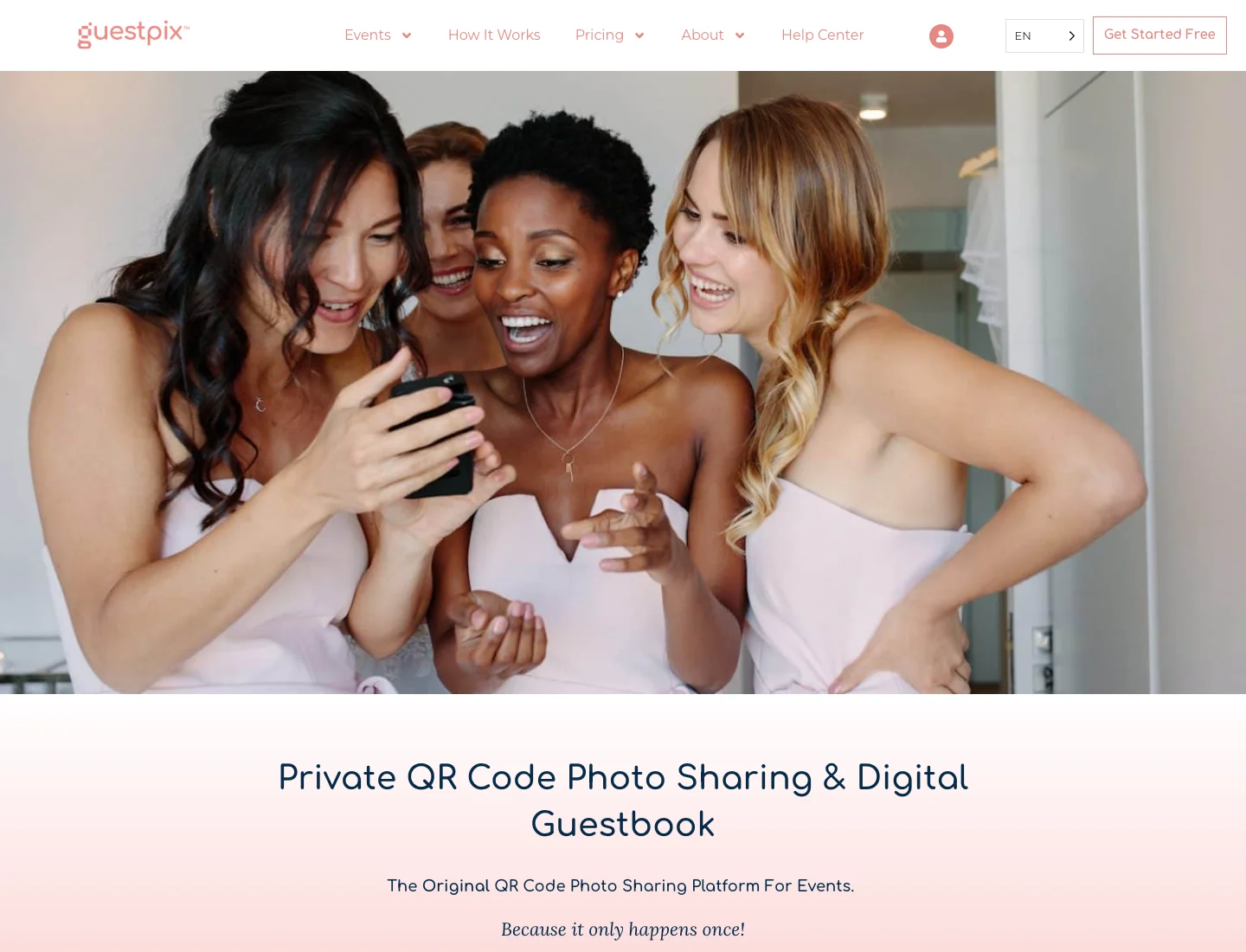
Guestpix website
GUESTPIX is a relevant dedicated-album alternative because its homepage describes no guest registration, QR or private-link access, and original-resolution downloads. Its help article goes further on the size of a single upload batch, which is useful when you are collecting a mix of photos and videos.
The practical distinction is batch size. A guest can select several individually modest files whose combined size exceeds the permitted batch. Breaking the selection into smaller groups may solve a different problem from shortening a single oversized recording.
I would put that instruction in the follow-up message only if a guest encounters the relevant issue. A table card crowded with troubleshooting detail makes the basic invitation harder to read. Keep the card short and give the helper or co-host the longer support instructions.
Check the package that includes your collection and download needs, including when its access period starts. Use the current checkout and terms for the event you are buying.
Dropbox File Requests: better for a separate large recording
Dropbox File Requests accepts contributions from people who do not have a Dropbox account. Files go to the folder the host selects, and the host needs enough available storage. That makes it a useful fallback when a designated guest has a recording you want to keep in its source form.
The specific trade-off is the destination experience. A file request collects into a folder. It is not, by itself, the same shared wedding gallery where guests browse a curated set of photographs. You may need to make a separate viewing or delivery arrangement after collecting the files.
For a single person recording the speeches, that can be perfectly sensible. Send them a file-request link after the event, ask them to keep the original on their phone until you confirm receipt, and check the saved recording before they delete anything.
I would avoid making a high-capacity business tier the default wedding recommendation merely because its file limit is generous. Start with the actual source-file size, your available storage and the account you already have. A specialist fallback can be a small part of the plan rather than a second full album subscription.
Kululu: consider it when the screen matters too
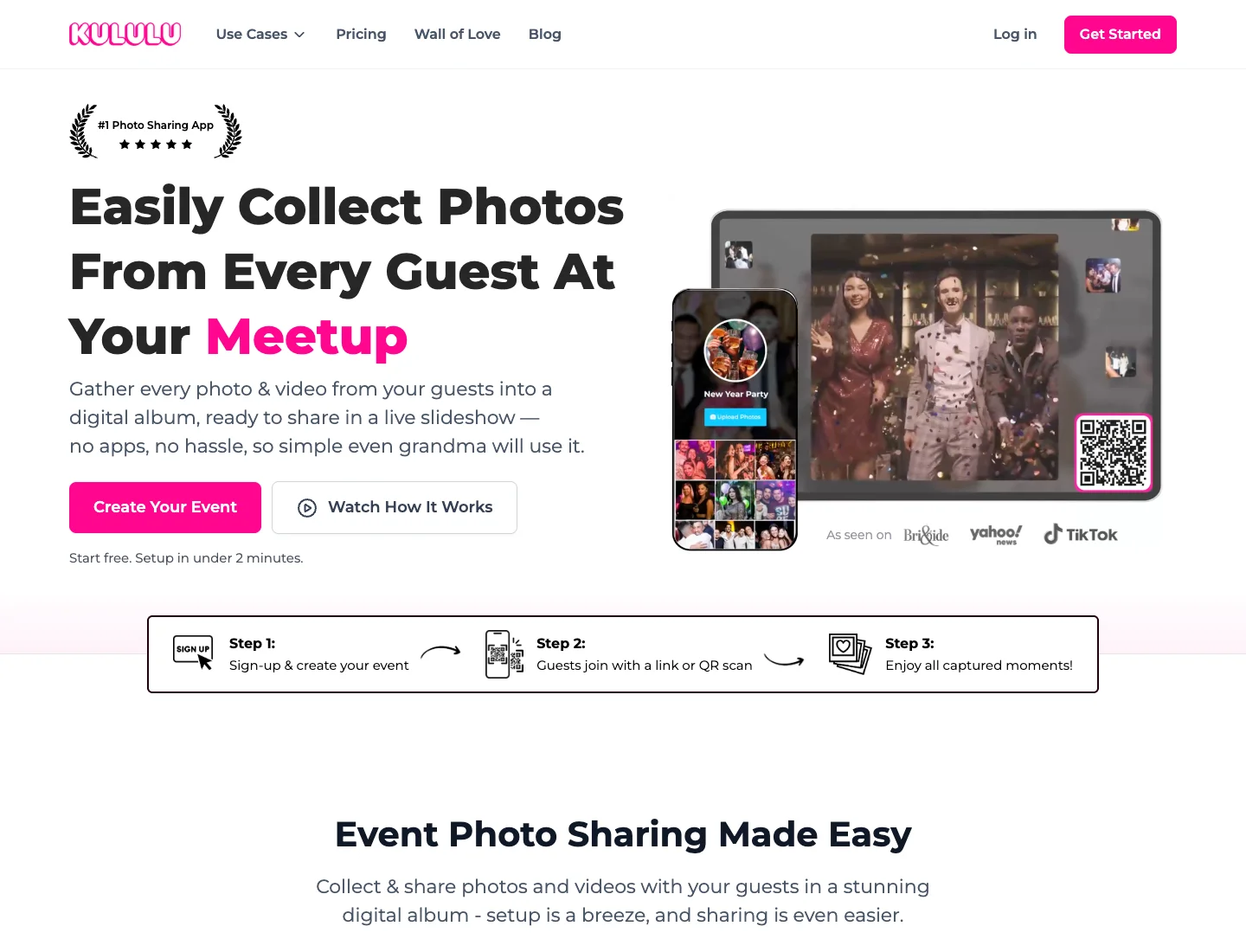
Kululu website
Kululu's official product page describes photo and video collection plus a live slideshow. If you want reception screens as well as an album, that is a useful reason to include it in your shortlist.
Its upload-count guidance explains that photos and videos each count as uploads and that reaching the plan limit stops additional contributions until space is freed or the plan is upgraded. That tells you something about event capacity, but it does not establish an individual video size or recording duration.
I would ask about those file properties separately. Also check whether videos play on the live display, whether you can control which uploads reach the screen, and who will operate it. An album accepting a file and a venue screen playing it with sound are separate practical requirements.
Match the route to a real recording situation
Short clips taken throughout the reception
For brief candid videos, I would keep the collection invitation with the photographs. A person should not have to decide which service receives a clip of friends arriving or a few moments of the evening. The Wedding Studio album is a sensible first choice for that combined collection, with the file checks already described for anything important.
Ask for the clips people actually want to share rather than every accidental recording on the phone. Selection is helpful: a small group of recognizable moments can be easier to enjoy than a folder full of partial starts and repeated takes.
If you want a particular scene, ask someone directly before it happens. A general QR invitation cannot establish who will record the entrance or a dance, and a guest may reasonably choose to watch rather than film. The collection tool comes after that decision.
A family member records the speeches continuously
This is a designated recording task, so I would agree the source-file plan with that person. Ask them to check storage and battery, use a stable position and retain the original until you have received and opened it. Consider a backup recording if losing the speech would matter deeply to you.
After the event, inspect the resulting file size before choosing the transfer route. A complete speech may be too large for the way you collected short clips. Dropbox File Requests is worth considering because its file-request documentation gives explicit allowances by plan, but the host still needs available storage and the guest needs time for the upload.
Keep the album version and the source recording distinct if you make a shorter edit for sharing. The edit is useful for relatives who want a quick view. It should not replace the complete source merely because it is easier to send.
A guest has a clip but a poor connection
I would ask them to keep the original and return to the link later, rather than repeatedly resend the same file while moving around the venue. A contribution that waits until they have reliable Wi-Fi is often more useful than an incomplete attempt under pressure.
Make the link easy to find afterward. Put it in a message that explains the purpose and includes the destination directly. If the guest encountered a file-size error rather than a connection problem, solve that specific issue instead of suggesting that a better signal changes the permitted file size.
Give the person recording anything essential a direct contact for the transfer. A helper or co-host can confirm receipt while the couple is occupied, and the contributor knows when it is safe to clear space on the phone.
The professional videographer will edit the final film
Ask the videographer whether they want guest footage, in which format and by what deadline. Some may welcome a relevant clip; others may have a contracted editing process that does not include it. Do not purchase a collection service on the assumption that a professional will incorporate every contribution.
Keep permission and context attached to any clip you submit. A recording may contain private conversation, music or people who did not expect wider distribution. Share the intended use with the contributor and let the editor decide whether the file is suitable.
The guest album remains valuable as its own collection even if no guest clip reaches the professional film. I would choose it for that purpose and treat professional editing as a separate agreement.
Make the card useful for video without making it crowded
A still-photo icon alone can make guests assume the invitation excludes clips. Use plain wording that includes videos, and keep the destination link below the QR code. The card should establish the task, while the upload page handles the file selection.
If you are printing at home, use the wedding QR template guide to prepare the physical invitation. Scan a sample before producing the run. If the camera cannot read it, use the QR troubleshooting guide to separate a print problem from an upload problem.
A code that fails to scan, a page that will not load and a file that is rejected are different failures. A helper can resolve them more quickly if the guest says which step stopped. I would keep the readable link available so the first problem does not prevent reaching the album at all.
When a clip is already in a guest's cloud library, they may need to retrieve it locally before the phone can send the source. Leave them time to complete that step. Repeated tapping does not make a large file already available on the device.
Organize the archive so recordings can be found
Give the final archive a clear home and retain the source files alongside any edits. If a few recordings have special importance, make a simple index with the scene and contributor rather than relying on an unfamiliar filename months later.
I would check sound as well as picture when reviewing those files. Play a section through headphones if necessary, confirm that the voices can be heard, and retain the original even if you later make a cleaned-up listening copy.
If you will share a shorter version, save it as a new file. A cropped, captioned or music-backed edit can be enjoyable, but preserving the source leaves you choices if you want another edit later.
The no-app guest upload explanation is useful for people who are reluctant to install anything. Send the direct album invitation with that reassurance, then give the person holding a long recording the more detailed file instructions separately.
A book can preserve a few still frames or photographs of the speech, but it does not preserve the voice. For spoken messages, compare the audio guestbook routes rather than expect a photobook to hold every kind of contribution.
Protect the recording before improving the presentation
Venue Wi-Fi can affect how long an upload takes and whether someone is willing to wait. It does not change the fact that a guest should retain their original until receipt is confirmed. Keep a failed upload from becoming a lost recording by giving that instruction to the people filming anything important.
Avoid asking guests to trim or recompress the only copy just to make it upload. They can make an additional sharing version while preserving the source. If the source exceeds a confirmed limit, move that original through the separate file route.
For audio, position matters as much as the software. A phone at the back of a lively room may record more conversation than speech. The service that stores the clip cannot repair a recording nobody can hear. A designated recording plan should include where the phone or camera will be placed and who checks it is still recording.
Budget for the album you will actually use
Wedding Studio's current album plans begin with Starter at $29 USD, followed by Pro at $69 USD and Unlimited at $99 USD. The plan distinction is guest capacity, and guest counting is based on unique devices that upload. An unlimited guest allowance does not establish unlimited video size.
Printed QR cards and photobooks are optional paid products. They can be valuable parts of the photo workflow, but a book cannot preserve a video as a playable recording. I would budget the album and video archive first, then decide whether the still photographs belong in a guest-photo photobook.
My choice would be Wedding Studio for a combined wedding collection, subject to a representative-file check for the recordings that matter. If your purchase hinges on a large continuous speech, confirm a service's exact file allowance and completed download before asking anyone to rely on it.
Invite guests to add photos and videos to your album without installing an app. Choose optional printed cards and save your downloads before album access ends.