El equipo de Wedding Studio
Datos de 50,000+ bodas organizadas en Wedding Studio
Lo que toda pareja desearía haber hecho de otra manera
Tras coordinar más de 400 bodas, escucho el mismo lamento más que ningún otro: «Ojalá tuviéramos más fotos espontáneas de nuestros invitados». No los posados. No los retratos del fotógrafo. Los momentos auténticos y sin filtros que solo ven tus invitados.
Esta guía cubre todas las formas de recopilar fotos de boda de tus invitados: lo que funciona, lo que no y lo que recomiendo a mis propias parejas.
0+
Bodas coordinadas
0
Métodos comparados
0 min
Tiempo de lectura
Parte 1
Tus mejores fotos están atrapadas en los teléfonos de tus invitados
Esta es la cuenta en la que la mayoría de las parejas no piensa hasta que ya es demasiado tarde.
Tu fotógrafo
50–200 fotos
Cubre de 3 a 5 horas. Posados y tomas editoriales. Entrega en 4–8 semanas.
Cobertura
3 de 8 horas
Tus invitados (en conjunto)
500–2000+ fotos
Cada ángulo. Cada momento. Desde los preparativos hasta la fiesta posterior. Disponibles de inmediato.
Cobertura
8 de 8 horas
El problema no es que los invitados no hagan fotos: las hacen constantemente. El problema es que esas fotos nunca salen del carrete de su cámara. Todos tienen la intención de compartirlas. Casi nadie lo hace.
«Les pedimos a todos que compartieran sus fotos después de la boda. Conseguimos apenas unas 30 de dos amigos. Tres meses después, vi que mi prima subió una foto preciosa de nuestro primer baile a Instagram. Tuve que hacer una captura de pantalla».
The group chat approach
You create a WhatsApp or iMessage group and ask guests to share photos. A few do immediately. Within 48 hours the thread is dead. You end up with 20–40 photos from the same 3 people.
The social media hashtag
You announce a hashtag and hope guests use it. Half your guests have private accounts. Instagram compresses everything. You spend hours scrolling and screenshotting. You never find most of the photos.
The shared album link
You text a Google Photos or iCloud link. Android users can't use iCloud. Google Photos requires a login. Older guests give up. You get photos from the 15% of guests who figured it out.
El punto en común: todos estos métodos piden a los invitados que hagan algo cuando el momento ya ha pasado. Y después de la boda, la motivación se esfuma.
Parte 2
Todas las formas de compartir fotos de boda, comparadas con total sinceridad
He visto todas estas opciones en bodas reales. Esto es lo que realmente sucede con cada una.
Social media hashtag
Unreliable
Social media hashtag
UnreliableVentajas
- Free and familiar
- No setup on your part
- Some guests will use it naturally
Desventajas
- Photos compressed to low quality
- Private accounts are invisible to you
- You have to manually search and save each photo
- Most guests forget or don't bother
Coste
Free
Fotos recopiladas habituales
10–30
Group text / WhatsApp
Short-lived
Group text / WhatsApp
Short-livedVentajas
- Everyone has messaging apps
- Easy to start
- Good for small weddings
Desventajas
- Photos heavily compressed in messaging
- Thread dies within 48 hours
- Becomes overwhelming with 50+ guests
- No organization — just a wall of images
Coste
Free
Fotos recopiladas habituales
20–50
Google Photos / iCloud shared album
Friction-heavy
Google Photos / iCloud shared album
Friction-heavyVentajas
- Good photo quality when it works
- Free or cheap
- Automatic backup and organization
Desventajas
- Requires specific app or account
- Cross-platform issues (iPhone ↔ Android)
- Older guests struggle with the process
- You'll spend the reception troubleshooting
Coste
Free
Fotos recopiladas habituales
30–80
Dedicated photo apps (Guest, WedShoots, etc.)
App fatigue
Dedicated photo apps (Guest, WedShoots, etc.)
App fatigueVentajas
- Purpose-built for weddings
- Usually include some organization features
- Better than generic shared albums
Desventajas
- Guests must download an app for a single event
- Many guests never install it — especially older ones
- Some charge per guest or per photo
- App quality varies widely
Coste
$0–150
Fotos recopiladas habituales
50–200
QR-based photo sharing
Best all-around
QR-based photo sharing
Best all-aroundVentajas
- Works on every phone — no app download
- Unlimited full-resolution photos and videos
- Guests upload in the moment, not days later
- Works all night, every location in the venue
- Guests of all ages can use it
Desventajas
- Requires guests to have a smartphone
- No offline/physical element
- Small upfront cost
Coste
$29–99
Fotos recopiladas habituales
200–1,000+
Parte 3
Lo que realmente funciona: capturar fotos en el momento
La diferencia entre conseguir 30 fotos o 700 se reduce a una sola cosa: el momento oportuno. Cualquier método que pida a los invitados compartir fotos después de la boda fracasa. Los métodos que funcionan capturan las fotos mientras los invitados siguen en la mesa, copa en mano y con la cámara lista.
Compartir mediante QR funciona porque elimina cualquier obstáculo. Una tarjeta física está en la mesa. Los invitados la escanean con la cámara de su teléfono. Se abre una página en el navegador al instante: sin aplicaciones, sin registrarse, sin complicaciones. Suben la foto y vuelven a su conversación. Todo el proceso toma menos de 30 segundos.
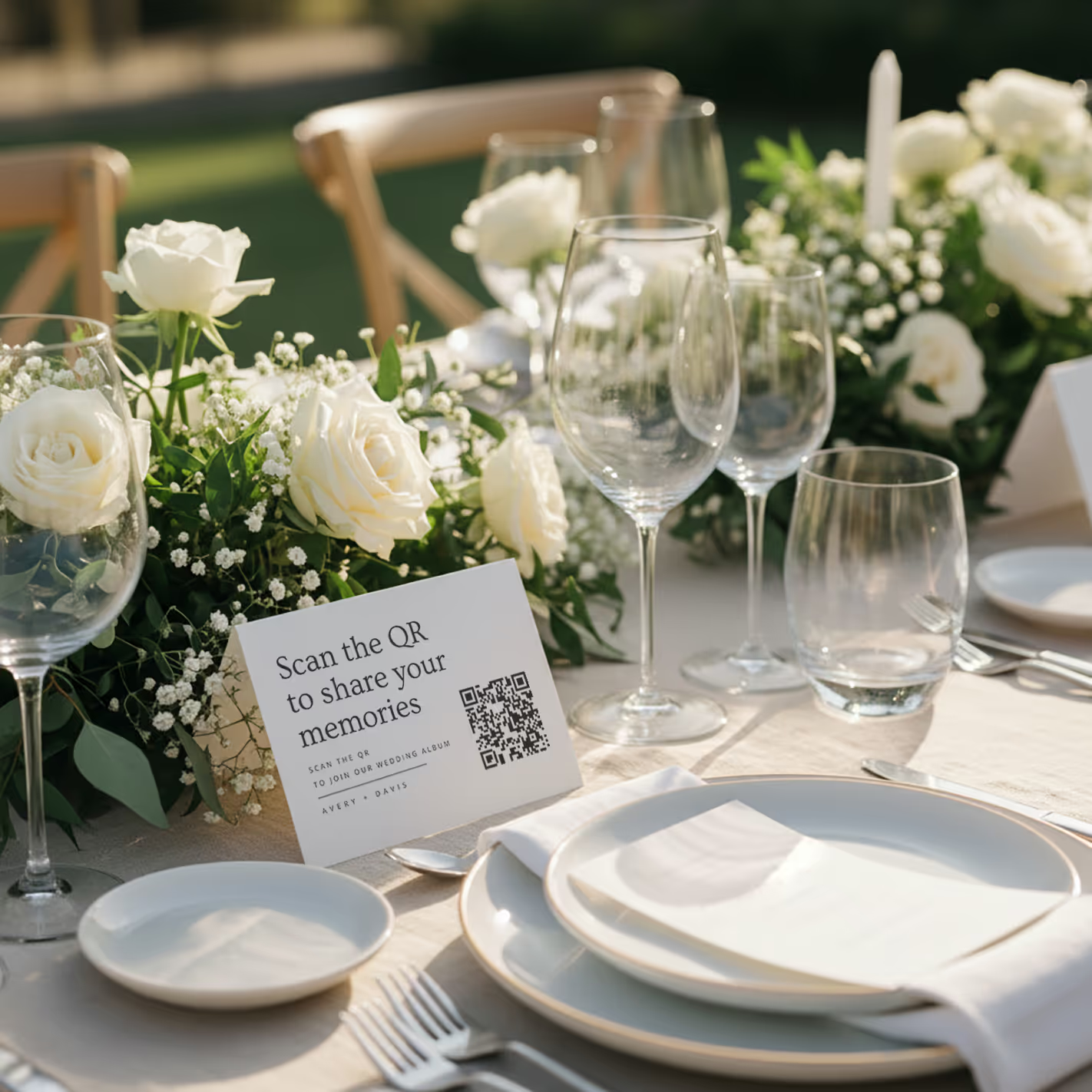
QR cards on tables
Printed cards sit on each table. Guests scan with any phone — no app needed.
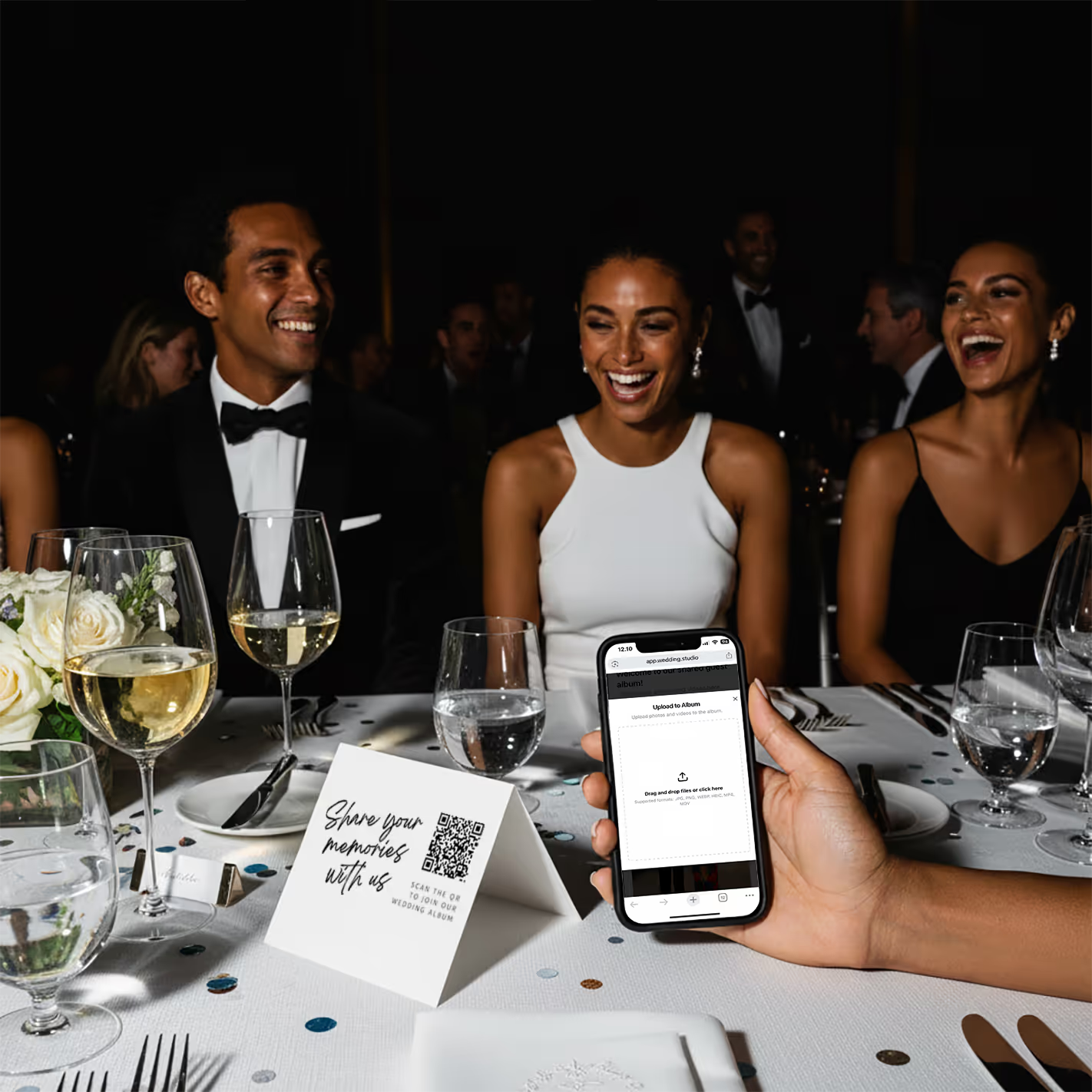
Guests scan & upload
Opens instantly in the browser. Upload from camera roll or take new photos.
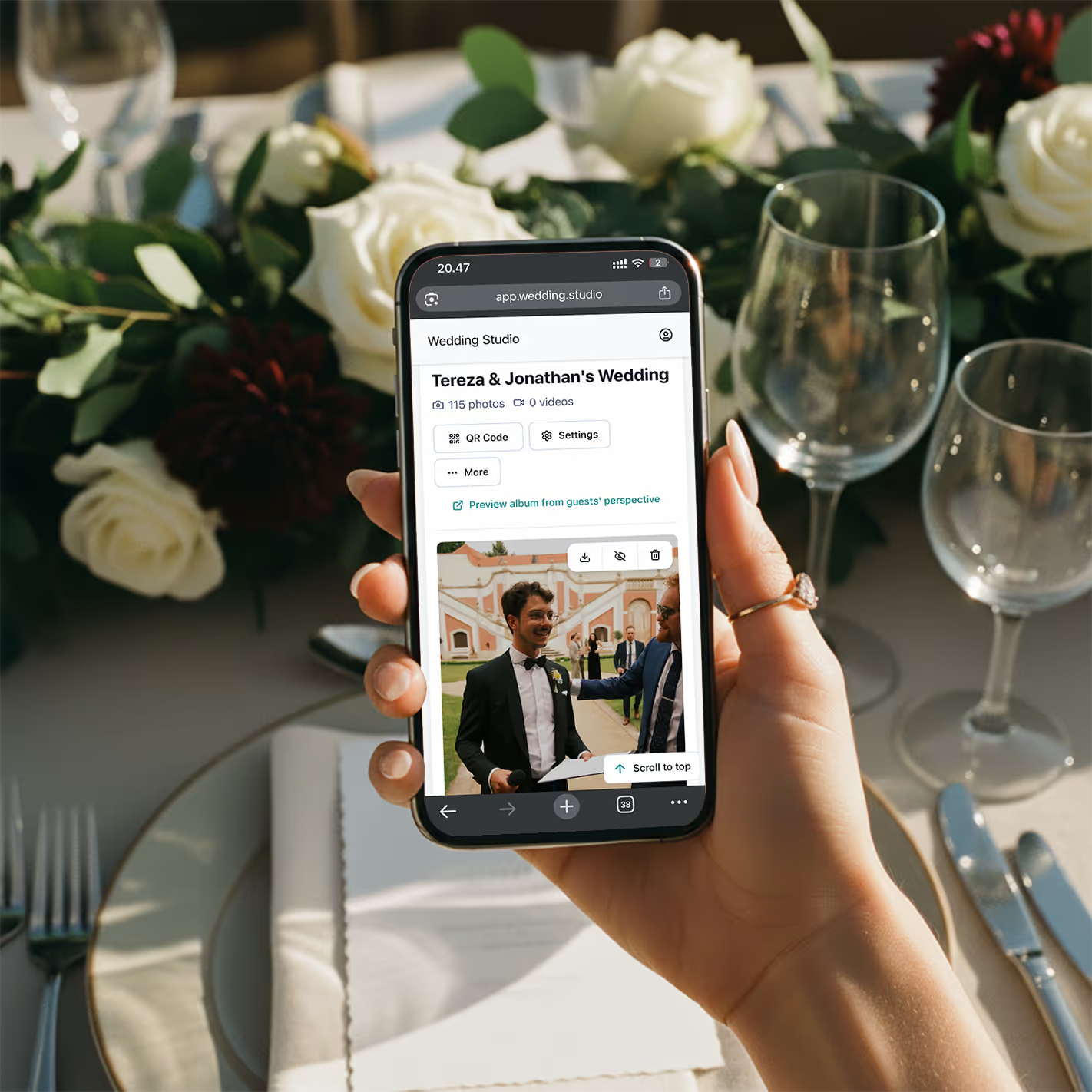
Your album fills up
Every photo and video in full resolution. Download everything as a zip.
«El mes pasado coordiné una boda de 200 personas. Para cuando se sirvió la cena, ya había 150 fotos en el álbum. Al final de la noche, tenían más de 800. Los novios las iban mirando en el autobús de vuelta al hotel».
Resultados reales
Todas estas fotos fueron tomadas por invitados, no por el fotógrafo
Subidas mediante código QR en bodas reales. En resolución completa y al instante.
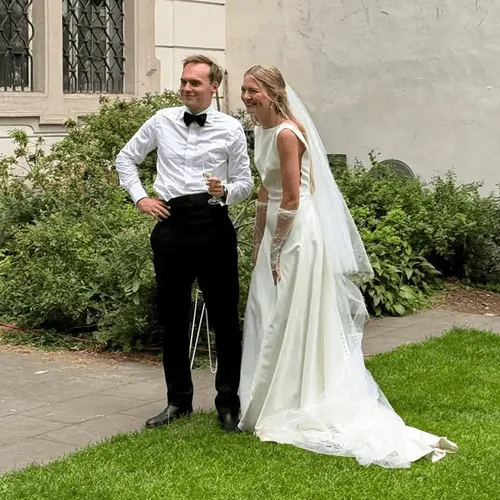
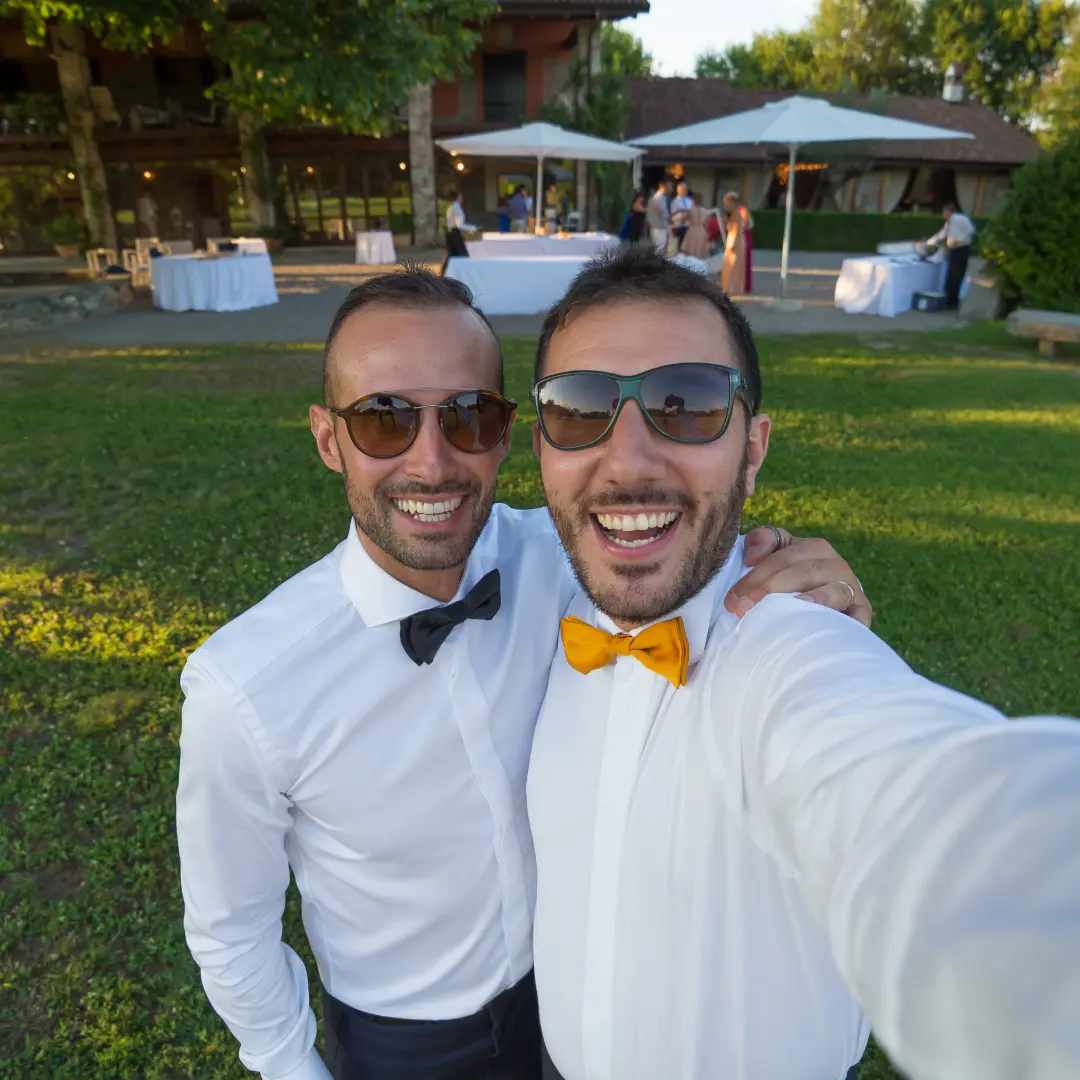


“My 82-year-old grandfather figured out the QR code in about 10 seconds. He uploaded a selfie with the groom and it's now my favorite photo from the entire wedding.”
Maria L.
95 guests, San Diego CA
“We tried a shared Google Photos album at our engagement party — got 12 photos. At our wedding we used QR cards and got 500+. The difference is insane.”
James & Nicole P.
210 guests, Chicago IL
Mi recomendación
La que recomiendo a mis propias parejas
Tras probar cada método de esta lista en bodas reales, el que siempre recomiendo es Wedding Studio. Funciona mediante códigos QR: los invitados escanean una tarjeta, suben fotos desde el navegador y todo llega al álbum al instante. Sin apps. Sin inicios de sesión. Sin complicaciones.
Lo que la diferencia de otras soluciones con QR que he probado: las tarjetas quedan preciosas en las mesas (tienen una gran variedad de diseños), la página para subir fotos es facilísima, puedes invitar a tu pareja o a tu wedding planner como co-host y cada foto se descarga en resolución completa. Las parejas suelen recopilar entre 300 y más de 800 fotos en una sola noche.
Pago único, no es una suscripción. Incluye subidas ilimitadas, descargas en resolución completa y acceso al álbum hasta el 24 months after the wedding.
Preguntas frecuentes
How do I collect photos from wedding guests?
The easiest way is QR-based photo sharing. Place a QR code card on each table at your reception. Guests scan the code with their phone camera, which opens a browser-based upload page — no app download or login required. Every photo goes straight to your private album in full resolution. Alternatives include shared albums (Google Photos, iCloud), social media hashtags, and group chats, but each comes with friction that reduces participation.
What is the best app for wedding photo sharing?
It depends on your priorities. Dedicated apps like Guest, WedShoots, and The Guest require downloads, which kills adoption — most guests won't install an app for a single event. Shared album services like Google Photos work but need accounts and cross-platform compatibility. QR-based solutions like Wedding Studio skip the app entirely: guests scan a code and upload from their browser. No download, no login, no friction.
How do I get guests to share wedding photos?
Remove every possible barrier. The #1 reason guests don't share photos is friction — they intend to, but life gets in the way. The most effective approach is a QR code on each table that opens an upload page in seconds. No app to download, no account to create, no link to remember. Guests upload while they're still at the table, not days later when motivation fades.
Do I really need a wedding photo sharing app if I have a photographer?
Yes. Your photographer typically covers 3–5 hours and captures 50–200 edited photos. Your guests, collectively, cover the entire event — from getting-ready moments to the after-party — and can capture 500+ candid photos and videos. Guest photos show perspectives, emotions, and moments your photographer physically cannot be in two places to capture.
How many photos do wedding guests typically take?
At an average wedding with 100–150 guests, you can expect 300–800+ guest photos when using a frictionless sharing method like QR codes. With higher-friction methods (hashtags, shared albums, group chats), that number drops to 20–80 because most guests never follow through. The key factor isn't how many photos guests take — it's how easy you make it to share them.
Can older guests use QR-based photo sharing?
Yes. Any smartphone made in the last 8 years can scan QR codes using the default camera app. The upload page is browser-based, so there's nothing to install or sign into. We've seen guests in their 80s use it successfully. For the rare guest without a smartphone, a family member at the same table can upload on their behalf.
When should I set up wedding photo sharing?
Set up your album at least 2–4 weeks before the wedding so you can order printed QR cards if you want them. The album supports uploads and downloads for 24 months after the wedding, so you can test it with your bridal party beforehand. On the day, place QR cards on tables during setup — no other coordination needed. Guests can start uploading from the ceremony onward.
How do I get wedding photos off guests' phones after the wedding?
If you didn't set up a sharing method beforehand, your options are limited: send a group text asking people to share, create a shared album and send the link, or post on social media asking guests to send photos. Realistically, only 10–20% of guests will follow through weeks later. The most reliable approach is giving guests a way to share in the moment — while they're still at the wedding and motivated.
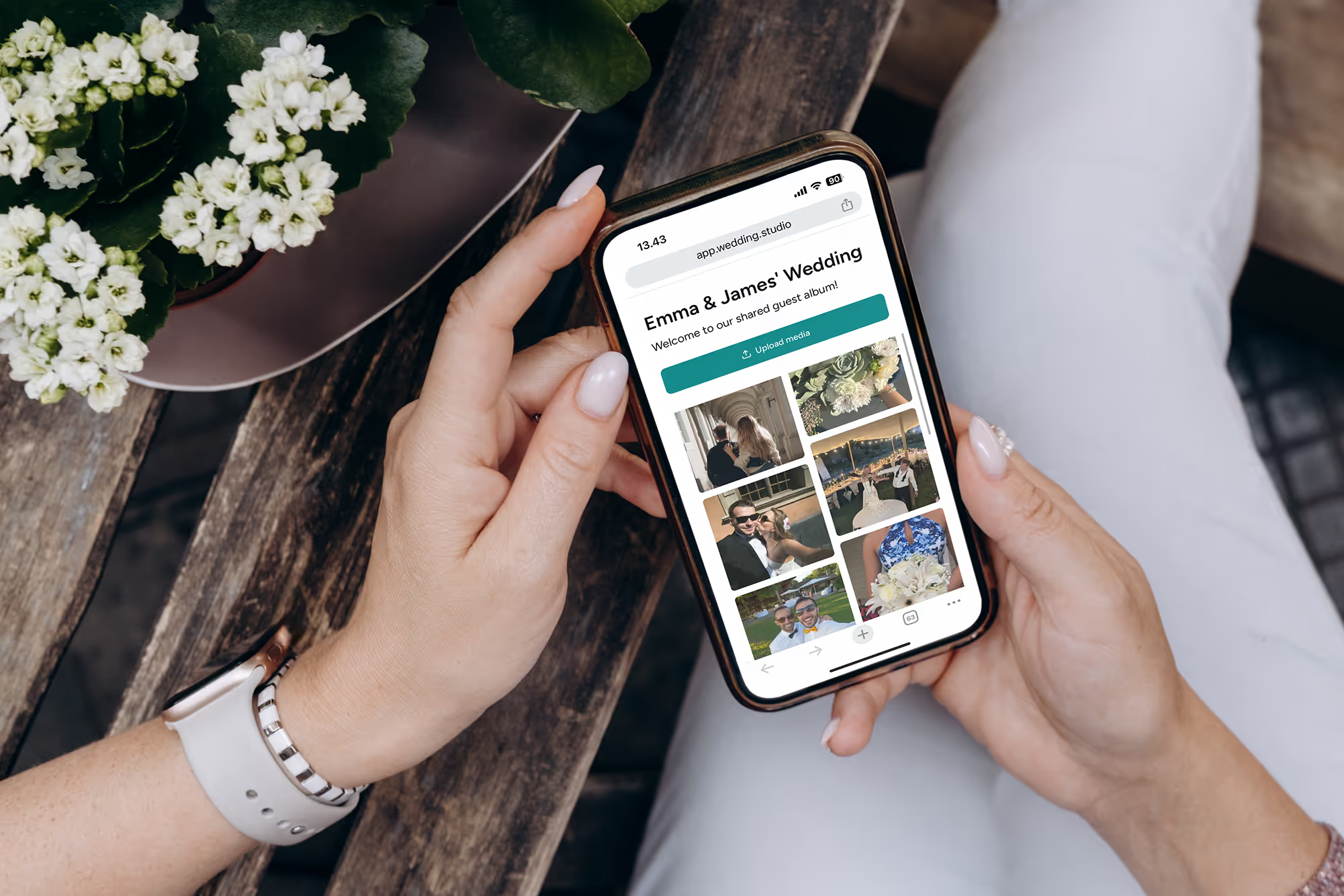
No pierdas las mejores fotos de tus invitados
Recopila cada foto y vídeo de cada invitado de tu boda, en resolución completa, a la mañana siguiente. Desde $29.
Contamos con la ayuda de un coordinador de bodas de primer nivel para crear esta guía.