Il team di Wedding Studio
Dati ed esperienze da 50,000+ matrimoni ospitati su Wedding Studio
L'unica cosa che ogni coppia vorrebbe aver fatto diversamente
Dopo aver coordinato oltre 400 matrimoni, sento lo stesso rimpianto più di qualsiasi altro: “Vorrei che avessimo più foto spontanee scattate dai nostri invitati.” Non le pose studiate. Non i ritratti del fotografo. Ma i momenti autentici e senza filtri che solo gli invitati riescono a cogliere.
Questa guida illustra ogni metodo per raccogliere le foto del matrimonio dagli invitati: cosa funziona, cosa no e cosa consiglio alle mie coppie.
0+
Matrimoni coordinati
0
Metodi a confronto
0 min
Tempo di lettura
Parte 1
I vostri scatti migliori sono intrappolati sui telefoni degli invitati
Ecco i numeri a cui la maggior parte delle coppie non pensa prima che sia troppo tardi.
Il fotografo
50–200 foto
Copre 3–5 ore. Scatti in posa ed editoriali. Consegna in 4–8 settimane.
Copertura
3 su 8 ore
Gli invitati (tutti insieme)
500–2.000+ foto
Ogni angolazione. Ogni momento. Dai preparativi all'after-party. Subito disponibili.
Copertura
8 su 8 ore
Il problema non è che gli invitati non facciano foto: ne scattano in continuazione. Il problema è che quelle foto non escono mai dalla galleria del loro telefono. Tutti hanno intenzione di condividerle, ma quasi nessuno lo fa davvero.
“Abbiamo chiesto a tutti di condividere le foto dopo il matrimonio. Ne abbiamo ricevute forse 30 da due amici. Tre mesi dopo, ho visto mia cugina pubblicare su Instagram uno scatto bellissimo del nostro primo ballo. Ho dovuto fare uno screenshot.”
The group chat approach
You create a WhatsApp or iMessage group and ask guests to share photos. A few do immediately. Within 48 hours the thread is dead. You end up with 20–40 photos from the same 3 people.
The social media hashtag
You announce a hashtag and hope guests use it. Half your guests have private accounts. Instagram compresses everything. You spend hours scrolling and screenshotting. You never find most of the photos.
The shared album link
You text a Google Photos or iCloud link. Android users can't use iCloud. Google Photos requires a login. Older guests give up. You get photos from the 15% of guests who figured it out.
Il punto in comune: ognuno di questi metodi chiede agli invitati di fare qualcosa dopo che il momento è passato. E una volta finito il matrimonio, la motivazione svanisce.
Parte 2
Tutti i modi per condividere le foto del matrimonio — un confronto sincero
Li ho visti usare tutti a matrimoni reali. Ecco cosa succede veramente con ciascuno.
Social media hashtag
Unreliable
Social media hashtag
UnreliableVantaggi
- Free and familiar
- No setup on your part
- Some guests will use it naturally
Svantaggi
- Photos compressed to low quality
- Private accounts are invisible to you
- You have to manually search and save each photo
- Most guests forget or don't bother
Costo
Free
Foto raccolte in media
10–30
Group text / WhatsApp
Short-lived
Group text / WhatsApp
Short-livedVantaggi
- Everyone has messaging apps
- Easy to start
- Good for small weddings
Svantaggi
- Photos heavily compressed in messaging
- Thread dies within 48 hours
- Becomes overwhelming with 50+ guests
- No organization — just a wall of images
Costo
Free
Foto raccolte in media
20–50
Google Photos / iCloud shared album
Friction-heavy
Google Photos / iCloud shared album
Friction-heavyVantaggi
- Good photo quality when it works
- Free or cheap
- Automatic backup and organization
Svantaggi
- Requires specific app or account
- Cross-platform issues (iPhone ↔ Android)
- Older guests struggle with the process
- You'll spend the reception troubleshooting
Costo
Free
Foto raccolte in media
30–80
Dedicated photo apps (Guest, WedShoots, etc.)
App fatigue
Dedicated photo apps (Guest, WedShoots, etc.)
App fatigueVantaggi
- Purpose-built for weddings
- Usually include some organization features
- Better than generic shared albums
Svantaggi
- Guests must download an app for a single event
- Many guests never install it — especially older ones
- Some charge per guest or per photo
- App quality varies widely
Costo
$0–150
Foto raccolte in media
50–200
QR-based photo sharing
Best all-around
QR-based photo sharing
Best all-aroundVantaggi
- Works on every phone — no app download
- Unlimited full-resolution photos and videos
- Guests upload in the moment, not days later
- Works all night, every location in the venue
- Guests of all ages can use it
Svantaggi
- Requires guests to have a smartphone
- No offline/physical element
- Small upfront cost
Costo
$29–99
Foto raccolte in media
200–1,000+
Parte 3
Cosa funziona davvero: raccogliere le foto sul momento
La differenza tra raccogliere 30 foto e 700 foto dipende da un solo fattore: il tempismo. Qualsiasi metodo che chieda agli invitati di condividere le foto dopo il matrimonio fallisce. I metodi che funzionano raccolgono le foto mentre gli ospiti sono ancora seduti a tavola, con un drink in mano e il telefono a portata di mano.
La condivisione tramite QR code funziona perché elimina ogni ostacolo. Un cartoncino è posizionato sul tavolo. Gli invitati lo inquadrano con la fotocamera del telefono. Si apre subito una pagina web: nessuna app, nessun login, nessuna complicazione. Caricano una foto e tornano a chiacchierare. L'intero processo richiede meno di 30 secondi.
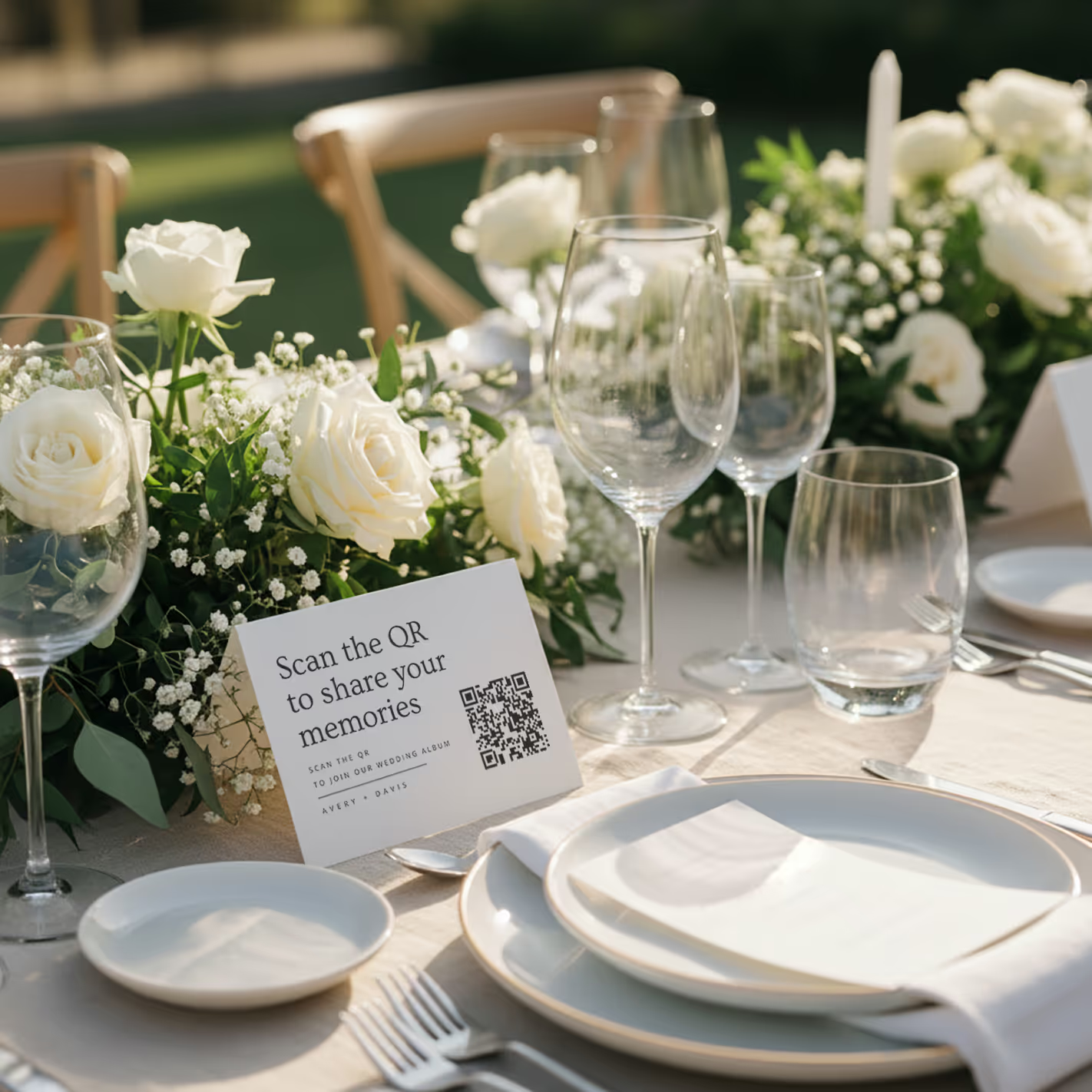
QR cards on tables
Printed cards sit on each table. Guests scan with any phone — no app needed.
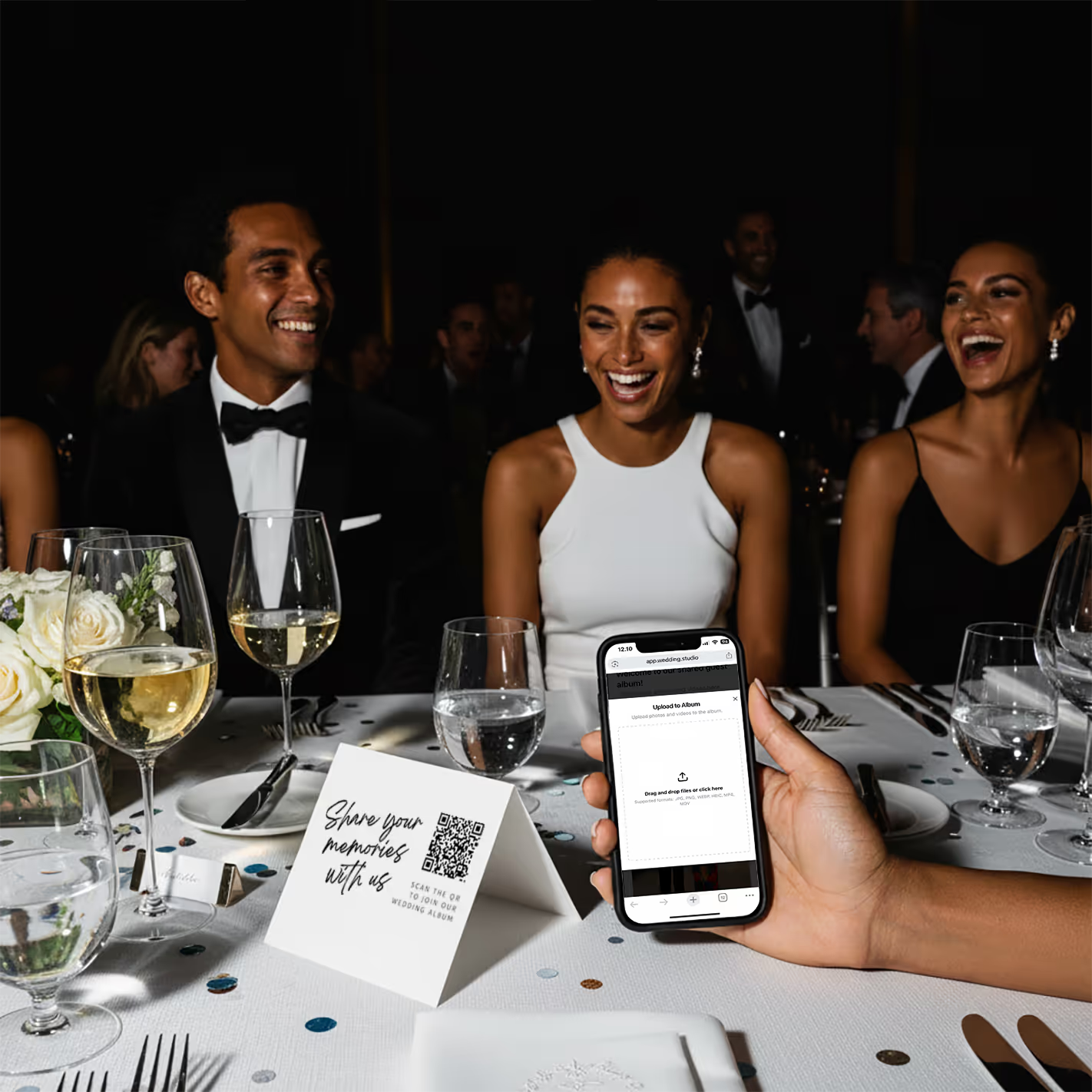
Guests scan & upload
Opens instantly in the browser. Upload from camera roll or take new photos.
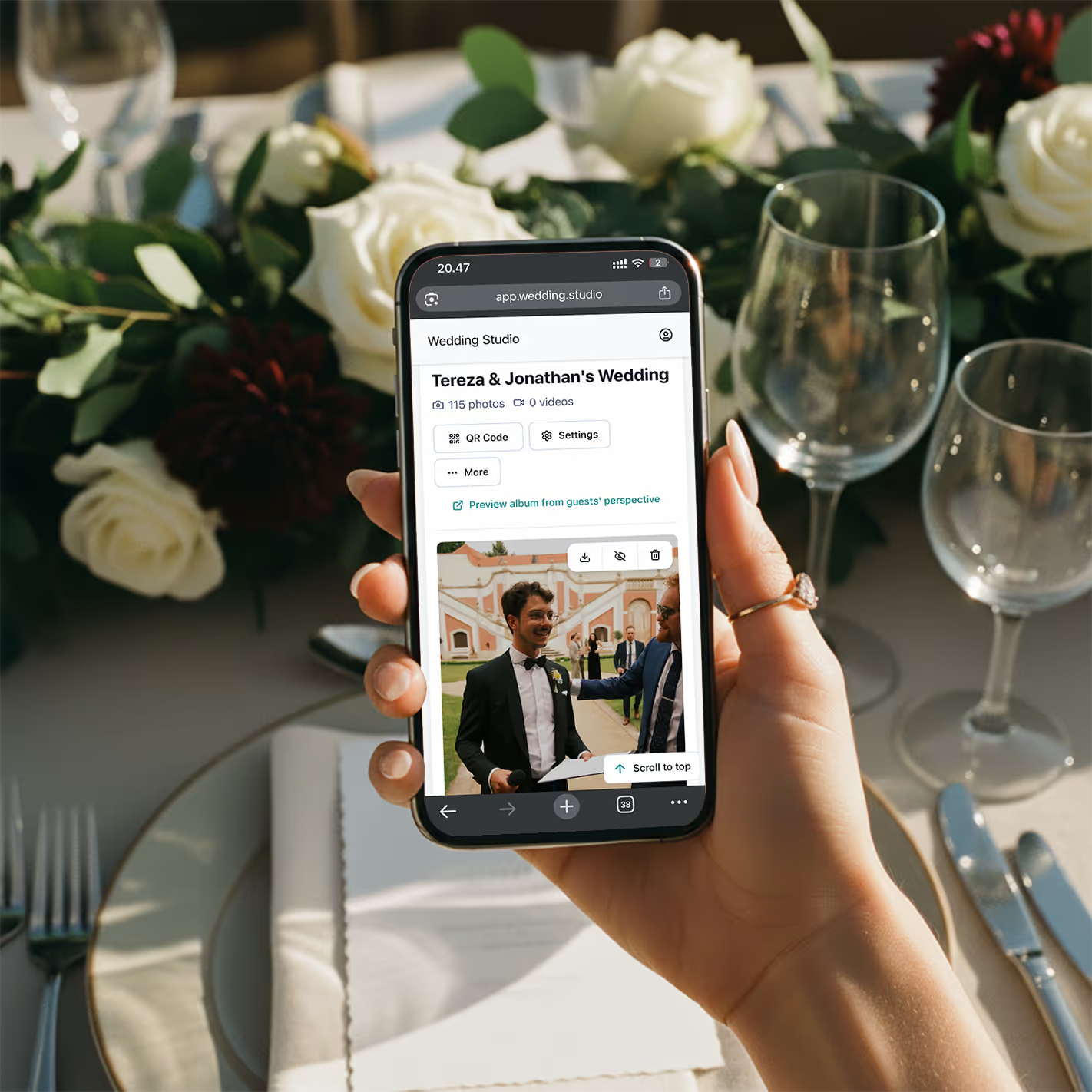
Your album fills up
Every photo and video in full resolution. Download everything as a zip.
“Il mese scorso ho coordinato un matrimonio con 200 invitati. Quando è stata servita la cena, nell'album c'erano già 150 foto. A fine serata ne avevano più di 800. Gli sposi le stavano già guardando sulla navetta verso l'hotel.”
Risultati reali
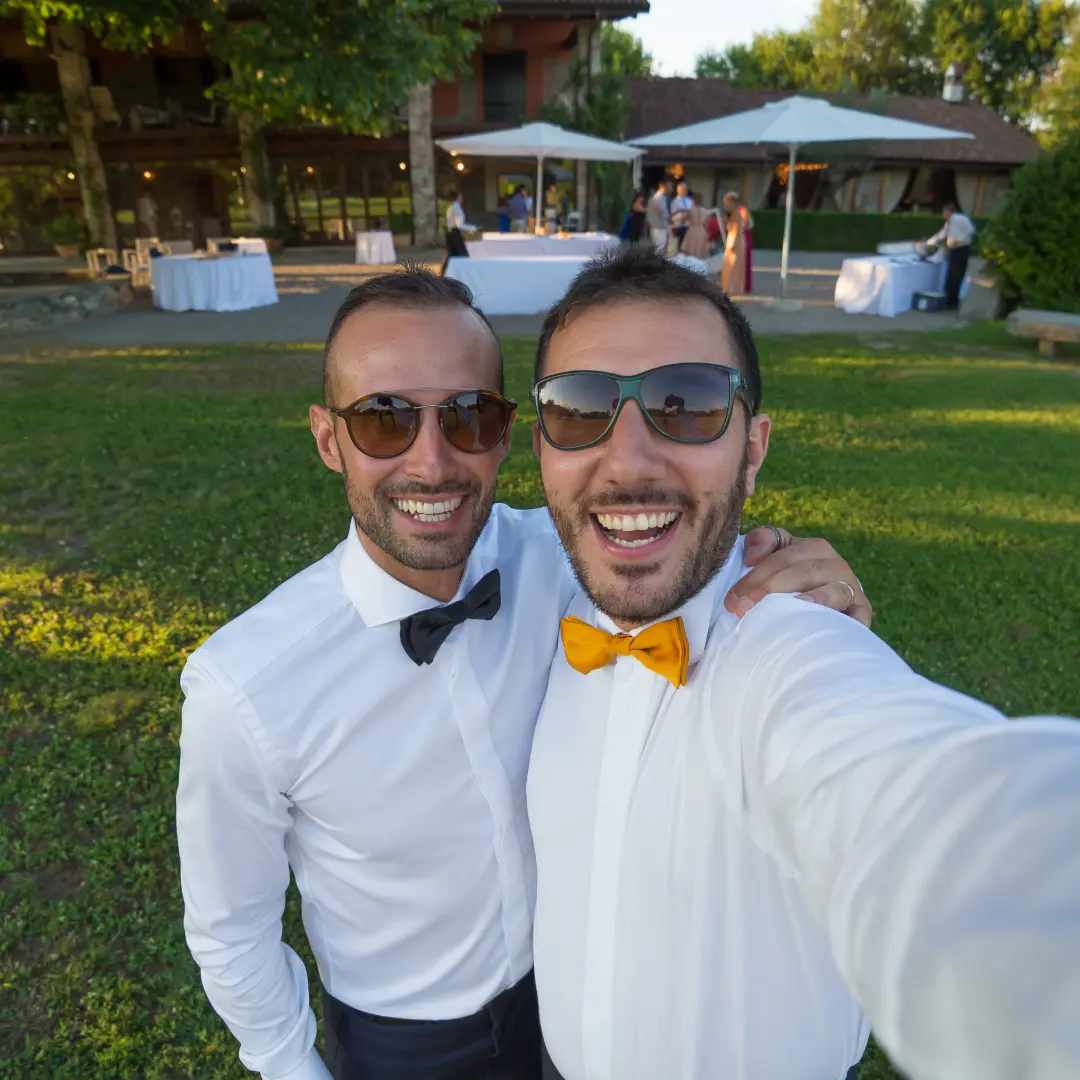
Queste foto sono state tutte scattate dagli invitati, non dal fotografo
Caricate tramite codice QR a matrimoni veri. Massima risoluzione, disponibili all'istante.
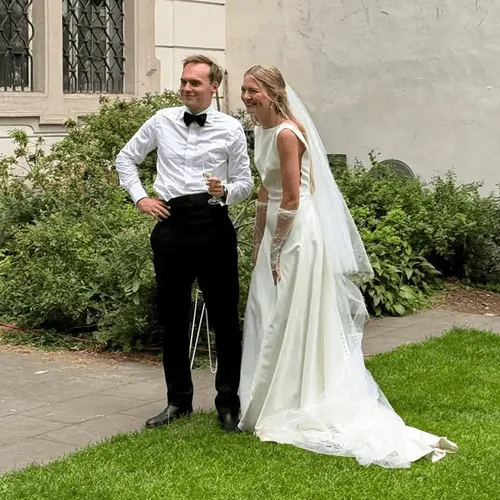


“My 82-year-old grandfather figured out the QR code in about 10 seconds. He uploaded a selfie with the groom and it's now my favorite photo from the entire wedding.”
Maria L.
95 guests, San Diego CA
“We tried a shared Google Photos album at our engagement party — got 12 photos. At our wedding we used QR cards and got 500+. The difference is insane.”
James & Nicole P.
210 guests, Chicago IL
Il mio consiglio
La soluzione che consiglio alle mie coppie
Dopo aver provato ogni metodo di questo elenco a matrimoni veri, quello che consiglio sempre è Wedding Studio. Funziona tramite codice QR: gli invitati inquadrano un cartoncino, caricano le foto dal browser e tutto finisce all'istante nel tuo album. Nessuna app. Nessun accesso. Nessuna complicazione.
Cosa la distingue dalle altre soluzioni con codice QR provate finora: i cartoncini sono davvero eleganti sui tavoli (con diversi design disponibili), la pagina di caricamento è semplicissima, puoi invitare il partner o il wedding planner come co-host e ogni foto viene salvata alla massima risoluzione. Le coppie raccolgono in media oltre 300–800 foto in una sola serata.
Pagamento unico, nessun abbonamento. Include caricamenti illimitati, download alla massima risoluzione e accesso all'album fino al 24 months after the wedding.
Domande frequenti
How do I collect photos from wedding guests?
The easiest way is QR-based photo sharing. Place a QR code card on each table at your reception. Guests scan the code with their phone camera, which opens a browser-based upload page — no app download or login required. Every photo goes straight to your private album in full resolution. Alternatives include shared albums (Google Photos, iCloud), social media hashtags, and group chats, but each comes with friction that reduces participation.
What is the best app for wedding photo sharing?
It depends on your priorities. Dedicated apps like Guest, WedShoots, and The Guest require downloads, which kills adoption — most guests won't install an app for a single event. Shared album services like Google Photos work but need accounts and cross-platform compatibility. QR-based solutions like Wedding Studio skip the app entirely: guests scan a code and upload from their browser. No download, no login, no friction.
How do I get guests to share wedding photos?
Remove every possible barrier. The #1 reason guests don't share photos is friction — they intend to, but life gets in the way. The most effective approach is a QR code on each table that opens an upload page in seconds. No app to download, no account to create, no link to remember. Guests upload while they're still at the table, not days later when motivation fades.
Do I really need a wedding photo sharing app if I have a photographer?
Yes. Your photographer typically covers 3–5 hours and captures 50–200 edited photos. Your guests, collectively, cover the entire event — from getting-ready moments to the after-party — and can capture 500+ candid photos and videos. Guest photos show perspectives, emotions, and moments your photographer physically cannot be in two places to capture.
How many photos do wedding guests typically take?
At an average wedding with 100–150 guests, you can expect 300–800+ guest photos when using a frictionless sharing method like QR codes. With higher-friction methods (hashtags, shared albums, group chats), that number drops to 20–80 because most guests never follow through. The key factor isn't how many photos guests take — it's how easy you make it to share them.
Can older guests use QR-based photo sharing?
Yes. Any smartphone made in the last 8 years can scan QR codes using the default camera app. The upload page is browser-based, so there's nothing to install or sign into. We've seen guests in their 80s use it successfully. For the rare guest without a smartphone, a family member at the same table can upload on their behalf.
When should I set up wedding photo sharing?
Set up your album at least 2–4 weeks before the wedding so you can order printed QR cards if you want them. The album supports uploads and downloads for 24 months after the wedding, so you can test it with your bridal party beforehand. On the day, place QR cards on tables during setup — no other coordination needed. Guests can start uploading from the ceremony onward.
How do I get wedding photos off guests' phones after the wedding?
If you didn't set up a sharing method beforehand, your options are limited: send a group text asking people to share, create a shared album and send the link, or post on social media asking guests to send photos. Realistically, only 10–20% of guests will follow through weeks later. The most reliable approach is giving guests a way to share in the moment — while they're still at the wedding and motivated.
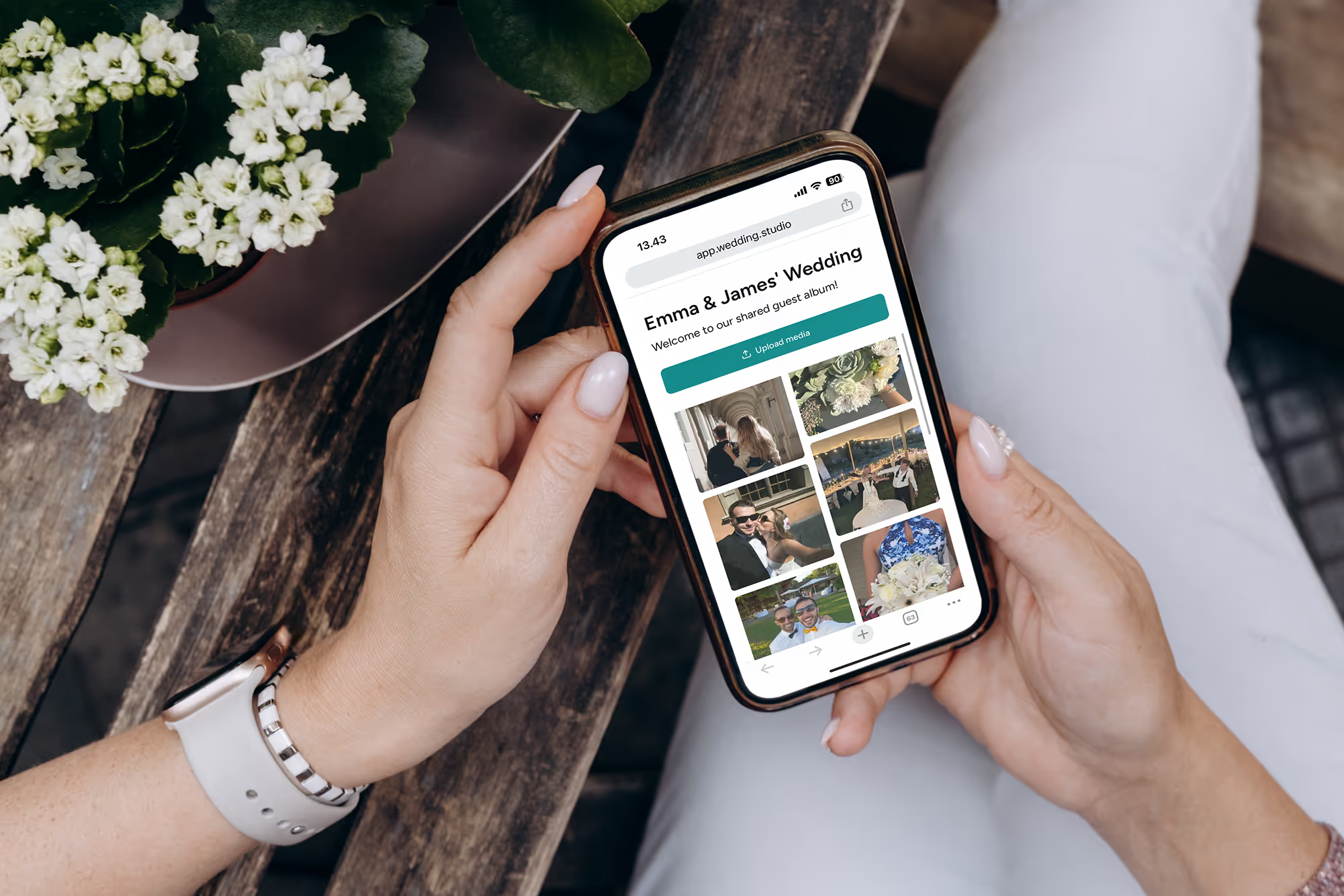
Non perdere i ricordi più belli dei tuoi invitati
Raccogli ogni foto e video da tutti gli invitati al tuo matrimonio, alla massima risoluzione, già dalla mattina successiva. A partire da $29.
Per creare questa guida ci siamo affidati all'aiuto di una wedding planner di fama internazionale.