Wedding Studio Team
Einblicke aus 50,000+ Hochzeiten auf Wedding Studio
Die eine Sache, die jedes Paar im Nachhinein anders machen würde
Nachdem ich über 400 Hochzeiten koordiniert habe, höre ich ein Bedauern häufiger als jedes andere: „Ich wünschte, wir hätten mehr Schnappschüsse von unseren Gästen.“ Nicht die gestellten Aufnahmen. Nicht die Porträts des Fotografen. Die echten, ungefilterten Momente, die nur Ihre Gäste sehen.
Dieser Leitfaden deckt alle Möglichkeiten ab, Hochzeitsfotos von Gästen zu sammeln – was funktioniert, was nicht und was ich meinen eigenen Paaren empfehle.
0+
Koordinierte Hochzeiten
0
Verglichene Methoden
0 Min.
Lesezeit
Teil 1
Ihre schönsten Fotos schlummern auf den Smartphones Ihrer Gäste
Hier ist die Rechnung, an die die meisten Paare erst denken, wenn es zu spät ist.
Ihr Fotograf
50–200 Fotos
Deckt 3–5 Stunden ab. Gestellte und redaktionelle Aufnahmen. Lieferung in 4–8 Wochen.
Begleitung
3 von 8 Stunden
Ihre Gäste (zusammen)
500–2.000+ Fotos
Jeder Blickwinkel. Jeder Moment. Vom Getting Ready bis zur After-Party. Sofort verfügbar.
Begleitung
8 von 8 Stunden
Das Problem ist nicht, dass Gäste keine Fotos machen – das tun sie ständig. Das Problem ist, dass diese Fotos nie ihre Fotogalerie verlassen. Jeder hat vor, sie zu teilen. Kaum jemand tut es.
„Wir haben alle gebeten, nach der Hochzeit Fotos zu teilen. Wir haben vielleicht 30 von zwei Freunden bekommen. Drei Monate später sah ich, wie meine Cousine ein wunderschönes Bild von unserem ersten Tanz auf Instagram postete. Ich musste einen Screenshot davon machen.“
The group chat approach
You create a WhatsApp or iMessage group and ask guests to share photos. A few do immediately. Within 48 hours the thread is dead. You end up with 20–40 photos from the same 3 people.
The social media hashtag
You announce a hashtag and hope guests use it. Half your guests have private accounts. Instagram compresses everything. You spend hours scrolling and screenshotting. You never find most of the photos.
The shared album link
You text a Google Photos or iCloud link. Android users can't use iCloud. Google Photos requires a login. Older guests give up. You get photos from the 15% of guests who figured it out.
Der gemeinsame Nenner: Bei all diesen Methoden werden die Gäste gebeten, etwas zu tun, nachdem der Moment schon vorbei ist. Und nach der Hochzeit verfliegt die Motivation.
Teil 2
Alle Möglichkeiten, Hochzeitsfotos zu teilen – ehrlich verglichen
Ich habe sie alle auf echten Hochzeiten im Einsatz gesehen. Hier ist, was in der Praxis wirklich passiert.
Social media hashtag
Unreliable
Social media hashtag
UnreliableVorteile
- Free and familiar
- No setup on your part
- Some guests will use it naturally
Nachteile
- Photos compressed to low quality
- Private accounts are invisible to you
- You have to manually search and save each photo
- Most guests forget or don't bother
Kosten
Free
Typischerweise gesammelte Fotos
10–30
Group text / WhatsApp
Short-lived
Group text / WhatsApp
Short-livedVorteile
- Everyone has messaging apps
- Easy to start
- Good for small weddings
Nachteile
- Photos heavily compressed in messaging
- Thread dies within 48 hours
- Becomes overwhelming with 50+ guests
- No organization — just a wall of images
Kosten
Free
Typischerweise gesammelte Fotos
20–50
Google Photos / iCloud shared album
Friction-heavy
Google Photos / iCloud shared album
Friction-heavyVorteile
- Good photo quality when it works
- Free or cheap
- Automatic backup and organization
Nachteile
- Requires specific app or account
- Cross-platform issues (iPhone ↔ Android)
- Older guests struggle with the process
- You'll spend the reception troubleshooting
Kosten
Free
Typischerweise gesammelte Fotos
30–80
Dedicated photo apps (Guest, WedShoots, etc.)
App fatigue
Dedicated photo apps (Guest, WedShoots, etc.)
App fatigueVorteile
- Purpose-built for weddings
- Usually include some organization features
- Better than generic shared albums
Nachteile
- Guests must download an app for a single event
- Many guests never install it — especially older ones
- Some charge per guest or per photo
- App quality varies widely
Kosten
$0–150
Typischerweise gesammelte Fotos
50–200
QR-based photo sharing
Best all-around
QR-based photo sharing
Best all-aroundVorteile
- Works on every phone — no app download
- Unlimited full-resolution photos and videos
- Guests upload in the moment, not days later
- Works all night, every location in the venue
- Guests of all ages can use it
Nachteile
- Requires guests to have a smartphone
- No offline/physical element
- Small upfront cost
Kosten
$29–99
Typischerweise gesammelte Fotos
200–1,000+
Teil 3
Was wirklich funktioniert: Fotos direkt im Moment festhalten
Der Unterschied zwischen 30 Fotos und 700 Fotos hängt von einer einzigen Sache ab: dem Timing. Jede Methode, die Gäste darum bittet, Fotos erst nach der Hochzeit zu teilen, scheitert. Die Methoden, die funktionieren, fangen Fotos ein, während die Gäste noch am Tisch sitzen, das Glas in der Hand und das Smartphone bereit.
Das Teilen per QR-Code funktioniert, weil es jede Hürde beseitigt. Eine Karte liegt auf dem Tisch. Gäste scannen sie mit ihrer Kamera. Eine Browserseite öffnet sich sofort – keine App, kein Login, kein Aufwand. Sie laden ein Foto hoch und unterhalten sich weiter. Der gesamte Vorgang dauert weniger als 30 Sekunden.
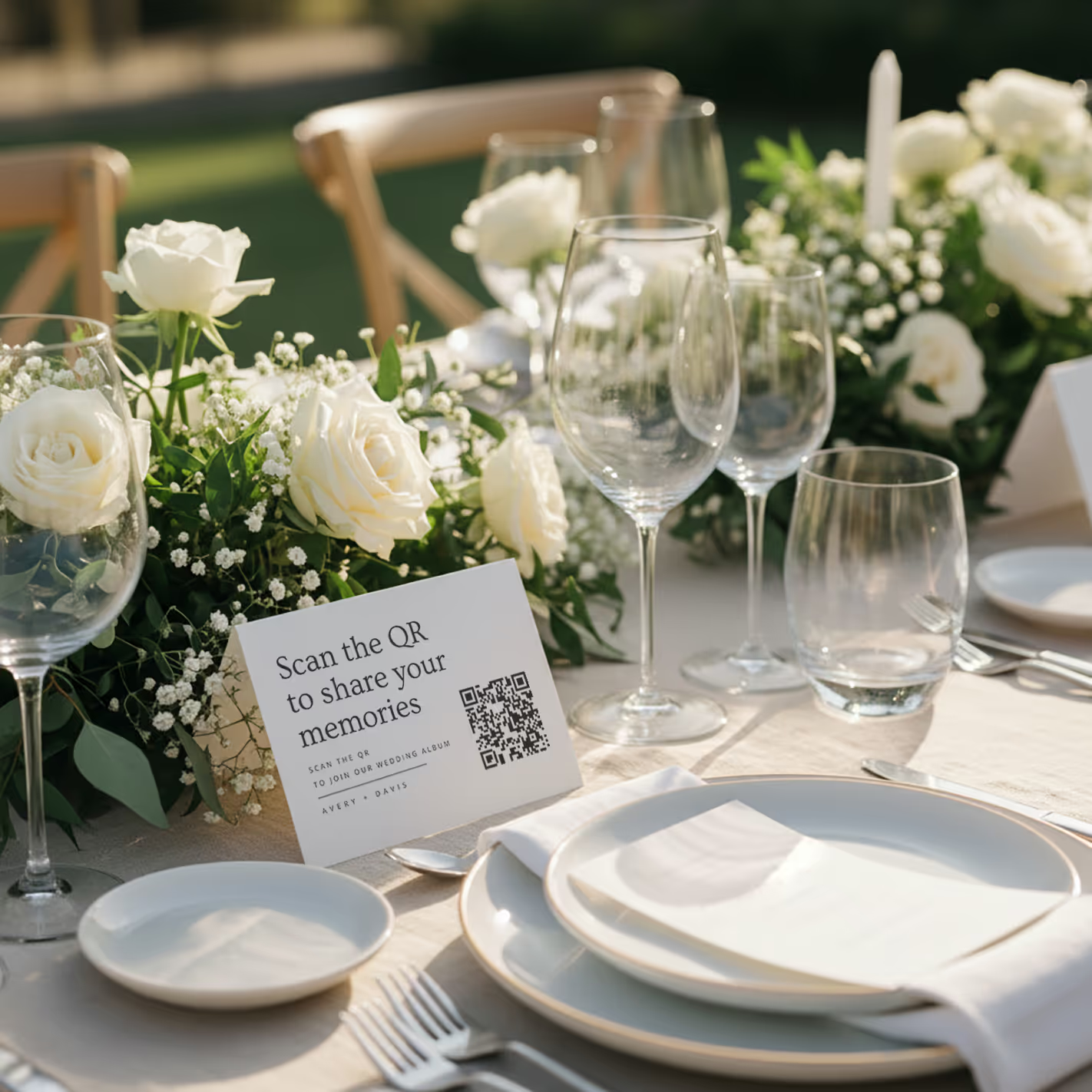
QR cards on tables
Printed cards sit on each table. Guests scan with any phone — no app needed.
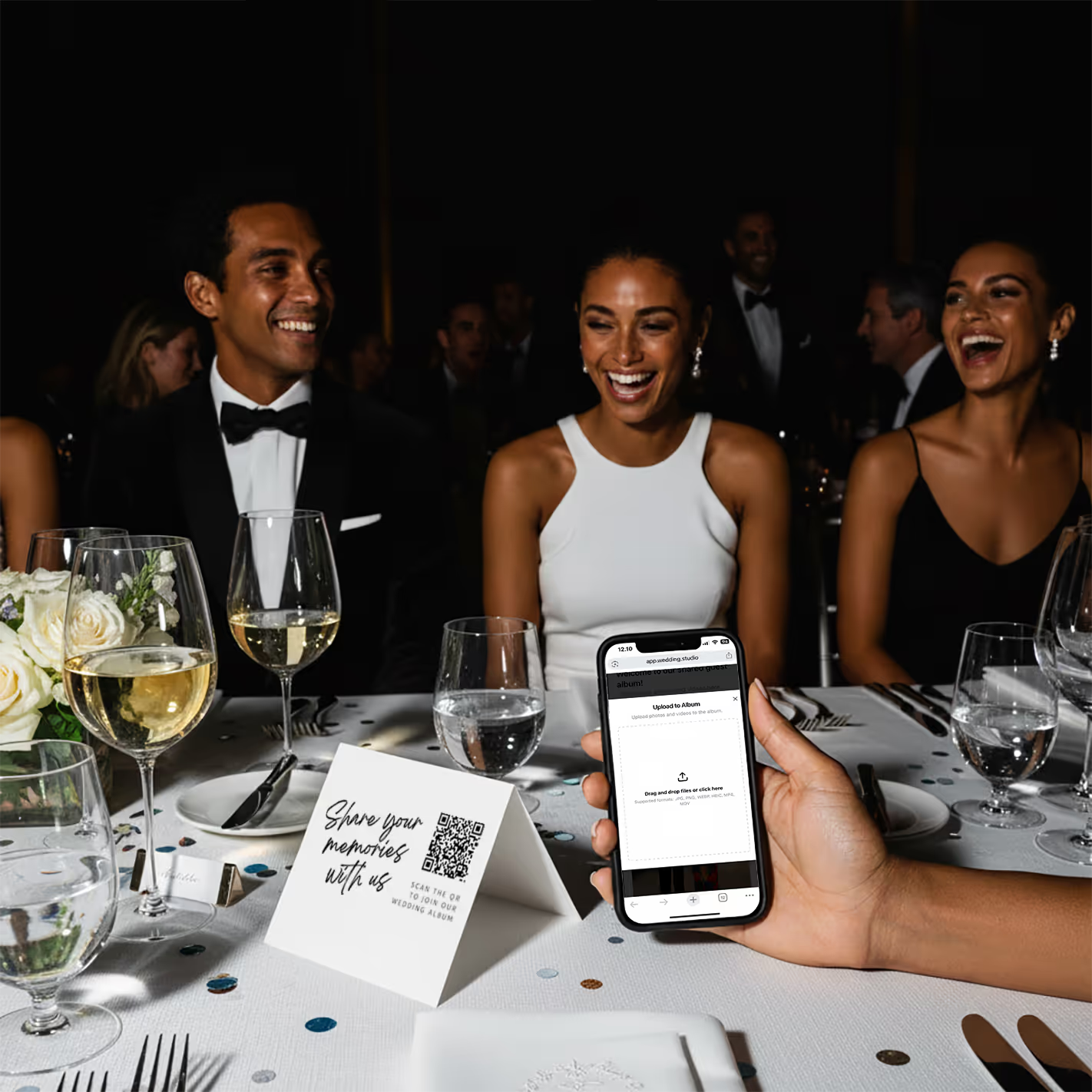
Guests scan & upload
Opens instantly in the browser. Upload from camera roll or take new photos.
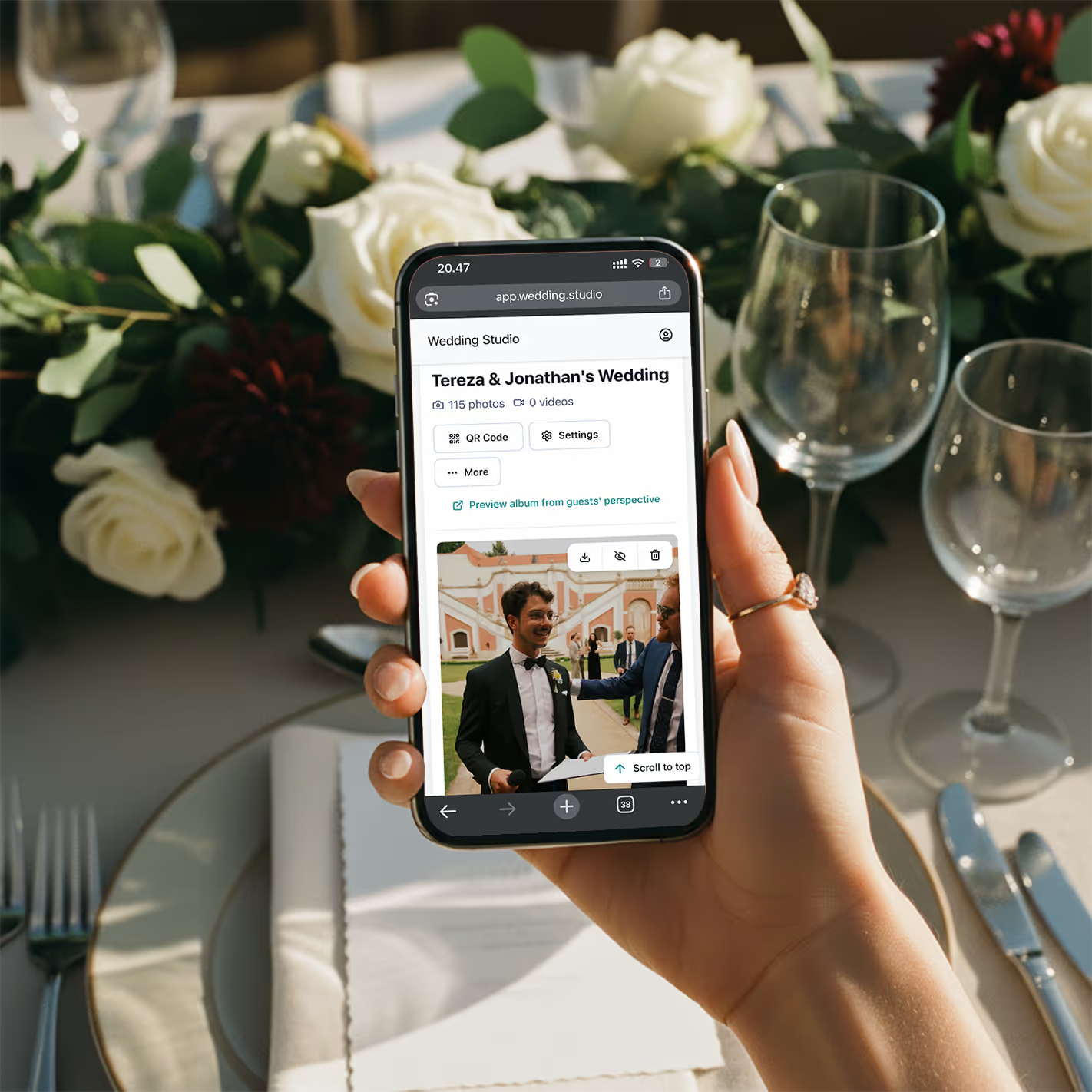
Your album fills up
Every photo and video in full resolution. Download everything as a zip.
„Letzten Monat habe ich eine Hochzeit mit 200 Personen koordiniert. Als das Abendessen serviert wurde, waren bereits 150 Fotos im Album. Am Ende des Abends hatten sie über 800. Das Paar schaute sie sich schon im Shuttlebus auf dem Weg zurück zum Hotel an.“
Echte Ergebnisse
Diese Aufnahmen stammen alle von Hochzeitsgästen – nicht vom Fotografen
Hochgeladen per QR-Code auf echten Hochzeiten. Volle Auflösung, sofort verfügbar.
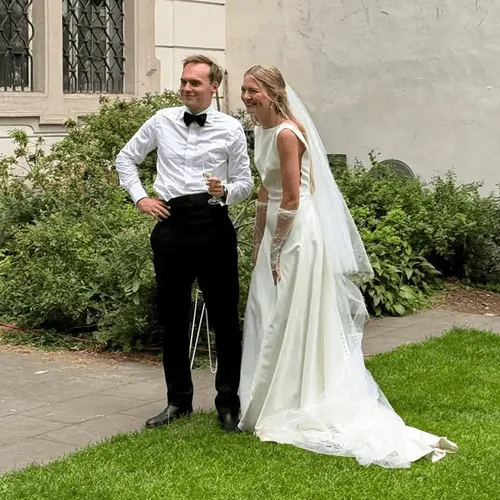
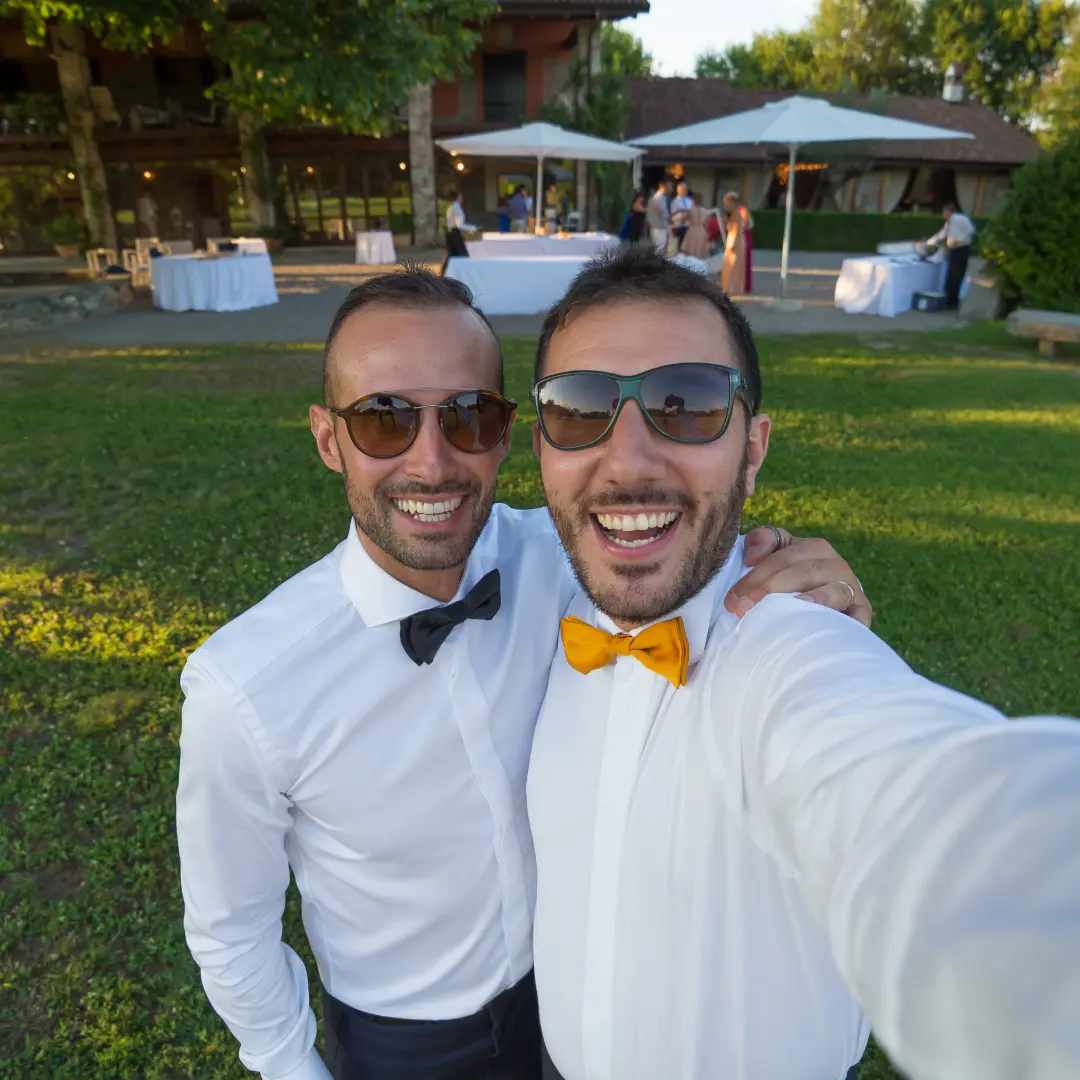


„My 82-year-old grandfather figured out the QR code in about 10 seconds. He uploaded a selfie with the groom and it's now my favorite photo from the entire wedding.“
Maria L.
95 guests, San Diego CA
„We tried a shared Google Photos album at our engagement party — got 12 photos. At our wedding we used QR cards and got 500+. The difference is insane.“
James & Nicole P.
210 guests, Chicago IL
Meine Empfehlung
Die Lösung, die ich meinen eigenen Paaren empfehle
Nachdem ich jede Methode auf dieser Liste bei echten Hochzeiten getestet habe, lautet meine klare Empfehlung immer: Wedding Studio. Es funktioniert über QR-Codes – Gäste scannen eine Karte, laden Fotos direkt im Browser hoch und alles landet sofort in eurem Album. Keine App. Kein Login. Kein Aufwand.
Was sie von anderen QR-Lösungen abhebt, die ich ausprobiert habe: Die Tischkarten sehen wirklich wunderschön aus (es gibt verschiedene Designs), die Upload-Seite ist kinderleicht zu bedienen, Sie können Ihren Partner oder Wedding Planner als Co-Host einladen und jedes Foto wird in voller Auflösung übertragen. Paare sammeln so typischerweise 300–800+ Fotos an einem einzigen Abend.
Einmalzahlung, kein Abonnement. Beinhaltet unbegrenzte Uploads, Downloads in voller Auflösung und Zugriff auf das Album bis 24 months after the wedding.
Häufig gestellte Fragen
How do I collect photos from wedding guests?
The easiest way is QR-based photo sharing. Place a QR code card on each table at your reception. Guests scan the code with their phone camera, which opens a browser-based upload page — no app download or login required. Every photo goes straight to your private album in full resolution. Alternatives include shared albums (Google Photos, iCloud), social media hashtags, and group chats, but each comes with friction that reduces participation.
What is the best app for wedding photo sharing?
It depends on your priorities. Dedicated apps like Guest, WedShoots, and The Guest require downloads, which kills adoption — most guests won't install an app for a single event. Shared album services like Google Photos work but need accounts and cross-platform compatibility. QR-based solutions like Wedding Studio skip the app entirely: guests scan a code and upload from their browser. No download, no login, no friction.
How do I get guests to share wedding photos?
Remove every possible barrier. The #1 reason guests don't share photos is friction — they intend to, but life gets in the way. The most effective approach is a QR code on each table that opens an upload page in seconds. No app to download, no account to create, no link to remember. Guests upload while they're still at the table, not days later when motivation fades.
Do I really need a wedding photo sharing app if I have a photographer?
Yes. Your photographer typically covers 3–5 hours and captures 50–200 edited photos. Your guests, collectively, cover the entire event — from getting-ready moments to the after-party — and can capture 500+ candid photos and videos. Guest photos show perspectives, emotions, and moments your photographer physically cannot be in two places to capture.
How many photos do wedding guests typically take?
At an average wedding with 100–150 guests, you can expect 300–800+ guest photos when using a frictionless sharing method like QR codes. With higher-friction methods (hashtags, shared albums, group chats), that number drops to 20–80 because most guests never follow through. The key factor isn't how many photos guests take — it's how easy you make it to share them.
Can older guests use QR-based photo sharing?
Yes. Any smartphone made in the last 8 years can scan QR codes using the default camera app. The upload page is browser-based, so there's nothing to install or sign into. We've seen guests in their 80s use it successfully. For the rare guest without a smartphone, a family member at the same table can upload on their behalf.
When should I set up wedding photo sharing?
Set up your album at least 2–4 weeks before the wedding so you can order printed QR cards if you want them. The album supports uploads and downloads for 24 months after the wedding, so you can test it with your bridal party beforehand. On the day, place QR cards on tables during setup — no other coordination needed. Guests can start uploading from the ceremony onward.
How do I get wedding photos off guests' phones after the wedding?
If you didn't set up a sharing method beforehand, your options are limited: send a group text asking people to share, create a shared album and send the link, or post on social media asking guests to send photos. Realistically, only 10–20% of guests will follow through weeks later. The most reliable approach is giving guests a way to share in the moment — while they're still at the wedding and motivated.
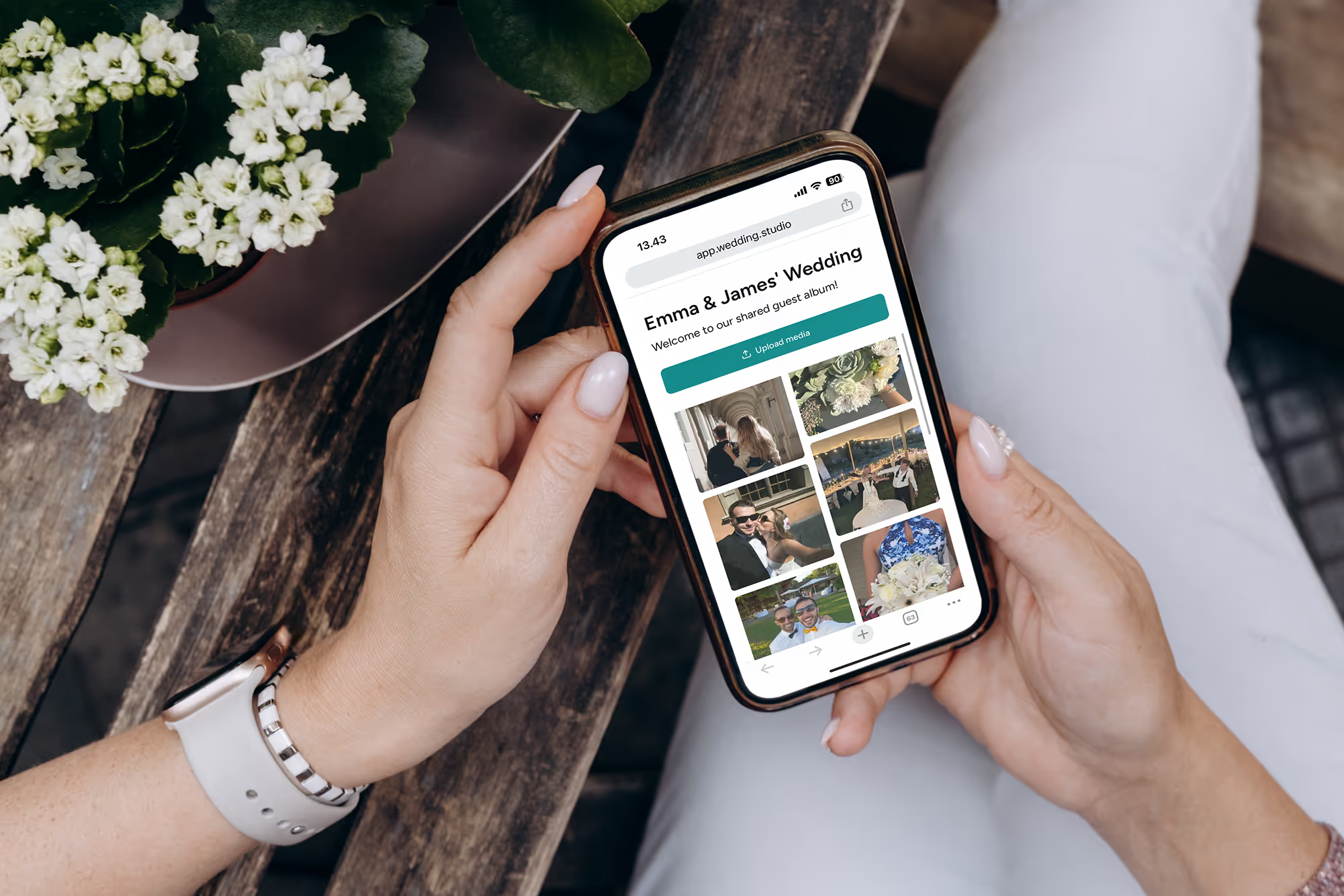
Verlieren Sie nie wieder die schönsten Fotos Ihrer Gäste
Sammeln Sie jedes Foto und Video von jedem Gast auf Ihrer Hochzeit – in voller Auflösung, direkt am nächsten Morgen. Ab $29.
Bei der Erstellung dieses Leitfadens haben wir die Expertise einer erstklassigen Hochzeitsplanerin hinzugezogen.