Wedding Studioチーム
Wedding Studioで開催された50,000+組の結婚式からのインサイト
すべてのカップルが「こうしておけばよかった」と後悔する1つのこと
400件以上の結婚式をコーディネートしてきて、誰からも同じ後悔の声を耳にします。「ゲストが撮った自然な写真をもっと残しておけばよかった」。ポーズをとった写真でも、カメラマンによるポートレートでもなく、ゲストだけが見つめていたありのままの飾らない瞬間です。
このガイドでは、ゲストから結婚式の写真を集めるすべての方法(何がうまくいき、何が失敗するのか、そして私がカップルに本当におすすめする方法)をご紹介します。
0+
担当した結婚式数
0
比較した方法
0 分
読了時間
パート1
最高の写真はゲストのスマートフォンの中に眠ったまま
ほとんどのカップルが手遅れになるまで気づかない計算をご紹介します。
プロのカメラマン
50〜200枚の写真
撮影時間は3〜5時間。ポーズ写真や演出ショット。納品まで4〜8週間。
カバー範囲
8時間中3時間
ゲスト全員(合計)
500〜2,000枚以上
あらゆるアングルから、すべての瞬間を。お支度から二次会まで。その場ですぐ共有。
カバー範囲
8時間中8時間
問題はゲストが写真を撮らないことではありません。むしろ常に撮っています。問題は、その写真がカメラロールから外に出ないことです。誰もが送ろうと思ってはいても、実際に送ってくれる人はほとんどいません。
「結婚式の後にみんなに写真を送ってほしいと頼みましたが、集まったのは友人2人からの30枚程度でした。3ヶ月後、いとこがInstagramに私たちのファーストダンスの素敵な写真を投稿しているのを見つけて、スクリーンショットを撮るしかありませんでした。」
The group chat approach
You create a WhatsApp or iMessage group and ask guests to share photos. A few do immediately. Within 48 hours the thread is dead. You end up with 20–40 photos from the same 3 people.
The social media hashtag
You announce a hashtag and hope guests use it. Half your guests have private accounts. Instagram compresses everything. You spend hours scrolling and screenshotting. You never find most of the photos.
The shared album link
You text a Google Photos or iCloud link. Android users can't use iCloud. Google Photos requires a login. Older guests give up. You get photos from the 15% of guests who figured it out.
共通しているのは、どの方法もイベントが終わった後にゲストへアクションを求めているという点です。そして結婚式が終わると、送ろうという熱は冷めてしまいます。
パート2
結婚式の写真共有方法を徹底比較
実際の結婚式で使われたすべての方法を見てきました。それぞれで実際に起きる現実は以下の通りです。
Social media hashtag
Unreliable
Social media hashtag
Unreliableメリット
- Free and familiar
- No setup on your part
- Some guests will use it naturally
デメリット
- Photos compressed to low quality
- Private accounts are invisible to you
- You have to manually search and save each photo
- Most guests forget or don't bother
費用
Free
集まる写真の目安枚数
10–30
Group text / WhatsApp
Short-lived
Group text / WhatsApp
Short-livedメリット
- Everyone has messaging apps
- Easy to start
- Good for small weddings
デメリット
- Photos heavily compressed in messaging
- Thread dies within 48 hours
- Becomes overwhelming with 50+ guests
- No organization — just a wall of images
費用
Free
集まる写真の目安枚数
20–50
Google Photos / iCloud shared album
Friction-heavy
Google Photos / iCloud shared album
Friction-heavyメリット
- Good photo quality when it works
- Free or cheap
- Automatic backup and organization
デメリット
- Requires specific app or account
- Cross-platform issues (iPhone ↔ Android)
- Older guests struggle with the process
- You'll spend the reception troubleshooting
費用
Free
集まる写真の目安枚数
30–80
Dedicated photo apps (Guest, WedShoots, etc.)
App fatigue
Dedicated photo apps (Guest, WedShoots, etc.)
App fatigueメリット
- Purpose-built for weddings
- Usually include some organization features
- Better than generic shared albums
デメリット
- Guests must download an app for a single event
- Many guests never install it — especially older ones
- Some charge per guest or per photo
- App quality varies widely
費用
$0–150
集まる写真の目安枚数
50–200
QR-based photo sharing
Best all-around
QR-based photo sharing
Best all-aroundメリット
- Works on every phone — no app download
- Unlimited full-resolution photos and videos
- Guests upload in the moment, not days later
- Works all night, every location in the venue
- Guests of all ages can use it
デメリット
- Requires guests to have a smartphone
- No offline/physical element
- Small upfront cost
費用
$29–99
集まる写真の目安枚数
200–1,000+
パート3
本当に効果的な方法:その瞬間に集めること
写真が30枚しか集まらないか、700枚集まるかの違いは、ただ1つ「タイミング」です。結婚式の後に写真を送ってもらう方法はことごとく失敗します。うまくいく方法は、ゲストがまだテーブルについてグラスを手にし、カメラを向けている「その瞬間」に集めることです。
QRコードでの共有がうまくいく理由は、あらゆるハードルをなくすからです。テーブルの上に置かれたカードをゲストがスマートフォンのカメラで読み取るだけ。アプリのダウンロードもログインも不要で、ブラウザがすぐに開きます。写真をアップロードしたらすぐに会話に戻れるため、わずか30秒もかかりません。
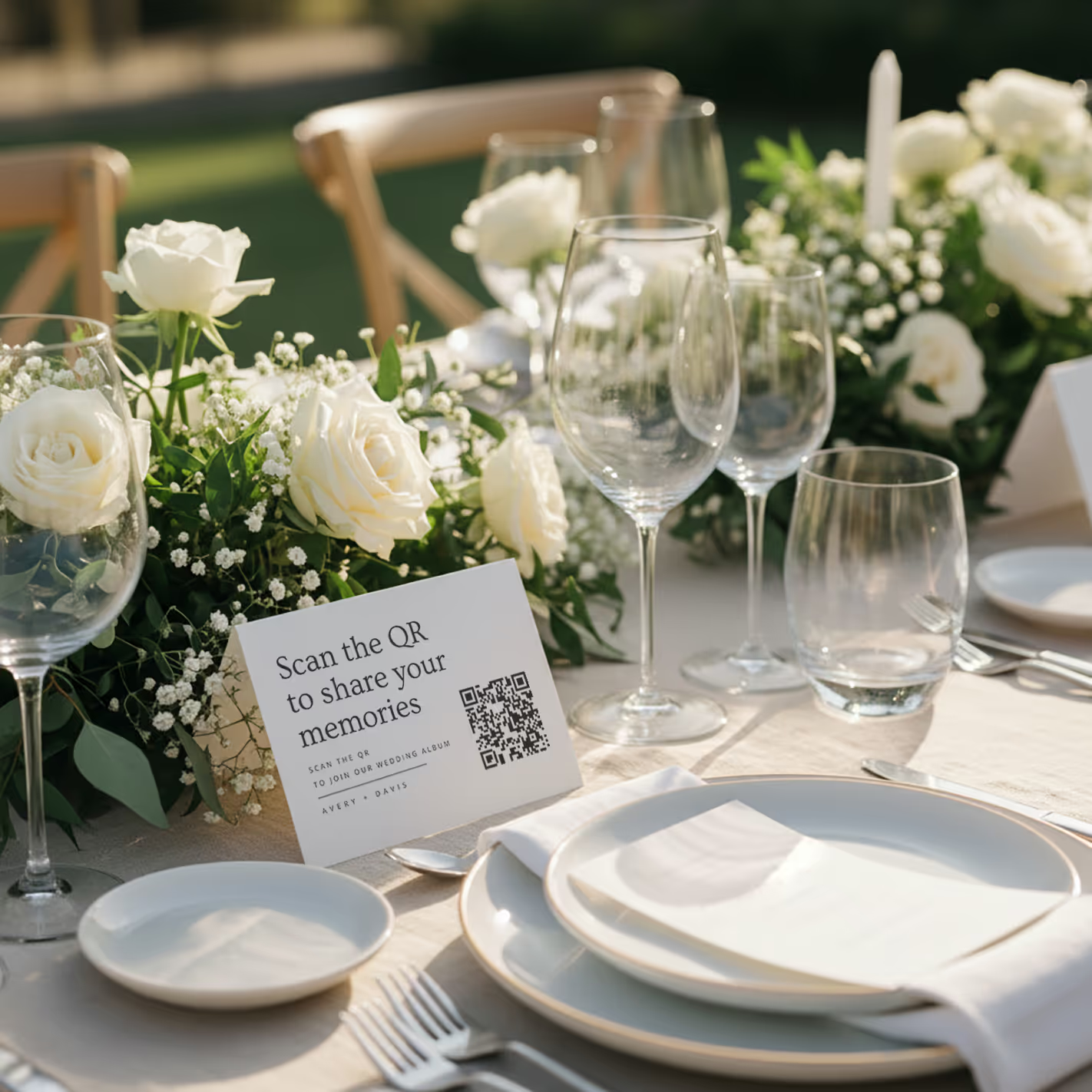
QR cards on tables
Printed cards sit on each table. Guests scan with any phone — no app needed.
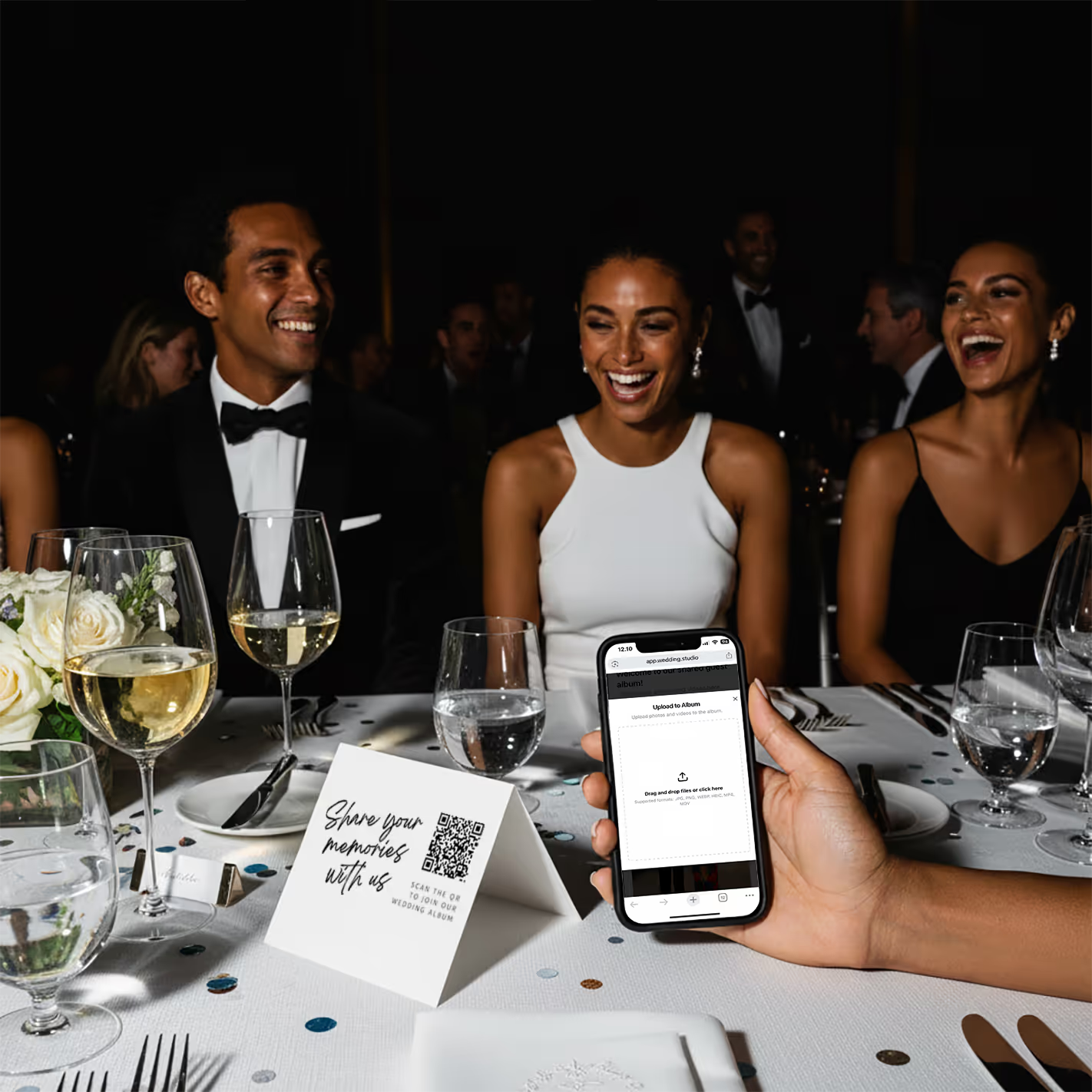
Guests scan & upload
Opens instantly in the browser. Upload from camera roll or take new photos.
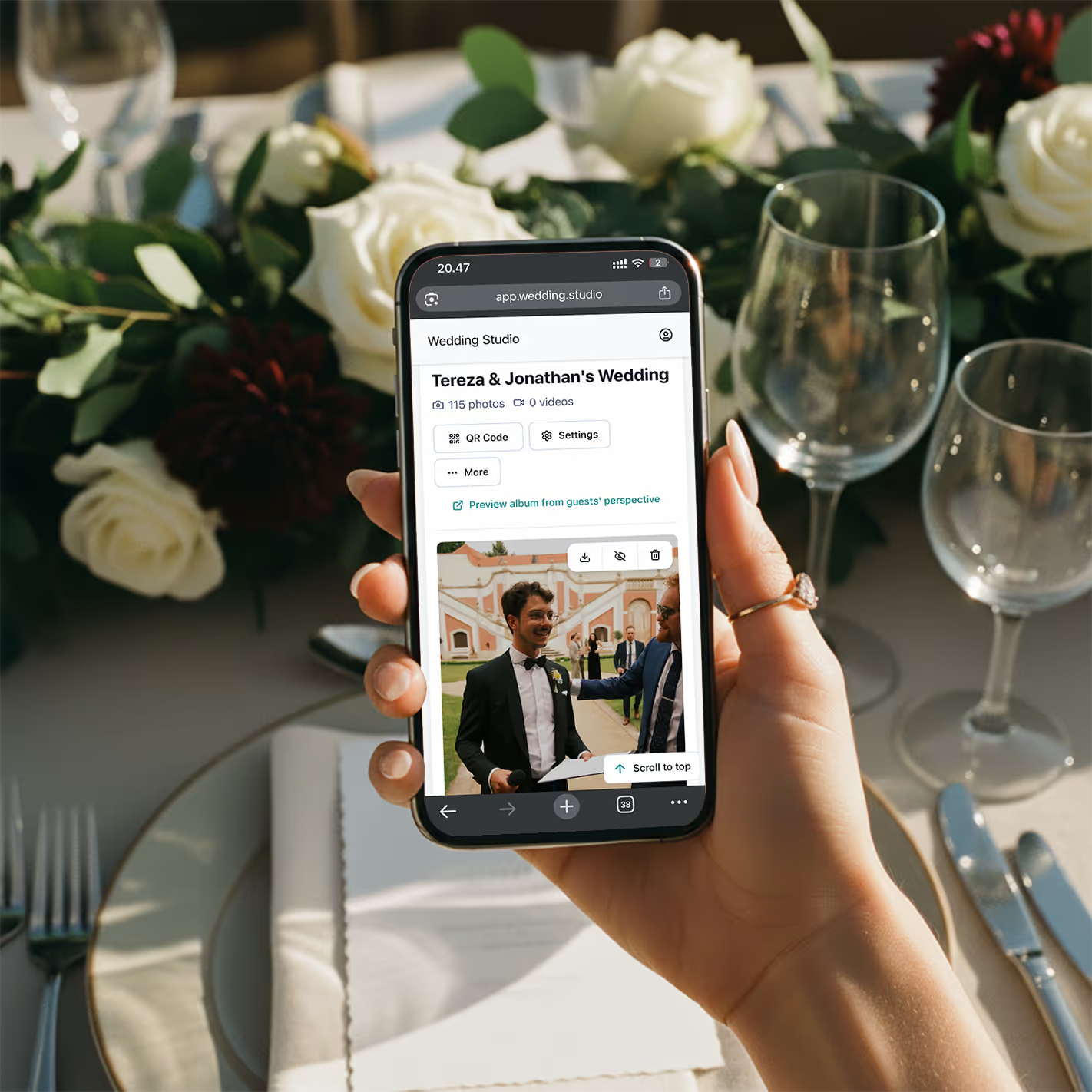
Your album fills up
Every photo and video in full resolution. Download everything as a zip.
「先月200人の結婚式を担当した際、ディナーが始まる頃にはすでに150枚もの写真がアルバムに集まっていました。夜が終わる頃には800枚を超え、お二人はホテルへ戻るシャトルバスの中でさっそく写真を見返していました。」
実際の実績
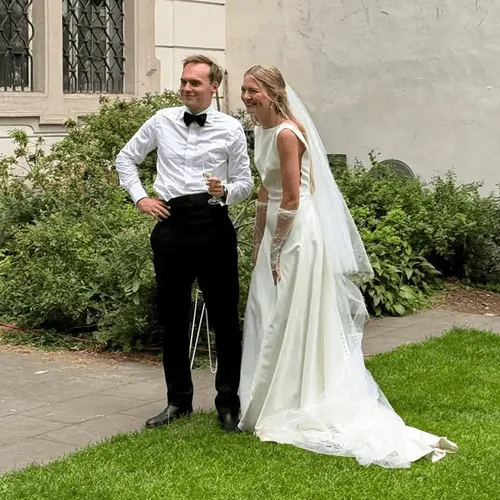
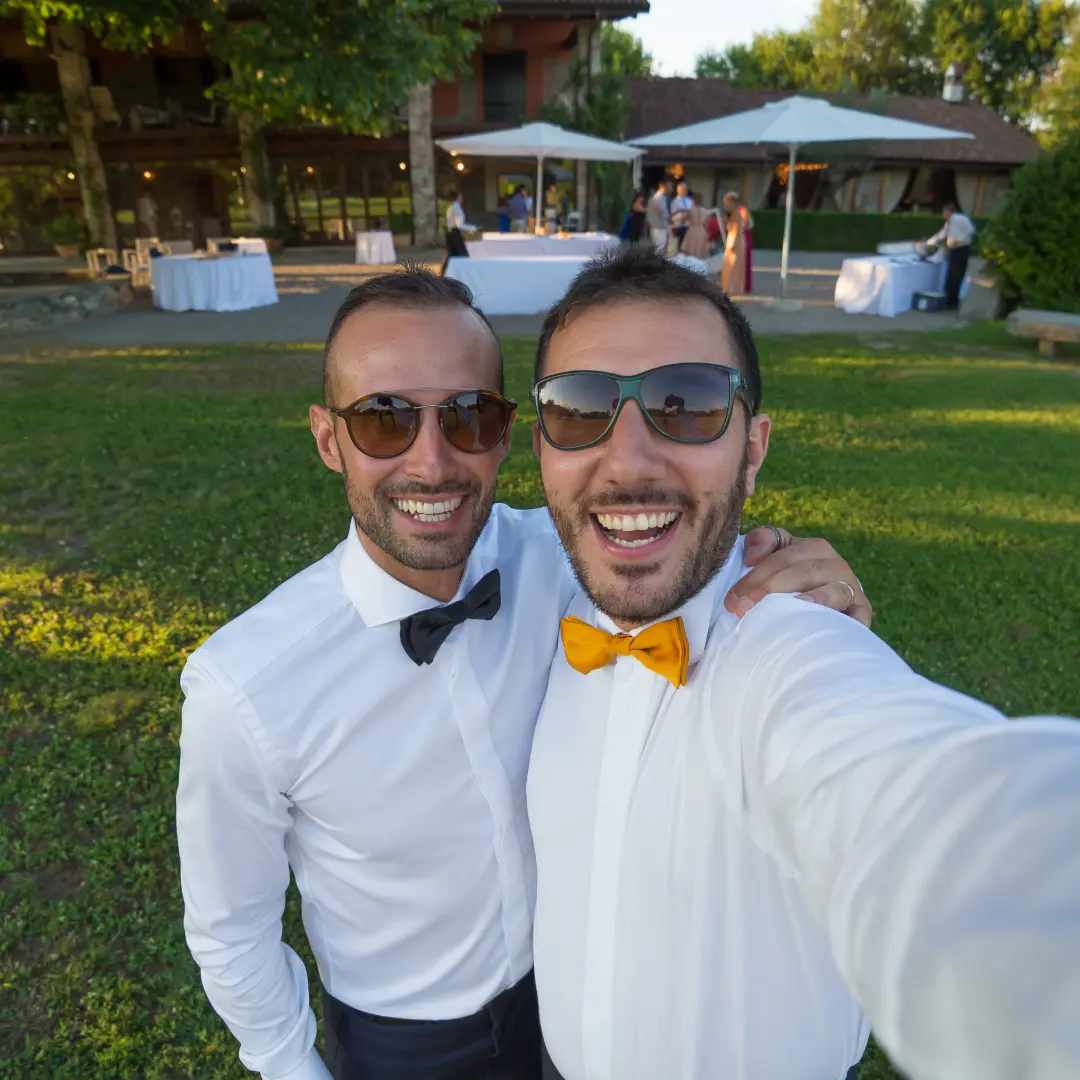
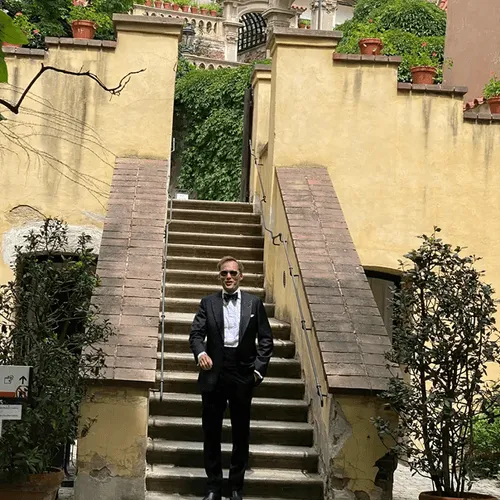
これらはすべて結婚式のゲストが撮影したもので、プロカメラマンによるものではありません
実際の結婚式でQRコードからアップロードされました。オリジナルの高解像度で、すぐに確認できます。

「My 82-year-old grandfather figured out the QR code in about 10 seconds. He uploaded a selfie with the groom and it's now my favorite photo from the entire wedding.」
Maria L.
95 guests, San Diego CA
「We tried a shared Google Photos album at our engagement party — got 12 photos. At our wedding we used QR cards and got 500+. The difference is insane.」
James & Nicole P.
210 guests, Chicago IL
私のおすすめ
私がカップルに自信を持っておすすめする方法
このリストにあるすべての方法を実際の結婚式で試した結果、自信を持っておすすめできるのは Wedding Studioです。QRコードを活用した仕組みで、ゲストはカードをスキャンしてブラウザから写真をアップロードするだけ。写真は即座にアルバムへ集まります。アプリ不要、ログイン不要、ストレスなし。
他のQRコードサービスと大きく違う点:テーブルに置くカードのデザインがおしゃれ(豊富なデザインから選べます)、アップロード画面が驚くほど簡単、パートナーやプランナーを共同ホストとして招待可能、そしてすべての写真が高解像度のまま保存されることです。一晩で300〜800枚以上の写真が集まるのが一般的です。
月額制ではなく1回限りの買い切りです。無制限の写真アップロード、高解像度ダウンロード、24 months after the weddingまでのアルバム利用権が含まれます。
よくある質問
How do I collect photos from wedding guests?
The easiest way is QR-based photo sharing. Place a QR code card on each table at your reception. Guests scan the code with their phone camera, which opens a browser-based upload page — no app download or login required. Every photo goes straight to your private album in full resolution. Alternatives include shared albums (Google Photos, iCloud), social media hashtags, and group chats, but each comes with friction that reduces participation.
What is the best app for wedding photo sharing?
It depends on your priorities. Dedicated apps like Guest, WedShoots, and The Guest require downloads, which kills adoption — most guests won't install an app for a single event. Shared album services like Google Photos work but need accounts and cross-platform compatibility. QR-based solutions like Wedding Studio skip the app entirely: guests scan a code and upload from their browser. No download, no login, no friction.
How do I get guests to share wedding photos?
Remove every possible barrier. The #1 reason guests don't share photos is friction — they intend to, but life gets in the way. The most effective approach is a QR code on each table that opens an upload page in seconds. No app to download, no account to create, no link to remember. Guests upload while they're still at the table, not days later when motivation fades.
Do I really need a wedding photo sharing app if I have a photographer?
Yes. Your photographer typically covers 3–5 hours and captures 50–200 edited photos. Your guests, collectively, cover the entire event — from getting-ready moments to the after-party — and can capture 500+ candid photos and videos. Guest photos show perspectives, emotions, and moments your photographer physically cannot be in two places to capture.
How many photos do wedding guests typically take?
At an average wedding with 100–150 guests, you can expect 300–800+ guest photos when using a frictionless sharing method like QR codes. With higher-friction methods (hashtags, shared albums, group chats), that number drops to 20–80 because most guests never follow through. The key factor isn't how many photos guests take — it's how easy you make it to share them.
Can older guests use QR-based photo sharing?
Yes. Any smartphone made in the last 8 years can scan QR codes using the default camera app. The upload page is browser-based, so there's nothing to install or sign into. We've seen guests in their 80s use it successfully. For the rare guest without a smartphone, a family member at the same table can upload on their behalf.
When should I set up wedding photo sharing?
Set up your album at least 2–4 weeks before the wedding so you can order printed QR cards if you want them. The album supports uploads and downloads for 24 months after the wedding, so you can test it with your bridal party beforehand. On the day, place QR cards on tables during setup — no other coordination needed. Guests can start uploading from the ceremony onward.
How do I get wedding photos off guests' phones after the wedding?
If you didn't set up a sharing method beforehand, your options are limited: send a group text asking people to share, create a shared album and send the link, or post on social media asking guests to send photos. Realistically, only 10–20% of guests will follow through weeks later. The most reliable approach is giving guests a way to share in the moment — while they're still at the wedding and motivated.
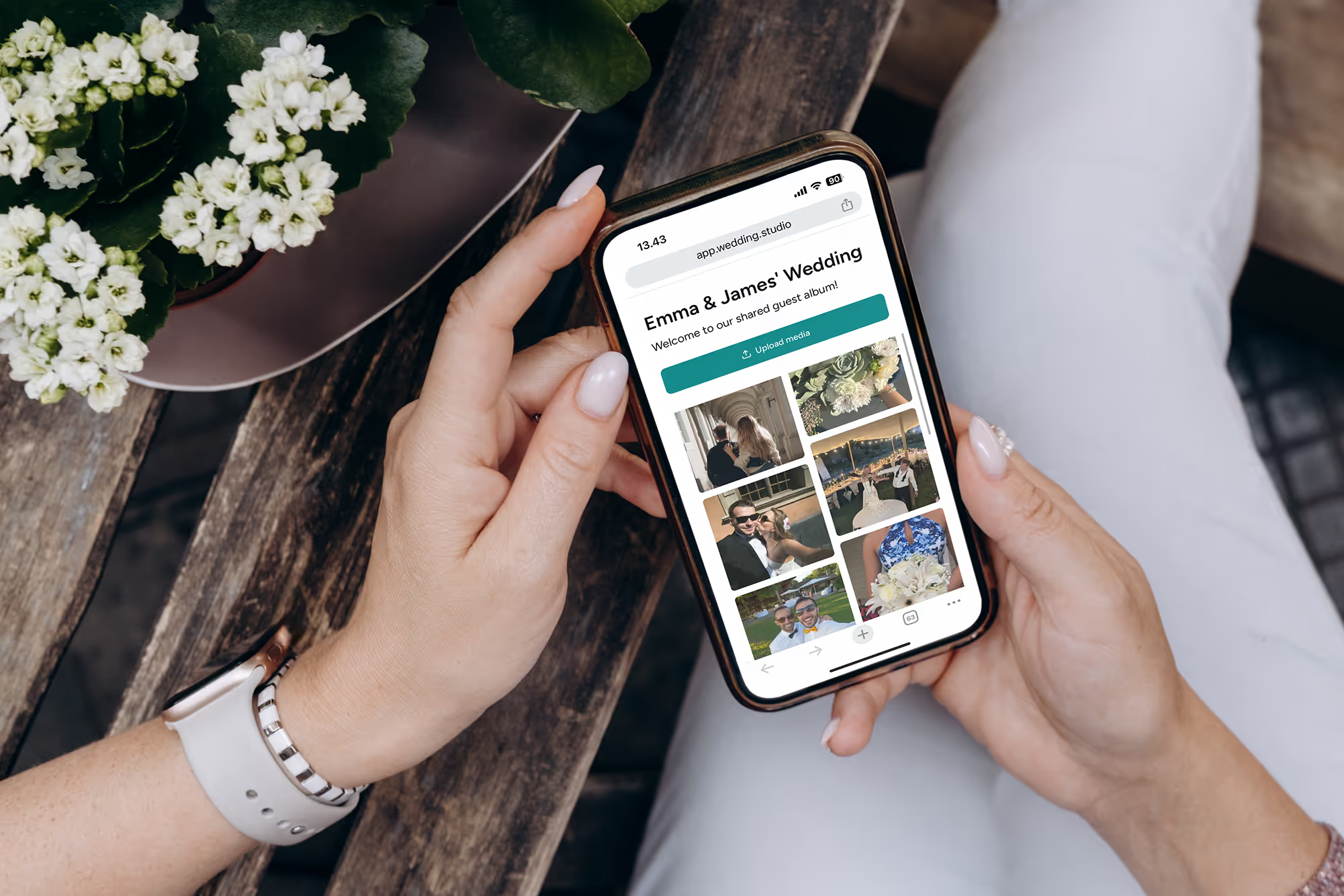
ゲストが撮った最高の写真を逃さないために
結婚式の翌朝、すべてのゲストが撮った写真や動画を高解像度でまとめて手元に。$29からご利用いただけます。
このガイドの作成にあたり、世界トップクラスのウェディングコーディネーターの協力を得ました。