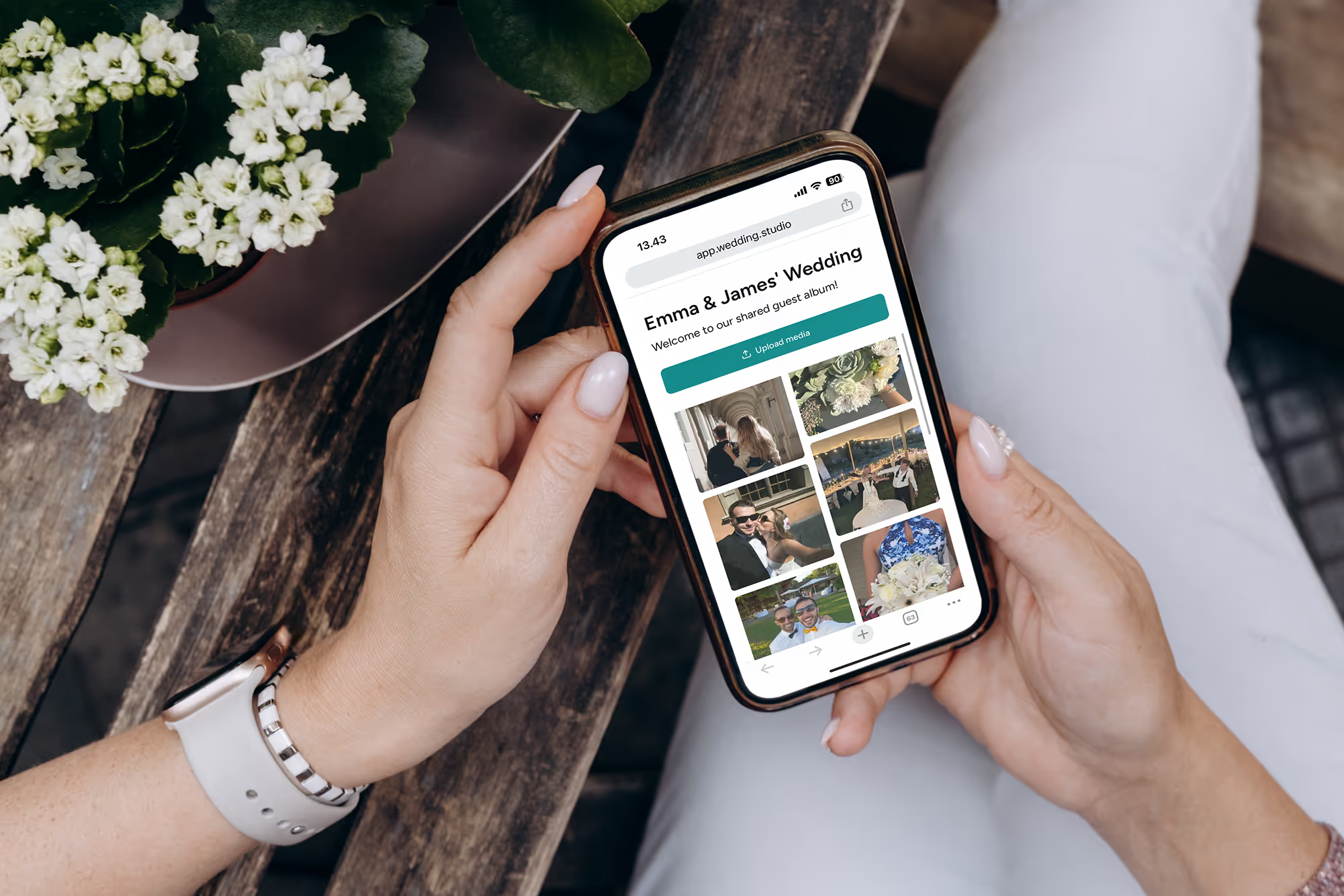
Wedding Studio 团队
基于在 Wedding Studio 上举办的 50,000+ 场婚礼的洞察
每对新人都会后悔没能换个方式做的一件事
在统筹了 400 多场婚礼后,我听到最多的遗憾就是:“真希望我们能多收集些宾客随手拍下的抓拍照。”不是摆拍,也不是摄影师拍的肖像,而是只有宾客才能看到的真实、未经修饰的瞬间。
本指南汇总了向宾客收集婚礼照片的各种方式——哪些管用、哪些行不通,以及我向自己服务的新人们推荐的方案。
0+
已统筹婚礼场次
0
对比方式数
0 分钟
阅读时间
第 1 部分
您最精彩的照片,还静静躺在宾客的手机里
大多数新人直到婚礼结束才算明白这笔账:
您的摄影师
50–200 张照片
拍摄 3–5 小时。摆拍与精修大片。4–8 周后交付。
覆盖时长
8 小时中的 3 小时
所有宾客(合集)
500–2,000+ 张照片
每个角度。每个瞬间。从化妆准备到派对狂欢。即时查看。
覆盖时长
全程 8 小时
问题不在于宾客不拍照——事实上他们一直在拍。问题在于那些照片从未走出过他们的手机相册。人人都想着要发给新人,但几乎没人真正去做。
“婚礼结束后我们让大家发照片,结果只有两个朋友发了大概 30 张。三个月后,我看到表妹在 Instagram 上发了一张我们跳第一支舞的绝美照片,我只能截图保存。”
The group chat approach
You create a WhatsApp or iMessage group and ask guests to share photos. A few do immediately. Within 48 hours the thread is dead. You end up with 20–40 photos from the same 3 people.
The social media hashtag
You announce a hashtag and hope guests use it. Half your guests have private accounts. Instagram compresses everything. You spend hours scrolling and screenshotting. You never find most of the photos.
The shared album link
You text a Google Photos or iCloud link. Android users can't use iCloud. Google Photos requires a login. Older guests give up. You get photos from the 15% of guests who figured it out.
共同的症结在于:所有这些方式都是在事后才让宾客去操作。而婚礼一结束,大家的积极性就烟消云散了。
第 2 部分
各种婚礼照片分享方式的大实话对比
在真实的婚礼中,我见过大家尝试过所有这些方式。以下是每种方式的实际效果。
Social media hashtag
Unreliable
Social media hashtag
Unreliable优点
- Free and familiar
- No setup on your part
- Some guests will use it naturally
缺点
- Photos compressed to low quality
- Private accounts are invisible to you
- You have to manually search and save each photo
- Most guests forget or don't bother
费用
Free
通常收集到的照片数量
10–30
Group text / WhatsApp
Short-lived
Group text / WhatsApp
Short-lived优点
- Everyone has messaging apps
- Easy to start
- Good for small weddings
缺点
- Photos heavily compressed in messaging
- Thread dies within 48 hours
- Becomes overwhelming with 50+ guests
- No organization — just a wall of images
费用
Free
通常收集到的照片数量
20–50
Google Photos / iCloud shared album
Friction-heavy
Google Photos / iCloud shared album
Friction-heavy优点
- Good photo quality when it works
- Free or cheap
- Automatic backup and organization
缺点
- Requires specific app or account
- Cross-platform issues (iPhone ↔ Android)
- Older guests struggle with the process
- You'll spend the reception troubleshooting
费用
Free
通常收集到的照片数量
30–80
Dedicated photo apps (Guest, WedShoots, etc.)
App fatigue
Dedicated photo apps (Guest, WedShoots, etc.)
App fatigue优点
- Purpose-built for weddings
- Usually include some organization features
- Better than generic shared albums
缺点
- Guests must download an app for a single event
- Many guests never install it — especially older ones
- Some charge per guest or per photo
- App quality varies widely
费用
$0–150
通常收集到的照片数量
50–200
QR-based photo sharing
Best all-around
QR-based photo sharing
Best all-around优点
- Works on every phone — no app download
- Unlimited full-resolution photos and videos
- Guests upload in the moment, not days later
- Works all night, every location in the venue
- Guests of all ages can use it
缺点
- Requires guests to have a smartphone
- No offline/physical element
- Small upfront cost
费用
$29–99
通常收集到的照片数量
200–1,000+
第 3 部分
真正管用的方法:趁热打铁,当场收集
收集到 30 张照片还是 700 张照片,关键就在于:时机。所有要求宾客在婚礼结束后再传照片的方法都会泡汤。真正有效的,是趁宾客还坐在桌旁、杯中有酒、手拿手机时,当场收集照片。
二维码分享之所以有效,是因为它消除了所有门槛。桌上摆着一张实体卡片。宾客用手机相机一扫,网页立刻打开——无需下载应用,无需注册登录,毫无阻碍。他们上传照片后就能继续谈笑风生。整个过程不到 30 秒。
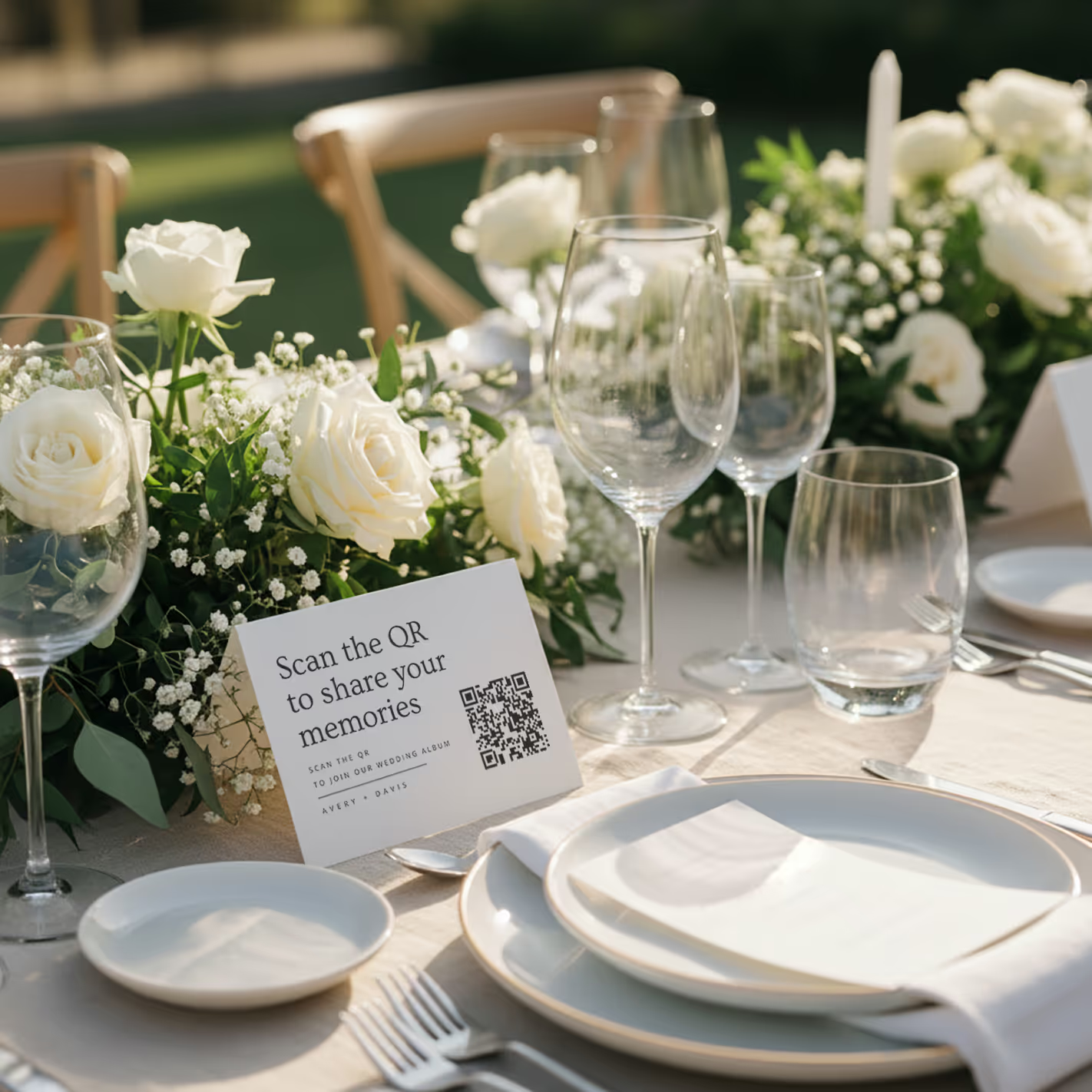
QR cards on tables
Printed cards sit on each table. Guests scan with any phone — no app needed.
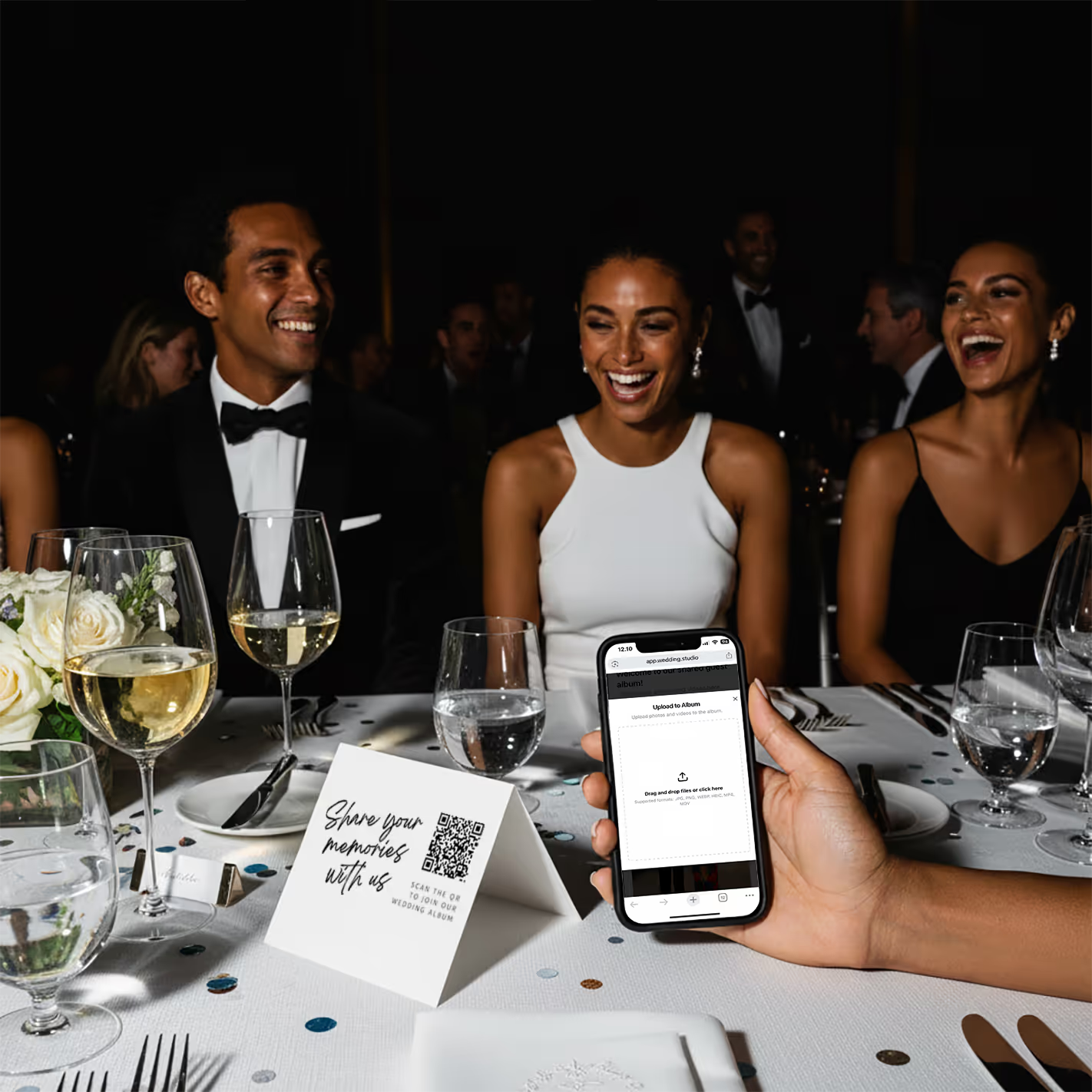
Guests scan & upload
Opens instantly in the browser. Upload from camera roll or take new photos.
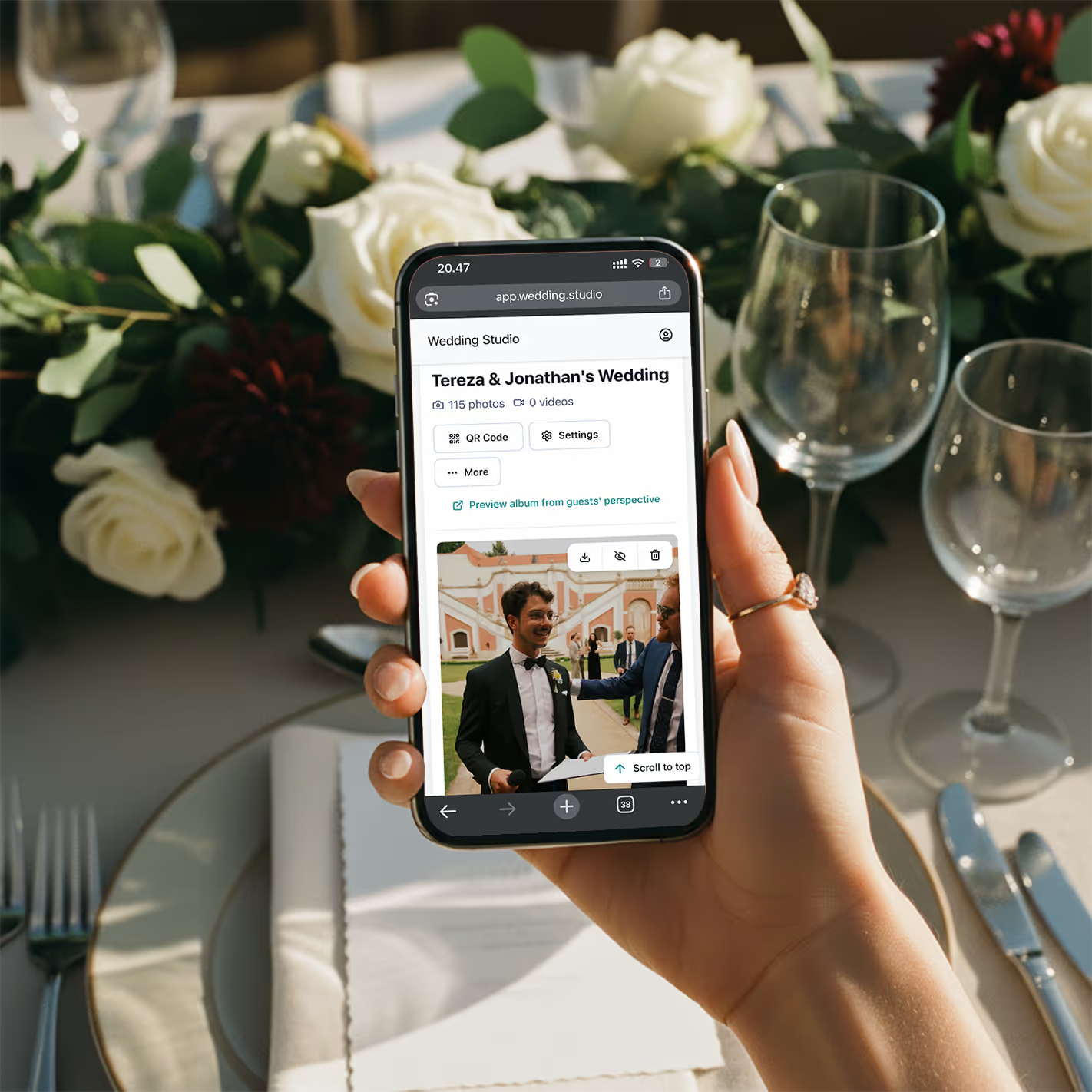
Your album fills up
Every photo and video in full resolution. Download everything as a zip.
“上个月我统筹了一场 200 人的婚礼。刚上晚餐时,相册里就有了 150 张照片。到了散场时,已经收到了 800 多张。新人在回酒店的接驳车上就美美地看起了照片。”
真实成效
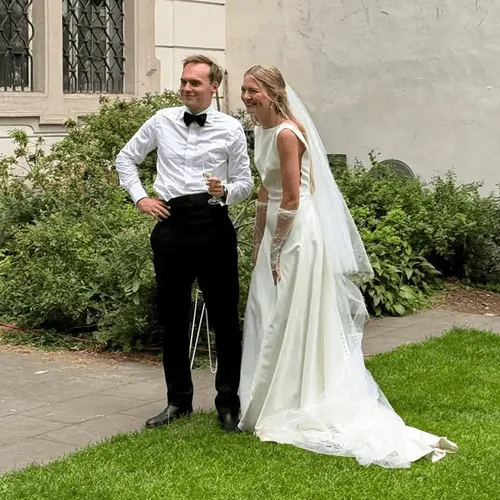
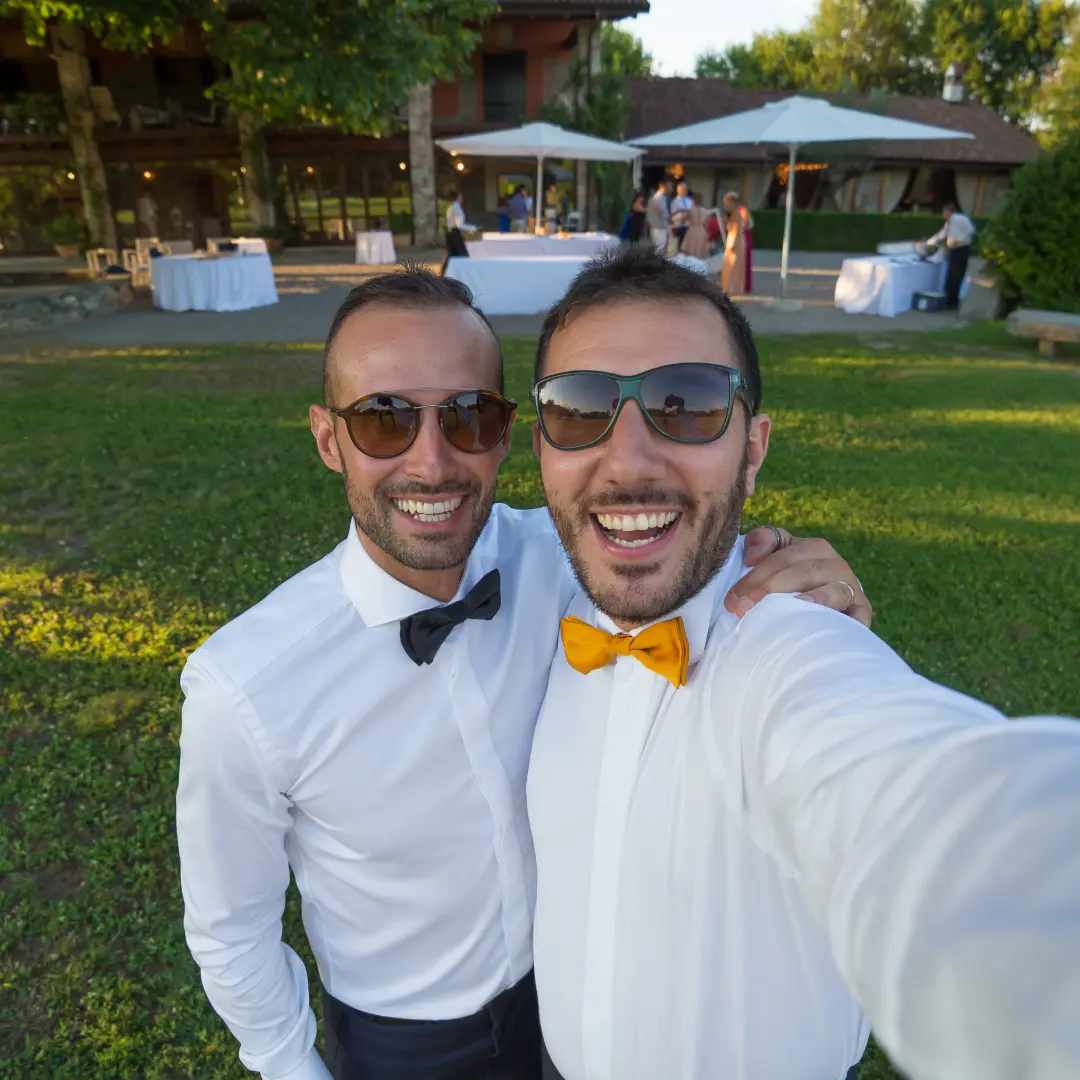
这些全由婚礼宾客随手拍摄——并非出自摄影师之手
在真实婚礼中通过二维码上传。全分辨率原图,即刻查收。


“My 82-year-old grandfather figured out the QR code in about 10 seconds. He uploaded a selfie with the groom and it's now my favorite photo from the entire wedding.”
Maria L.
95 guests, San Diego CA
“We tried a shared Google Photos album at our engagement party — got 12 photos. At our wedding we used QR cards and got 500+. The difference is insane.”
James & Nicole P.
210 guests, Chicago IL
我的建议
我向自己服务的新人极力推荐的一款
在真实婚礼上测试了榜单上的每一种方法后,我始终推荐的是 Wedding Studio。它基于二维码 —— 宾客扫码卡片,直接在浏览器中上传照片,所有内容便能立即同步至您的相册。无需下载应用,无需登录,没有任何繁琐操作。
它优于我试过的其他二维码方案之处在于:桌卡摆在桌上非常精致(款式多样),上传页面极为简洁,还能邀请另一半或策划师作为联合协作者,而且每张照片都是原图全分辨率保留。新人们通常在一晚就能收到 300 到 800 多张照片。
一次性付费,非订阅制。包含无限量上传、全分辨率原图下载,以及相册访问权限至 24 months after the wedding。
常见问题
How do I collect photos from wedding guests?
The easiest way is QR-based photo sharing. Place a QR code card on each table at your reception. Guests scan the code with their phone camera, which opens a browser-based upload page — no app download or login required. Every photo goes straight to your private album in full resolution. Alternatives include shared albums (Google Photos, iCloud), social media hashtags, and group chats, but each comes with friction that reduces participation.
What is the best app for wedding photo sharing?
It depends on your priorities. Dedicated apps like Guest, WedShoots, and The Guest require downloads, which kills adoption — most guests won't install an app for a single event. Shared album services like Google Photos work but need accounts and cross-platform compatibility. QR-based solutions like Wedding Studio skip the app entirely: guests scan a code and upload from their browser. No download, no login, no friction.
How do I get guests to share wedding photos?
Remove every possible barrier. The #1 reason guests don't share photos is friction — they intend to, but life gets in the way. The most effective approach is a QR code on each table that opens an upload page in seconds. No app to download, no account to create, no link to remember. Guests upload while they're still at the table, not days later when motivation fades.
Do I really need a wedding photo sharing app if I have a photographer?
Yes. Your photographer typically covers 3–5 hours and captures 50–200 edited photos. Your guests, collectively, cover the entire event — from getting-ready moments to the after-party — and can capture 500+ candid photos and videos. Guest photos show perspectives, emotions, and moments your photographer physically cannot be in two places to capture.
How many photos do wedding guests typically take?
At an average wedding with 100–150 guests, you can expect 300–800+ guest photos when using a frictionless sharing method like QR codes. With higher-friction methods (hashtags, shared albums, group chats), that number drops to 20–80 because most guests never follow through. The key factor isn't how many photos guests take — it's how easy you make it to share them.
Can older guests use QR-based photo sharing?
Yes. Any smartphone made in the last 8 years can scan QR codes using the default camera app. The upload page is browser-based, so there's nothing to install or sign into. We've seen guests in their 80s use it successfully. For the rare guest without a smartphone, a family member at the same table can upload on their behalf.
When should I set up wedding photo sharing?
Set up your album at least 2–4 weeks before the wedding so you can order printed QR cards if you want them. The album supports uploads and downloads for 24 months after the wedding, so you can test it with your bridal party beforehand. On the day, place QR cards on tables during setup — no other coordination needed. Guests can start uploading from the ceremony onward.
How do I get wedding photos off guests' phones after the wedding?
If you didn't set up a sharing method beforehand, your options are limited: send a group text asking people to share, create a shared album and send the link, or post on social media asking guests to send photos. Realistically, only 10–20% of guests will follow through weeks later. The most reliable approach is giving guests a way to share in the moment — while they're still at the wedding and motivated.