Wedding Studio-team
Inzichten van 50,000+ bruiloften gehost op Wedding Studio
Het ene ding dat elk bruidspaar achteraf anders had willen doen
Na meer dan 400 bruiloften te hebben gecoördineerd, hoor ik één spijtbetuiging vaker dan alle andere: “Ik wou dat we meer spontane foto's van onze gasten hadden.” Niet de geposeerde beelden. Niet de portretten van de fotograaf. Maar de echte, ongefilterde momenten die alleen je gasten zien.
Deze gids behandelt elke manier om trouwfoto's van gasten te verzamelen — wat werkt, wat niet werkt en wat ik mijn eigen bruidsparen aanraad.
0+
Bruiloften gecoördineerd
0
Methoden vergeleken
0 min
Leestijd
Deel 1
Je mooiste foto's zitten opgesloten op de telefoons van je gasten
Dit is de rekensom waar de meeste bruidsparen pas aan denken als het te laat is.
Je fotograaf
50–200 foto's
Dekt 3–5 uur. Geposeerde en redactionele beelden. Geleverd in 4–8 weken.
Dekking
3 van de 8 uur
Je gasten (samen)
500–2.000+ foto's
Elke hoek. Elk moment. Van de voorbereiding tot de afterparty. Direct beschikbaar.
Dekking
8 van de 8 uur
Het probleem is niet dat gasten geen foto's maken — dat doen ze voortdurend. Het probleem is dat die foto's nooit van hun filmrol afkomen. Iedereen is van plan ze te delen. Bijna niemand doet het.
“We vroegen iedereen na de bruiloft om foto's te delen. We kregen er misschien 30 van twee vrienden. Drie maanden later zag ik dat mijn nicht een prachtige foto van onze openingsdans op Instagram plaatste. Ik moest er een screenshot van maken.”
The group chat approach
You create a WhatsApp or iMessage group and ask guests to share photos. A few do immediately. Within 48 hours the thread is dead. You end up with 20–40 photos from the same 3 people.
The social media hashtag
You announce a hashtag and hope guests use it. Half your guests have private accounts. Instagram compresses everything. You spend hours scrolling and screenshotting. You never find most of the photos.
The shared album link
You text a Google Photos or iCloud link. Android users can't use iCloud. Google Photos requires a login. Older guests give up. You get photos from the 15% of guests who figured it out.
De rode draad: elk van deze methoden vraagt gasten om iets te doen nadat het moment voorbij is. En na de bruiloft vervliegt de motivatie.
Deel 2
Elke manier om trouwfoto's te delen — eerlijk vergeleken
Ik heb ze allemaal op echte bruiloften gebruikt zien worden. Dit is wat er in de praktijk met elk gebeurt.
Social media hashtag
Unreliable
Social media hashtag
UnreliableVoordelen
- Free and familiar
- No setup on your part
- Some guests will use it naturally
Nadelen
- Photos compressed to low quality
- Private accounts are invisible to you
- You have to manually search and save each photo
- Most guests forget or don't bother
Kosten
Free
Gemiddeld aantal verzamelde foto's
10–30
Group text / WhatsApp
Short-lived
Group text / WhatsApp
Short-livedVoordelen
- Everyone has messaging apps
- Easy to start
- Good for small weddings
Nadelen
- Photos heavily compressed in messaging
- Thread dies within 48 hours
- Becomes overwhelming with 50+ guests
- No organization — just a wall of images
Kosten
Free
Gemiddeld aantal verzamelde foto's
20–50
Google Photos / iCloud shared album
Friction-heavy
Google Photos / iCloud shared album
Friction-heavyVoordelen
- Good photo quality when it works
- Free or cheap
- Automatic backup and organization
Nadelen
- Requires specific app or account
- Cross-platform issues (iPhone ↔ Android)
- Older guests struggle with the process
- You'll spend the reception troubleshooting
Kosten
Free
Gemiddeld aantal verzamelde foto's
30–80
Dedicated photo apps (Guest, WedShoots, etc.)
App fatigue
Dedicated photo apps (Guest, WedShoots, etc.)
App fatigueVoordelen
- Purpose-built for weddings
- Usually include some organization features
- Better than generic shared albums
Nadelen
- Guests must download an app for a single event
- Many guests never install it — especially older ones
- Some charge per guest or per photo
- App quality varies widely
Kosten
$0–150
Gemiddeld aantal verzamelde foto's
50–200
QR-based photo sharing
Best all-around
QR-based photo sharing
Best all-aroundVoordelen
- Works on every phone — no app download
- Unlimited full-resolution photos and videos
- Guests upload in the moment, not days later
- Works all night, every location in the venue
- Guests of all ages can use it
Nadelen
- Requires guests to have a smartphone
- No offline/physical element
- Small upfront cost
Kosten
$29–99
Gemiddeld aantal verzamelde foto's
200–1,000+
Deel 3
Wat echt werkt: leg foto's vast in het moment
Het verschil tussen 30 foto's en 700 foto's krijgen komt neer op één ding: timing. Elke methode die gasten vraagt om na de bruiloft foto's te delen, mislukt. De methoden die werken leggen foto's vast terwijl gasten nog aan tafel zitten, drankje in de hand, camera paraat.
Delen via een QR-code werkt omdat het elke drempel wegneemt. Er ligt een fysiek kaartje op tafel. Gasten scannen het met hun telefooncamera. Er opent direct een browserpagina — geen app, geen inlog, geen gedoe. Ze uploaden een foto en gaan verder met hun gesprek. Het hele proces duurt minder dan 30 seconden.
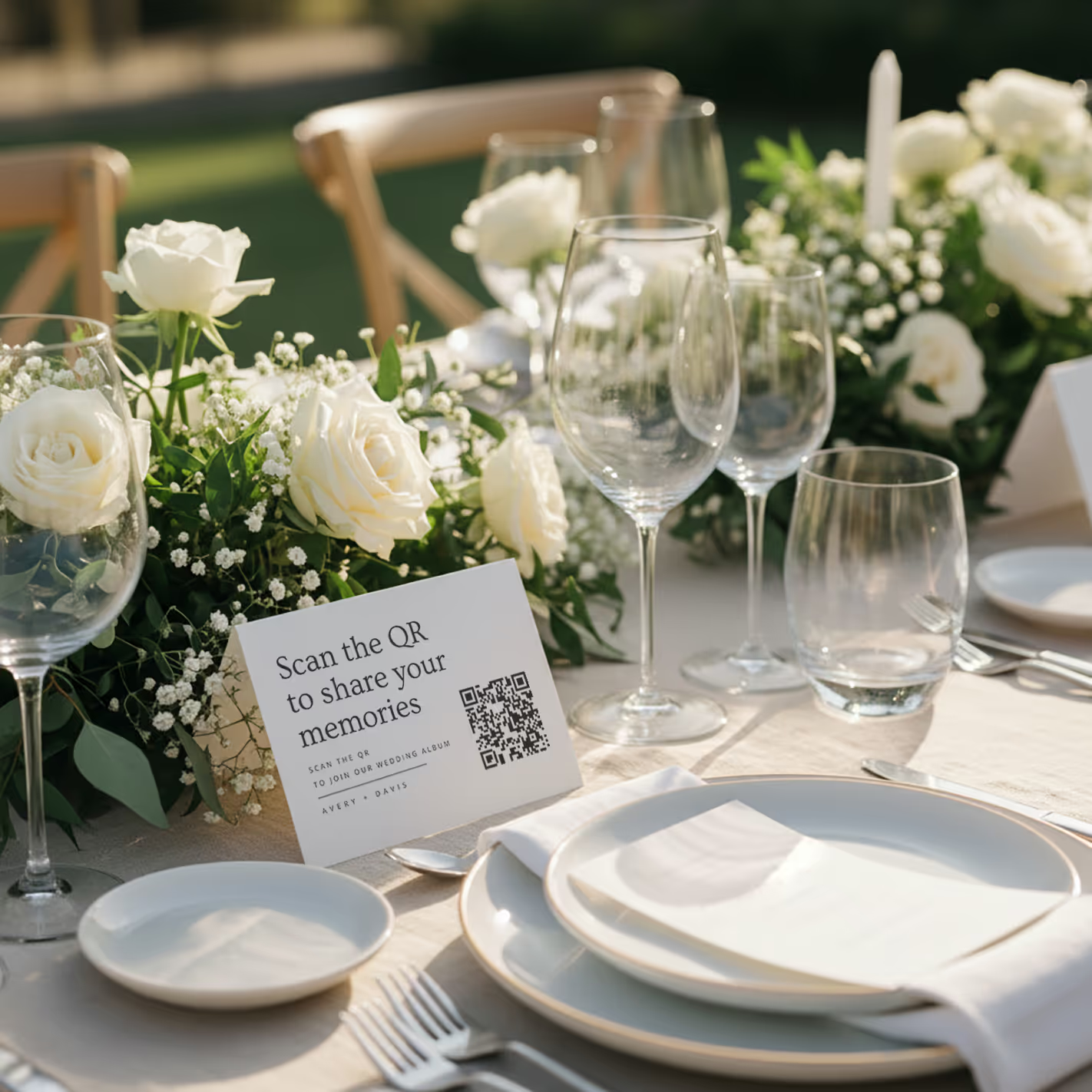
QR cards on tables
Printed cards sit on each table. Guests scan with any phone — no app needed.
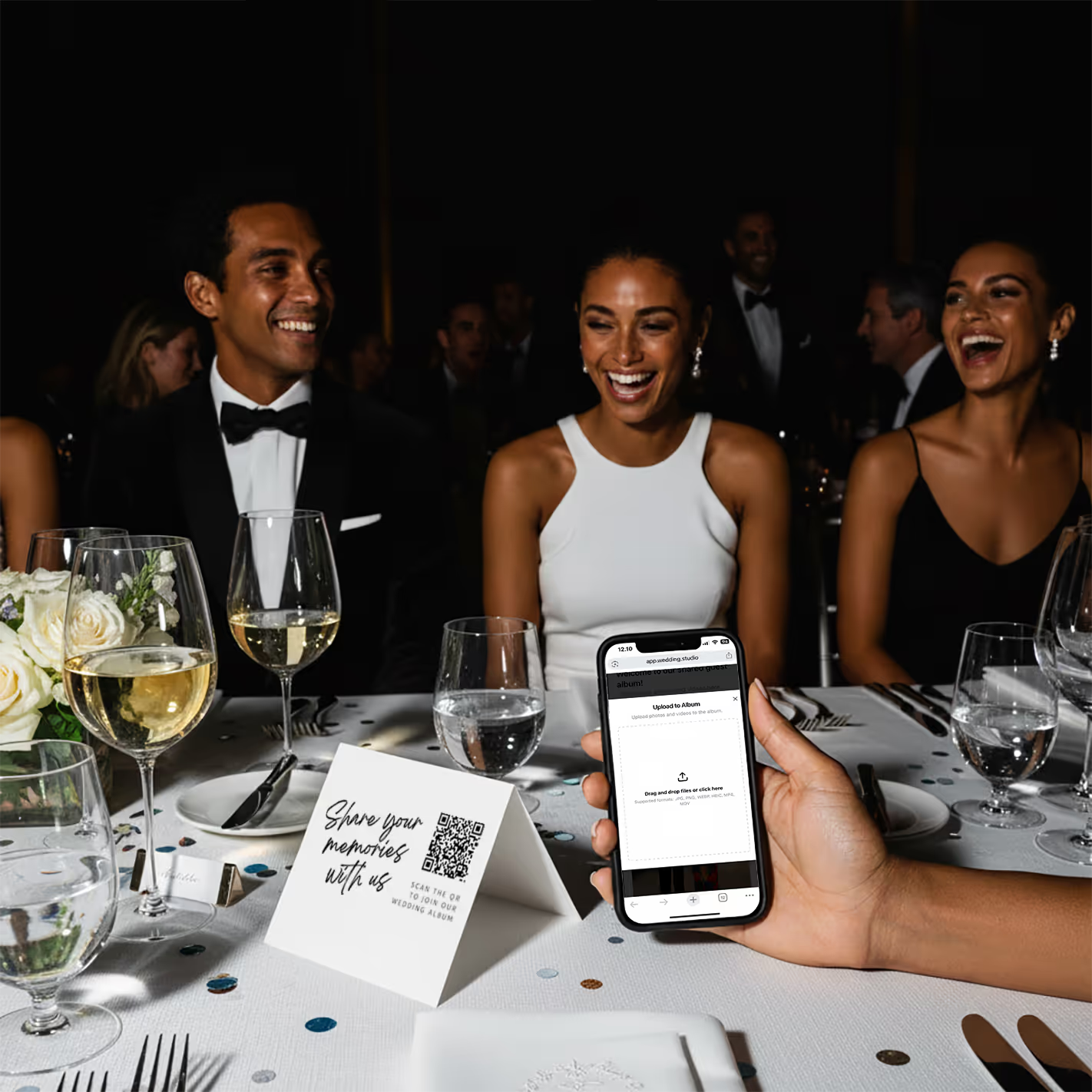
Guests scan & upload
Opens instantly in the browser. Upload from camera roll or take new photos.
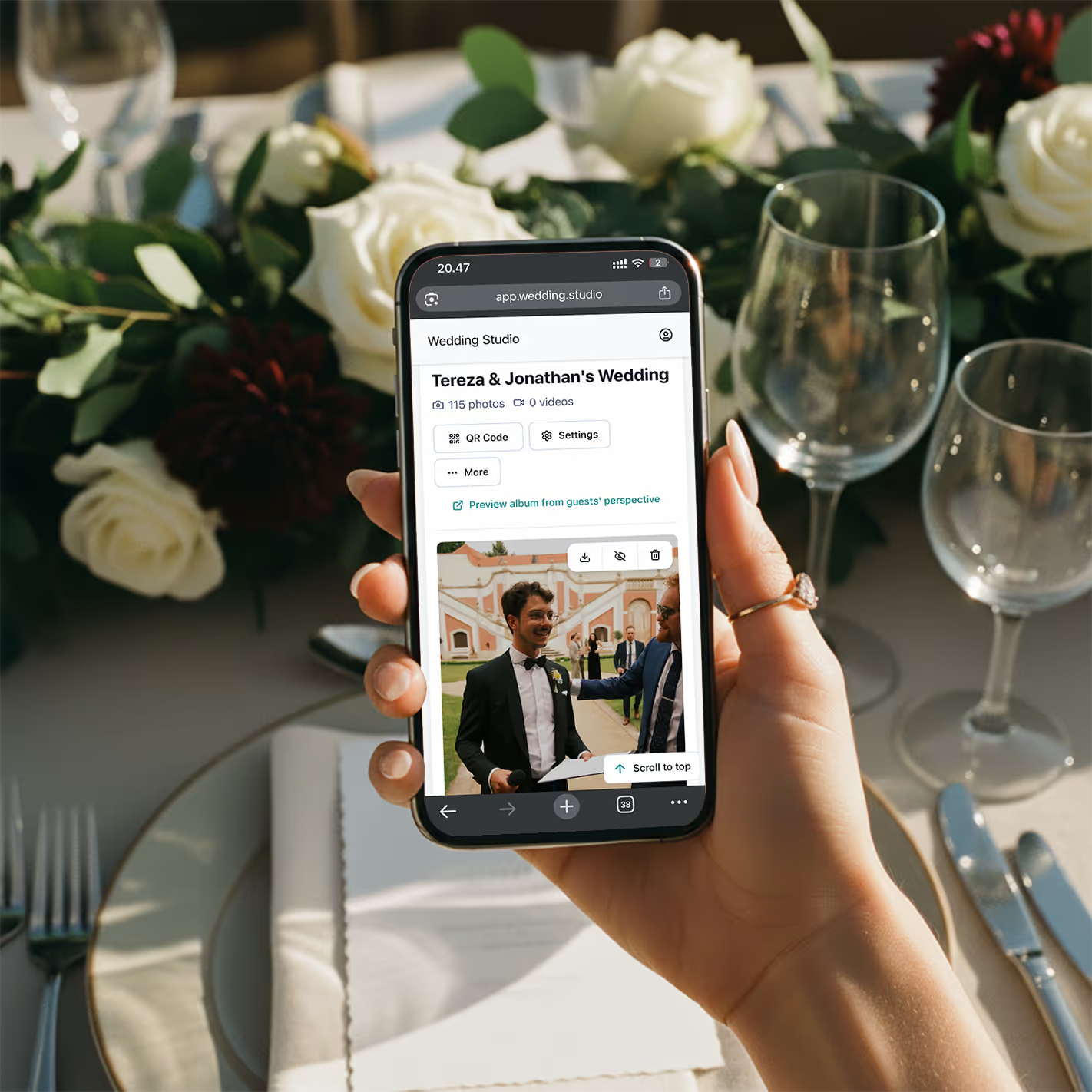
Your album fills up
Every photo and video in full resolution. Download everything as a zip.
“Vorige maand coördineerde ik een bruiloft met 200 gasten. Tegen de tijd dat het diner werd geserveerd, stonden er al 150 foto's in het album. Aan het einde van de avond hadden ze er meer dan 800. Het bruidspaar bekeek ze al in het busje op weg naar het hotel.”
Echte resultaten
Deze zijn allemaal gemaakt door bruiloftsgasten — niet door de fotograaf
Geüpload via QR-code op echte bruiloften. Volledige resolutie, direct beschikbaar.
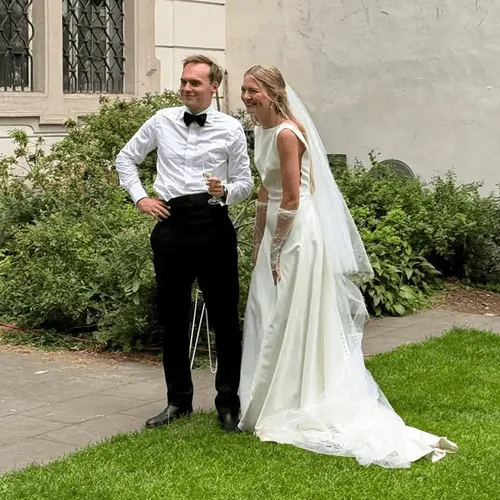
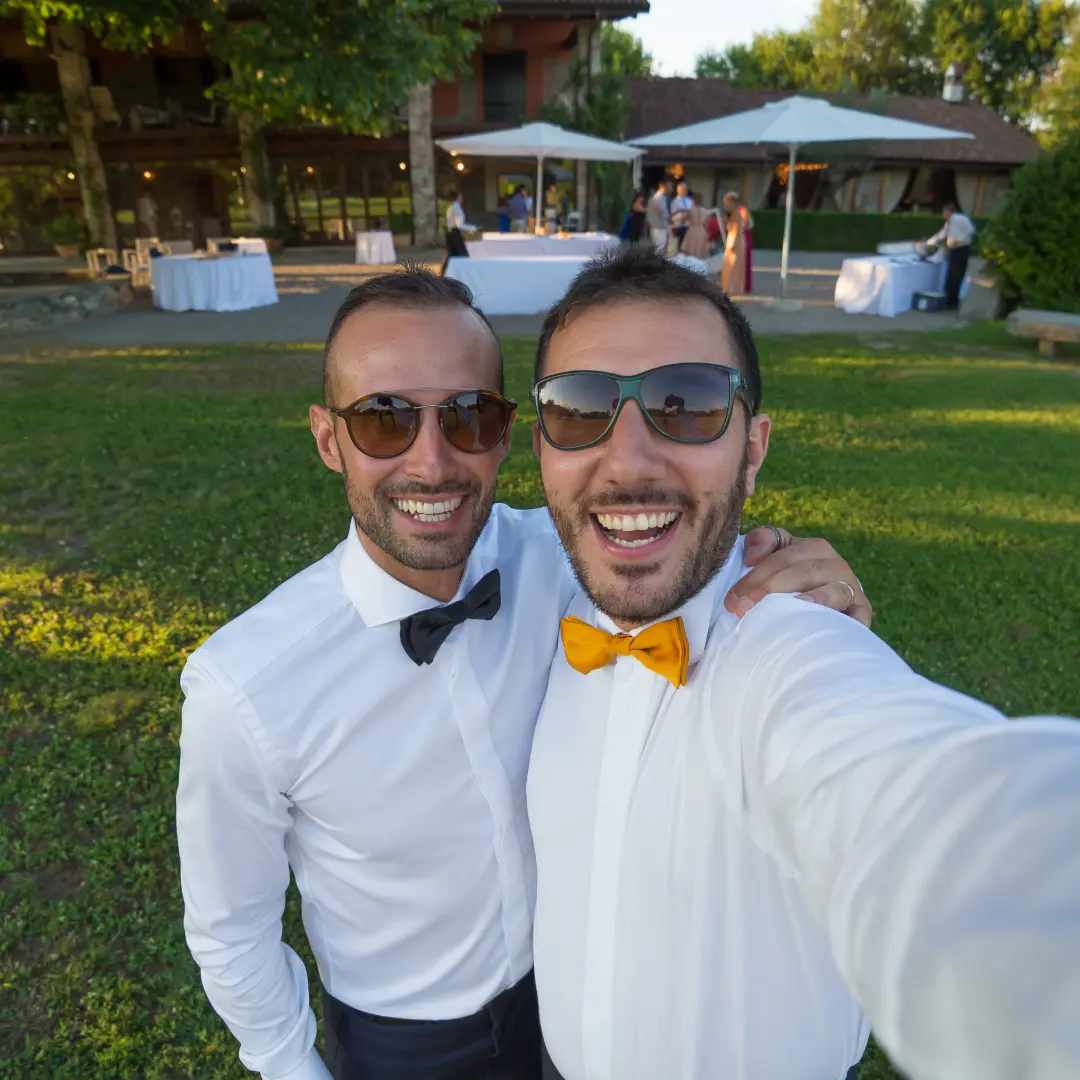


“My 82-year-old grandfather figured out the QR code in about 10 seconds. He uploaded a selfie with the groom and it's now my favorite photo from the entire wedding.”
Maria L.
95 guests, San Diego CA
“We tried a shared Google Photos album at our engagement party — got 12 photos. At our wedding we used QR cards and got 500+. The difference is insane.”
James & Nicole P.
210 guests, Chicago IL
Mijn aanbeveling
De optie die ik mijn eigen bruidsparen aanbeveel
Na elke methode op deze lijst te hebben getest op echte bruiloften, is er één die ik steeds weer aanbeveel: Wedding Studio. Het werkt met een QR-code — gasten scannen een kaartje, uploaden foto's vanuit hun browser en alles verschijnt direct in je album. Geen app. Geen inloggen. Geen gedoe.
Wat het onderscheidt van andere QR-oplossingen die ik heb geprobeerd: de kaartjes zien er daadwerkelijk prachtig uit op tafel (ze hebben verschillende ontwerpen), de uploadpagina is doodeenvoudig, je kunt je partner of ceremoniemeester uitnodigen als co-host en elke foto behoudt de volledige resolutie. Bruidsparen verzamelen doorgaans 300 tot 800+ foto's op één avond.
Eenmalige betaling, geen abonnement. Inclusief onbeperkte uploads, downloads in volledige resolutie en albumtoegang tot 24 months after the wedding.
Veelgestelde vragen
How do I collect photos from wedding guests?
The easiest way is QR-based photo sharing. Place a QR code card on each table at your reception. Guests scan the code with their phone camera, which opens a browser-based upload page — no app download or login required. Every photo goes straight to your private album in full resolution. Alternatives include shared albums (Google Photos, iCloud), social media hashtags, and group chats, but each comes with friction that reduces participation.
What is the best app for wedding photo sharing?
It depends on your priorities. Dedicated apps like Guest, WedShoots, and The Guest require downloads, which kills adoption — most guests won't install an app for a single event. Shared album services like Google Photos work but need accounts and cross-platform compatibility. QR-based solutions like Wedding Studio skip the app entirely: guests scan a code and upload from their browser. No download, no login, no friction.
How do I get guests to share wedding photos?
Remove every possible barrier. The #1 reason guests don't share photos is friction — they intend to, but life gets in the way. The most effective approach is a QR code on each table that opens an upload page in seconds. No app to download, no account to create, no link to remember. Guests upload while they're still at the table, not days later when motivation fades.
Do I really need a wedding photo sharing app if I have a photographer?
Yes. Your photographer typically covers 3–5 hours and captures 50–200 edited photos. Your guests, collectively, cover the entire event — from getting-ready moments to the after-party — and can capture 500+ candid photos and videos. Guest photos show perspectives, emotions, and moments your photographer physically cannot be in two places to capture.
How many photos do wedding guests typically take?
At an average wedding with 100–150 guests, you can expect 300–800+ guest photos when using a frictionless sharing method like QR codes. With higher-friction methods (hashtags, shared albums, group chats), that number drops to 20–80 because most guests never follow through. The key factor isn't how many photos guests take — it's how easy you make it to share them.
Can older guests use QR-based photo sharing?
Yes. Any smartphone made in the last 8 years can scan QR codes using the default camera app. The upload page is browser-based, so there's nothing to install or sign into. We've seen guests in their 80s use it successfully. For the rare guest without a smartphone, a family member at the same table can upload on their behalf.
When should I set up wedding photo sharing?
Set up your album at least 2–4 weeks before the wedding so you can order printed QR cards if you want them. The album supports uploads and downloads for 24 months after the wedding, so you can test it with your bridal party beforehand. On the day, place QR cards on tables during setup — no other coordination needed. Guests can start uploading from the ceremony onward.
How do I get wedding photos off guests' phones after the wedding?
If you didn't set up a sharing method beforehand, your options are limited: send a group text asking people to share, create a shared album and send the link, or post on social media asking guests to send photos. Realistically, only 10–20% of guests will follow through weeks later. The most reliable approach is giving guests a way to share in the moment — while they're still at the wedding and motivated.
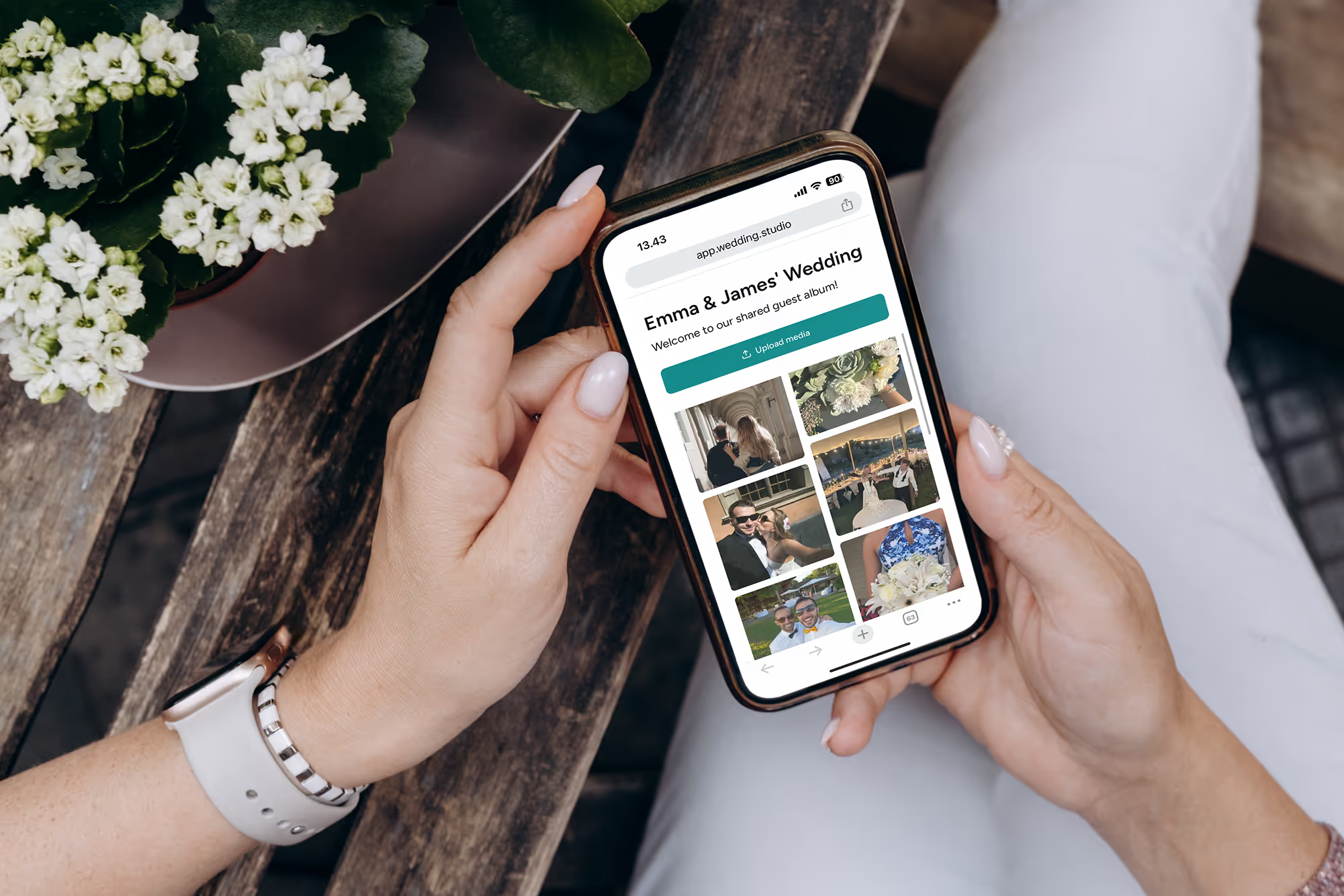
Mis de mooiste foto's van je gasten niet langer
Verzamel elke foto en video van elke gast op je bruiloft — in volledige resolutie, de volgende ochtend al beschikbaar. Vanaf $29.
Bij het maken van deze gids hebben we de hulp ingeroepen van een weddingplanner van topniveau.