WhatsApp or a Wedding Photo Album? Quality, Guest Access and Cost Compared
Choose Wedding Studio for a wedding-wide collection and optional book; keep WhatsApp for conversation and small collections where manual organization is acceptable.
··9 min read
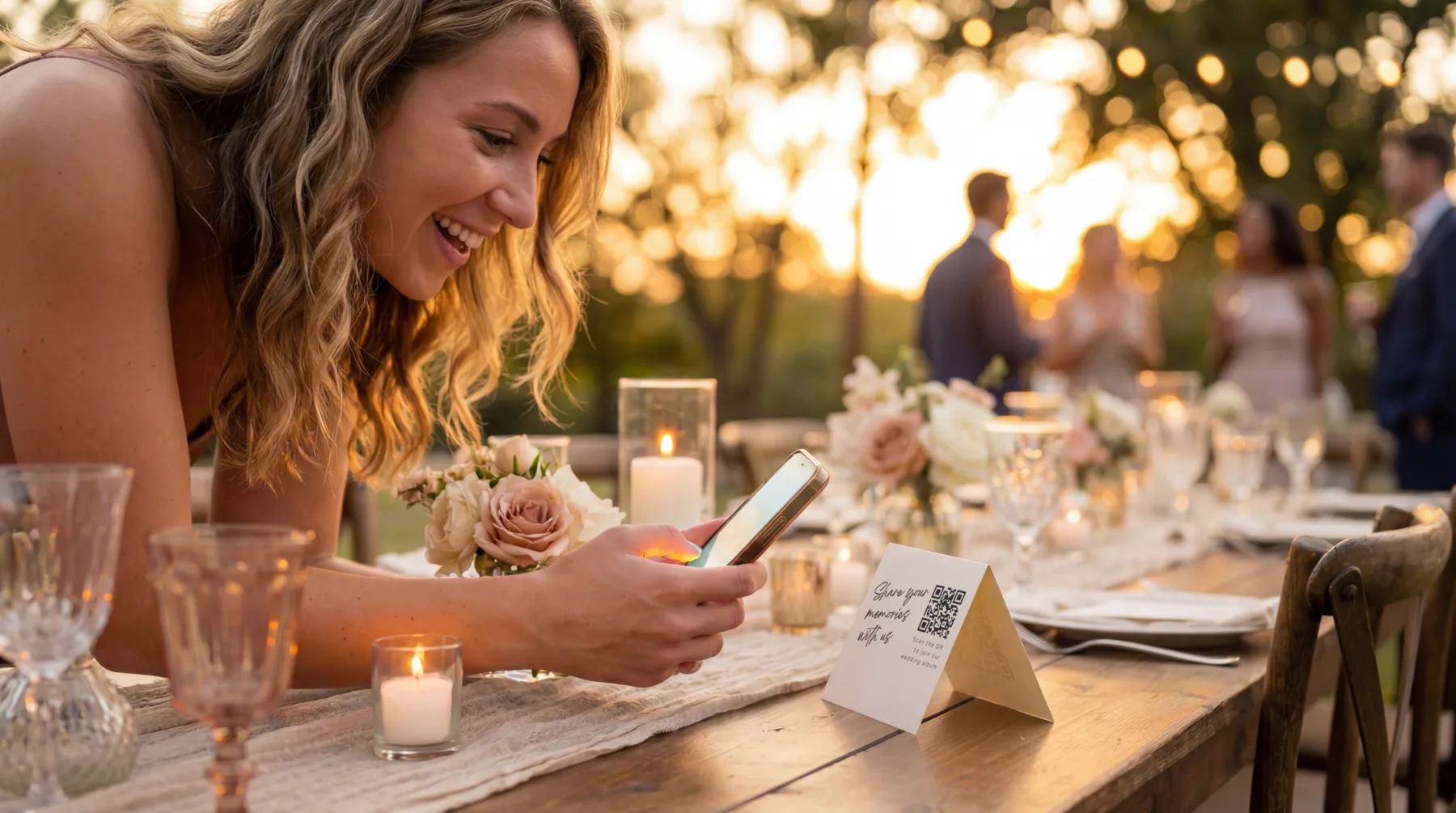
Guest holding a phone beside a QR card at an outdoor reception
I would choose Wedding Studio as the main wedding photo collection if you want one album guests can reach without creating an account, especially if you may print a book afterward. I would keep WhatsApp when the group already exists, the pictures are mainly for conversation and you are happy to organize the files yourself.
WhatsApp is a workable way to exchange wedding photos. The decision is about whether a chat is also the archive you want. I would separate those two jobs before asking a large group to send everything into the same conversation.
This comparison is published by Wedding Studio and based on primary product documentation. I have not conducted a phone-to-phone image-quality test.
What the album does after the messages arrive
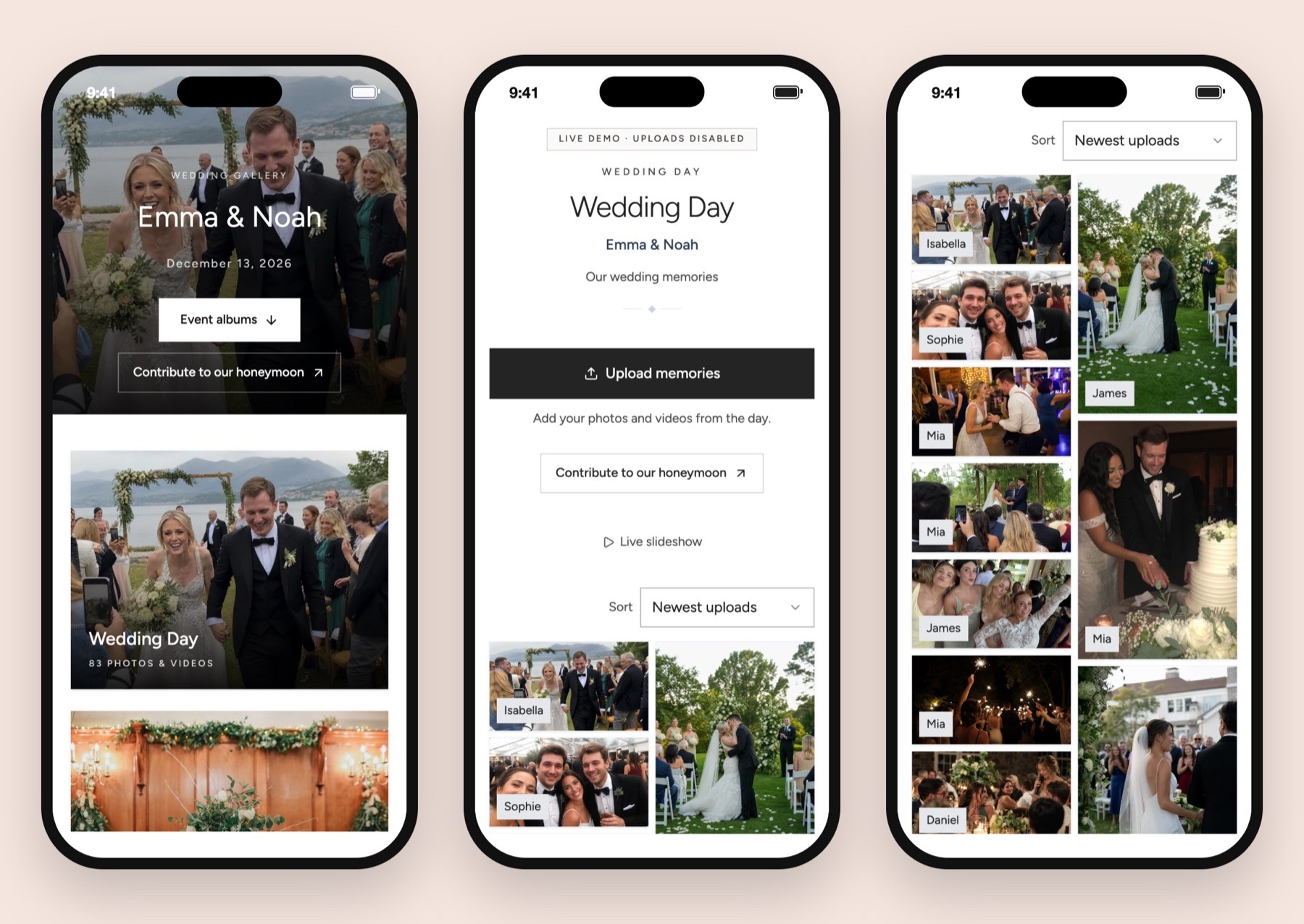
Wedding Studio automatically groups photographs into wedding moments and helps identify duplicates. I would value that when several guests send similar frames from the ceremony or dance floor. Co-hosts can help manage the album, and private or shared viewing lets you decide the audience. These are reasons to choose a dedicated collection even when you have no plans to print a book.
Wedding Studio demo album.
A chat group and a wedding album solve different problems
WhatsApp makes sense for people who are already talking there. A guest can post a photograph with a message, someone can reply, and the conversation can continue around it. If that social exchange is what you want, a separate album may add a step without improving the experience.
Wedding Studio would be my choice for a collection intended to outlive the conversation. Guests contribute through a browser link or QR code, and the files arrive in the wedding album. You can then browse the collection, manage viewing and download the archive without extracting a selection from the surrounding chat.
The distinction is especially useful when your wedding communication is already busy. Travel changes, arrival questions and informal conversation can share a chat naturally. The album invitation can live in the chat while sending the files to a different destination.
You can see the album route on the wedding photo sharing page. I would decide where the files should end up first, then use whichever invitation channel your guests are likely to read.
Decision
Wedding Studio album
WhatsApp group
Guest route
Browser upload without guest account or app installation
Guests use their WhatsApp access to participate in the chat
Media handling
Photos/videos collected in the wedding album; full-resolution downloads documented
Standard/HD media and document attachment routes are distinct
Published file boundary
Confirm file size and duration for long recordings
Official web help lists documents up to 2 GB; media-send video limits differ from documents
Organization
Wedding collection with host settings and archive download
Conversation first; you decide how to save and organize the files
Print workflow
Optional paid photobook from album photos
Save the selected source files and bring them to a separate book project
WhatsApp's own media-sending help distinguishes photo/video sending, the HD quality setting and document attachments. That is why I would not reduce the comparison to "WhatsApp compresses everything." The sending choice matters, and guests may use different choices unless you give clear instructions.
Be precise about WhatsApp image quality
The HD option is useful when someone wants to share a better-looking picture in the conversation. It should not be casually treated as proof that the receiver has the original source file. A displayed quality label and a source-file preservation check are different evidence.
Document attachment is a separate route. If an original photograph matters for printing, ask the sender to use the appropriate file route or another confirmed original-file transfer method, and keep their source until you have checked receipt.
For a few selected pictures, explaining that distinction may be manageable. For a large group, it becomes an instruction you must expect people to follow correctly. Someone may send a screenshot, a forwarded copy or an edited image because it is the version easiest to find.
I would ask for the camera original when a particular photograph matters. Do not assume that the version saved from the chat is the best available file. This applies to any collection method: a service can preserve the uploaded file without knowing that the guest selected a lower-quality copy in the first place.
Video deserves a separate request
WhatsApp's document route and ordinary media route have different file boundaries. A short clip that sends normally does not demonstrate that a long speech will travel the same way. Keep large-file details in a direct message to the person holding the recording rather than a complicated instruction to the whole group.
If you want that long recording, tell the contributor to retain the original until you confirm the complete download. Check playback beyond the first few seconds, and save a copy outside the conversation. I would treat the recording as its own collection task if it is particularly important.
Wedding Studio supports video alongside photos, but this comparison does not establish an unrestricted size or duration. Use a representative-file check for any recording that determines your purchase.
The hidden work is collecting the collection
A chat can receive a generous number of pictures and still leave you with a sorting task. You may need to distinguish original posts from forwards, identify repeated pictures, save the ones you want and create a folder that makes sense outside the conversation.
That work may be perfectly acceptable for a small family dinner. If a few people already exchange their pictures and you simply want to keep them, I would not insist on a paid album. Use the chat, request original files for the pictures you care about and make the archive deliberately.
For a larger collection, I prefer the album destination. Wedding Studio documents automatic grouping into wedding moments and help identifying duplicates. Those features assist browsing; they do not eliminate the need to decide what you want to keep or print.
The digital wedding album guide explains how a guest album differs from a cloud folder or a professional delivery gallery. Thinking in those terms makes it easier to decide how much organization you want the purchased service to provide.
Use WhatsApp as the invitation channel
You do not have to choose between talking in WhatsApp and collecting in an album. If the group already exists, share the Wedding Studio link there and pin or clearly repeat the invitation at an appropriate time.
I would write something specific: "Please add the photos and videos you took to this album so we can keep them together. You can upload in your browser without making an account." That tells guests where the files should go and explains why you are asking them to leave the chat for the upload.
At the venue, the same destination can appear on a QR card. Keep the readable link below the code so guests have another route in. The QR collection guide walks through setting up the destination before printing.
If someone sends a lovely picture directly in the group anyway, thank them and ask for the original in the album when needed. Avoid making the collection feel like a set of technical rules that guests can get wrong. The goal is to receive the pictures, and a polite direct follow-up can handle exceptions.
Decide who should see the contributions
Wedding Studio offers shared viewing or private collection for the host and co-hosts. Choose the setting that matches your intention and describe it accurately. A picture meant for the couple may need a different audience from a picture posted for everyone to enjoy.
A WhatsApp group is a conversation with its own participant and privacy settings. Check those settings rather than assuming that the guest list you invited to the wedding should automatically become one chat audience. Ask whether a group is the right place for people who do not already know each other.
I would also make sharing expectations clear for photographs involving children, private moments or people who prefer not to be posted publicly. A private album link or closed group is still a place where people can save and forward content. Choose the audience thoughtfully and respond to removal requests promptly.
No-account uploading is convenient because a guest can follow a link. That also makes link sharing a real access decision. Keep your album link in the channels you intend and check the host settings before distributing it widely.
Compare the actual cost, including your time
WhatsApp can be sufficient without purchasing a dedicated wedding album. I would choose it when budget is the deciding factor and the collection is small enough to manage. A paid service should earn its place through a workflow you actually want.
Wedding Studio album plans are a one-time purchase, beginning with Starter at $29 USD. Pro is $69 USD and Unlimited is $99 USD, with guest capacity differing by plan. Printed QR cards and photobooks are paid extras.
Album access lasts 24 months after the wedding. It is a defined collection and download period, not a permanent-storage promise. Save the archive before the period ends.
If you know you will leave a busy chat unsorted, a dedicated album may be worth paying for. If you enjoy curating and already have a shared family workflow, the additional service may be unnecessary.
For free routes beyond chat, compare the free wedding photo sharing options. Keep the recommendation honest: a free method can be the correct choice when its account, storage and organization requirements fit your guests.
Plan the photobook before the best files get lost
A chat picture can look lovely on a phone and still be a poor source for a large printed page. If you think you will make a book, save the best available originals rather than leaving that request until people have cleared their phones.
Wedding Studio's guest-photo photobook route can use the photographs already in the album. The book is optional and paid, so you can wait for the collection and then choose whether the pictures justify the purchase.
If you choose WhatsApp, create a clear folder for the selected source files and label the contributors where useful. Request missing originals while the event is fresh. Do not treat the chat backup as your complete print-ready selection.
The book itself should remain a selection. A lively conversation may contain jokes, messages and repeated photographs that you enjoy in context but do not want on paper. Editing the collection is part of making the keepsake, whichever service received it.
Keep one simple rule for the follow-up
If you use WhatsApp to send the album invitation, name the destination every time you repeat it. "Please put the pictures in the album" is clearer than "send them here" when the message itself sits inside a chat that also accepts photographs.
I would keep a short list of the few files you still want, such as a particular group picture or a complete speech. Ask those contributors directly rather than resend a general request to everyone. It gives you a better chance of receiving the intended source file without adding noise to the group.
If a guest cannot scan the printed card, the QR troubleshooting guide and the readable link provide a way forward. Keep that failure separate from a WhatsApp sending-mode question: reaching the album and selecting the source file are different steps.
Before closing the collection, check that the files important to you are actually saved. Then make the archive outside the chat or album. A useful collection plan ends with files you can find, not with an invitation that was sent successfully.
Make the decision around the job you want finished
For an existing small group sharing pictures conversationally, I would keep WhatsApp and create a deliberate archive afterward. Use the sending options accurately and ask directly for original files when they matter.
For a wedding-wide collection with no guest registration, host viewing settings and a later book option, I would choose Wedding Studio. Share the album link in WhatsApp if that is where people already communicate, and let the conversation point to the collection rather than carry the whole archive.
Invite guests to add photos and videos to your album without installing an app. Choose optional printed cards and save your downloads before album access ends.