Wedding Studio 团队
基于在 Wedding Studio 上举办的 50,000+ 场婚礼的洞察
婚礼宾客照片收集全攻略
一次性相机、拍照 App、共享相册、二维码。在 Wedding Studio 承办的 50,000+ 场真实婚礼中,我们见过了收集宾客照片的各种方法——也看清了到底哪种才真正好用。
本指南客观剖析了每种选择,包括费用、利弊权衡以及我们对新人的实用建议。
0+
已统筹婚礼场次
0
对比方式数
0 分钟
阅读时间
第 1 部分
一次性相机的实际花费到底是多少
大多数新人为一次性相机预留的预算是 $100–150 。但这个数字往往大错特错。以下是一场典型的 150 人婚礼的真实费用明细。
Cameras
$120–300
15–20 cameras at $8–15 each
Developing & scanning
$180–300
$10–15 per camera to develop, scan, and print
Total cost
$350–600+
For 200–400 exposures — most unusable
$3–8
每张可用照片的成本
由于有 40–60% 的曝光废片,冲洗后每张好照片的成本高达 $3–8。而数字化方案只需一笔固定费用,就能为您无限量收集照片。
第 2 部分
婚礼上的一次性相机会发生什么真实情况
这个想法很美好:怀旧感、惊喜、真实的胶片质感。但在见证了数千场婚礼的成果后,以下才是通常会发生的情况。
“20台相机里我们收回了18台。在总共486张底片中,大概只有60张能用。其余的要么漆黑一片,要么模糊不清,要么是不小心拍到的桌布。我们花了$450把它们全部冲洗了出来。”
Low-light failure rate is high
Reception venues are dimly lit. Disposable camera flash reaches 4–8 feet. Most reception photos come out dark, orange, or completely black. You won't know until you develop them.
Guest adoption is unpredictable
Many guests — especially under 30 — have never used a film camera. They don't advance the film, miss the flash button, or simply forget the camera is there. Expect 30–50% of cameras to come back barely used.
Children will find them
Kids love disposable cameras. You'll get 27 photos of the ceiling, extreme close-ups of napkins, and zero usable shots. Budget for a few wasted cameras at family tables.
The 3-week wait
You return from your honeymoon excited to relive the night through your guests' eyes. The cameras are still at the lab. When they arrive, the anticipation makes the disappointment worse.
No video whatsoever
The speeches. The first dance. The surprise moment. Some of the best wedding memories need video. Disposable cameras simply cannot capture them.
这并不意味着一次性相机不好。它们确实有着独特的魅力。但在决定使用前,你应对能收回的内容以及所需成本抱有切合实际的预期。
第 3 部分
收集宾客照片的各种方式对比
我们在真实婚礼中见证过所有这些方式。以下是对每种方式的客观评估。
Social media hashtag
Unreliable
Social media hashtag
Unreliable优点
- Free
- No setup required
- Guests already use Instagram
缺点
- Photos are compressed to low quality
- Many guests have private accounts
- You have to manually search and save each photo
- Photos get buried in feeds within days
费用
Free
通常可用的照片数
10–30
Shared album apps (Google Photos, iCloud)
Friction-heavy
Shared album apps (Google Photos, iCloud)
Friction-heavy优点
- Free or cheap
- Good photo quality
- Familiar to some guests
缺点
- Requires guests to have specific app or account
- Sharing link often doesn't work across iPhone/Android
- Older guests struggle with the process
- You'll spend the night troubleshooting
费用
Free
通常可用的照片数
30–80
Photo booth (rental)
Fun but limited
Photo booth (rental)
Fun but limited优点
- Guests love the props and prints
- Professional quality photos
- Instant physical keepsake
缺点
- Expensive: $800–2,000 for 3–4 hours
- Long lines mean many guests skip it
- Only captures posed shots, not candids
- Covers one location, not the whole venue
费用
$800–2,000
通常可用的照片数
50–150
Disposable cameras
Nostalgic but impractical
Disposable cameras
Nostalgic but impractical优点
- Authentic retro film aesthetic
- No technology required
- Fun table activity
缺点
- 40–60% of photos are unusable
- 2–3 week developing wait
- Poor low-light performance
- No video capability
费用
$350–600+
通常可用的照片数
60–120
QR-based photo sharing
Best all-around
QR-based photo sharing
Best all-around优点
- Works on every phone — no app download
- Unlimited full-resolution photos and videos
- Instant delivery to shared album
- Works all night, every location in the venue
- Guests of all ages can use it
缺点
- No physical/tangible element
- Requires guests to have a smartphone
- Digital aesthetic (no film grain)
费用
$29–99
通常可用的照片数
200–1,000+
互动工具
计算你的一次性相机成本
输入你的宾客人数,查看真实数据。
计算你的一次性相机成本
测算在婚礼上使用一次性相机的实际花费。
正面对比
一次性相机对比二维码照片共享
直接的功能逐项对比。
| 一次性相机 | Wedding Studio | |
|---|---|---|
| Cost (150-guest wedding) | $350–600+ | $99 flat |
| Photos per guest | 1–2 usable | Unlimited |
| Photo quality | Grainy, often dark | Full resolution from their phone |
| Time to view photos | 2–3 weeks (developing) | Instant |
| Video | Not possible | Yes — unlimited |
| Guest experience | Unfamiliar device, no preview | Their own phone — scan and shoot |
| Works in low light | Rarely (weak flash, slow film) | Yes — modern phone cameras excel |
| Setup required | Place cameras on tables | Place QR cards on tables |
| Retro aesthetic | Authentic film look | Apply filters after upload |
| Environmental impact | Single-use plastic + chemicals | Zero waste |
真实成效
这些全由婚礼宾客随手拍摄——并非出自摄影师之手
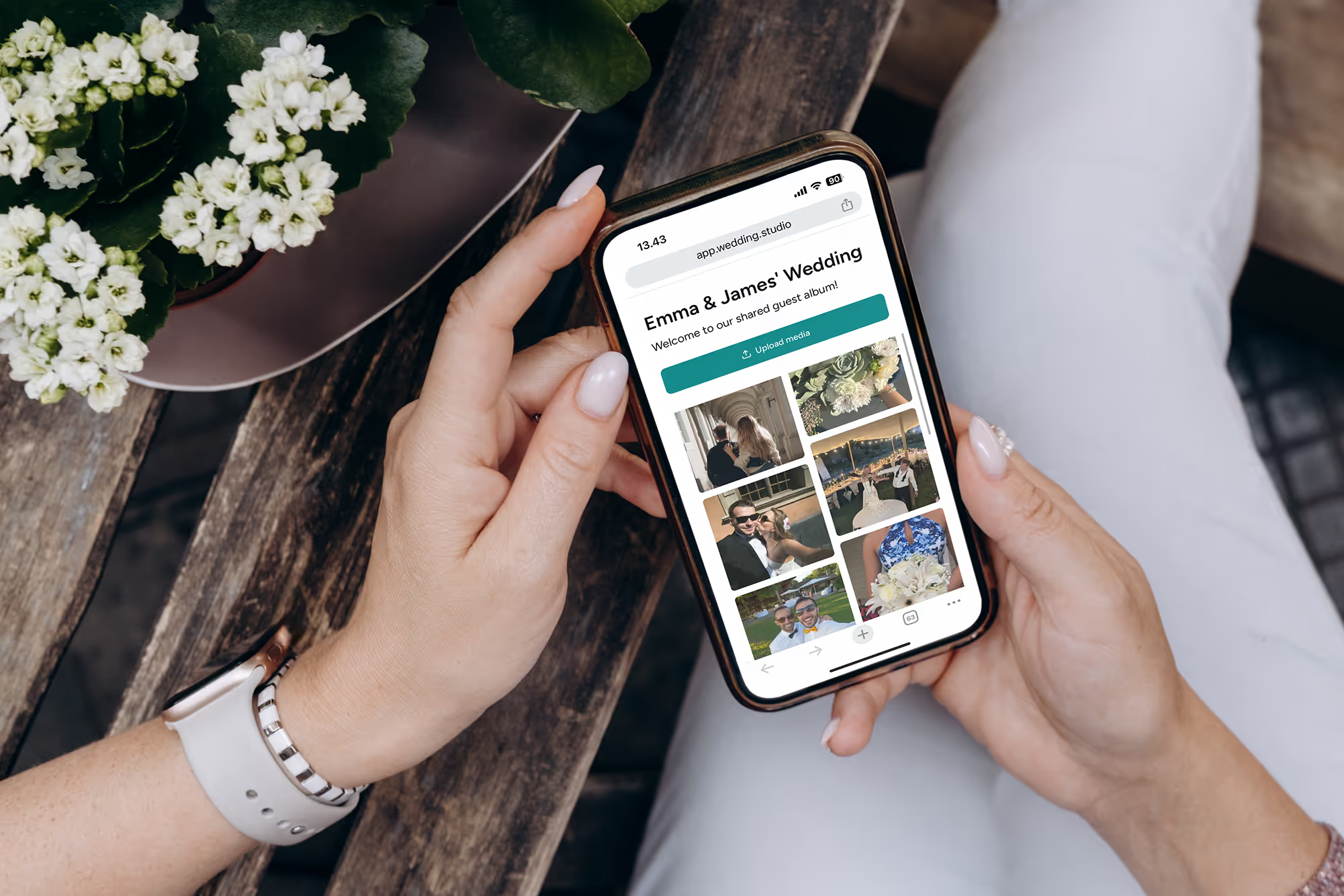
在真实婚礼中通过二维码上传。全分辨率原图,即刻查收。
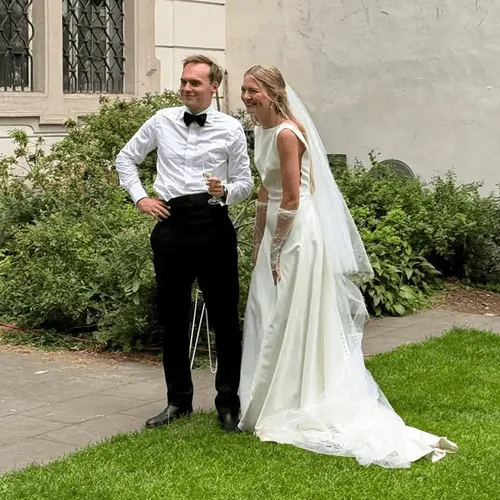
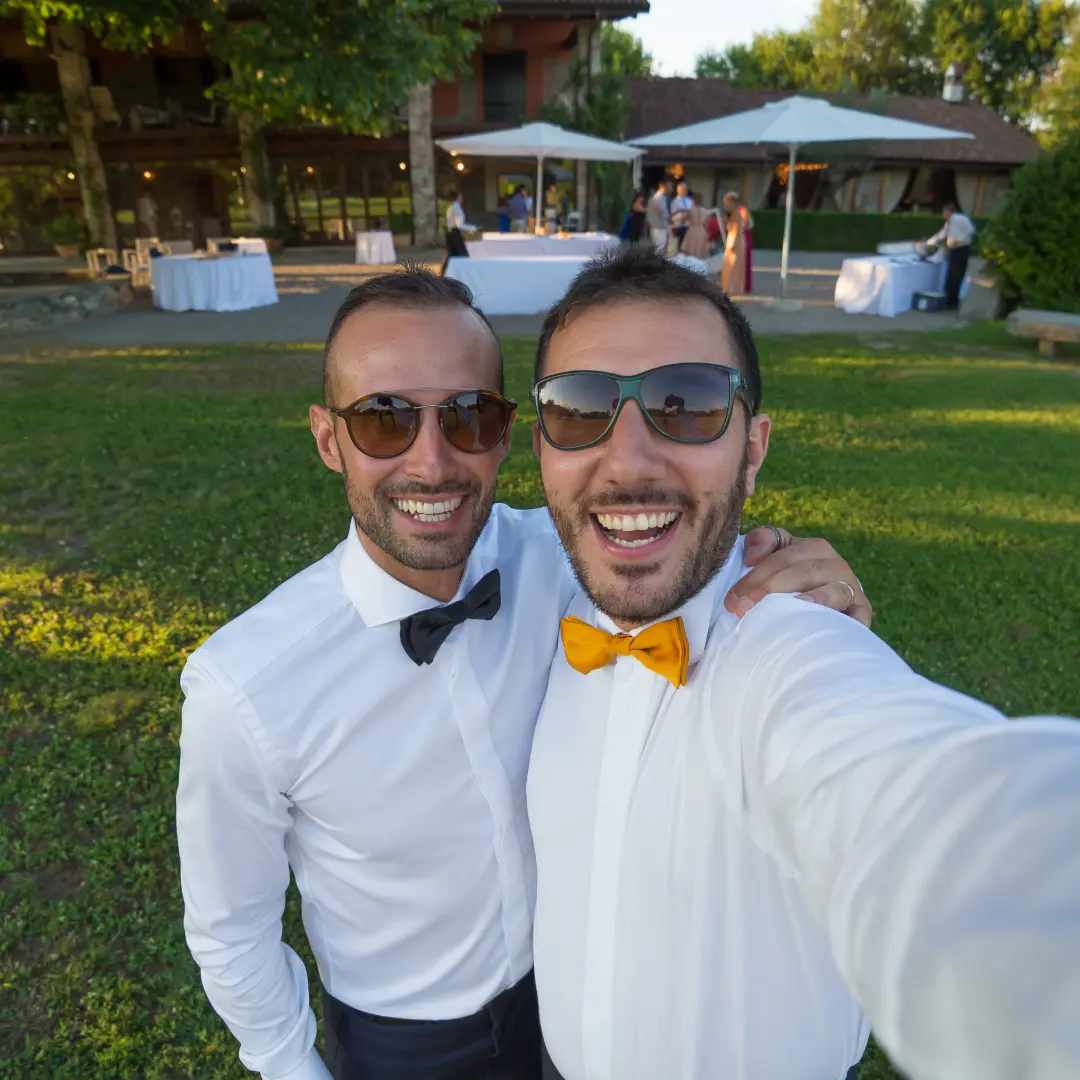

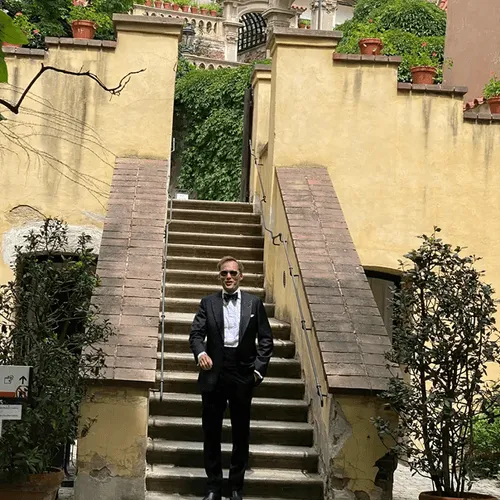
“We originally had disposable cameras on every table. Last minute we added QR cards too. We got 12 usable photos from the disposables and 600+ from the QR codes.”
Amanda T.
142 guests, Portland OR
“The QR cards looked more elegant on our tables than disposable cameras ever would have. And our guests actually used them — even my 75-year-old grandmother.”
Priya S.
220 guests, Mumbai
常见问题
“但我想要那种复古胶片感”
大约一半与我们交流的新人都会这么说。复古美感确实非常迷人——这种吸引力完全可以理解。以下是我们给他们的建议:
惊喜感现已内置:一次性相机模式
新人们真正喜欢一次性相机的地方在于揭晓时刻——直到后来才知道拍到了什么。Wedding Studio将这一机制融入了产品中。开启一次性相机模式后,宾客上传的所有内容都会保持隐藏,直到你选择的时间才公布:次日早晨、早午餐时段或午夜。你既能获得一次性相机带来的全部期待感,又能拥有全分辨率画质,没有过暗的照片、没有浪费的底片,也无需冲洗。它还能拍摄视频——所有方案均包含此功能。
质感来自滤镜,而非相机
VSCO、Dazz和Huji等应用能为你提供真实的胶片颗粒、漏光效果和温暖色调。你的宾客可以在上传前套用这些滤镜——既有复古美感,又有手机相机的高画质。
两全其美
仍然想要几台真正的胶片相机?可以在主桌放2到3台一次性相机增加趣味,同时在每张宾客桌上摆放二维码卡片,并开启一次性相机模式,让全场宾客都能体验揭晓的惊喜。在需要仪式感的地方保留怀旧,在其他所有地方收获数百张清晰生动的真实照片。
我们的建议
我们对每对新人的建议
在见证了数千场婚礼后,我们的建议很简单:将基于二维码的照片共享服务作为收集宾客照片的主要方式。如果你喜欢一次性相机的怀旧感,可以在特定地点放上几台——但不要依赖它们来记录整场婚礼。
这正是 Wedding Studio 的初衷所在。这是我们所见最为行之有效的方法:宾客无需下载应用,精美的二维码卡片与任何风格完美融合,支持为协助打理婚礼的伴侣或策划师开通协作者权限,次日清晨相册里就已满是数百张精彩照片。
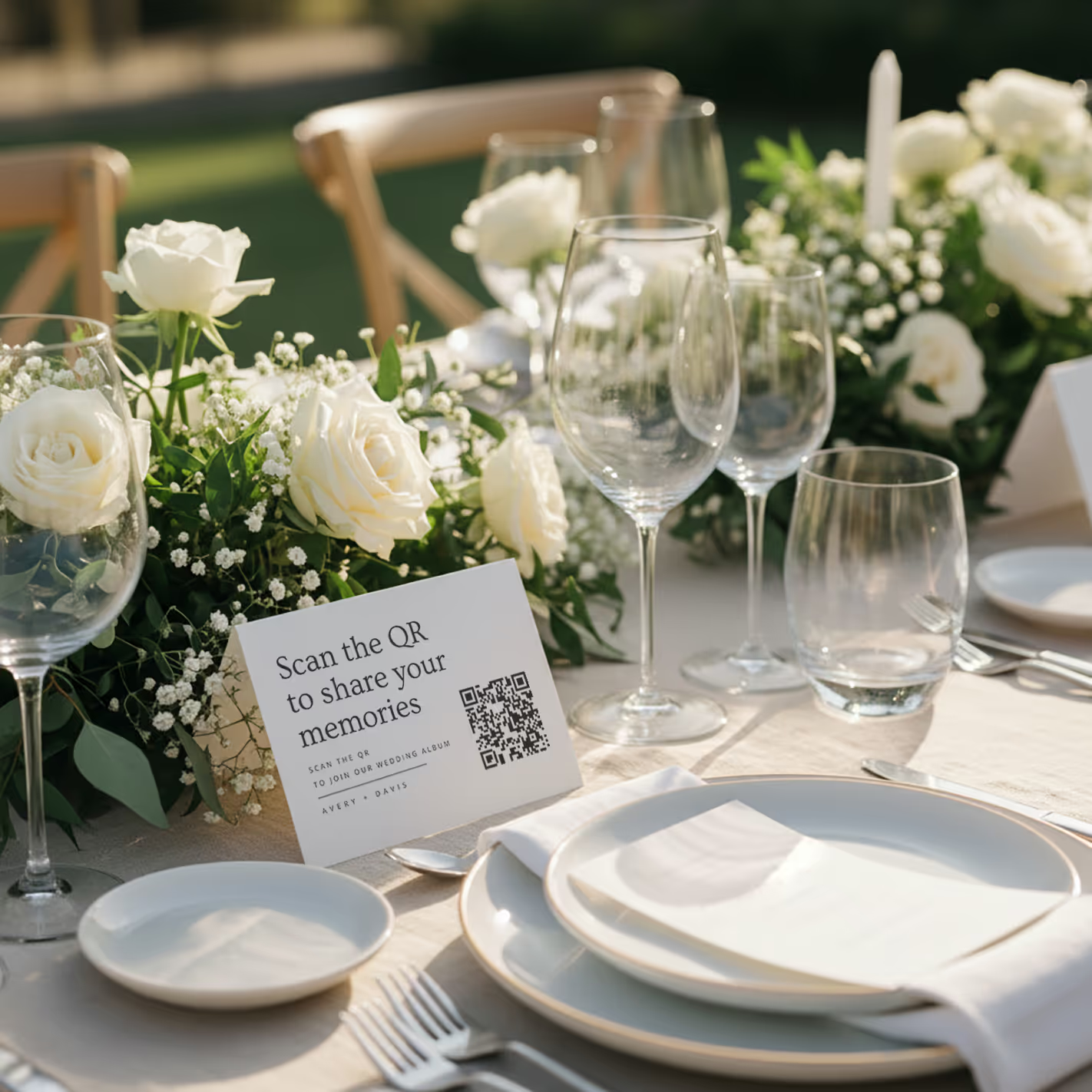
QR cards on tables
Printed cards sit on each table. Guests scan with any phone — no app needed.
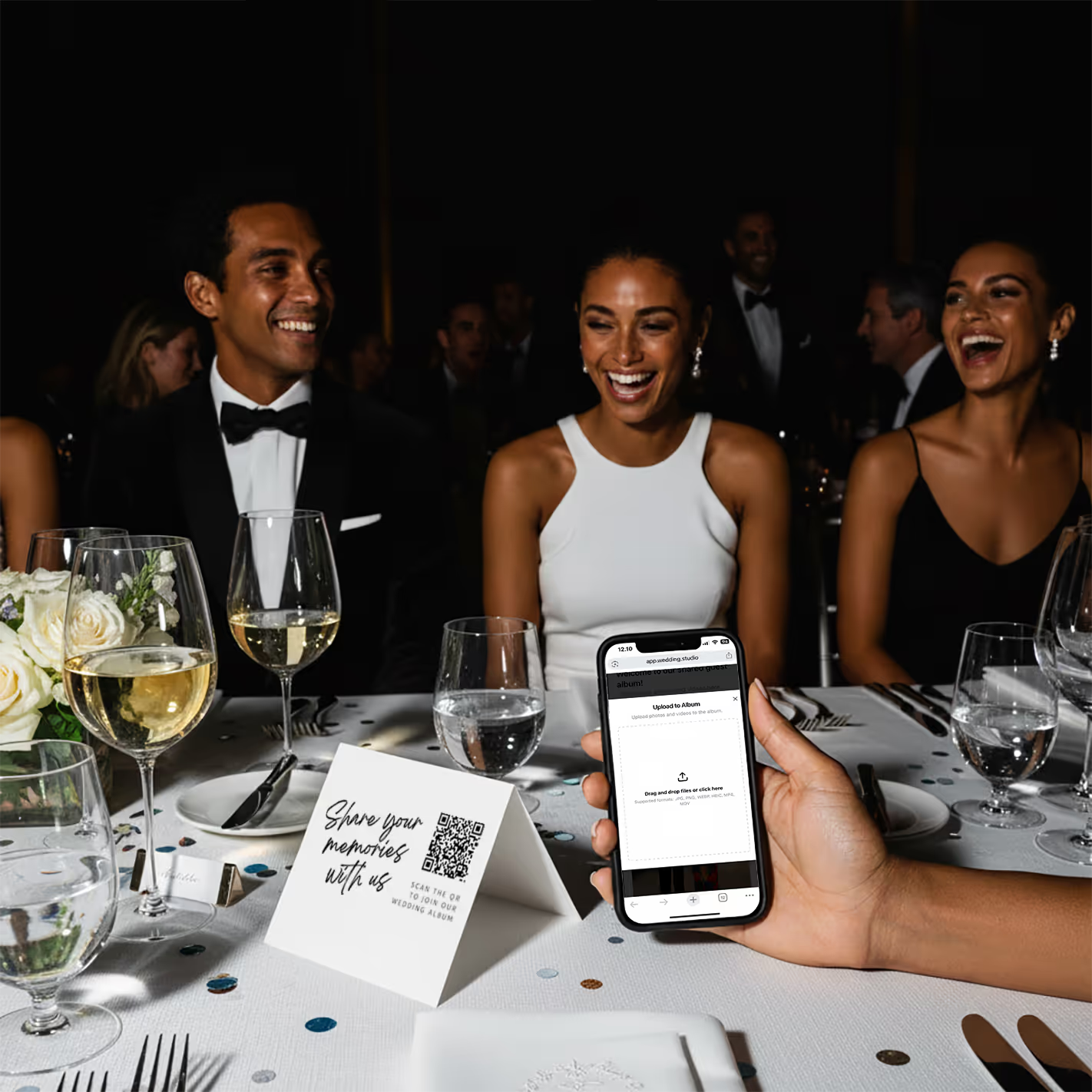
Guests scan & upload
Opens instantly in the browser. Upload from camera roll or take new photos.
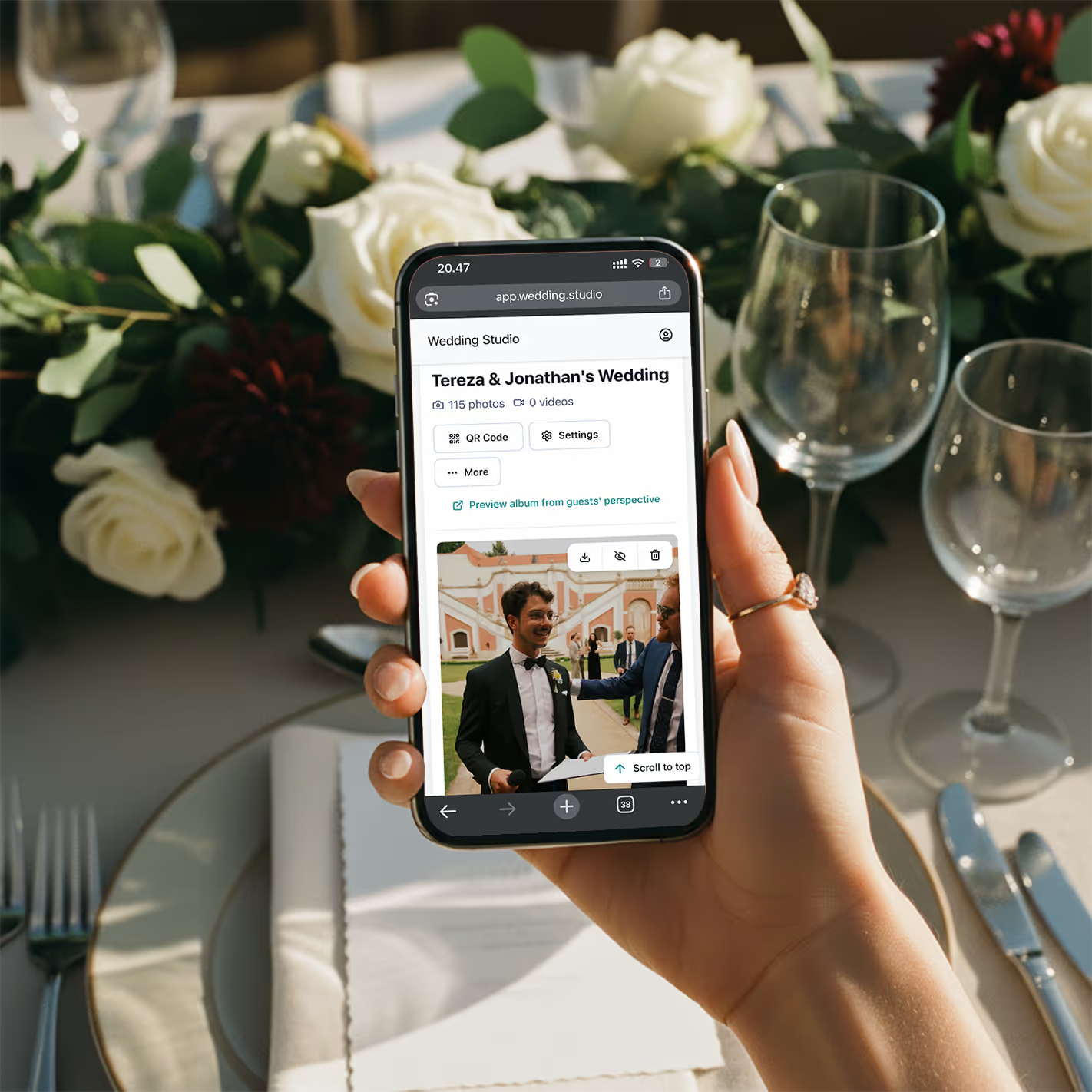
Your album fills up
Every photo and video in full resolution. Download everything as a zip.
一次性付费,非订阅制。包含无限量上传、全分辨率原图下载,以及相册访问权限至 24 months after the wedding。
常见问题
How much do disposable cameras cost for a wedding?
Disposable cameras typically cost $8–15 each. For a 150-guest wedding with one camera per table (15–20 tables), you're looking at $120–300 for cameras alone. Add $10–15 per camera for developing and printing, and the total reaches $350–600+. Digital alternatives like Wedding Studio cost a flat $29–99 with no developing fees.
Do guests actually use disposable cameras at weddings?
Adoption is hit-or-miss. Many guests — especially younger ones — forget about them, don't know how to use the flash, or feel awkward taking photos with an unfamiliar device. You'll typically get 10–15 usable photos per camera out of 27 exposures. With a QR-based solution, guests use their own phones, which they're already comfortable with, resulting in significantly higher participation.
Are disposable cameras worth it for a wedding?
It depends on what you value. If you love the retro film aesthetic, disposable cameras can add a fun element. But from a practical standpoint — cost per usable photo, image quality, and convenience — digital alternatives deliver more photos, higher quality, and instant access at a fraction of the cost.
What is the best alternative to disposable cameras at a wedding?
QR-based photo sharing is the modern standard. Guests scan a QR code on their table card, and upload photos directly from their phone — no app download, no login. You get unlimited full-resolution photos instantly, with automatic categories and duplicate-photo tools, compared to 15–20 grainy shots per disposable camera that take weeks to develop.
How many disposable cameras do I need for my wedding?
The standard recommendation is one camera per table, plus a few extras for the dance floor and cocktail hour. For a 150-guest wedding, that's typically 15–25 cameras. At $8–15 per camera plus $10–15 developing, that's $270–750 total. A QR-based alternative covers every table with a single setup.
Can I get the disposable camera look digitally?
Yes — many photo editing apps offer film and disposable camera filters your guests can apply before uploading. And for the part couples love most — the surprise — Wedding Studio has a built-in disposable camera mode that hides every upload until a reveal time you choose. You get the retro aesthetic and the anticipation with the convenience of digital: instant capture, full resolution, video too, and no developing costs.
Does Wedding Studio have a disposable camera mode?
Yes. Turn on disposable camera mode and all guest uploads stay hidden until a reveal time you set — the morning after, the brunch, or midnight on the night. It recreates the magic of a disposable camera (the wait, the surprise) without the downsides: no dark or wasted shots, no 2–3 week developing, full resolution, and video included. It's available on every plan.
How long does it take to develop disposable cameras?
Most labs take 7–14 business days, though some offer rush services for an extra fee. After your wedding, you'll wait 2–3 weeks to see a single guest photo. With digital alternatives, photos appear in your album within seconds of being taken.
What happens if disposable camera photos don't turn out?
This is the biggest risk. Disposable cameras have no preview screen, limited flash range, and fixed focus. Indoor reception lighting is particularly challenging. It's common for 40–60% of exposures to be unusable — dark, blurry, or accidental shots. You won't know until you develop them weeks later. With phone cameras, guests can see and retake photos instantly.