Wedding Studioチーム
Wedding Studioで開催された50,000+組の結婚式からのインサイト
結婚式でゲストが撮った写真を集めるための完全ガイド
使い捨てカメラ、写真アプリ、共有アルバム、QRコード。Wedding Studioで開催された 50,000+ 件以上の実際の結婚式を通じて、私たちはゲストの写真を集めるあらゆる方法を見てきました。そして、本当に役立つ方法を知っています。
このガイドでは、費用やメリット・デメリット、カップルにおすすめの方法まで、すべての選択肢を詳しく解説します。
0+
担当した結婚式数
0
比較した方法
0 分
読了時間
パート1
使い捨てカメラの実際の費用
多くのカップルが使い捨てカメラの予算を$100–150 と見積もりますが、その計算はほぼ確実にズレています。ゲスト150人の一般的な結婚式にかかる実際の費用内訳はこちらです。
Cameras
$120–300
15–20 cameras at $8–15 each
Developing & scanning
$180–300
$10–15 per camera to develop, scan, and print
Total cost
$350–600+
For 200–400 exposures — most unusable
$3–8
実際に使える写真1枚あたりのコスト
撮影枚数の40〜60%が使えない場合、現像代を含めるときれいな写真1枚あたり $3–8かかります。デジタルでの代替案なら、定額で無制限に写真を残せます。
パート2
結婚式の使い捨てカメラ、実際はどうなのか
アイデア自体はとても素敵です。ノスタルジーやワクワク感、フィルムならではの温もりがあります。しかし、何千組もの結婚式を見てきた中で、実際によく起こるのはこのようなことです。
「20台用意したカメラのうち、戻ってきたのは18台でした。486枚撮影された中で、使えそうな写真はせいぜい60枚ほど。残りは真っ暗だったり、ブレていたり、誤ってテーブルクロスを撮ってしまったものばかりでした。すべての現像に$450もかかったのに。」
Low-light failure rate is high
Reception venues are dimly lit. Disposable camera flash reaches 4–8 feet. Most reception photos come out dark, orange, or completely black. You won't know until you develop them.
Guest adoption is unpredictable
Many guests — especially under 30 — have never used a film camera. They don't advance the film, miss the flash button, or simply forget the camera is there. Expect 30–50% of cameras to come back barely used.
Children will find them
Kids love disposable cameras. You'll get 27 photos of the ceiling, extreme close-ups of napkins, and zero usable shots. Budget for a few wasted cameras at family tables.
The 3-week wait
You return from your honeymoon excited to relive the night through your guests' eyes. The cameras are still at the lab. When they arrive, the anticipation makes the disappointment worse.
No video whatsoever
The speeches. The first dance. The surprise moment. Some of the best wedding memories need video. Disposable cameras simply cannot capture them.
使い捨てカメラが良くないというわけではありません。特有の魅力があるのは確かです。ただ、実際に手元に残る写真のクオリティやコストについては、現実的な見通しを持っておくことが大切です。
パート3
ゲストの写真を残すあらゆる方法を徹底比較
実際の結婚式で見てきたあらゆる方法について、それぞれの率直な評価をお伝えします。
Social media hashtag
Unreliable
Social media hashtag
Unreliableメリット
- Free
- No setup required
- Guests already use Instagram
デメリット
- Photos are compressed to low quality
- Many guests have private accounts
- You have to manually search and save each photo
- Photos get buried in feeds within days
費用
Free
きれいに残る写真の目安
10–30
Shared album apps (Google Photos, iCloud)
Friction-heavy
Shared album apps (Google Photos, iCloud)
Friction-heavyメリット
- Free or cheap
- Good photo quality
- Familiar to some guests
デメリット
- Requires guests to have specific app or account
- Sharing link often doesn't work across iPhone/Android
- Older guests struggle with the process
- You'll spend the night troubleshooting
費用
Free
きれいに残る写真の目安
30–80
Photo booth (rental)
Fun but limited
Photo booth (rental)
Fun but limitedメリット
- Guests love the props and prints
- Professional quality photos
- Instant physical keepsake
デメリット
- Expensive: $800–2,000 for 3–4 hours
- Long lines mean many guests skip it
- Only captures posed shots, not candids
- Covers one location, not the whole venue
費用
$800–2,000
きれいに残る写真の目安
50–150
Disposable cameras
Nostalgic but impractical
Disposable cameras
Nostalgic but impracticalメリット
- Authentic retro film aesthetic
- No technology required
- Fun table activity
デメリット
- 40–60% of photos are unusable
- 2–3 week developing wait
- Poor low-light performance
- No video capability
費用
$350–600+
きれいに残る写真の目安
60–120
QR-based photo sharing
Best all-around
QR-based photo sharing
Best all-aroundメリット
- Works on every phone — no app download
- Unlimited full-resolution photos and videos
- Instant delivery to shared album
- Works all night, every location in the venue
- Guests of all ages can use it
デメリット
- No physical/tangible element
- Requires guests to have a smartphone
- Digital aesthetic (no film grain)
費用
$29–99
きれいに残る写真の目安
200–1,000+
シミュレーションツール
使い捨てカメラの費用を計算する
ゲストの人数を入力して、実際の費用を確認してみましょう。
使い捨てカメラの費用を計算する
結婚式でインスタントカメラを使う場合の実際の費用を試算してみましょう。
直接対決
使い捨てカメラ vs. QRコード写真共有
機能ごとの直接比較。
| インスタントカメラ | Wedding Studio | |
|---|---|---|
| Cost (150-guest wedding) | $350–600+ | $99 flat |
| Photos per guest | 1–2 usable | Unlimited |
| Photo quality | Grainy, often dark | Full resolution from their phone |
| Time to view photos | 2–3 weeks (developing) | Instant |
| Video | Not possible | Yes — unlimited |
| Guest experience | Unfamiliar device, no preview | Their own phone — scan and shoot |
| Works in low light | Rarely (weak flash, slow film) | Yes — modern phone cameras excel |
| Setup required | Place cameras on tables | Place QR cards on tables |
| Retro aesthetic | Authentic film look | Apply filters after upload |
| Environmental impact | Single-use plastic + chemicals | Zero waste |
実際の実績
これらはすべて結婚式のゲストが撮影したもので、プロカメラマンによるものではありません
実際の結婚式でQRコードからアップロードされました。オリジナルの高解像度で、すぐに確認できます。
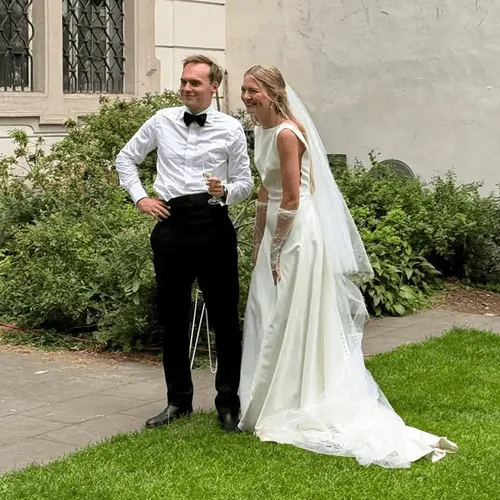
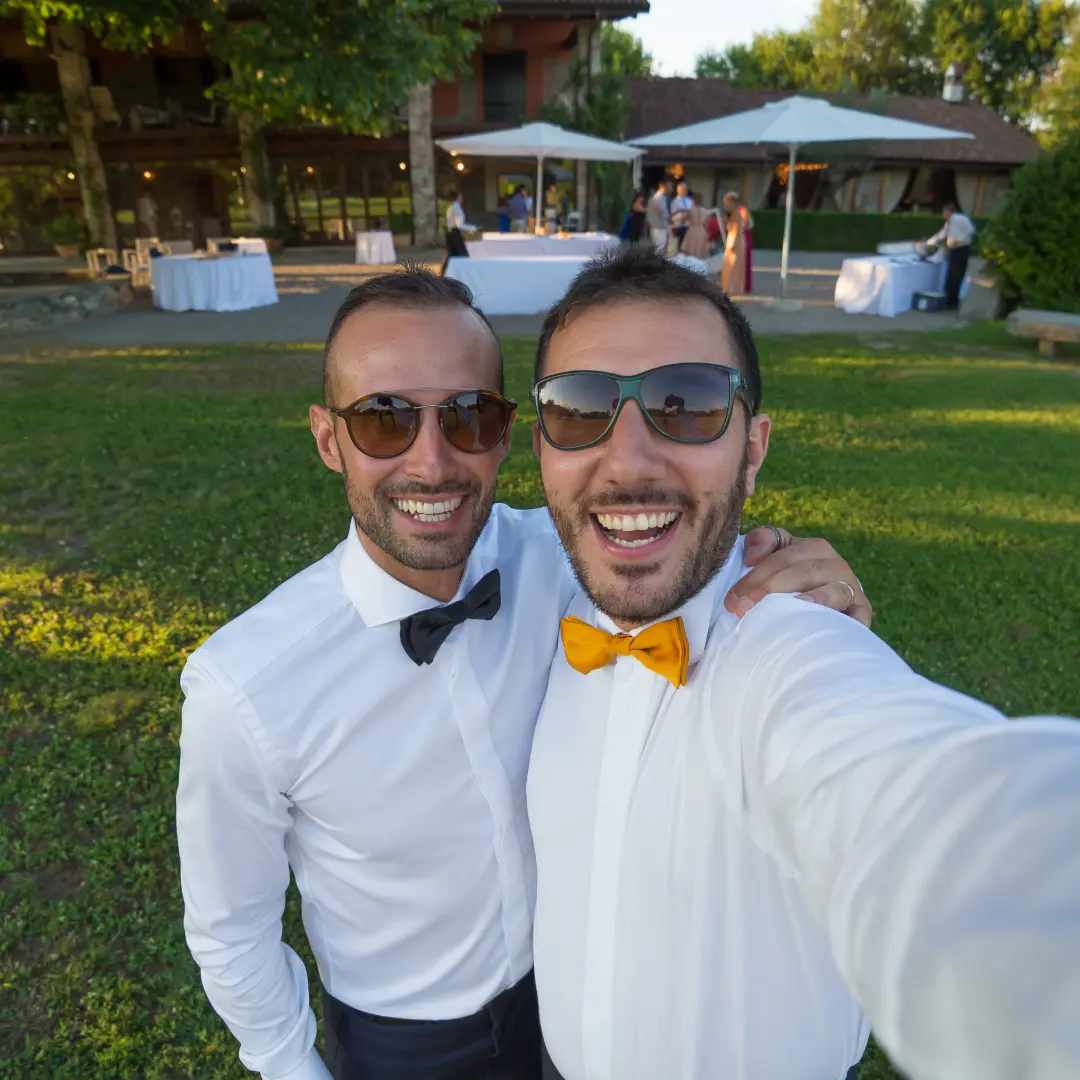
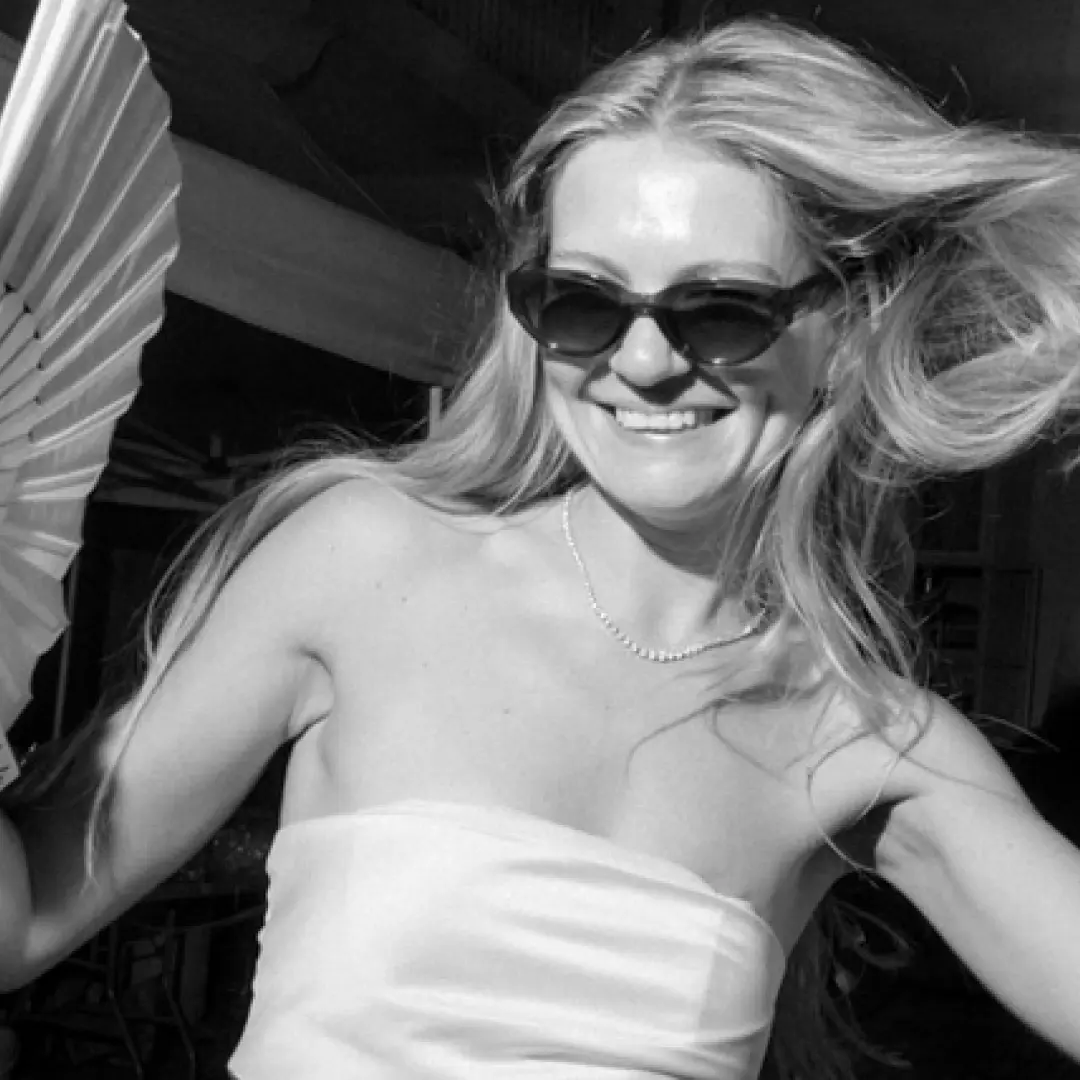
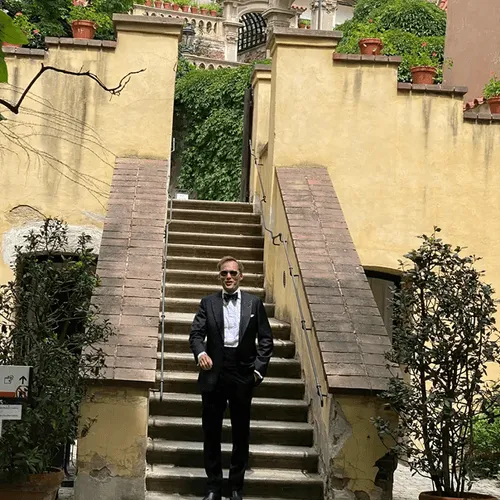
「We originally had disposable cameras on every table. Last minute we added QR cards too. We got 12 usable photos from the disposables and 600+ from the QR codes.」
Amanda T.
142 guests, Portland OR
「The QR cards looked more elegant on our tables than disposable cameras ever would have. And our guests actually used them — even my 75-year-old grandmother.」
Priya S.
220 guests, Mumbai
よくある質問
「レトロなフィルムの風合いを出したいのですが」
これはご相談を受けるカップルの約半数から寄せられる声です。レトロな雰囲気は本当に魅力的で、その気持ちはとてもよく分かります。そんなときは、いつもこうお答えしています:
「後からのお楽しみ」を機能として搭載:使い捨てカメラモード
使い捨てカメラの最大の魅力は、後になるまでどんな写真が撮れているか分からないワクワク感です。Wedding Studioにはその体験が組み込まれています。「使い捨てカメラモード」をオンにすると、ゲストがアップロードした写真は、翌朝やブランチ、深夜など指定した時間まで非公開になります。使い捨てカメラならではのドキドキ感を、高画質で、暗い写真の失敗や無駄なシャッターなしで楽しめ、現像の手間も一切かかりません。動画の撮影にも対応しており、すべてのプランに含まれています。
フィルム風の質感は、カメラではなくフィルターで作れます
VSCO、Dazz、Hujiなどのアプリを使えば、本物のフィルムのような粒子感や光漏れ、温かみのある色合いを再現できます。ゲストにフィルターをかけてからアップロードしてもらえば、スマートフォンの画質を活かしつつレトロな風合いを楽しめます。
両方の良さをいいとこ取り
本物のフィルムカメラも使ってみたいという場合は、メインテーブルに2〜3台置いて楽しんでもらいつつ、各ゲストテーブルにはQRコードカードを置き、使い捨てカメラモードを有効にしておくのがおすすめです。ノスタルジーを楽しみながら、会場全体からは何百枚ものきれいな写真を集めることができます。
私たちのおすすめ
私たちがすべてのカップルにお伝えしていること
これまで何千組もの結婚式をお手伝いしてきた私たちの結論はシンプルです。ゲストからの写真集めには、QRコードを使った共有サービスをメインにすること。使い捨てカメラの雰囲気が好きな場合はポイント使いにとどめ、全体の記録をそれだけに頼らないのがベストです。
それこそが、 Wedding Studio が作られた理由です。ゲストがアプリをダウンロードする必要がなく、どんなスタイルにもなじむ美しいQRカードを用意でき、結婚式をサポートしてくれるパートナーやプランナーを共同ホストとして招待可能。翌朝には数百枚の写真でアルバムがいっぱいになります。最も確実に機能する方法です。
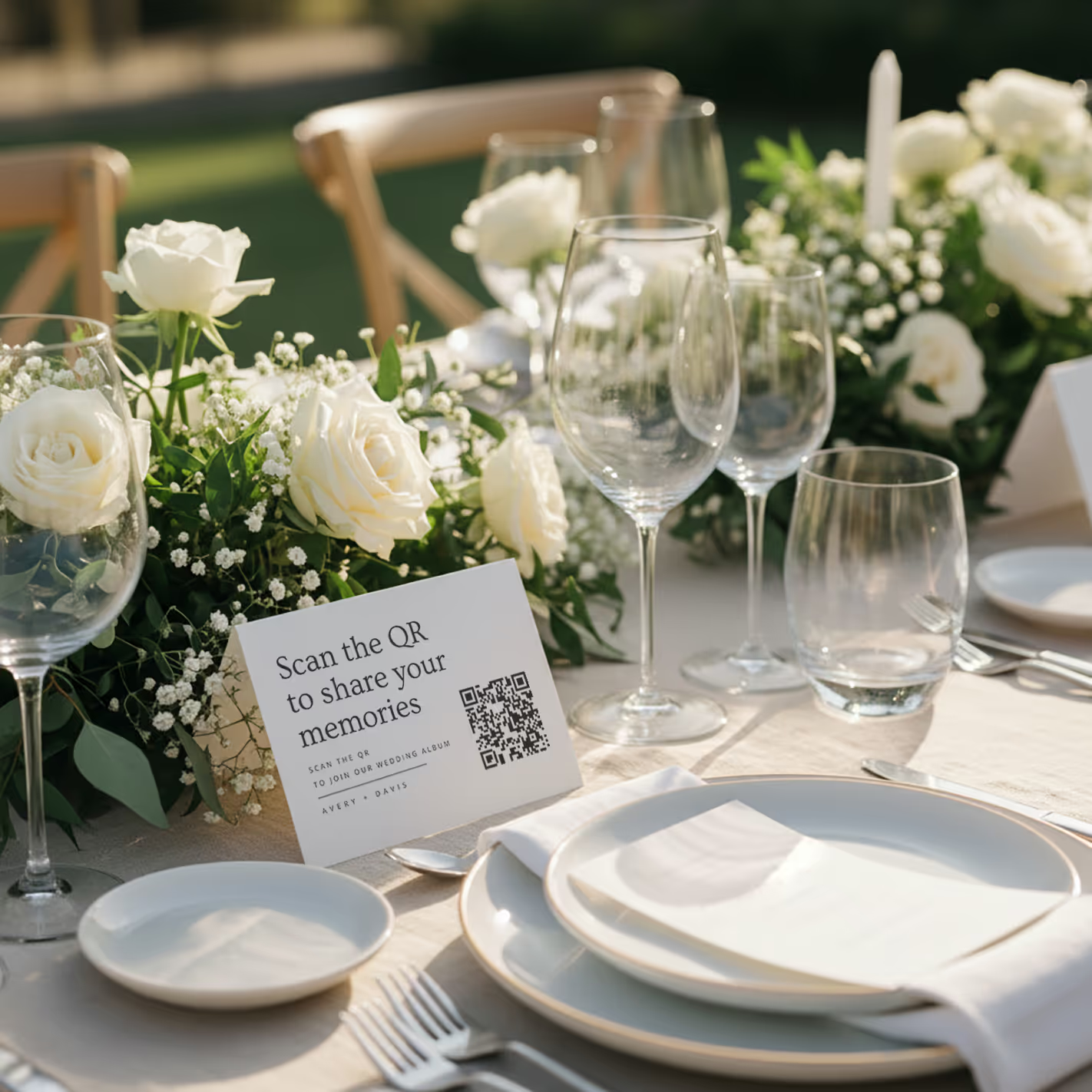
QR cards on tables
Printed cards sit on each table. Guests scan with any phone — no app needed.
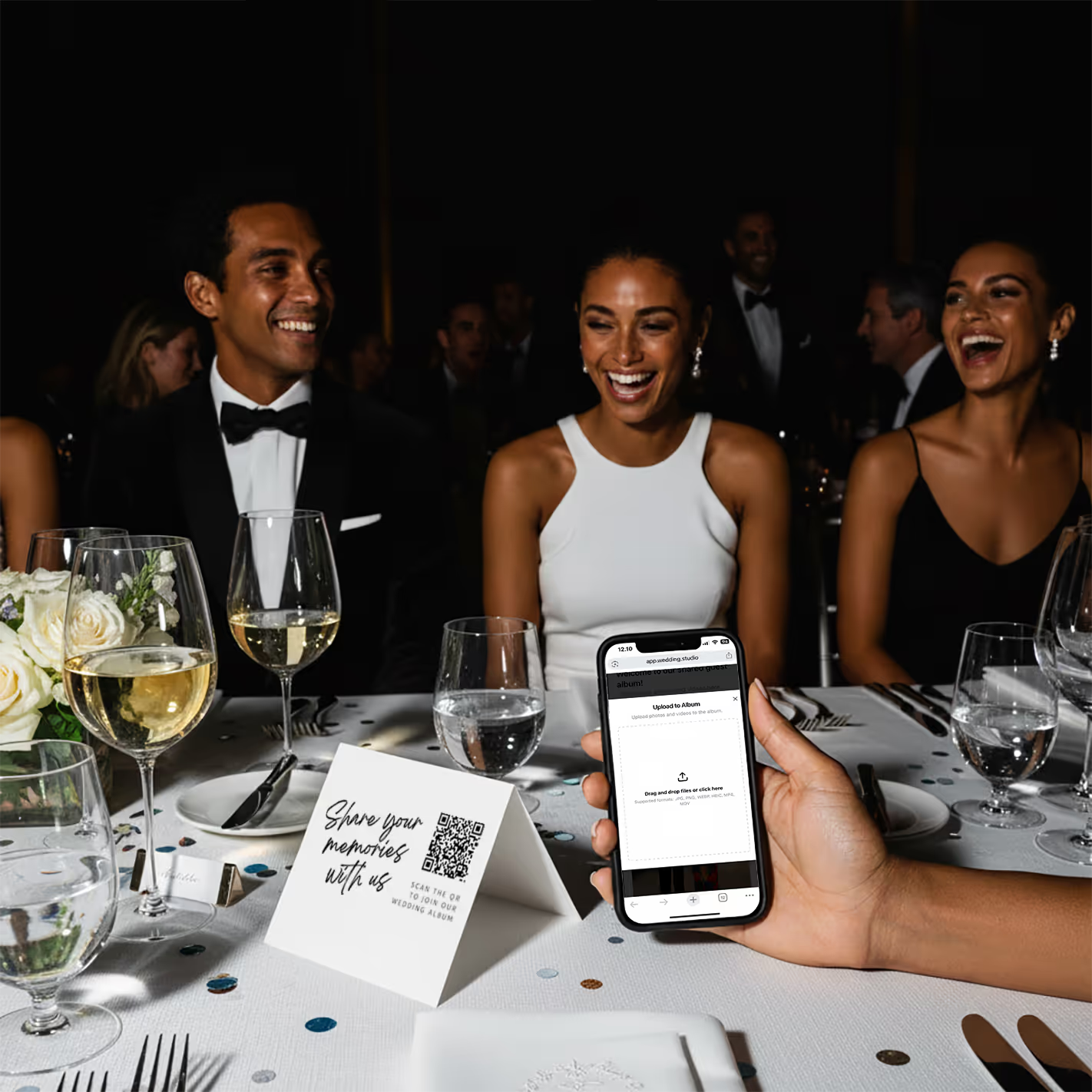
Guests scan & upload
Opens instantly in the browser. Upload from camera roll or take new photos.
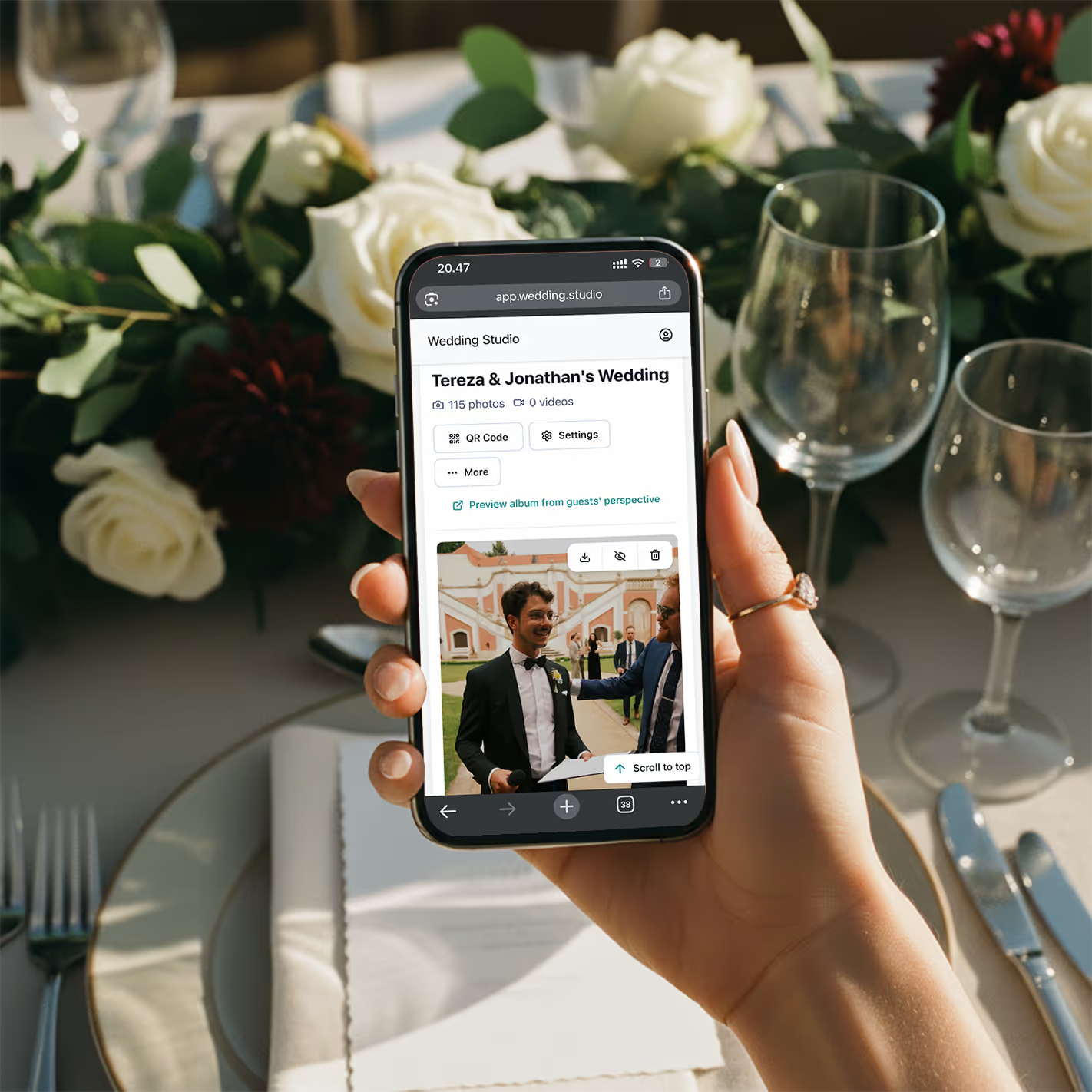
Your album fills up
Every photo and video in full resolution. Download everything as a zip.
月額制ではなく1回限りの買い切りです。無制限の写真アップロード、高解像度ダウンロード、24 months after the weddingまでのアルバム利用権が含まれます。
よくある質問
How much do disposable cameras cost for a wedding?
Disposable cameras typically cost $8–15 each. For a 150-guest wedding with one camera per table (15–20 tables), you're looking at $120–300 for cameras alone. Add $10–15 per camera for developing and printing, and the total reaches $350–600+. Digital alternatives like Wedding Studio cost a flat $29–99 with no developing fees.
Do guests actually use disposable cameras at weddings?
Adoption is hit-or-miss. Many guests — especially younger ones — forget about them, don't know how to use the flash, or feel awkward taking photos with an unfamiliar device. You'll typically get 10–15 usable photos per camera out of 27 exposures. With a QR-based solution, guests use their own phones, which they're already comfortable with, resulting in significantly higher participation.
Are disposable cameras worth it for a wedding?
It depends on what you value. If you love the retro film aesthetic, disposable cameras can add a fun element. But from a practical standpoint — cost per usable photo, image quality, and convenience — digital alternatives deliver more photos, higher quality, and instant access at a fraction of the cost.
What is the best alternative to disposable cameras at a wedding?
QR-based photo sharing is the modern standard. Guests scan a QR code on their table card, and upload photos directly from their phone — no app download, no login. You get unlimited full-resolution photos instantly, with automatic categories and duplicate-photo tools, compared to 15–20 grainy shots per disposable camera that take weeks to develop.
How many disposable cameras do I need for my wedding?
The standard recommendation is one camera per table, plus a few extras for the dance floor and cocktail hour. For a 150-guest wedding, that's typically 15–25 cameras. At $8–15 per camera plus $10–15 developing, that's $270–750 total. A QR-based alternative covers every table with a single setup.
Can I get the disposable camera look digitally?
Yes — many photo editing apps offer film and disposable camera filters your guests can apply before uploading. And for the part couples love most — the surprise — Wedding Studio has a built-in disposable camera mode that hides every upload until a reveal time you choose. You get the retro aesthetic and the anticipation with the convenience of digital: instant capture, full resolution, video too, and no developing costs.
Does Wedding Studio have a disposable camera mode?
Yes. Turn on disposable camera mode and all guest uploads stay hidden until a reveal time you set — the morning after, the brunch, or midnight on the night. It recreates the magic of a disposable camera (the wait, the surprise) without the downsides: no dark or wasted shots, no 2–3 week developing, full resolution, and video included. It's available on every plan.
How long does it take to develop disposable cameras?
Most labs take 7–14 business days, though some offer rush services for an extra fee. After your wedding, you'll wait 2–3 weeks to see a single guest photo. With digital alternatives, photos appear in your album within seconds of being taken.
What happens if disposable camera photos don't turn out?
This is the biggest risk. Disposable cameras have no preview screen, limited flash range, and fixed focus. Indoor reception lighting is particularly challenging. It's common for 40–60% of exposures to be unusable — dark, blurry, or accidental shots. You won't know until you develop them weeks later. With phone cameras, guests can see and retake photos instantly.
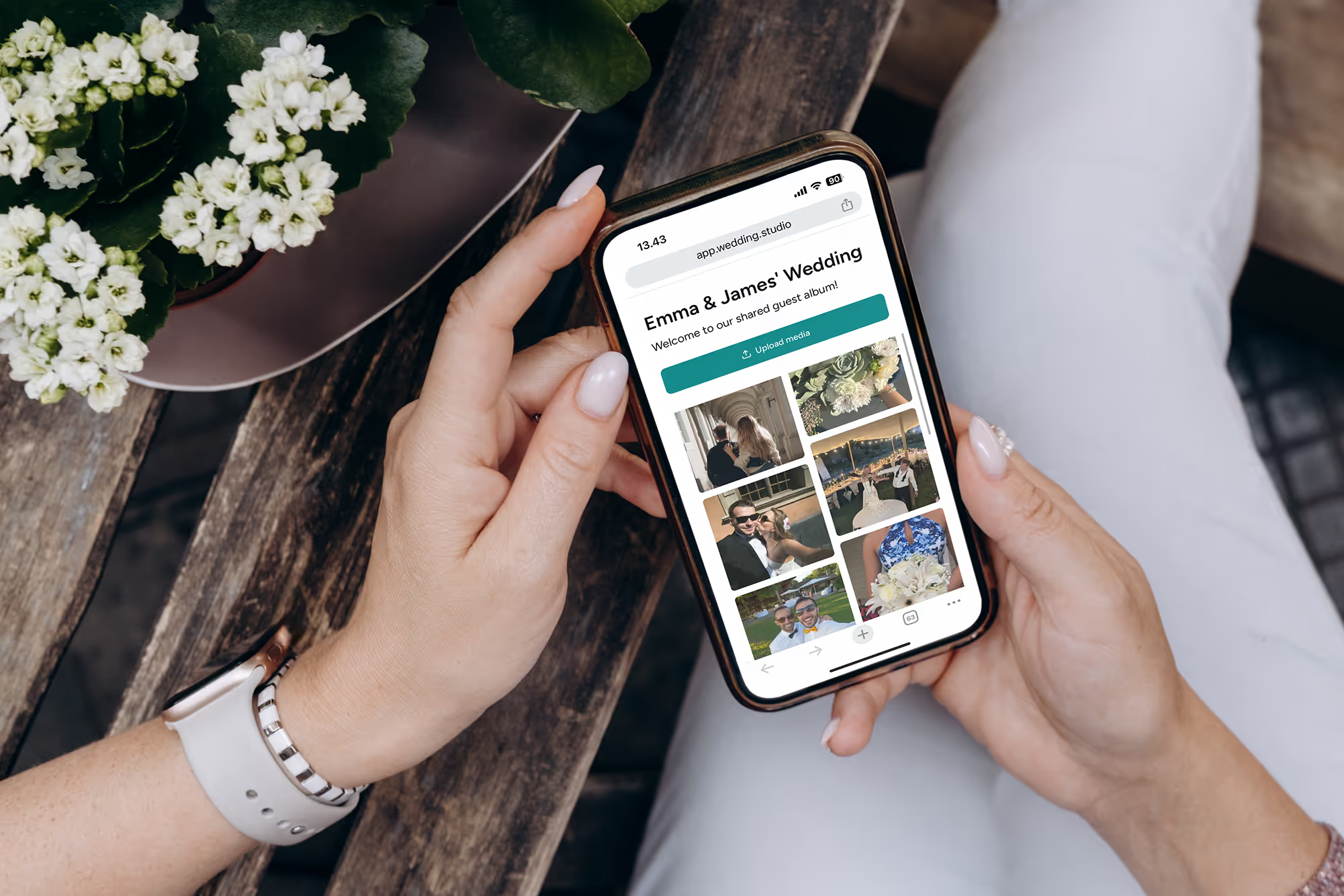
すべてのゲストから。あらゆるアングルから。すべての瞬間を。
結婚式のすべてのゲストが撮影した高画質写真や動画が、翌朝には手元に。$29からご利用いただけます。
このガイドの作成にあたり、世界トップクラスのウェディングコーディネーターの協力を得ました。